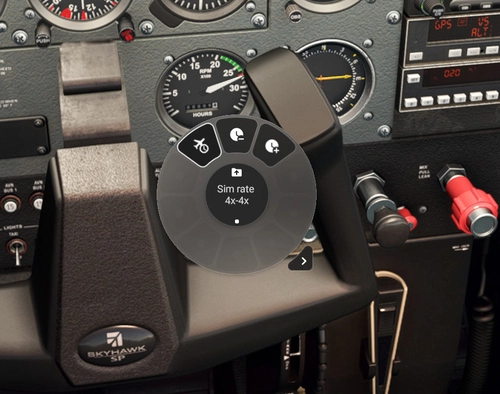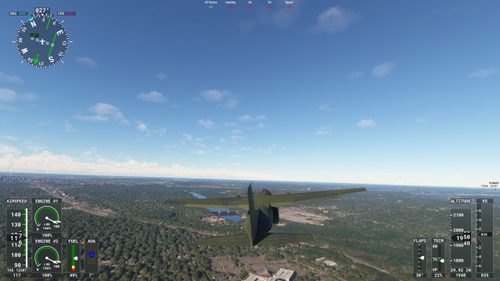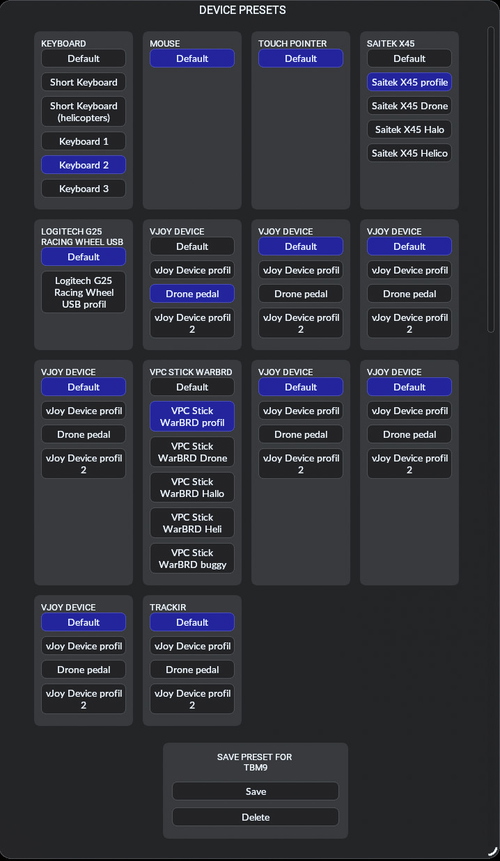
VATSIM Info Popup (VIP) for Flow Pro
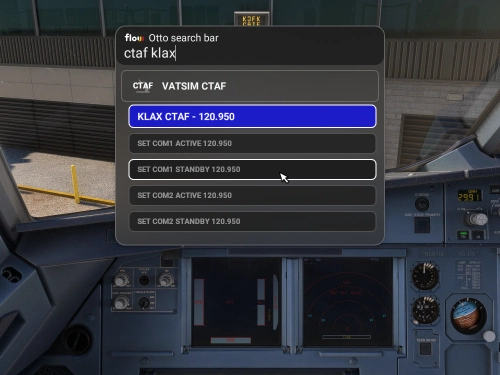
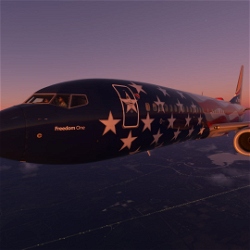
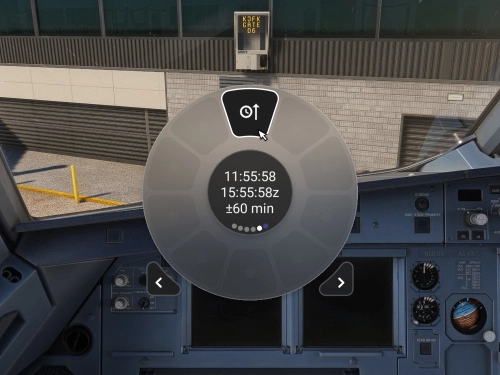
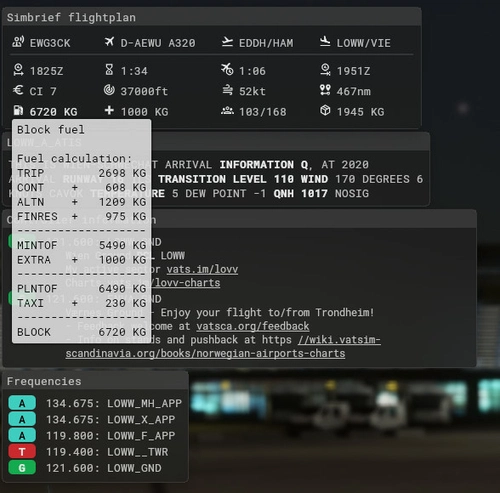
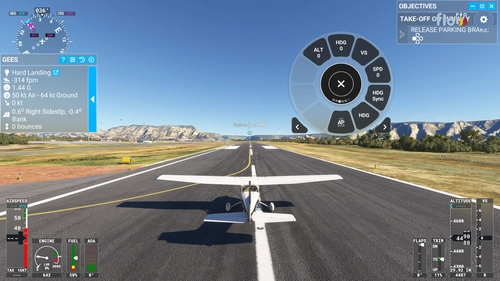
Flow Pro Widget to get the most important information when flying on Vatsim as popups. Also supports just showing the simbrief data without vatsim connection.
Browse Flow Pro Widgets user content for Microsoft Flight Simulator 2024 and 2020. Durchsuche 73 Addons, die von unserer Community hochgeladen wurden.

Flow Pro Widget to get the most important information when flying on Vatsim as popups. Also supports just showing the simbrief data without vatsim connection.

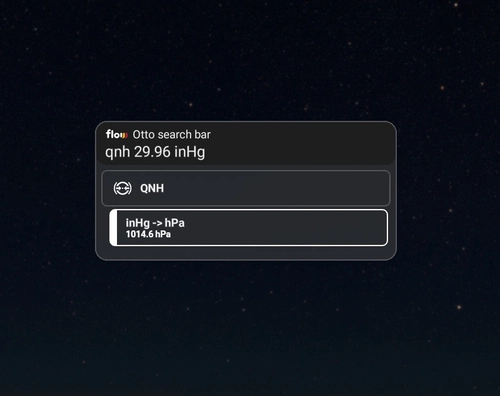
Quickly convert pressure units between inHg and hPa in the Flow Pro flight simulator with this handy widget. Simply input the desired value and unit to seamlessly switch between measurements. Ideal for precise and efficient pressure adjustments during your virtual flights.

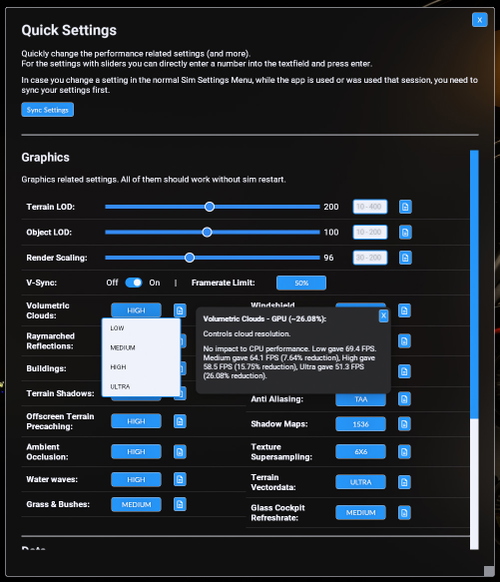
Quickly adjust your Terrain Level of Detail on PC with FLOW Terrain-LOD-Quickset. Easily switch between high and low LOD settings without pausing your simulation, enhancing your experience in different regions. Note that this tool is only tested on PC and requires double-clicking buttons for changes to take effect. Experience smoother transitions and improved visuals with this convenient plugin.

Explore the Custom //42 Cheat River Map Theme Dark mod for Microsoft Flight Simulator. Easily customize your sim experience with this user-created dark theme for the Cheat River map. Install at your own risk and follow simple instructions for a seamless setup process. Get ready to enhance your flight simulation visuals with this unique mod.

A helpful Flow Pro Widget for the PMDG 737, allowing easy toggling of the Flight Tablet on and off. Install by unzipping the file into your MSFS Community folder and integrate it automatically into the simulator. Ensure the aircraft is powered up before use, as the widget uses the right CDU to perform key presses for tablet control.

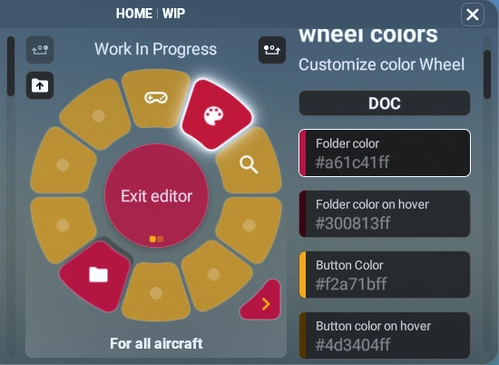
Custom //42 Sticker Bomb Wheel add-on offers a unique custom wheel design for Microsoft Flight Simulator. The package includes layout and theme files for customization. Visit the provided link for more details. Please note that this is user-created content, so install at your own risk following the provided installation instructions.

A simple yet functional analog radio altimeter widget for Microsoft Flight Simulator. Features decision height selector and altitude warning selector with customizable settings. Requires //42 Flow Pro add-on to function properly.

Launch Any Executable File is a convenient widget allowing you to easily launch any executable application on your PC, such as little nav map, open track, or vlc. With the ability to customize the name, path, and icon of the application, this tool provides flexibility and ease of use. Automate the launch process and seamlessly open and close your preferred apps with just a click. Please note that Flow Pro is required for this addon.

Automatically adjust engine volume when switching between interior and exterior views with Auto Quiet mod. Customize interior and exterior volumes in the settings, toggle between enabled/disabled, and use exterior volume setting for Showcase views. Fine-tune the exterior volume with the mouse wheel and enhance your simulation experience with more comfortable engine sounds in exterior views.

Reset your Kodiak 100 engine with ease using the Flow Pro Widget. Quickly recover from engine failures, fires, or other critical issues mid-flight without the need to exit to the main menu. Monitor engine condition and reset state on the fly to avoid crashes, all within the simulator interface.

Customize your drone camera experience with ease using the Drone Settings Widgets add-on. Adjust zoom, speed, rotation, follow mode, and lock mode with simple click and scroll controls. Enhance your flight simulation visuals with this convenient package, designed to optimize your drone camera settings. Please note that Flow Pro is a prerequisite for utilizing this add-on.