Flightsim.to
    Was ist angesagt

    Im TrendGerade jetzt

    Die beliebtesten Add-ons für Microsoft Flight Simulator, die die Community diese Woche herunterlädt und liebt.

    AtmosphereMod: Experimental Haze, Sky and Cloud Lighting

    AtmosphereMod: Experimental Haze, Sky and Cloud Lighting

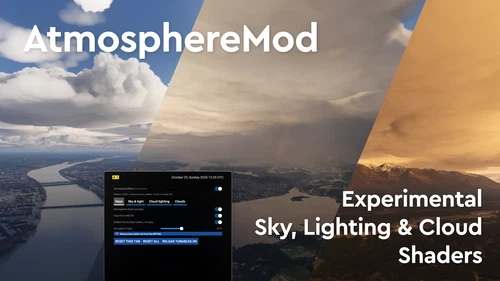
    Patches MSFS 2024’s shaders for a more physically accurate atmosphere: haze, sky, clouds and weather. AtmosphereMod is an experimental ReShade add-on. Haze forms a layer with a top, set from the live METARs; the sky uses measured Rayleigh and ozone scattering; clouds are lit with forward and multiple scattering, including the aircraft’s shadow and a glory; and cloud density and layers follow the reported weather. Requires ReShade 6.8 or newer with full add-on support. MS Store and Steam versions.

    tomwhocatomwhoca
    MSFS2024
    4.9(129)
    23.8K
    20.9 MB
    Yesterday
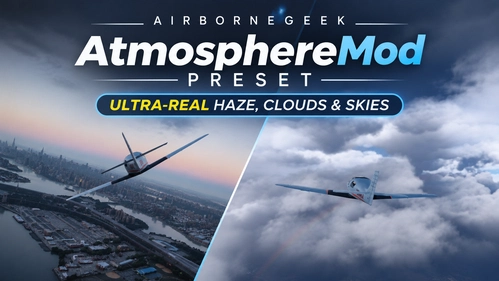
    AirborneGeek Atmosphere Mod Preset – Ultra-Realistic Haze, Clouds & Skies

    AirborneGeek Atmosphere Mod Preset – Ultra-Realistic Haze, Clouds & Skies

    This preset enhances Microsoft Flight Simulator 2024 with a more realistic and natural atmosphere by adjusting haze, cloud, and sky settings. It is a configuration file designed for use with the experimental AtmosphereMod add-on and requires both ReShade and AtmosphereMod to function. The preset aims to deliver improved visual immersion across various weather conditions. Only the preset settings are included, not the full AtmosphereMod application.

    AirborneGeekAirborneGeek
    MSFS2024
    5.0(8)
    4.9K
    5.3 KB
    Yesterday
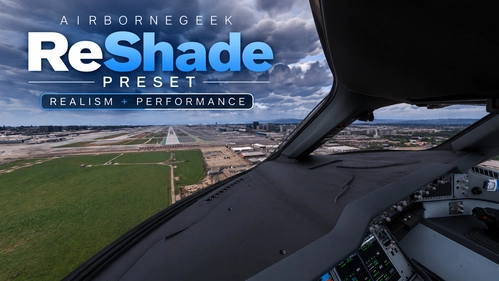
    AirborneGeek ReShade Preset - Ultra Realism + Performance Optimized

    AirborneGeek ReShade Preset - Ultra Realism + Performance Optimized

    Your All-in-One Flight Sim Reshade Preset Make Your Flight Sim Look REAL — Whether it Morning, Evening, Day or Night!

    AirborneGeekAirborneGeek
    MSFS2020/24
    4.8(20)
    10.7K
    835 B
    4 weeks ago
    SimpleUI | There, I fixed MSFS UI for you

    SimpleUI | There, I fixed MSFS UI for you

    SimpleUI streamlines the Microsoft Flight Simulator 2024 menus by providing a cleaner and faster user interface while maintaining the simulator's original look. It enhances aircraft selection with a searchable gallery and list, and improves access to setup options and weather controls. The add-on operates only within menus and does not affect in-flight performance or modify sim files. All features are customizable, and compatibility is limited to MSFS 2024 on Windows 10 or 11.

    HynoHyno
    MSFS2024
    4.9(91)
    13.6K
    2.4 MB
    4 days ago
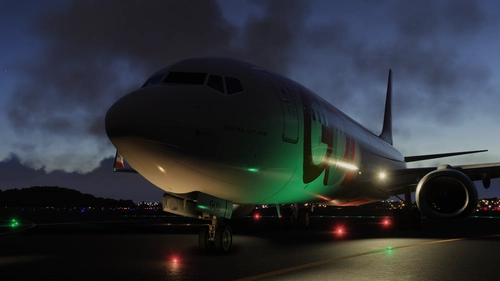
    Photometric Global Airport Lights

    Photometric Global Airport Lights

    Photometric Airport Lights updates MSFS 2024 airport lighting for a more realistic appearance. This mod adjusts brightness, color temperature, and placement of runway and taxiway lights to better match real-world conditions. It ensures harmonious lighting across airport surfaces and addresses issues with excessive glare and oversized lights. The add-on is compatible with all airports in MSFS 2024 and requires no additional setup.

    IkaroChagasIkaroChagas
    MSFS2024
    4.9(13)
    3.9K
    375.3 KB
    4 weeks ago
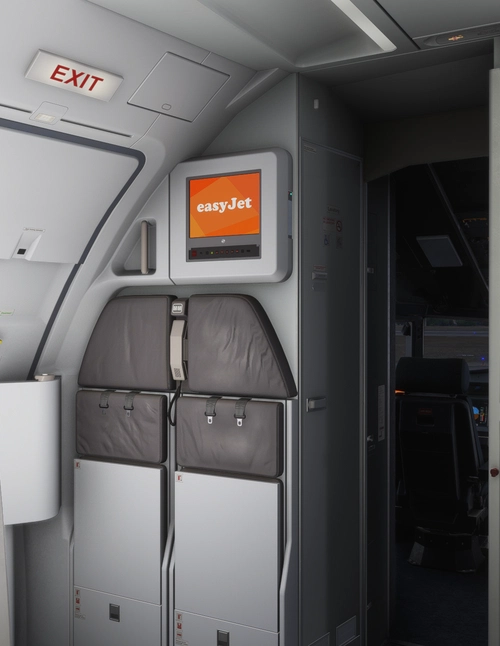
    easyJet UK (EZY) cabin announcements pack - Fenix V3

    easyJet UK (EZY) cabin announcements pack - Fenix V3

    This add-on provides authentic easyJet UK cabin announcements for Fenix V3, including boarding music, automated and manual pre-recorded announcements in multiple languages, and varied content depending on the assigned Cabin Manager. Announcements adapt to the time of day and each flight features different personalities and styles from four unique Cabin Managers. Two installation options are available: automatic playback via Fenix or manual playback for Virtual Airline users. Designed to enhance realism and variety for easyJet flights within Microsoft Flight Simulator.

    Krake802Krake802
    MSFS2020/24
    5.0(6)
    860
    87.2 MB
    2 days ago
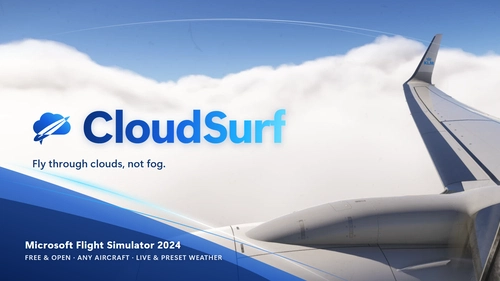
    CloudSurf: fly through clouds

    CloudSurf: fly through clouds

    CloudSurf enhances cloud flying in Microsoft Flight Simulator 2024 by adding visual cloud puffs that move past your aircraft, providing a greater sense of speed and immersion in clouds. The effect adapts to live weather and custom presets, reflecting actual cloud density and brightness. It works with any aircraft and features adjustable intensity and performance settings. The add-on is free, open-source, and configurable via a simple in-sim toolbar panel.

    whisperboxwhisperbox
    MSFS2024
    4.8(41)
    8.7K
    1.0 MB
    1 week ago
    tebs traffic-audio

    tebs traffic-audio

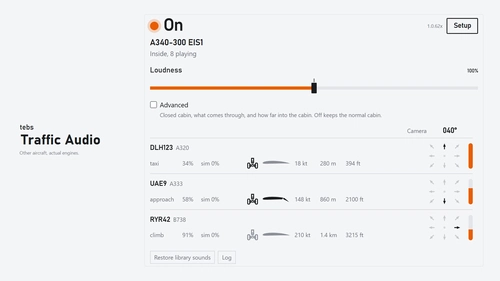
    IMPORTANT INFORMATION: the latest version still uses an old AI generated UI. The next release version will have a new UI This add-on replaces default Microsoft Flight Simulator traffic sounds by silencing the built-in AI engine audio and playing real exterior aircraft sound recordings. It provides directional audio based on aircraft orientation, with sound propagation modeled for distance and environmental effects. Compatible with MSFS 2020 and 2024, as well as VATSIM, and IVAO traffic. Cockpit sound experience is separated from external traffic noise, ensuring realistic sound immersion.

    tebstebs
    MSFS2024
    5.0(74)
    11.9K
    448.5 MB
    3 days ago
    Apron Life - Ground Service for AI Traffic

    Apron Life - Ground Service for AI Traffic

    ApronLife is a free desktop tool for MSFS 2024 and MSFS 2020 that brings airports to life: parked AI aircraft get full animated turnarounds with service vehicles, jet bridges, ground crew, cabin crew and passengers. Freighters get cargo turnarounds, widebodies get container loaders, and everything starts automatically at the airport you are at. Built for performance, with Bubble mode, lightweight jet bridges and settings for every PC. Works with Beyond ATC, SayIntentions, VATSIM and other traffic, using FSLTL or AIG aircraft models. GSX Pro is optional, but needed for people, stairs and buses.

    nikitinha2025nikitinha2025
    MSFS2020/24
    5.0(80)
    29.4K
    23.4 MB
    1 week ago
    Delta Air Lines [Collection] | w/Cabin | Bluebird B757-200

    Delta Air Lines [Collection] | w/Cabin | Bluebird B757-200

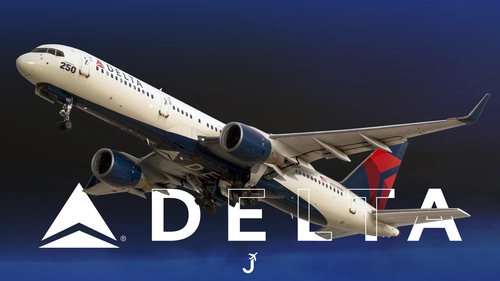
    This add-on provides a collection of Delta Air Lines liveries for the Bluebird Simulations B757-200, featuring a custom Delta-themed cabin and cockpit decals. It includes accurate Delta-specific stencils, realistic equipment configurations, and enhanced textures. Several unique aircraft registrations and EFB wallpaper are included. Installation instructions for liveries and configurations are provided for both MSFS 2020 and 2024.

    JviationJviation
    MSFS2020/24
    5.0(27)
    7.0K
    686.6 MB
    1 week ago
    SimpleControls | There, I fixed MSFS Control Bindings for you

    SimpleControls | There, I fixed MSFS Control Bindings for you

    Simple Controls replaces the default MSFS 2024 controls page with a faster, clearer interface for managing control bindings. It displays all bindings for each device on one screen, allows easy searching and filtering, and supports independent binding and sensitivity profiles per aircraft. Features include conflict resolution, real-time input monitoring, automatic backups, and a guided tour. All changes are securely managed, with full backup options and safe uninstallation procedures.

    HynoHyno
    MSFS2024
    5.0(6)
    668
    2.3 MB
    3 days ago
    TechLog

    TechLog

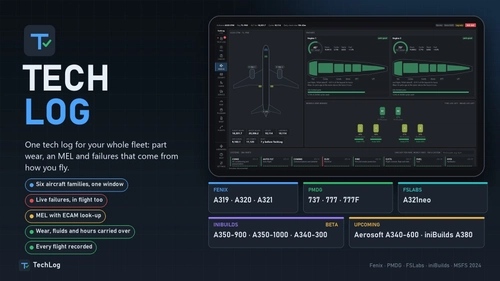
    TechLog is a centralized maintenance and flight logging application compatible with multiple aircraft families from popular developers in Microsoft Flight Simulator. It tracks each aircraft’s state, records flights, manages failures based on component wear, and maintains detailed logs including technical and Minimum Equipment List items. Users can manage fleets, set maintenance profiles, import previous data, and access logs via window, EFB, or browser. The tool simulates realistic maintenance and operational scenarios, supporting both individual and airline-style operations.

    5.0(38)
    4.4K
    155.3 MB
    7 hours ago
    Official Glass Cockpit DLSS/FSR Fix by IFreemz - no more ghosting on PFD/ND (ReShade or Standalone)

    Official Glass Cockpit DLSS/FSR Fix by IFreemz - no more ghosting on PFD/ND (ReShade or Standalone)

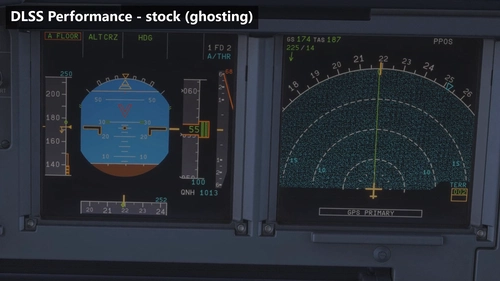
    Removes DLSS and FSR ghosting and smearing from glass cockpit screens in MSFS 2024. Speed tapes, NDs and ECAM pages stay sharp, even in DLSS/FSR Performance, on a monitor and in VR. It redraws the sim’s own clean screen image right after the upscaler, keeps lighting, glare and dirt on the glass, and costs no measurable FPS. Tested on the Fenix A320, iniBuilds A220, A330, A340, A350 and A380, PMDG 737 and 777, and default aircraft. Works on NVIDIA and AMD. Standalone is only drag and drop. Reshade addon needs ReShade 6.7 or newer with full add-on support.

    IFreemzIFreemz
    MSFS2024
    5.0(81)
    9.5K
    1.3 MB
    3 days ago
    China Airlines 'Pikachu Jet CI2' B-18916 | Inibuilds A359

    China Airlines 'Pikachu Jet CI2' B-18916 | Inibuilds A359

    This add-on recreates the China Airlines Airbus A350-900 in the Pikachu Jet CI special Pokémon livery for the Inibuilds A359. It features accurate cabin colors, customized seating across all classes, authentic safety cards, and themed cabin branding elements. High-resolution exterior and interior textures are included, with additional cabin details planned for future updates. Some cabin features remain under development and will be released in a later version.

    Drako LiveriesDrako Liveries
    MSFS2020/24
    5.0(3)
    273
    50.8 MB
    2 days ago
    ENNM Namsos Airport Norway

    ENNM Namsos Airport Norway

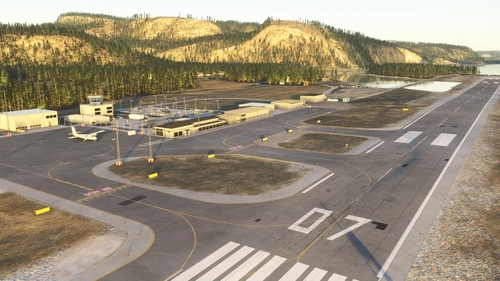
    This add-on recreates ENNM Namsos Airport in Norway, featuring custom taxiway signs, improved ground textures, and accurate runway markings. The terminal and other airport buildings have been modelled in detail. Realistic lighting and clutter such as the carpark are included to enhance authenticity. The airport is positioned along the Namsen river and primarily serves regional Dash 8 operations.

    tdann7tdann7
    MSFS2024
    0.0(0)
    281
    22.0 MB
    2 days ago
    Showing 1 - 16 of 80 results

    Select Time Range

    Change the time range here — see what's been trending in the last 24 hours, this week, or this month.

    1 / 2