
Beschreibung
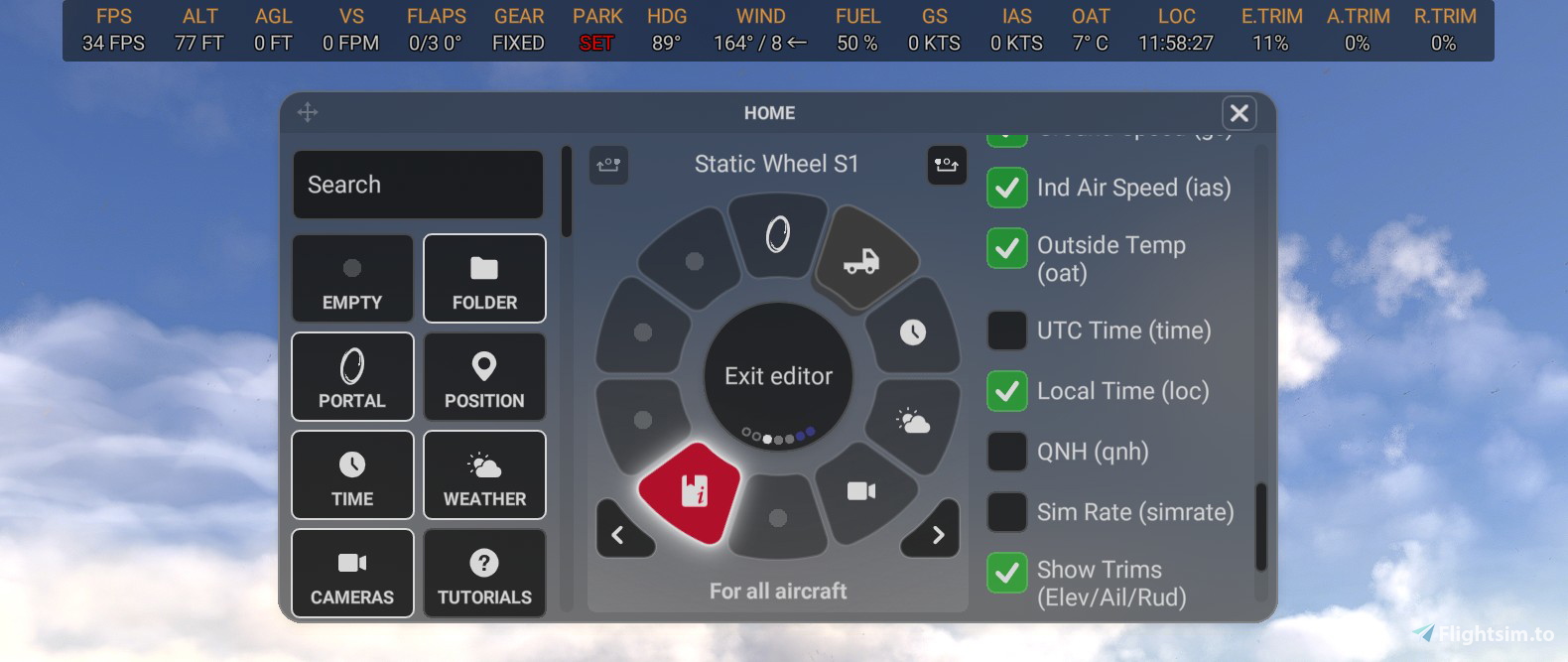
I kept tinkering and added the following optional enhancements to the original Info Bar from p42.
All the features are adjustable in the menu:
- Stack Label (labels and values shown in two lines when using the single-line view)
- Uppercase Labels (labels displayed in small caps instead of lowercase)
- Align Center (centers the Info Bar instead of aligning it to the left)
- Dark Background (with opacity) – for better contrast, with adjustable transparency
- Option: Added Local Time
- Option: Added Flaps indicator
- Renamed the Label "fpm" to "VS" and added the Unit fpm
- UTC fix (It shows correct UTC time now)
- Added local time
- Added parking brake status (off / set)
- Added landing gear status (up / down / fixed)
- Added trim indicators for planes and helicopters (Elev.T, Ail.T Rud.T - in case of helicopters it shows Lon.T and Lat.T instead)
- Addes the possibility to hide Units (context-critical prefixes and suffixes (e.g. FL for Flight Level and cardinal directions N/S/E/W) remain always visible.
- Visual adjustments as well as warning indicators for implausible states (e.g. parking brake set in flight, or landing gear lever activated on ground)
- Improved resizing of the bar using the mouse wheel (now adjustable in 5% steps)
- minor fixes
I still need to reconsider the centered alignment option (which definitely works), because the bar can be moved. I didn’t read that part carefully at first. Well, as long as the bar isn’t moved, it can still make sense.
Attention, please read carefully.
That's the first version so far. I’ll continue working on it and plan to add a few more indicators and make further adjustments.
Installation / how to use:
- Unzip to the community folder.
- The next time you start the sim, open Flow backend (longpress on a widget)
- Copy the name of the addon "p42-util-flow-plerzelwupp-infobar" in the field under "Community Widgets" (see picture). This step is only required in MSFS 2024.
- From there, move the info bar into the wheel.
- Make your adjustments in the right menu of the widget (see picture)
Additional information:
- To change the size, just scroll the bar with your mousewheel
- You also can move the bar with your mouse (e.g. for VR) - and reset the position
- You can change the order of appereance in the js section. Just change the row under "// -- main array of all label/value pairs --"
Update:
- Take the old widget out of the circle
- Delete the addon (community folder)
- Install new addon
I originally made this for myself and I’m happy to share it. Please don’t rate it poorly if something isn’t quite perfect yet — this is a hobby project I work on in my free time.
- If you notice any issues, let me know and I’ll fix them.
- And if something doesn’t work as expected, just ask — I’m happy to help.
Flow Infobar Adjustments
This add-on adds a few visual tweaks to the original p42 Info Bar, with options like stacked or uppercase labels, centered alignment, and a dark background with adjustable transparency. It also includes small fixes and refinements, such as updated vertical speed labels and a corrected UTC time display. Feedback is welcome while I continue to improve it.


Unterstützer

Nutzerbewertungen
6 Bewertungen
Versionsgeschichte
Thank you for the many positive feedback messages I’ve received across various channels — they’re a great motivation to keep going. Several suggestions have been incorporated directly into this update. As the JavaScript has also been reorganized, this release is considered a version update. + Codebase refactoring: Performed a full code cleanup. Removed legacy comments and replaced them with concise, English-language inline documentation describing functions and state management. + Anti-Jitter Rendering: Enforces fixed-width digits (0–9) to eliminate horizontal jitter during rapid value updates (previously, wider digits like 8 caused layout shifts compared to narrower ones like 1) + Menu UX: Renamed the trim setting to "Show Control Trims" to be inclusive of both fixed-wing and rotary-wing aircraft + New Settings Option: Users can now toggle unit suffixes (ft, kts, fpm, fps, °C) on or off for a cleaner interface. + Context-critical prefixes and suffixes (e.g. FL for Flight Level and cardinal directions N/S/E/W) remain always visible.
Ähnliche Addons
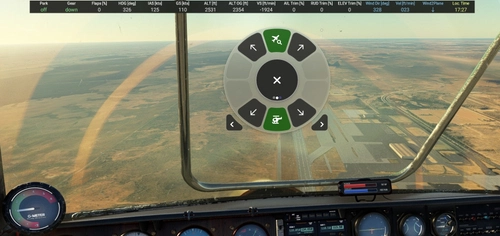
Info Bar for Flow
A simple info bar add-on designed for displaying flight parameters with Flow Pro. Customize layout easily with options for size, color, transparency, and placement in the CSS section. Currently in development, feedback and constructive hints are welcomed by the developer. Installation and update instructions provided for user convenience.
von plerzelwupp
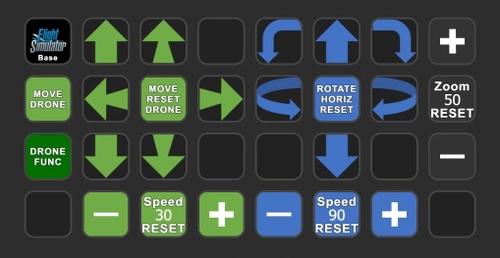
Drone control and drone camera - AAO Scripts & StreamDeck XL profile
Control your drone and drone camera with ease using AAO Scripts & StreamDeck XL profile. Requires Lorbys Axis and Ohs for MSFS, and Lorbys Stream Deck Plugin. Installation instructions included, ensuring a smooth setup process for optimal performance. Remember to set button assignments to Standard in the simulator for full functionality.
von plerzelwupp
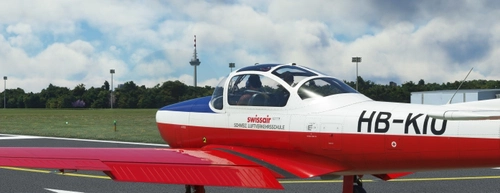
Piaggio P.149 Mod: Fix for invisible Pilot and adds simple AP-Function
Mod for the Focke-Wulf Piaggio P.149 (ATSimulations): Fix for invisible pilot in external view. It also adds simple and propiatary AP-functions to the Focke-Wulf P.149. Please read the description for installation and for a short guide how to use it.
von plerzelwupp
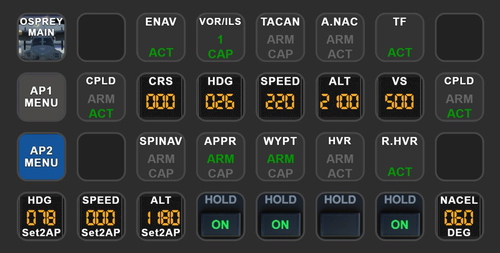
MV-22B Osprey Autopilot - AAO Scripts & StreamDeck XL profile
MV-22B Osprey Autopilot - AAO Scripts & StreamDeck XL profile. This works only with the MV-22B Osprey (Payware, Miltech Simulations). Packages includes only AP-Functions. You may use the scripts for other hardware also (f.e. the Behringer X-Touch mini)
von plerzelwupp
Melden Sie sich an, um an der Diskussion teilzunehmen
AnmeldenKommentare(38)
about 1 month ago
And split out E.Trim A.Trim and R.Trim in the menu system as E.Trim is all I need for GA flying.
Also can the CRS be added?
Thanks
4 months ago
4 months ago
5 months ago
Gives a script error and prevents Flow from working properly!
4 months ago
7 months ago
8 months ago
Would it be possible to add indicators for Mach speed and airbrake status?
8 months ago
8 months ago
Tried a second time, get a message telling me that the p42-util-flow-plerzelwupp-infobar is already installed, however, I cannot find it ANYWHERE in the wheel, been through them 10 times.
7 months ago
9 months ago
Good luck to the author in everything!
9 months ago
Sometime there are values cached - it can also be, that you have zoomed in a very small size - do you have a dot (or some small dots) in the left corner?
9 months ago
No other information panel is installed.
I installed it according to your instructions. Only the original InfoBar from p42 is working. It's called "Info Text"?
No additional improvements appear.
9 months ago
9 months ago
9 months ago
9 months ago
9 months ago
9 months ago