User ContentReshade Presets
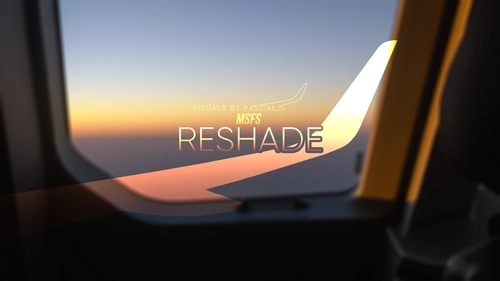
MSFS ReShade - Visuals by Pascal
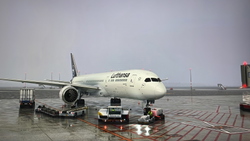
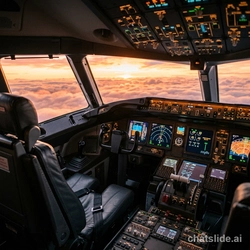
"MSFS ReShade - Visuals by Pascal" is a realistic ReShade-preset for Microsoft Flight Simulator 2020 & 2024.
 VisualsByPascal
MSFS2020/24
4.9(16)
21.5K
2.8 MB
1 month ago
Community-created content including flight plans, checklists, guides, and other resources shared by fellow simmers.
"MSFS ReShade - Visuals by Pascal" is a realistic ReShade-preset for Microsoft Flight Simulator 2020 & 2024.
VisualsByPascal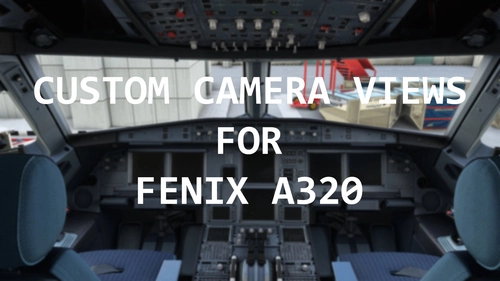
Customize your flight experience with this add-on featuring custom camera views for the FENIX A320 aircraft. From pilot view to overhead panel, this mod offers a variety of perspectives to enhance your simulation immersion. Follow the installation instructions carefully to enjoy these new camera angles and elevate your Microsoft Flight Simulator experience.
 MistyEagleGaming
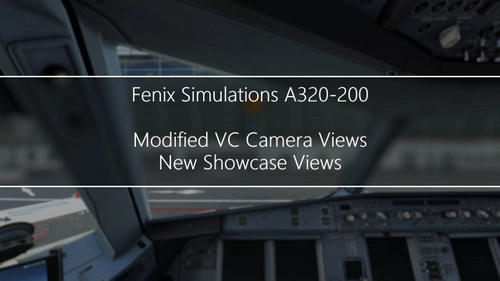
Enhance your A320-200 experience with this mod featuring modified VC camera viewpoints and additional fixed showcase camera angles for wing views. This version is compatible with V2 Block 2 released in February 2024. Install by simply dragging and dropping into your community folder. Explore other Fixed Showcase Camera mods for various aircraft models by the same creator.
 Knusprigvej
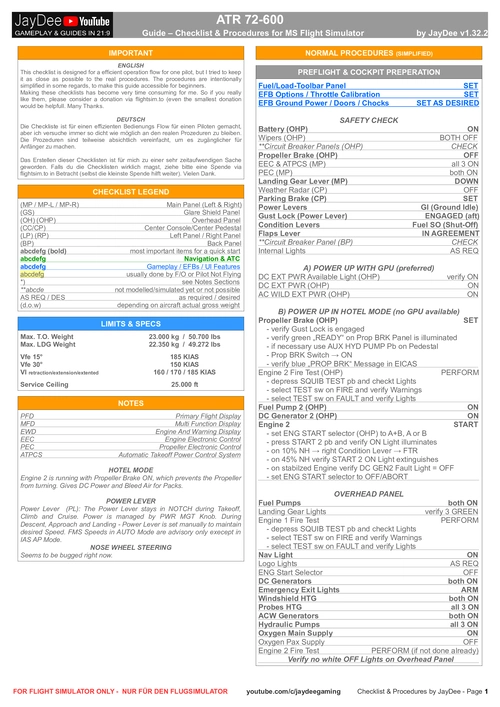
Enhance your ATR 72-600 experience with this Checklist & Procedures mod, featuring the latest updates and minor changes reflecting the newest ATR patch. This guide is exclusively for Flight Simulator, also available in an ingame toolbar for easy access. Join the community on Discord for support from the creator, JayDee, and consider donating to support future developments.
 JayDee
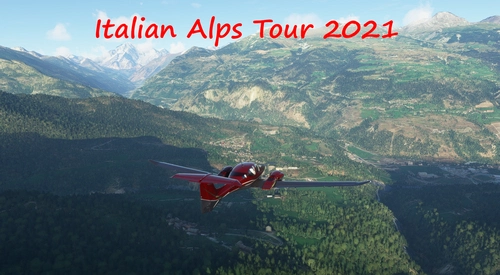
Embark on a scenic journey through the Italian Alps with the Italian Alps Tour 2021 add-on for Microsoft Flight Simulator. Explore 16 legs spanning over 1600 miles from Albenga to Trieste, crossing multiple countries and enjoying breathtaking landscapes. Fly the Diamond DA62, discover historical and cultural points of interest, and immerse yourself in the beauty of the Alps.
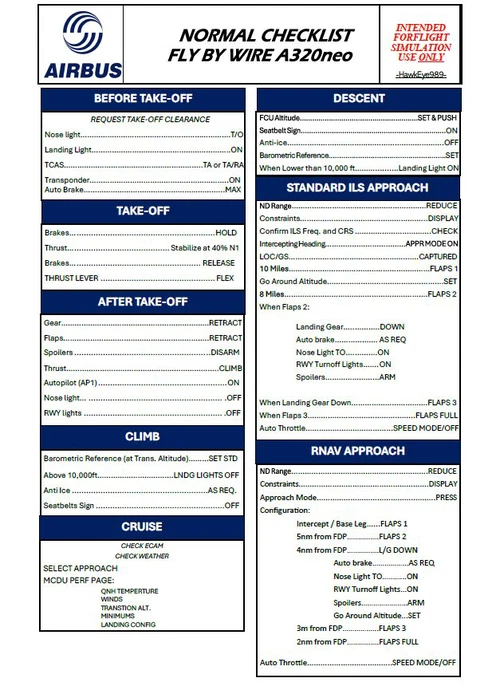
Enhance your A320neo flying experience with this concise, regularly updated 3-page checklist designed for use with the FlyByWire A320neo Mod. Available in PDF format for easy viewing on tablets or printing in A5 or A4 sizes. Contact the creator for any recommendations or feedback.
 HawkEye989
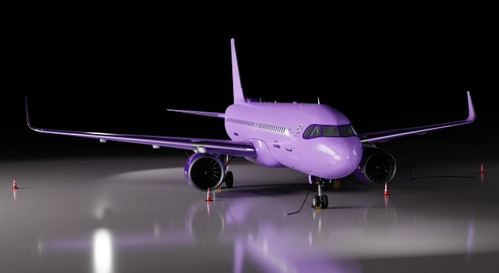
Create stunning A320 NEO liveries with this complete 8K Paintkit for Blender and Photoshop. Includes PSD and XCF files, textures, and comprehensive guides for both Asobo A320 NEO and FlyByWire A32NX. Perfect for those familiar with Photoshop and Blender looking to customize liveries effortlessly.
 skoy21
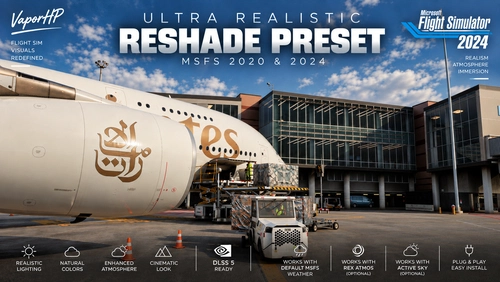
This ReShade preset enhances Microsoft Flight Simulator 2020 & 2024 with realistic, natural and cinematic visuals. It improves color balance, lighting, contrast, atmospheric depth, clouds, skies and aircraft detail while maintaining an authentic look. Designed for both day and night flying, it works with default MSFS weather, Active Sky, REX Atmos and DLSS 5 Neural Rendering. ✈️
 Vaporhp
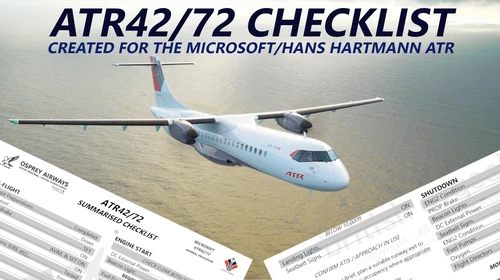
A comprehensive Normal Operations checklist for the ATR 42/72-600 in Microsoft Flight Simulator, designed to assist with "Hotel Mode," takeoff, and landing procedures. Ideal for those looking to familiarize themselves with this new aircraft in the MSFS Expert Series. Stay tuned for future updates and improvements to streamline the checklist process.
 BritishAvgeek
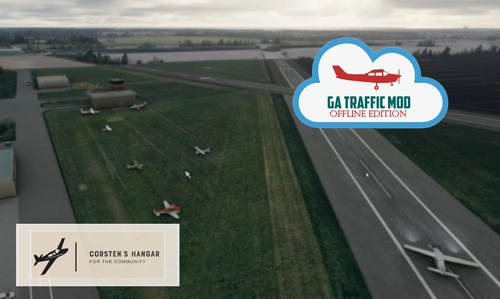
GAmod - Offline edition brings 100,000 worldwide flight plans with custom models, now compatible with AIG models and FSLTL injector. This add-on offers performance-light aircraft models with interior details and custom-made lights, while allowing for offline flying anytime, anywhere. Experience enhanced traffic density settings, military traffic at various airbases, and a complete overhaul of Finland, all included in this detailed world overhaul edition. Discover new flight possibilities and features, with support available through dedicated channels for assistance.
 Corsten
Custom Camera Views for PMDG 737 (ALL VARIANTS) offering a variety of defined camera perspectives including pilot view, cockpit views, wing views, and more to enhance your flight simulation experience. Follow the provided installation instructions carefully to set up custom camera views in the main MSFS location. Ensure to backup your existing "Airplanes" folder before copying over the new files to easily revert back to your saved camera views if needed.
MistyEagleGaming