
Beschreibung
Experience Microsoft Flight Simulator in a whole new visual dimension. “MSFS ReShade – Visuals by Pascal” is designed to bring out the very best in the simulator’s graphics, delivering natural lighting, enhanced contrast, realistic colors, and crisp image clarity.
The preset creates a balanced and authentic atmosphere at any time of day - from golden sunrises to night approaches - and performs consistently across all seasons. Best of all, it maintains full game performance with no noticeable FPS loss - just a beautifully enhanced visual experience.
If you’re looking for a clean, vibrant, and natural-looking upgrade to your simulator visuals, this preset is the perfect addition to your setup.
Features:
- Natural and realistic lighting
- Rich contrast and clear visuals
- Authentic, well-balanced colors
- Crisp image sharpness without over-processing
- Optimized for all times of day and seasons
- No performance impact
For detailed information & installation instructions please read the provided ReadMe carefully.
You are not allowed to upload my files somewhere in the internet or on social networks! Furthermore, please ask me if you want to review this package.
I hope you enjoy this package and as always happy landings!
© Pascal A.
(Last update: October 2026)
VisualsByPascal on YouTube: https://www.youtube.com/@visualsbypascal
VisualsByPascal on Facebook: https://www.facebook.com/visualsbypascal
MSFS ReShade - Visuals by Pascal
"MSFS ReShade - Visuals by Pascal" is a realistic ReShade-preset for Microsoft Flight Simulator 2020 & 2024.

Nutzerbewertungen
17 Bewertungen
Versionsgeschichte
ReadMe adjusted: • Updated the ReadMe file in order to match with latest update New ReShade effect added: • Added “SurfaceBlur.fx“ to enhance the overall image-quality & to reduce image-noise
In Sammlungen enthalten(1)



Ähnliche Addons
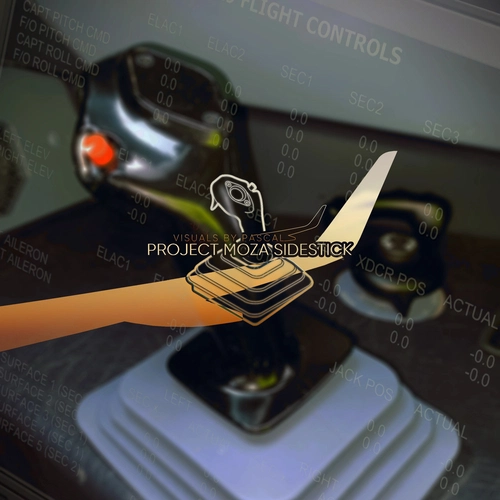
Project MOZA Sidestick
This add-on provides customized Sidestick profiles for the MOZA AB9 base, designed to closely replicate the feel of a real Airbus A32X Sidestick - based on measured Sidestick forces, EFCS & technical data.
von VisualsByPascal
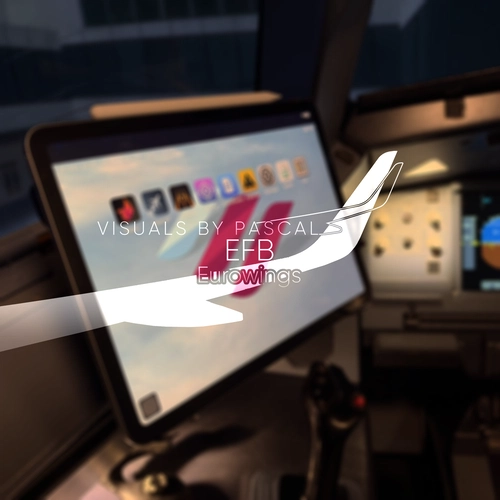
Fenix A32X - Eurowings EFB
Enhance your Fenix A32X experience with this realistic Eurowings EFB-Wallpaper and interactive eQRH Normal-Checklist, bringing an authentic Eurowings touch to your virtual cockpit.
von VisualsByPascal
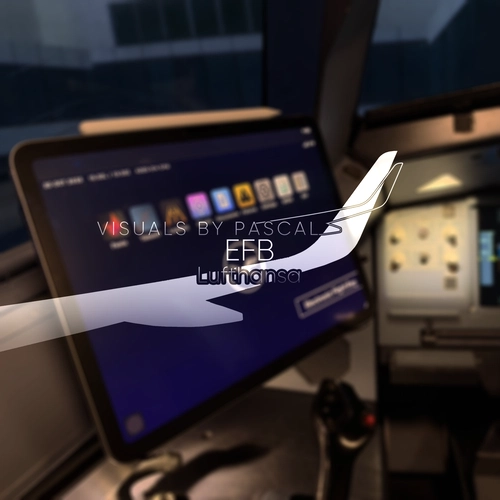
Fenix A32X - Lufthansa EFB
Enhance your Fenix A32X experience with this realistic Lufthansa EFB-Wallpaper and interactive eQRH Normal-Checklist, bringing an authentic Lufthansa touch to your virtual cockpit.
von VisualsByPascal
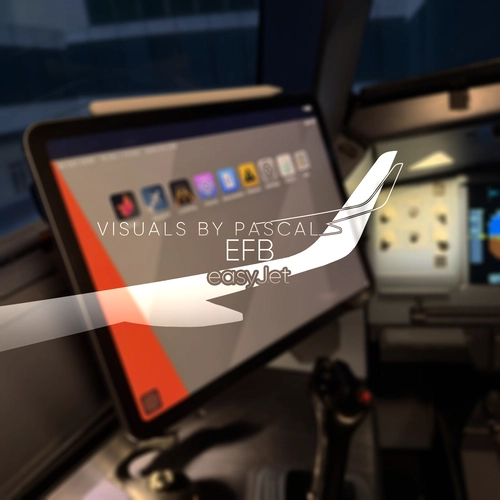
Fenix A32X - easyJet EFB
Enhance your Fenix A32X experience with realistic easyJet EFB-Wallpapers and an interactive eQRH Normal-Checklist, bringing an authentic easyJet touch to your virtual cockpit.
von VisualsByPascal
Kommentar-Zusammenfassung
Das allgemeine Feedback zu MSFS ReShade - Visuals by Pascal ist sehr positiv. Nutzer loben vor allem die verbesserten und realistischen visuellen Effekte sowie die nahezu nicht spürbare Auswirkung auf die Performance. Besonders hervorgehoben werden die verschiedenen Presets mit Anpassungsmöglichkeiten für Licht und Jahreszeiten, z. B. Natural, Cold und abgeschwächte Varianten. Häufig wird über die Kompatibilität zu DLSS5, REX Atmos und weiteren ReShade-/Atmosphären-Presets diskutiert, wobei viele bestätigen, dass die Kombination gut funktioniert. Die Installation oder das Aktualisieren sorgen gelegentlich für Rückfragen, vor allem bei der Steam-Version oder bei Dateipfaden, aber im Allgemeinen wird auf das umfangreiche Handbuch verwiesen oder es werden gezielte Tipps wie der Umgang mit AmbientLight.fx oder SurfaceBlur geteilt. Manche Nutzer berichten von zu hellen oder zu scharfen Bildern in bestimmten Situationen; Abhilfe schaffen gezielte Einstellungsanpassungen im ReShade-Menü wie z. B. für Blur oder Helligkeit. Insgesamt wird das Add-on als ressourcenschonend beurteilt, und Fragen werden oft schnell durch die Community oder den Entwickler geklärt.
Zusammengefasst am 16. Nov. 2026
Melden Sie sich an, um an der Diskussion teilzunehmen
AnmeldenKommentare154
Sommerflieger V1.1 - Experimental
Sommerflieger V4.1
Sommerflieger V1.1
The instructions mention replacing the AmbientLight.fx - I asked an LLM to compare the version from the pastebin link and the one that optishades installs by default. Both have the toggle for the dither effect, so replacing the content of the file may not be required anymore
Sommerflieger V1.1 - Experimental
Sommerflieger V4.1
Sommerflieger V1.1