
Beschreibung
(11/19/2026) UPDATED FOR FSLTL 1.7.0
RJBB Osaka Kansai - FSLTL Static Aircraft (Technobrain)
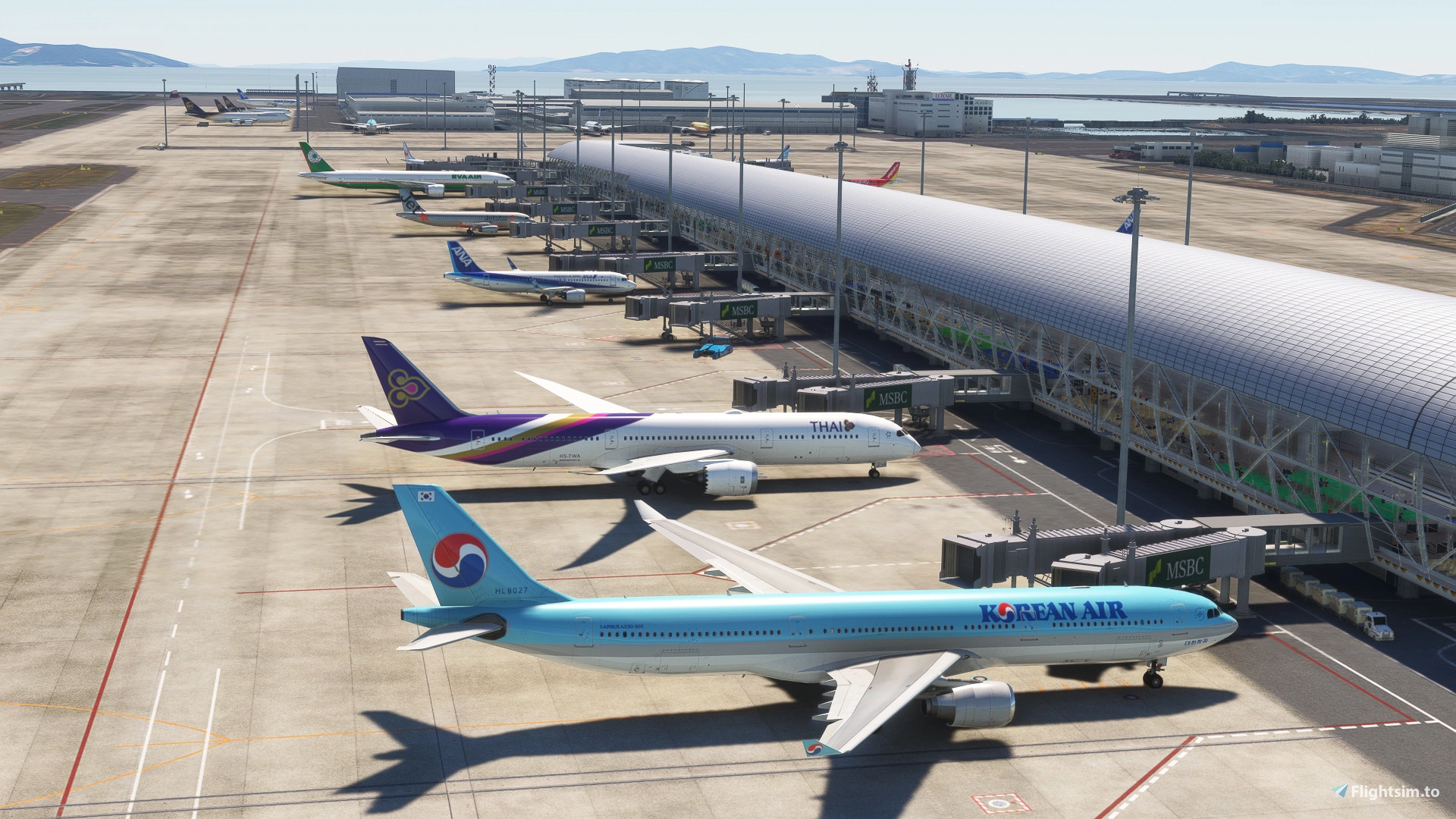
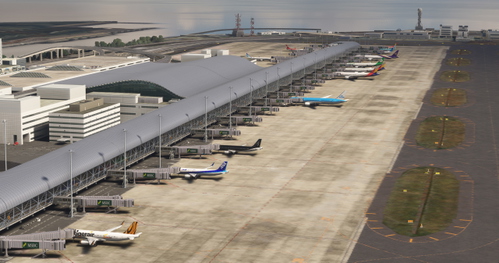
This mod utilizes FSLTL models to add realistic static aircraft at gates, ramps, and stands at RJBB Osaka Kansai airport by Technobrain. It requires no injector, meaning zero FPS impact while providing the immersive look of populated terminals. It simply uses the FSLTL models as static scenery objects.
The FSLTL base models pack must be installed for this static scenery to work!
Features:
⁃ Designed specifically for Technobrain's RJBB Osaka Kansai payware airport
⁃ Hand-placed assortment of static aircraft at gates and ramps, matching real-world airline operations at the airport.
⁃ Realistic and accurate airline traffic ratios
⁃ Airline placement reflects real-world terminal usage (Gate-level accuracy is approximate, not exact)
⁃ Absolutely zero impact on FPS as well as negligible size on disk (only a few kilobytes in size)
Important Compatibility Note:
This static aircraft pack was built for the Technobrain's RJBB Osaka Kansai payware airport. It may work with other versions of RJBB (default, freeware, or payware), but static aircraft placement will likely not align correctly and clipping into terminals or jetways may occur. For best results, only use this with Technobrain's RJBB. Note that while it is not officially supported in MSFS 2024, it is compatible with little to no issues.
Requirements:
RJBB Osaka Kansai airport by Technobrain https://www.fsaddoncompare.com/
FSLTL Base Models (installed via FBW installer) https://fslivetrafficliveries.com/
Installation:
1. Download the file and extract it.
2. Place the 'zzz-RJBB_FSLTL_Static' folder it in your MSFS 2020/2024 Community folder (I highly recommend using MSFS Addon Linker, especially if your community folder is really cluttered and you’re installing lots of static scenery packs)
To prevent traffic overlap and clipping, ensure your MSFS traffic settings are as below:
Flight Conditions --> Air Traffic set to "off"
General Options / Traffic tab -->
• Aircraft Traffic type set to "off"
• Ground Aircraft Density set to "0"
Spawning Tips:
⁃ Static aircraft are pure scenery objects and non-functional. They do not move, taxi, or connect to jetways.
⁃ Any gates/stands occupied by statics will be unavailable for user aircraft.
⁃ MSFS does not show gate occupancy on the world map, therefore you might inadvertently spawn into a static aircraft.
⁃ A README file is included, listing available gates for user spawning to avoid conflict. Alternatively, you can always use slew mode to reposition your aircraft after spawning in.
Note on use of FSLTL injector with this scenery:
This pack is designed for use without the injector to maximize performance. This does however mean that there will be no live IFR moving aircraft. If you so wish, you can still use the FSLTL injector. If you do, ensure that “Additional Airline Parked Aircraft” and “Max Airline Parked Aircraft” are both set to 0 in FSLTL injector settings. This will reduce clipping between live and static aircraft, but still expect overlap if the injector places aircraft at already occupied gates. There’s currently no way around this.
Questions, issues, or want to request a static pack for your favorite airport? Leave a comment or message me directly!
RJBB Osaka Kansai - FSLTL Static Aircraft (Technobrain)
Enhance the realism of your virtual experience at RJBB Osaka Kansai airport with the FSLTL Static Aircraft scenery mod. This mod features hand-placed static aircraft at gates and ramps, based on real-world airline operations, providing a more immersive environment without impacting FPS. It requires the installation of FSLTL base models and is designed specifically for Technobrains RJBB, ensuring optimal compatibility and visual accuracy.

Versionsgeschichte
Compatibility fix for FSLTL 1.7.0
Ähnliche Addons
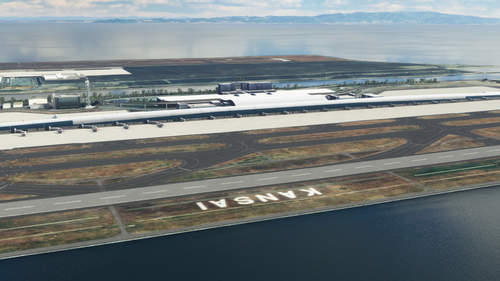
RJBB - Kansai International Airport
Explore the detailed rendition of RJBB - Kansai International Airport in Microsoft Flight Simulator, featuring custom models of terminals, control tower, and cargo terminal. Support the creator through the provided PayPal link if you enjoy the scenery.
von nsajid91
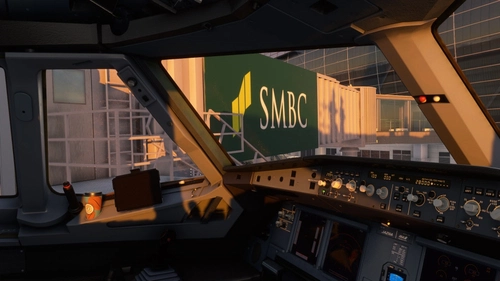
TECHNOBRAIN’s RJBB - Logo fix
This mod enhances the texture of TechnoBrains RJBB airport scenery in Microsoft Flight Simulator. It corrects logos, adds missing ones, and improves the appearance of terminals. Installation requires overwriting specific texture files within the scenery folders. Caution: Backup scene data before applying the mod and ensure you have the original TechnoBrains RJBB scenery installed for compatibility.
von WeChe
Technobrain RJBB Osaka Kansai Ground Enhancement and AI Config
Enhance your airport experience with the Technobrain RJBB Osaka Kansai Ground Enhancement and AI Config add-on. This mod increases AI aircraft operations and gate availability at RJBB, featuring updated airline coding, accurate gate assignments, and improved taxi paths. Simply drag and drop files into your community folder for easy installation.
von Ryanosaurus13
Technobrain RJBB RWY06L/24R FIX for World Update: 20 Japan
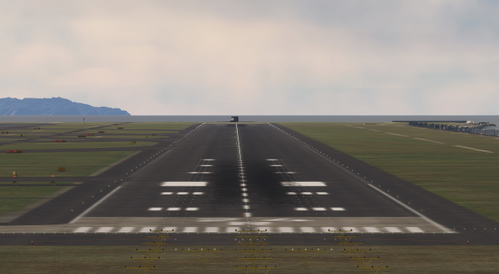
The Technobrain RJBB RWY06L/24R Fix addresses severe bumps and unusable terrain on the runways at Kansai International Airport following World Update 20: Japan. This add-on serves as a temporary solution to a scenery conflict and requires ownership of the Technobrain RJBB airport add-on. Users are advised to remove the fix once an official update is made available to prevent future issues.
von kentoasty
Melden Sie sich an, um an der Diskussion teilzunehmen
Anmelden