
Beschreibung
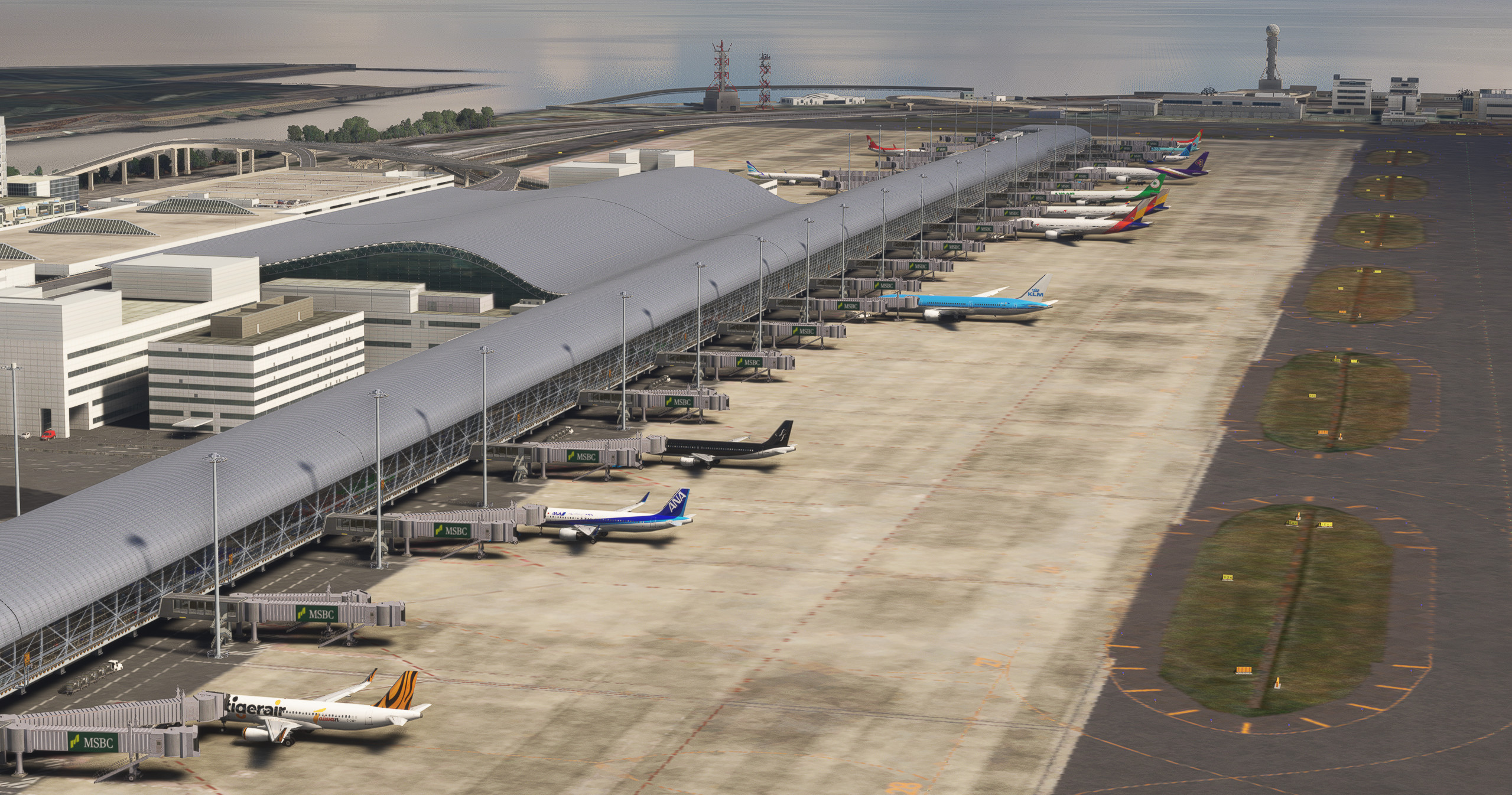
Another release supported and created by the AIG community. This mod aims to significantly improve and increase the AI operations at Technobrain's RJBB. You will see a significant increase in AI aircraft spawning and opened gates. The original airport is required.
Features
- Updated airline coding sampled between 20 Jan and 20 Feb 2024.
- Hand-sorted and coded data to get airplanes to park at their respective/common Gate, for example:
- CES to gate 37, CCA Gate 34
- JJA on 81,82,84, CQH at 80
- THY gate 18, KLM gate 21, UAE on gate 13 (1V), ACA gate 14
- Correct cargo apron coding, FDX, UPS and other cargo operators parking in the correct areas.
- Complete overhaul of gate radius
- Preserved wingspans on some gates for user aircraft, 747-8F is supported (up to 40m wingspans).
- Preservation of original scenery files. No modifications or replacements are required to the scenery. This will work with all future
- updates to the scenery as well.
- This modification utilizes the resized wingspan due to the Asobo bug that encircles a 6m bubble between each parking spot.
- Corrected aircraft path and taxi logic, and fixed issues where aircraft would taxi to an intersection and backtrack the runway.
Installation
Drag and drop "z-rjbb-kansai-intl" into the community folder.
Drag and drop "aig-aitraffic-oci-beta" to the installation location of AIG AIM (Usually the community folder). You will know you are doing it right if it asks to replace files.
Alternatively in AIG AI Manager, select settings, AIGAIM-OCI, "Use reduced wingspan", verify setup then save. Example here.
FSLTL notes
FSLTL users must ensure the following for "wing_span" value on the "flight_model" configuration due to the 6/12m bug in fs2020:
- "72" for A320 and 737 family
- "52" for CRJ/ERJ regional jets
- "164" for heavy jets (777, 787, A330, A350 etc)
- "223" for A380s
- "131" for 767s, A300s, and 757s
- No further support for FSLTL is provided since I do not use FSLTL
Technobrain RJBB Osaka Kansai Ground Enhancement and AI Config
Enhance your airport experience with the Technobrain RJBB Osaka Kansai Ground Enhancement and AI Config add-on. This mod increases AI aircraft operations and gate availability at RJBB, featuring updated airline coding, accurate gate assignments, and improved taxi paths. Simply drag and drop files into your community folder for easy installation.

Versionsgeschichte
Keine Versionsgeschichte verfügbar.
Ähnliche Addons
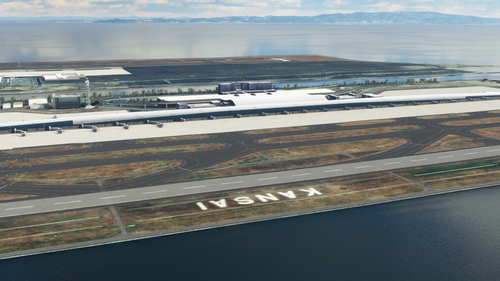
RJBB - Kansai International Airport
Explore the detailed rendition of RJBB - Kansai International Airport in Microsoft Flight Simulator, featuring custom models of terminals, control tower, and cargo terminal. Support the creator through the provided PayPal link if you enjoy the scenery.
von nsajid91
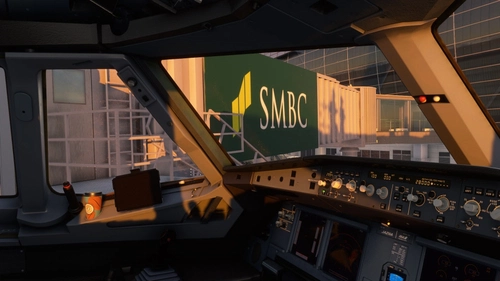
TECHNOBRAIN’s RJBB - Logo fix
This mod enhances the texture of TechnoBrains RJBB airport scenery in Microsoft Flight Simulator. It corrects logos, adds missing ones, and improves the appearance of terminals. Installation requires overwriting specific texture files within the scenery folders. Caution: Backup scene data before applying the mod and ensure you have the original TechnoBrains RJBB scenery installed for compatibility.
von WeChe
Technobrain RJBB RWY06L/24R FIX for World Update: 20 Japan
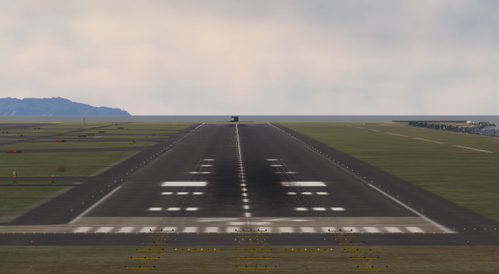
The Technobrain RJBB RWY06L/24R Fix addresses severe bumps and unusable terrain on the runways at Kansai International Airport following World Update 20: Japan. This add-on serves as a temporary solution to a scenery conflict and requires ownership of the Technobrain RJBB airport add-on. Users are advised to remove the fix once an official update is made available to prevent future issues.
von kentoasty
RJBB Osaka Kansai - FSLTL Static Aircraft (Technobrain)
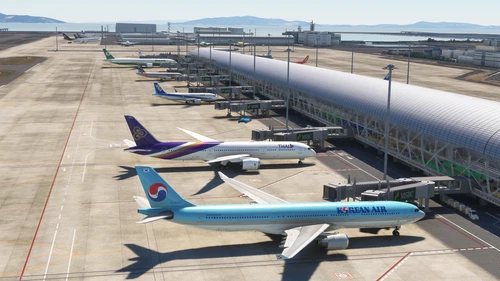
Enhance the realism of your virtual experience at RJBB Osaka Kansai airport with the FSLTL Static Aircraft scenery mod. This mod features hand-placed static aircraft at gates and ramps, based on real-world airline operations, providing a more immersive environment without impacting FPS. It requires the installation of FSLTL base models and is designed specifically for Technobrains RJBB, ensuring optimal compatibility and visual accuracy.
von ixvst01
Melden Sie sich an, um an der Diskussion teilzunehmen
AnmeldenKommentare(5)
over 2 years ago
over 2 years ago
over 2 years ago
over 2 years ago
I put your z-rjbb-kansai-intl folder into the Community folder (after renaming it a bit) and followed your instructions to reduce the wingspan on AIG-AIM. Still not seeing much traffic in the airport (10.45 am, local time). I don't have all airlines installed, but do have all the japanese carriers, so do expect to see a lot of ANA and JAL planes, but seeing only 1 ANA. Do see some 5-6 peach airlines planes in a different terminal
over 2 years ago
Make sure you have J air, ANA wings, and Peach installed as well. Helps to have as much installed as possible. I’d still no joy I recommend posting logs over at AIG forums for others to check as well.
Also do not rename the z-rjbb-airport. It will mess up the order in which the scenery loads and it might actually be loading the original scenery instead of the modification.