
Beschreibung
(V1.0.1)
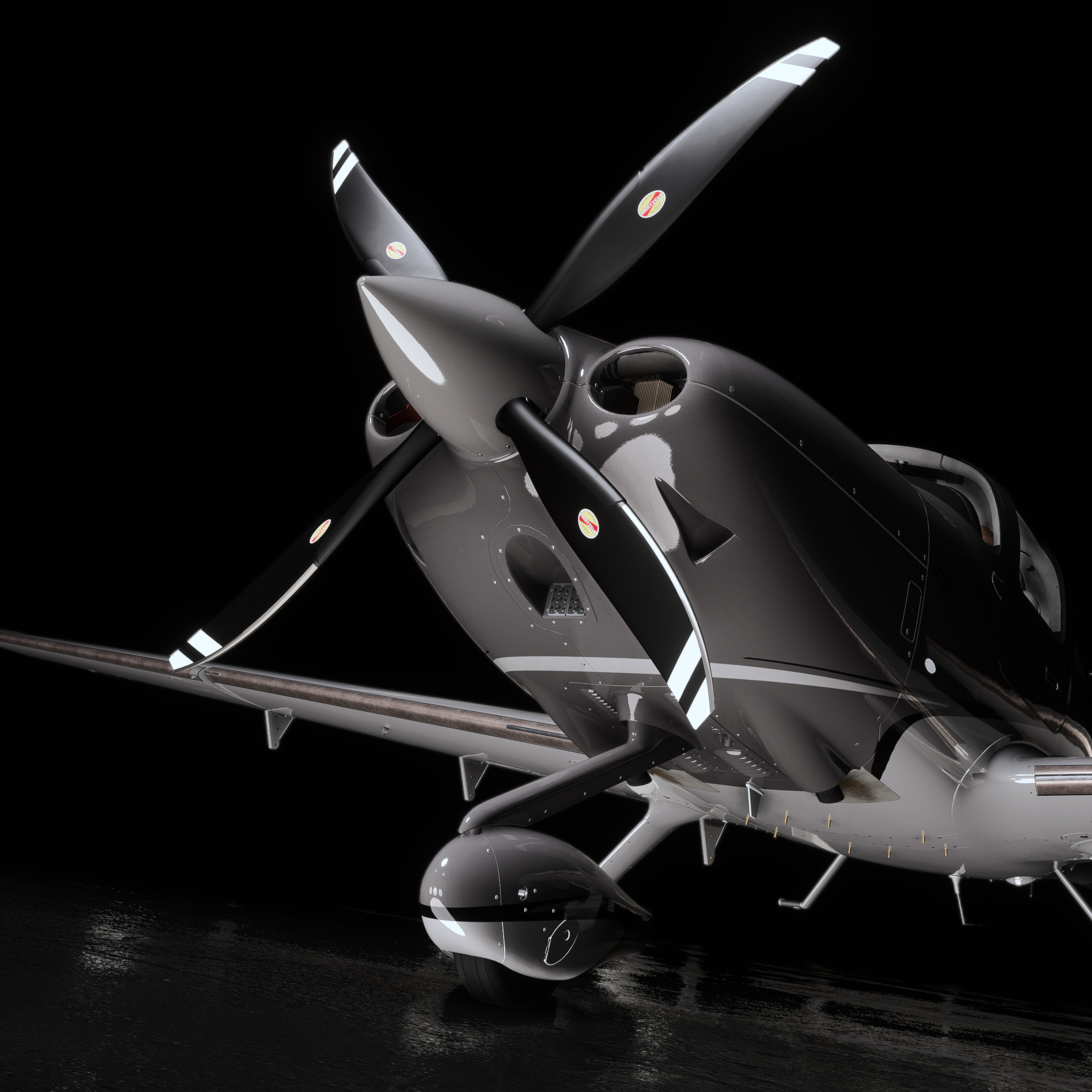
Enhancement package for the Asobo Cirrus SR22T G6, for Microsoft Flight Simulator 2024 only.
After playing around with creating this addon off-and-on over the past year or two, I am happy to finally release this enhancement package for the 22 Turbo.
Originally starting as a simple 4-Blade composite "mod" to replace the metal 3-Blade that for whatever reason came on Asobo's SR22T, I've now redone the entire project from scratch for Microsoft Flight Simulator 2024, including an additional 3-Blade composite option, along with a host of other additions as noted below.
Features (v1.0):
- Hartzell 4-Blade composite propeller variant
- Hartzell 3-Blade composite propeller variant
- Tinted rear windows
- Windscreen heatshield
- Ignition key, TKS key, Cirrus lock/unlock key fob
- CAPS pin and keychain tag
- Various interior objects/cockpit clutter inspired by products on Cirrus' online shop
- Cirrus-branded hat
- Sunglasses
- Cirrus-branded Hydroflask
- Cirrus-branded backpack
- Cirrus-branded hoodie
Features (v1.0.1)
- Added/removed/adjusted internal emissives/backlighting. Removed many areas that were added in SU4 which were not backlit in the real 22T, and also updated the bolster panel backlighting to a blueish-turquoise color as it is in the real 22T.
- Added optional panel.cfg to remove the MidContinent MD302 SAM, due to it's excessive brightness, until it is fixed by Microsoft/Asobo.
Further features are not planned at this time, but may be subject to change. 4-Blade and 3-Blade propellers are aesthetic changes only, and do not contain any flight model or audio changes.
Installation
- Place the "zachb-sr22tg6-enhancement" file into your Community folder.
README/NOTES
- Within the MSFS2024 aircraft selection screen, you will now see two SR22T options — "Cirrus SR22T", and "Cirrus SR22T | Enhanced" — the latter option, "Cirrus SR22T | Enhanced" will be what you want to choose.
- (!!) Choosing the former option, "Cirrus SR22T", will select the default SR22T which will yield and aircraft with no propeller. Due to limitations within the sim, VFS, and encryption, it is not possible to retain the original propeller and have the two new propellers at the same time. Since the metal 3-Blade propeller is not an option on the real 22 Turbo, I found it to be a non-issue. If for some reason you desire to use the original metal 3-Blade propeller, you will need to remove this addon from your community folder.
- This addon is split into two variants in the sim's selection menu — "4 Blade Composite", and "3 Blade Composite". Self-explanatory, but choosing one or the other will depict which propeller option is visible to you when loading into the aircraft.
- (!!) The variation thumbnails will always depict the thumbnail of the blue/white Carbon livery with the old 3-Blade metal propeller, regardless of if this addon is installed or not. This is an issue with the core SR22T from Asobo, and cannot be fixed 3rd party, requiring a fix on their end as they have accidentally included thumbnail_variation.pngs in their liveries, overriding my thumbnail_variation.pngs for each variation/propeller option.
- All objects within this enhancement package (sans the propellers) are linked to visibility code, and thus, can be clicked to be visible or hidden. All objects are encapsulated in their own clickspot node, so clicking in that area will hide/show the objects. The only exceptions to this are the windscreen heatshield, and the window tint. The windscreen heatshield's clickspot is in the lower center of the windscreen, just above the glareshield. The window tint's clickspot is the rear right window, which allows you to choose between tinted or untinted windows.
- A funny idea shared by a friend, (ryanbatc); the windscreen heatshield serves as a nice outside blocker for "under the hood" IFR simulation! :)
Cirrus SR22T G6 | Enhancement Package
This enhancement package for the Asobo Cirrus SR22T G6 is designed exclusively for Microsoft Flight Simulator 2024. It includes two propeller variants—Hartzells 4-Blade and 3-Blade composite options—along with interior enhancements such as tinted rear windows and various cockpit accessories inspired by Cirrus products. Note that these propeller changes are purely aesthetic and will not affect flight performance or sounds.
Nutzerbewertungen
7 Bewertungen
Versionsgeschichte
Fixes: - New LOD callbacks to be in line with Microsoft/Asobo's changes for SU4 Added Features: - Added/removed/adjusted internal emissives/backlighting. Removed many areas that were added in SU4 which were not backlit in the real 22T, and also updated the bolster panel backlighting to a blueish-turquoise color as it is in the real 22T. - Added optional panel.cfg to remove the MidContinent MD302 SAM, due to it's excessive brightness, until it is fixed by Microsoft/Asobo.
Ähnliche Addons
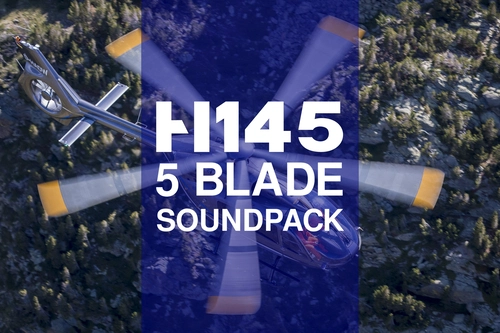
Airbus H145 5-Blade Soundpack
Enhance your Airbus H145 experience with this soundpack featuring custom startup/shutdown, interior/exterior sounds, and authentic blade noises from a real H145-D3. Created in Adobe Audition, this addon is compatible with all variants of the Hype Performance Group Airbus H145. Simply drag and drop into your community folder for easy installation.
von ZachBartig
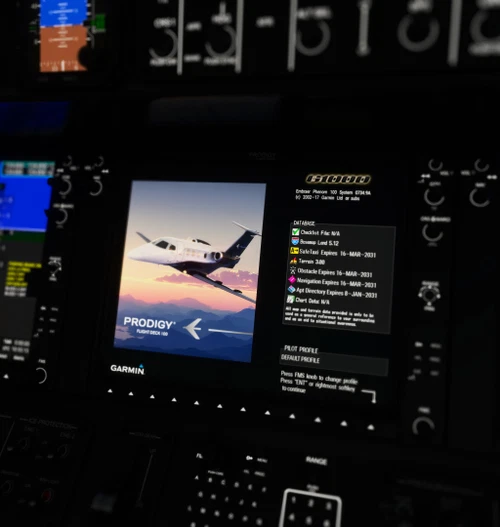
Cockspur Phenom 100 | MFD Splashscreen
Enhance your Embraer Phenom 100 experience with this updated MFD splashscreen mod by Cockspur. Simply download and install the file to customize your cockpit display.
von ZachB
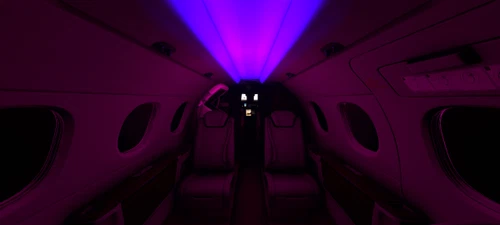
Cockspur Phenom 100 | Customizable RGB Cabin Glow Lighting
Customize the cabin lighting of your Cockspur Embraer Phenom 100 with this add-on, offering 8 colors and 28 lighting variations to choose from. Simply place the file in your Community folder and follow the customization instructions for a personalized flying experience.
von ZachB
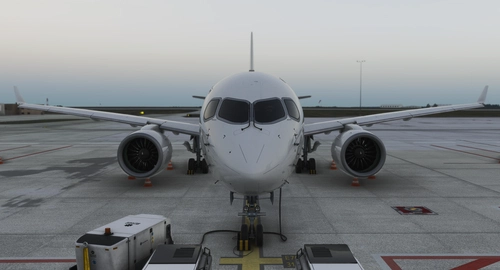
Synaptic Airbus A220-300 | No Cabin
This add-on removes all cabin components from the Synaptic Simulations Airbus A220-300, including interior doors, seats, cargo bays, and overhead bins. A black occluder replaces the eliminated areas to maintain visual integrity. The modification aims to reduce poly and material counts, potentially improving performance depending on the user's system. Installation is done by placing the mod file in the Community folder.
von ZachB
Melden Sie sich an, um an der Diskussion teilzunehmen
AnmeldenKommentare(51)
2 months ago
2 months ago
3 months ago
2 months ago
5 months ago
5 months ago
6 months ago
5 months ago
I haven't flown the SR in a while, but if clicking on them does not work, it may be worth a bug report on the official MSFS forums
8 months ago
5 months ago
8 months ago
8 months ago
9 months ago
9 months ago
10 months ago
10 months ago
10 months ago
then open the "fuselage.xml" file and delete line 10 and 11 where it's written
""
""
save then it will work
10 months ago
about 1 year ago