

Beschreibung
(V1.0)
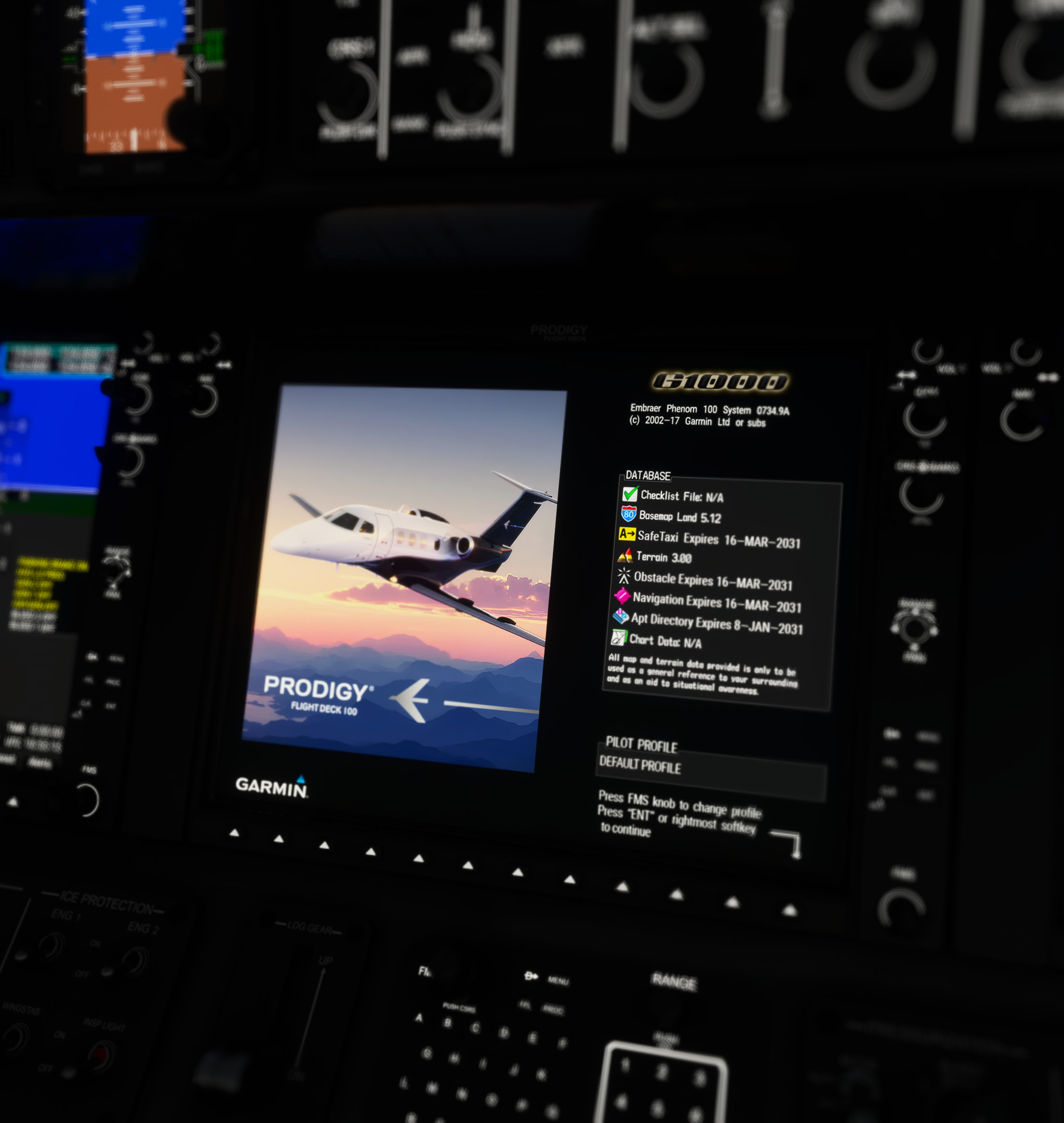
Updated MFD splashscreen for Cockspur's Embraer Phenom 100.
Installation:
- Place the "cockspur-p100-mfd-splashscreen" file in your Community folder.
Cockspur Phenom 100 | MFD Splashscreen
Enhance your Embraer Phenom 100 experience with this updated MFD splashscreen mod by Cockspur. Simply download and install the file to customize your cockpit display.

Versionsgeschichte
Keine Versionsgeschichte verfügbar.
Ähnliche Addons

Airbus H145 5-Blade Soundpack
Enhance your Airbus H145 experience with this soundpack featuring custom startup/shutdown, interior/exterior sounds, and authentic blade noises from a real H145-D3. Created in Adobe Audition, this addon is compatible with all variants of the Hype Performance Group Airbus H145. Simply drag and drop into your community folder for easy installation.
von ZachBartig
Cirrus SR22T G6 | Enhancement Package
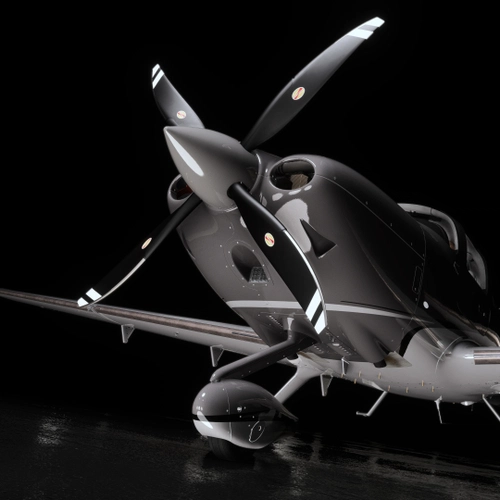
This enhancement package for the Asobo Cirrus SR22T G6 is designed exclusively for Microsoft Flight Simulator 2024. It includes two propeller variants—Hartzells 4-Blade and 3-Blade composite options—along with interior enhancements such as tinted rear windows and various cockpit accessories inspired by Cirrus products. Note that these propeller changes are purely aesthetic and will not affect flight performance or sounds.
von ZachB
Cockspur Phenom 100 | Customizable RGB Cabin Glow Lighting
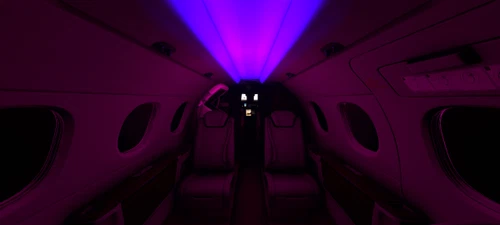
Customize the cabin lighting of your Cockspur Embraer Phenom 100 with this add-on, offering 8 colors and 28 lighting variations to choose from. Simply place the file in your Community folder and follow the customization instructions for a personalized flying experience.
von ZachB
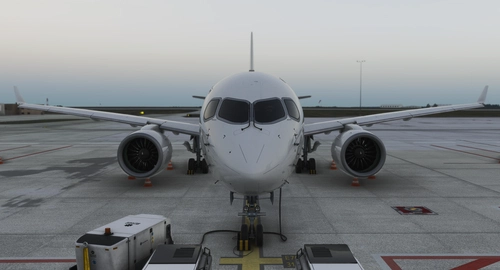
Synaptic Airbus A220-300 | No Cabin
This add-on removes all cabin components from the Synaptic Simulations Airbus A220-300, including interior doors, seats, cargo bays, and overhead bins. A black occluder replaces the eliminated areas to maintain visual integrity. The modification aims to reduce poly and material counts, potentially improving performance depending on the user's system. Installation is done by placing the mod file in the Community folder.
von ZachB
Melden Sie sich an, um an der Diskussion teilzunehmen
AnmeldenKommentare(9)
almost 3 years ago
almost 3 years ago
almost 3 years ago
almost 3 years ago
almost 3 years ago
almost 3 years ago
almost 3 years ago
almost 3 years ago
almost 3 years ago