
Beschreibung
This widget has been discontinuted, because it is included in all editions of Flow from version 2023.30.4.13 and up.
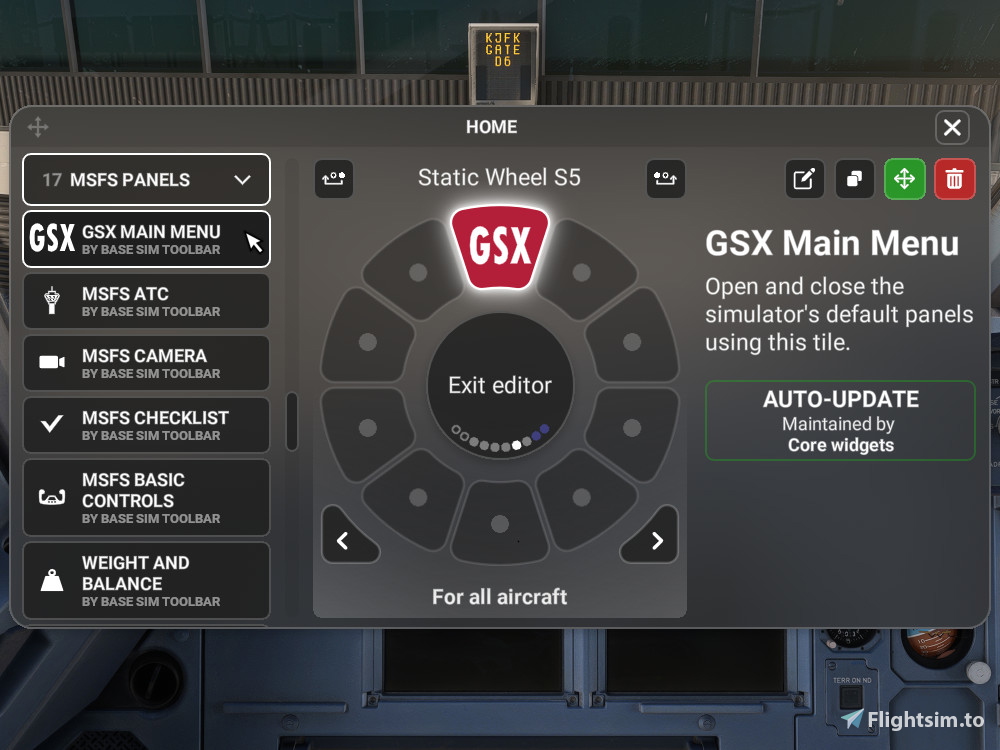
To add the included GSX widget in the wheel editor, go down to MSFS Panels and add the GSX Main Menu widget to the wheel.
Show the GSX menu with one click of a flow button. This flow button will always open the GSX menu.
The default MSFS method often requires two clicks to open the GSX menu, when GSX is enabled but the menu is not visible.
Click the GSX Launcher button to open the GSX menu.
Scroll down with the mouse wheel while hovering over the GSX button to close/deactivate the GSX window completely
The status text in the middle of the wheel while hovered over the button will show the GSX window status as "GSX Active Scroll down to close" or "GSX Inactive"
The GSX button will be active when the GSX window is activated (including when it is hidden)
Note: Flow Pro and GSX are required to use this addon.
Flow GSX Launcher
Efficiently launch the GSX menu with one click using the Flow GSX Launcher widget. Avoid the hassle of multiple clicks with this convenient tool included in all editions of Flow from version 2023.30.4.13 and up. Easily access and manage the GSX menu in Microsoft Flight Simulator with this streamlined add-on. Note: Flow Pro and GSX are necessary for optimal functionality.
Downloads gestoppt
Der Ersteller hat die Downloads für dieses Addon vorübergehend gestoppt. Bitte versuche es später erneut.

Nutzerbewertungen
7 Bewertungen
Versionsgeschichte
Scroll down with the mouse wheel while hovering over the GSX button to close/deactivate the GSX window completely The status text in the middle of the wheel while hovered over the button will show the GSX window status as "GSX Active Scroll down to close" or "GSX Inactive" The GSX button will be active when the GSX window is activated (including when it is hidden)
Ähnliche Addons
SimBrief Loader
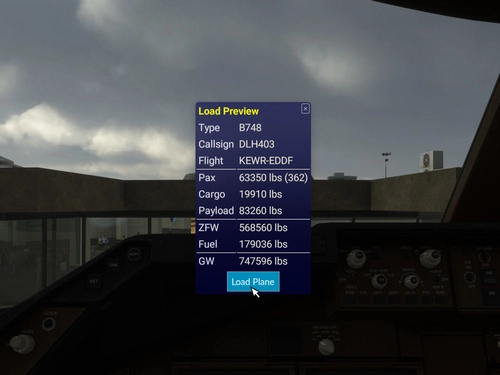
Automatically load fuel and payload weights from SimBrief for select aircraft in Microsoft Flight Simulator. Verify and load the flight plan, ensuring correct weights are applied for an accurate simulation experience. Customized for specific aircraft models and prevents mismatches with in-game weight settings. Note: Flow Pro integration is necessary for addon functionality.
von timwells
MSFS Settings Widgets
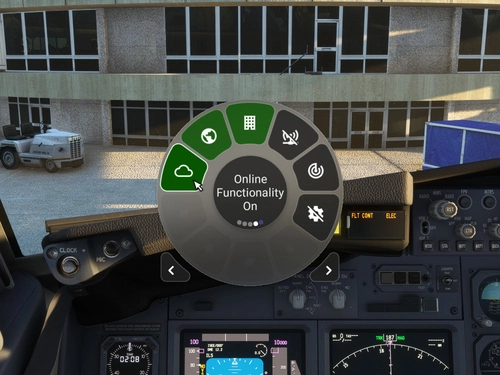
Easily toggle various MSFS settings with these widgets, including online functionality, graphics options, sound settings, and more. Adjust settings with simple clicks or scrolls, with a 2-second delay to prevent frequent changes. Stay updated with the Bing Data World Graphics widget and ensure a seamless simulation experience. Compatibility requires Flow Pro version 2023.29.3.12 or newer.
von timwells
Flow Radio Scripts
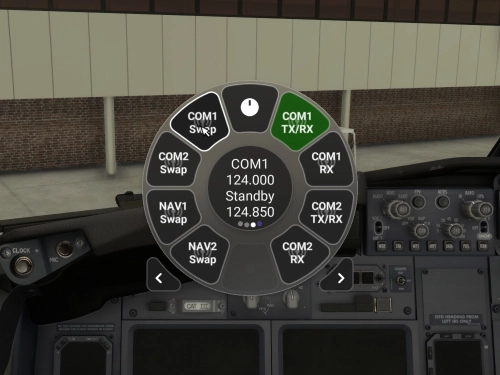
Enhance your aviation experience with Flow Radio Scripts, offering convenient widgets for seamless tuning and swapping of COM and NAV radio frequencies in Microsoft Flight Simulator. This add-on includes features such as toggling receive only mode, swapping active and standby frequencies, and toggling between 8.33 kHz and 25 kHz frequency spacing. Compatible with select aircraft like PMDG 737 and FlyByWire A32NX, this tool is designed to work with vPilot for VATSIM, ensuring a smoother radio management experience in the virtual skies. Please note that Flow Pro is necessary for utilizing this add-on.
von timwells
Flow VATSIM ATIS
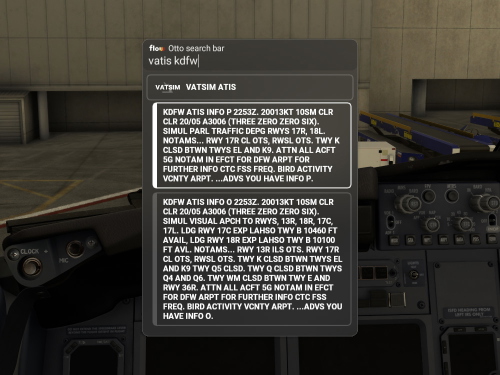
Access VATSIM ATIS for airports with available information, and easily copy the ATIS text with a simple click. Please note that Flow Pro is necessary for utilizing this add-on.
von timwells
Melden Sie sich an, um an der Diskussion teilzunehmen
AnmeldenKommentare(27)
almost 3 years ago
about 3 years ago
Ive been asking everywhere but no luck yet. Where is the GSX wheel in flow? Ive emailed the company but havent heard anything. Ive posted on multiple youtube videos, but nothing. The GSX panel is absolutely nowhere to be found in the flow pro version. Ive gone through every option to assign to panels.
Any help would be greatly appreciated
about 3 years ago
about 3 years ago
about 3 years ago
about 3 years ago
about 3 years ago
They have made it so that a single click will open GSX without this widget, but now there's no way to completely close it with Flow.
The only way to completely close GSX is to re-enable the default toolbar.
I will be reporting this to P42, and I suggest you do the same.
about 3 years ago
over 3 years ago
doesn't work for me, I got the free flow version
over 3 years ago
Flow Pro and GSX are required to use this addon.
over 3 years ago
Oh thanks
about 3 years ago
over 3 years ago
Absolutely fantastic - I *love* the feature to scroll down and deactivate GSX!
over 3 years ago
Thanks! Finally u don't need to click GSX multiple times.
over 3 years ago
Simple and it's work. Saves me tons of clicks :)
almost 4 years ago
Just a FYI,
can't get it to work, its still a double klick for GSX.
( latest MSFS Beta and latest FLOW)
almost 4 years ago
Please make sure you're using GSX widget from the community section, not the default GSX widget under MSFS Panels.
almost 4 years ago
Excellent works thanks Tim