
Beschreibung
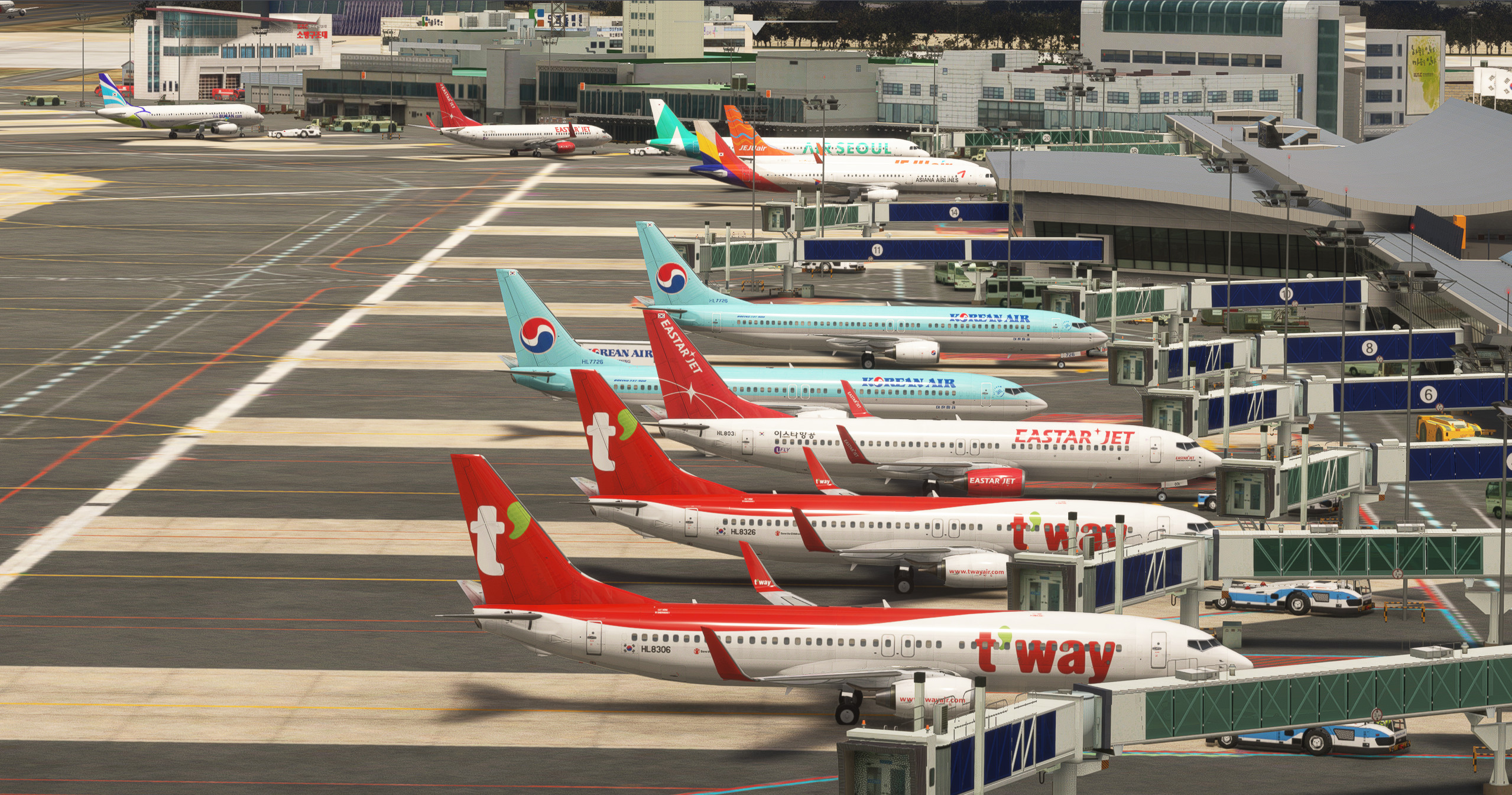
Another release supported and created by the AIG community. This mod aims to significantly improve and increase the AI operations at Asian Airport's RKSS. You will see a significant increase in AI aircraft spawning and opened gates. The original airport is required.
The original airport is required. Purchase from here https://secure.simmarket.com/asian-airports-rkss-seoul-gimpo-international-airport-msfs.phtml
Features
- Updated airline coding sampled early August 2024.
- Fixed ground routes, superficially:
- Hold shorts where aircraft would cross into active runways without holding short
- Taxi routes where aircraft would take the longer route
- Fully optimized airline-specific coding:
- Accurate domestic coding to specific gates including specific gates for Asiana and Korean Air and all other Korean operators
- International terminal gates coded to specific operators
- Overhaul of parking data
- Specific remote stands are coded to operators that use them (ie. T'way and Air Busan)
- Added many remote stands for overflow use including in front of the Asiana and Korean Air hangars.
- Changed position of remote stands, moved forward as original AFCAD is too far backwards
- Enabled AI behaviour to power off on the remote gates (Ie no pushback and u-turn required)
- De-prioritized most remote stands to prioritize jetway gates
- Complete overhaul of gate radius and changed all parking to appropriate types
- Preserved wingspans on some gates for user aircraft, 747 is supported (up to 36m wingspans).
- Preservation of original scenery files. No modifications or replacements are required to the scenery. This will work with all future updates to the scenery as well.
- This modification utilizes the resized wingspan due to the Asobo bug that encircles a 6m bubble between each parking spot.
- Full AIG support and compatibility.
Installation
Drag and drop "z-rkss-gimpo-intl" into the community folder.
Drag and drop "aig-aitraffic-oci-beta" to the installation location of AIG AIM (Usually the community folder). You will know you are doing it right if it asks to replace files.
Alternatively in AIG AI Manager, select settings, AIGAIM-OCI, "Use reduced wingspan", verify setup then save. Example here.
FSLTL notes
FSLTL users must ensure the following for "wing_span" value on the "flight_model" configuration due to the 6/12m bug in fs2020:
"72" for A320 and 737 family
"52" for CRJ/ERJ regional jets
"164" for heavy jets (777, 787, A330, A350 etc)
"223" for A380s
"131" for 767s, A300s, and 757s
No further support for FSLTL is provided since I do not use FSLTL
Optional advanced installation notes. Attempt only as an experienced user:
Korean Air executive aircraft have been coded to specific gates as "KALE". To fully take advantage of this you must change the "atc_parking_codes" value of the three Korean exec jets to "KALE"
For quick reference these three planes can be found in the following folders:
- AIGAIM_FAIB_BBJ1_WL
- AIGAIM_DJC_GlobalExpressXRS
- AIGAIM_KCAI_Gulfstream_G650
Kommentare(3)
Melden Sie sich an, um an der Diskussion teilzunehmen
Anmeldenalmost 2 years ago
almost 2 years ago
RKSS Seoul Gimpo AI Config Enhancement (Asian Airports)
Significantly enhance AI operations at RKSS Seoul Gimpo with this mod, increasing AI aircraft spawns and gate availability. Includes updated airline coding, optimized airline-specific routes, overhauled parking data, and preserved original scenery files. Easy installation process in the community folder, offering full AIG support and compatibility for an improved airport experience.

More Information
Versionsgeschichte
Fixed wingspan database issue. Not required for AIG OCI checkbox users
Ähnliche Addons
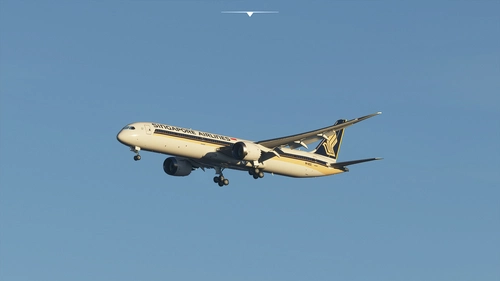
Singapore 787-10
Repaint of the Default 787-10 in Premium Upgrades, featuring Singapore Airlines current livery with 4k textures and accurate details based on real-world data and photos. Simply drag and drop "B78X SIA Livery" into your community folder for installation.
von Ryanosaurus13
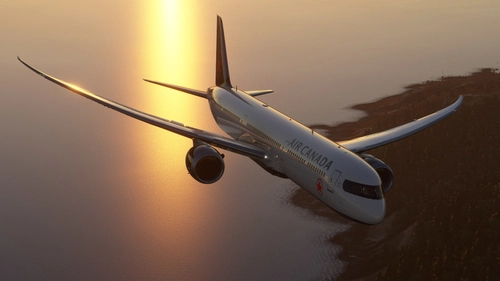
Air Canada 787-10 - Ultra
Experience the detailed recreation of an Air Canada 787-10 with 4k textures and accurate color palette. This livery features registration number C-FRSE and Air Canadas current 2017 colors. A high-quality addition to your Microsoft Flight Simulator collection.
von Ryanosaurus13
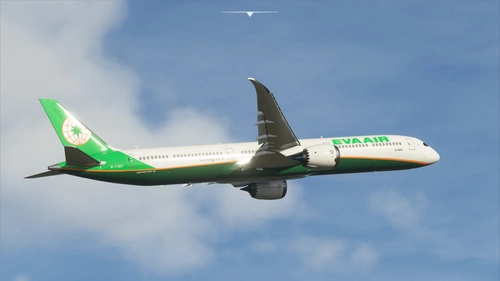
Eva Air 787-10
Enhance your Microsoft Flight Simulator experience with a realistic repaint of EVA Airs B-17801 using real-world photos and data. This add-on features high-quality 4k textures, including all decals and logos, for a more immersive flying experience. Utilizing a mix of 3D and 2D painting techniques, this repaint ensures smoother lines and precise logo placement on the Default Asobo 787-10 aircraft. Simply drag the provided folder into your community folder to install.
von Ryanosaurus13
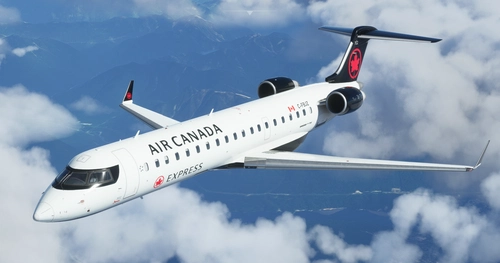
Aerosoft CRJ 700 Air Canada Express / Jazz New Colours Package - Ultra
Experience the Aerosoft CRJ 700 Air Canada Express / Jazz New Colours Package in ultra detail. This add-on meticulously recreates Air Canadas CRJ700 with 4K textures, accurate colors, and 3D substance painting for the highest quality. Enjoy two variants - one with "EXPRESS" titles and the other with "express" titles, featuring precise logo positioning and official Air Canada colors.
von Ryanosaurus13
almost 2 years ago