
Beschreibung
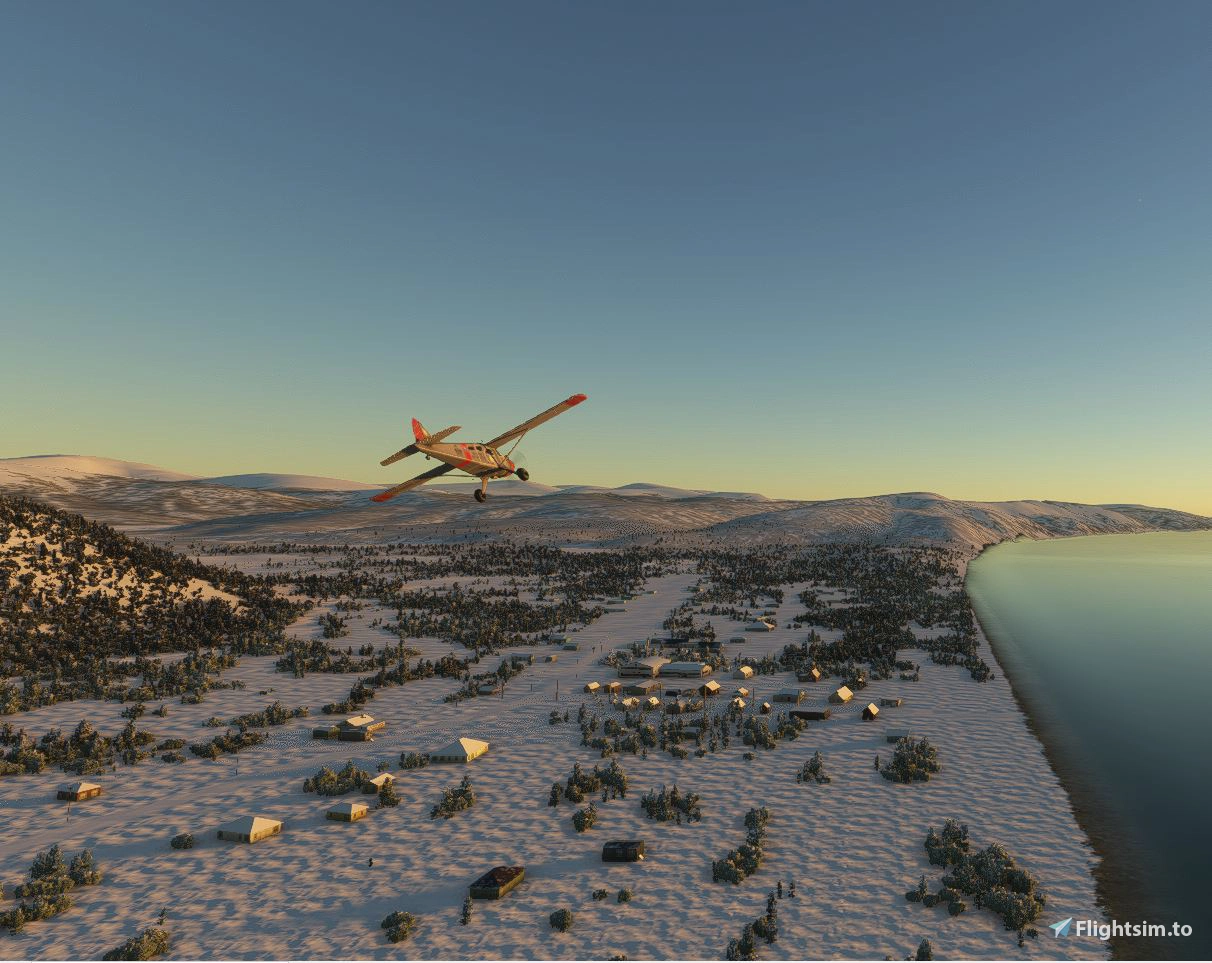
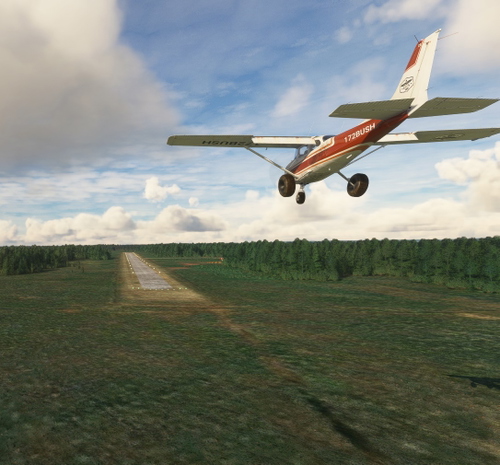
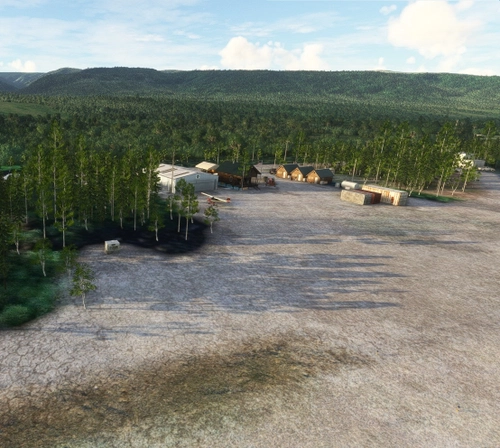
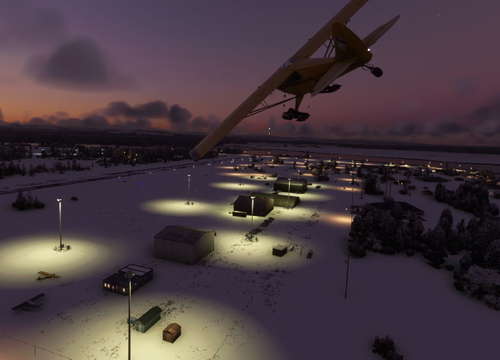
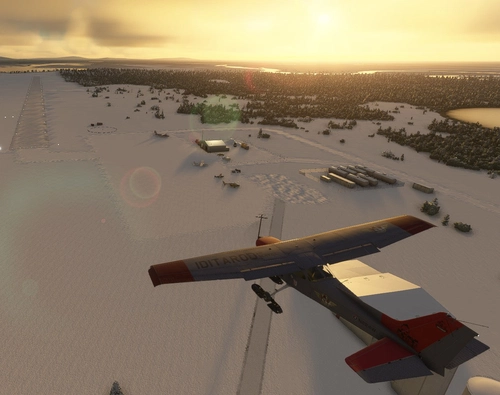
Grayling - Iditarod Checkpoint #14 Southern route. Also is Yukon River Airports in Alaska # 11.
Grayling is a small Athabascan village located on the west bank of the Yukon River, about 18 air miles north of Anvik in Interior Alaska. With a population of around 210 residents, Grayling is part of the Yukon-Koyukuk Census Area and was incorporated in 1969.
The community is deeply rooted in subsistence living, relying on fishing, hunting, and seasonal employment. Many residents are descendants of families who relocated from Holikachuk in the 1960s due to flooding and river access issues. The village is known for its cultural resilience and serves as a checkpoint during the Iditarod Trail Sled Dog Race on odd-numbered years2. The airport is vital for transporting mail, supplies, medical services, and passengers, especially during winter when river travel is limited. Its location and layout make it a key logistical node for bush pilots and tribal operations.
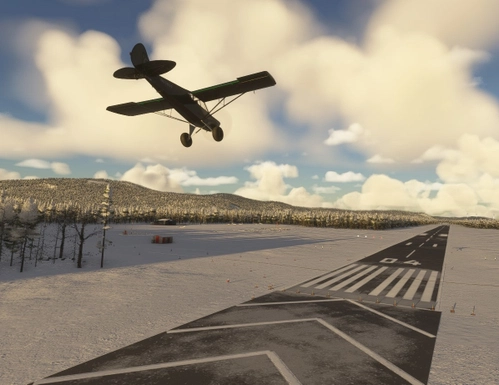
Dimensions: 4000 x 75 feet (1220 x 23 meters)
Surface: Gravel
Runway: 17 / 35
I’ve included a link to a short video, Wings of the Iditarod that features the Iditarod Airforce.
In order to replicate Iditarod conditions, I recommend setting your Weather parameters to Month = March. Snow Depth = 29”. Temperature = 0 degrees.
Installation:
Copy the airport folder inside of the Zip file into your MSFS Community folder.
This airport was created using Standard Asobo/Microsoft libraries found in the sim. I also used the FREE “UK2000 Common Objects Library”, and the FREE “Emerald Objects Library” found in the sim Market Place. If you have not previously installed these libraries in your Community folder, some objects may not be visible in your sim. Remember, you only must install these one time. All Microsoft World Updates should be installed also.
There is an Easter Egg installed.
Location
Grayling Airport (PAGX)
Experience the beauty of Grayling Airport (PAGX) in Alaska, a quaint village with a population of approximately 200 residents and a unique gravel runway measuring 2,315 x 60 ft. Delve into the rich culture of the area, featuring the Arctic Grayling fish species and educational institutions like the David Lewis school. Immerse yourself in the Iditarod Airforce with a recommended simulation setting of March conditions to replicate the famous race. Get ready to explore this picturesque location and uncover the hidden Easter Egg waiting for you.
Nutzerbewertungen
6 Bewertungen
Versionsgeschichte
Replaced ground material and "undeleted" some features.
In Sammlungen enthalten(3)
Alaska Yukon River Airports
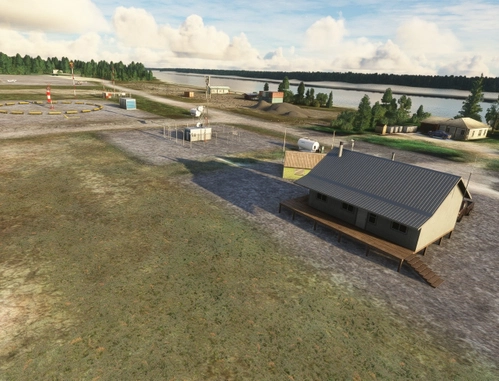
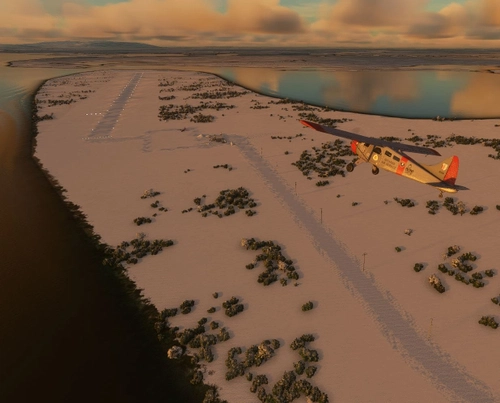
All 24 of the airports and airstrips along the Yukon River in Alaska. This collection brings together a curated set of airports along the Yukon River in Alaska, designed for bush pilots and simmers who want to experience authentic remote flying. Each strip highlights the rugged beauty and logistical challenges of the Yukon, from gravel bars to tribal owned fields. I’m actively building and expanding this series, and I welcome community input. Please share in the comments below. I’ll review suggestions and add them if they align with the collection’s focus. Follow this collection to stay updated as new airports are added — it’s the easiest way to fly the full Yukon route without hunting for each strip individually.
 55tom55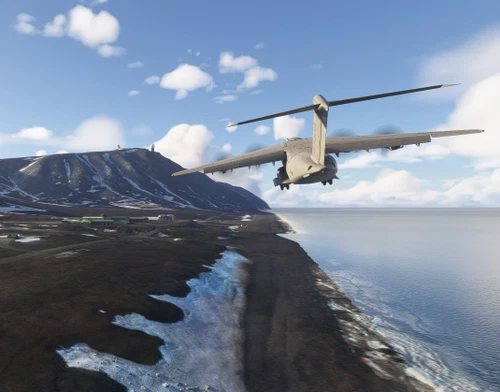
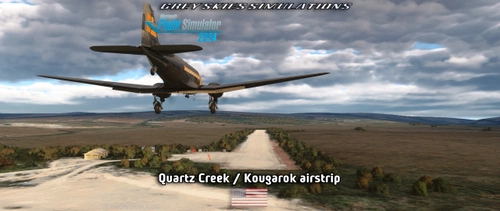
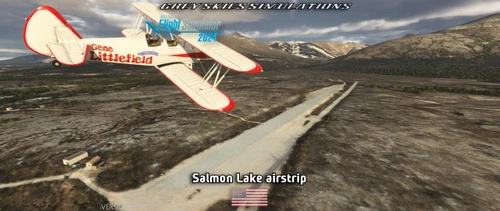
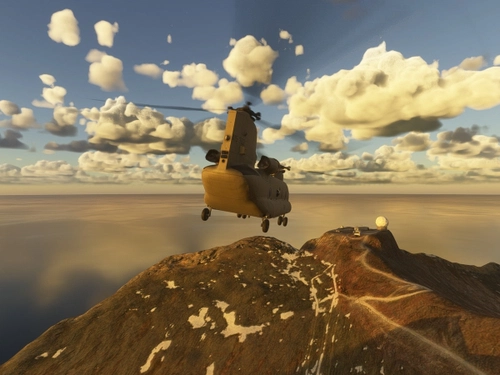
Alaska
All things Alaska
 haroldkip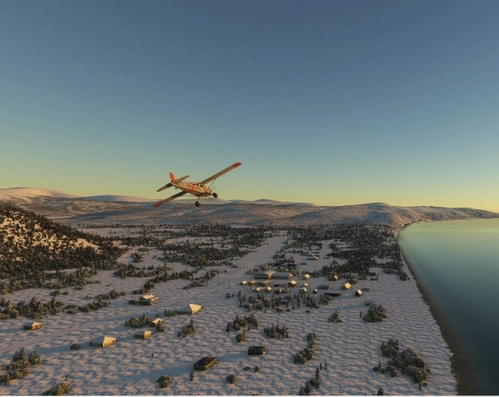
Iditarod Trail Airstrips
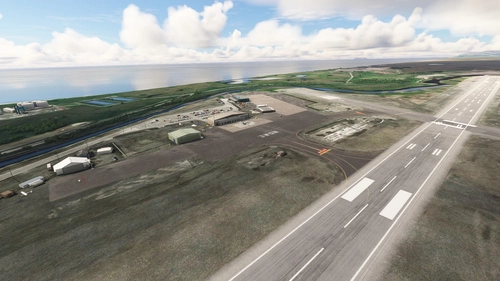
All the airports along both the North and South trails to Nome.
55tom55Ähnliche Addons
McGrath Airport (PAMC)
McGrath: Population 400 -- McGrath is located in the interior of Alaska. The only way to get here is by airplane, unless you’re crazy enough to drive a snow-machine or mush your dog team on the Historic Iditarod Trail. The airport covers an area of 641 acres at an elevation of 341 feet. It has two runways: 16/34 is 6,000 by 100 feet with an asphalt surface and 5/23 is 2,000 by 60 feet with a gravel surface. It handles an average of 30 flights per day, 80% commercial, and 20% general aviation.
von 55tom55
Nikolai Airport (PAFS)
Nikolai: Population 125 -- This is the first of many Native villages along the Iditarod Trail. In 1963, the local residents cleared their own airstrip. This made year-round access to the outside world possible. This is Iditarod checkpoint #7. To learn more about the Iditarod, it's airports, and the race itself, go to the Iditarod.com website.
von 55tom55
PAOM Nome AK Version 3 20
Another complete rebuild of my PAOM scenery
von Mountainair
Fort Yukon - PFYU - Alaska
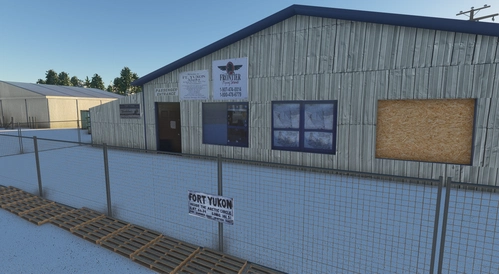
Explore Fort Yukon in Alaska, located north of the Arctic Circle, offering a unique experience of sightseeing, Northern Lights, and immersion in the traditional life of the First Nation peoples. This add-on includes a meticulously recreated terminal building and fixes for airport issues, providing an accurate depiction of the area. Join the Fairbanks hub at Alaska Adventures to discover Fort Yukon and other exciting destinations.
von DADGAMETIME
Melden Sie sich an, um an der Diskussion teilzunehmen
AnmeldenKommentare(22)
5 months ago
5 months ago
7 months ago
Have you noticed that at all?
7 months ago
6 months ago
4 months ago
over 1 year ago
7 months ago
over 1 year ago
If there are other users out there that are experiencing this problem, please let me know.
Thanks and happy flying.
over 1 year ago
about 2 years ago
about 2 years ago
Sorry to hear you are having a problem with my scenery. Usually, when a checkerboard pattern appears, it indicates a missing material or texture. First, delete this airport. then reinstall it. I am out of town for the next week, but I will have a look at it then.
Happy flying!
over 1 year ago
about 2 years ago
about 2 years ago
about 2 years ago
Have downloaded and installed the PAGX scenery but none of the buildings show up. The signs are there but not the buildings. I have the latest dependencies installed. Thanks for all the work.
about 2 years ago
about 2 years ago
I deleted the version of EOL 24.3.26 that I had and re-loaded a freshly downloaded version...no luck..
about 2 years ago
I am always very happy when I see our livery that we made together.
Great bush strip, like always.
Best wishes
Willowfsx
about 2 years ago