
Beschreibung
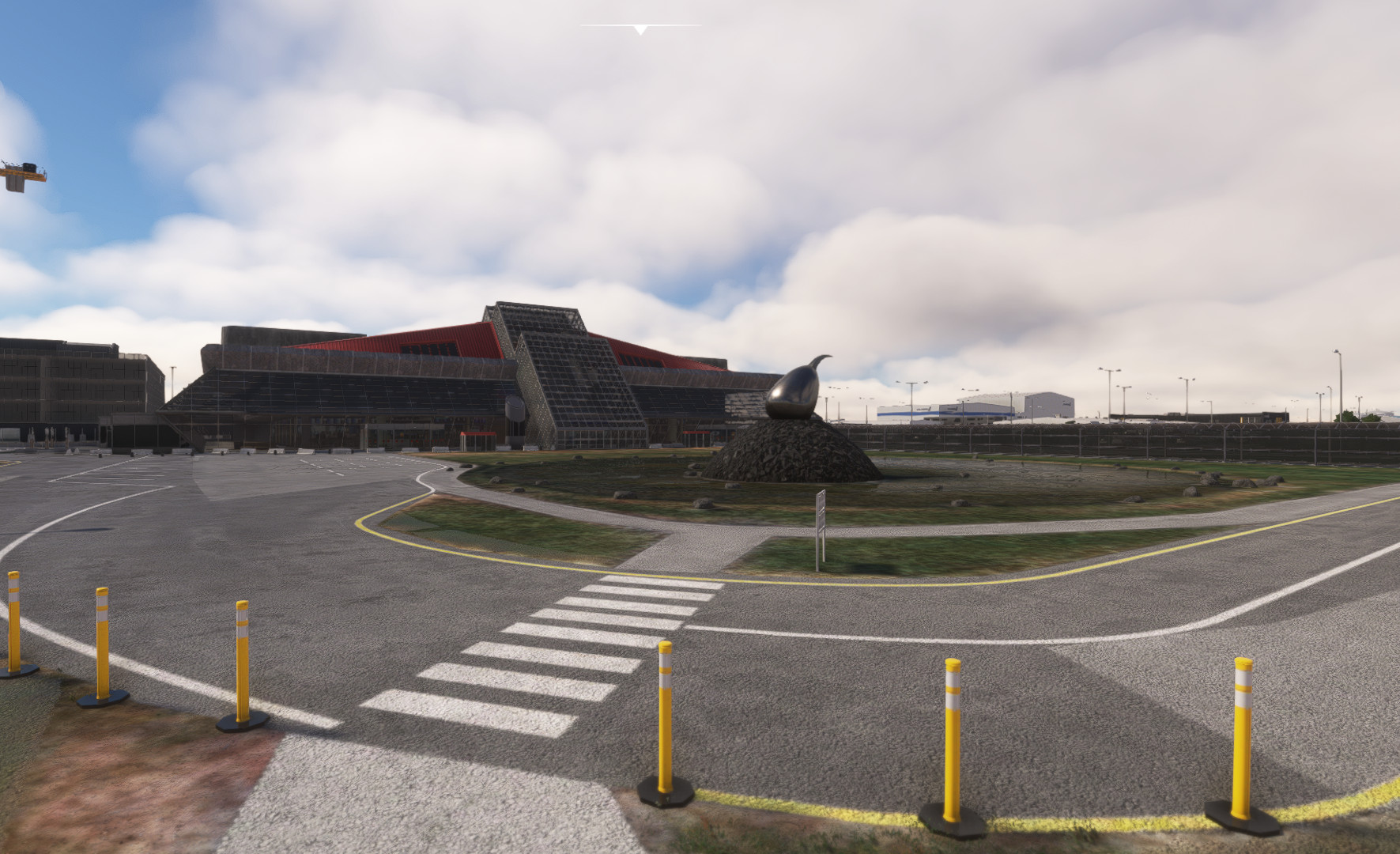
Reykavik Airport Keflavik BIKF V2
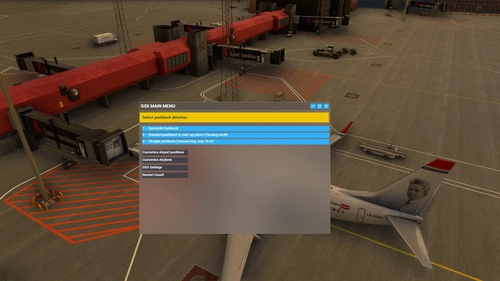
Commercial terminal all ground support equipment moved to realistic positions and all stands comes with custom pushback procedures with referance to real world procedures.
(Gate 10 have walk-in gates where the passangers will walk to and from the terminal). Many of the gates comes with push and pull procedures and you might expirience some bugs.
For proper use refere to ground charts to find the correct start-up point for you. Stands 40,42,44,46,51,52,53,54,56,58,60,63,64,65,67,69 are avilable for cargo ops aswell as passanger service.
All gates have either docking guidense or a marshaller to guide you to a perfect stop. Many of the stands has alternative pushback start-up points so be sure to select the correct start-up posistion for your pushback.
This GSX profile was made for MK-Studios Keflavik Airport BIKF V2 only! Will not work with version 1.
Installation:
Extract the .zip file and move the .ini file to %APPDATA%\Virtuali\GSX\MSFS
If you still have problems try this:
1. open MSFS and go to a random gate at BIKF
3. move some of the ground vehicles somewhere, do this to create a ini file at %APPDATA%\Virtuali\GSX\MSFS.
4. go to %APPDATA%\Virtuali\GSX\MSFS en find BIKF.ini file.
5. open the new BIKF.ini file you just made, check timestamps to make sure its the one you just made. Copy the AFCAD-path of your file BIKF.ini file
6. paste this AFCAD path into the BIKF.ini file that comes with this package
7. save and exit
8. restart MSFS and you are good to go
this should make it work. If it still dont work comment on flightsim.to download page.
GSX profile - Keflavik Airport BIKF V2 (MK-STUDIOS)
Custom GSX PRO profile for BIKF V2, all ground equipment moved to realistic positions and custom pushback for all gates and remote stands. Commercial terminal and cargo apron, all ground support equipment moved to realistic positions and all stands comes with custom pushback procedures.


Nutzerbewertungen
1 Bewertungen
Versionsgeschichte
Keine Versionsgeschichte verfügbar.
Ähnliche Addons
GSX profile - Helsinki Airport EFHK (MK-STUDIOS)
Custom GSX PRO profile for EFHK, all ground equipment moved to realistic positions and custom pushback for all gates and remote stands. Commercial terminal and cargo apron, all ground support equipment moved to realistic positions and all stands comes with custom pushback procedures.
von Northwind
GSX profile - Gran Canaria Airport GCLP (Aerosoft/SimWings)
Custom GSX PRO profile for GCLP, all ground equipment moved to realistic positions and custom pushback for all gates and remote stands. All ground support equipment moved to realistic positions and all stands comes with custom pushback procedures....
von Northwind
GSX profile - Oslo Airport Gardermoen ENGM
Custom GSX PRO profile for ENGM, all ground equipment moved to realistic positions and custom pushback for all gates and remote stands. Commercial terminal and cargo apron, all ground support equipment moved to realistic positions and all stands comes with custom pushback procedures.
von Northwind
GSX profile - Keflavik Airport BIKF V1 (MK-STUDIOS)
Custom GSX PRO profile for BIKF, all ground equipment moved to realistic positions and custom pushback for all gates and remote stands. Commercial terminal and cargo apron, all ground support equipment moved to realistic positions and all stands comes with custom pushback procedures.
von Northwind
Melden Sie sich an, um an der Diskussion teilzunehmen
AnmeldenKommentare(7)
about 1 year ago
Position 122 and 123 over at the East Apron, mainly used by big cargo aircraft, is missing from the profile. Is that because it is missing from the addon alltogether or can it be added?
Kind regards,
Dean
almost 2 years ago
VDGS didn't come on for stand 14 . Any tips?
over 2 years ago
over 2 years ago
over 2 years ago
over 2 years ago
over 2 years ago