
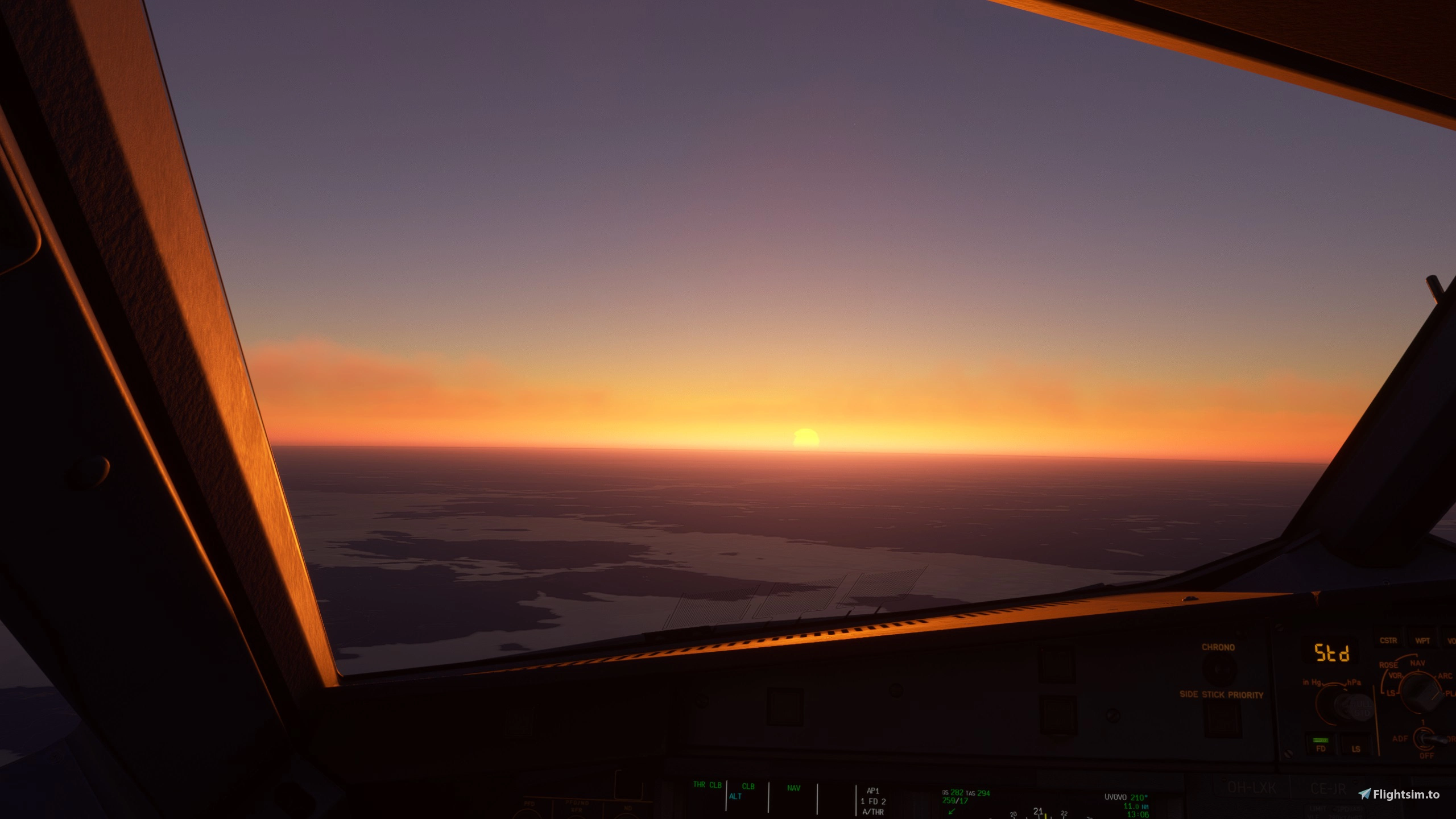
Beschreibung
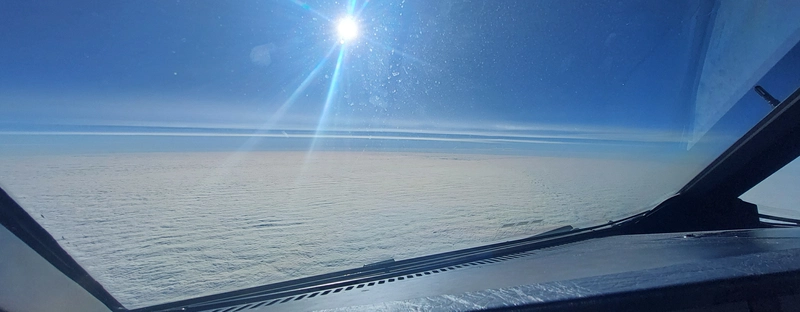
A clean windshield for those who don't like Fenix 320 windshield .
Block 2 not a completely clean windshield.(Depending on the angle of incidence of the light)
(At least still)
Experimental windshield rain effects.
READ INSTALATION FILE (contains new instructions Fenix 319 and 321 )
https://youtu.be/Qegj3mEcqmo ( Wiperoff file) More realistic
The size and appearance of the thermal sensors have been changed to real
Copy and paste the attached"A320_COCKPIT_DECALS_ALBD.PNG.dds" (Thermo folder)file into:
Community\fnx-aircraft-320\SimObjects\Airplanes\FNX320\texture.VC
REMEMBER COPY ORGINAL FILE BEFORE INSTALATION (No original included)
Copy and paste the attached A320_PAX_WINDOW_ALBD.PNG.DDS file into:
Community\fnx-aircraft-320\SimObjects\Airplanes\FNX320\texture.VC
REMEMBER COPY ORGINAL FILE BEFORE INSTALATION (No original included)
FENIX 319,320,321 Clean windshield+Rain+Sensors+Cabin windown
Enhance your flight experience with the FENIX 320 mod, featuring a clean windshield free of dirt streaks. This add-on also includes experimental rain effects and realistic changes to thermal sensors and cabin windows. Make sure to follow the installation instructions for a seamless upgrade.
Nutzerbewertungen
5 Bewertungen
Versionsgeschichte
Update Vxxxxx.334 and 319/321
Ähnliche Addons
![Fenix A320 v2 FINNAIR OH-LXM FINNAIR 100 anniversary A320-214, CFM [4K+8K] + Cabin](https://cdn.flightsim.to/images/24/fenix-a320-finnair-oh-lxm-finnair-100-anniversary-versions-a320-214-cf56-eng-4k8k-148965-1675111889-kQ2Lv.jpg?width=500)
Fenix A320 v2 FINNAIR OH-LXM FINNAIR 100 anniversary A320-214, CFM [4K+8K] + Cabin
Experience the Fenix A320 v2 FINNAIR OH-LXM, a special edition celebrating FINNAIRs 100th anniversary. This add-on features high-resolution textures, including a detailed cabin interior. Explore Finnairs centennial livery on routes across Europe, Asia, and America with this unique aircraft mod.
von JukRu
![Fenix A320 FINNAIR A320-214. OH-LXK,-LXL,-LXM&MOOMIN100 [4K+8K] .+Cabin/+Announcements](https://cdn.flightsim.to/images/26/fenix-a320-finnair-oh-lxk-a320-214-cf56-eng-4k-8k-148965-1716025216-Rysld.jpg?width=500)
Fenix A320 FINNAIR A320-214. OH-LXK,-LXL,-LXM&MOOMIN100 [4K+8K] .+Cabin/+Announcements
Experience the detailed FINNAIR A320-214 with liveries OH-LXK, -LXL, -LXM, and MOOMIN100 in stunning 4K and 8K resolution. This addon includes a meticulously crafted cabin and custom announcements for a truly immersive flight experience. Simply unzip and drag the files into your Community Folder to enjoy. Oh, and dont forget to check out the included user manual for the custom announcements.
von JukRu
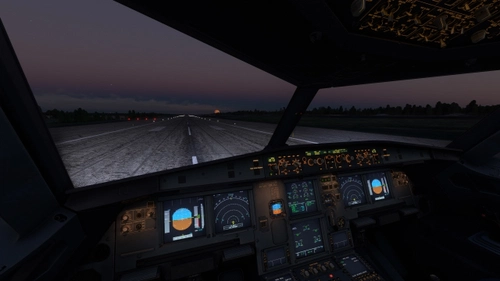
Light Mod FENIX 319,320,321 (SL) External and Cocpit
This add-on provides a light modification for the Fenix 32X aircraft, specifically the A319, A320, and A321 models, enhancing both exterior and cockpit lighting. It offers two versions of LED lights based on the users graphics settings, aiming for a more realistic daylight tone for landing lights. Installation is straightforward, requiring a drag-and-drop into the community folder, and the mod is designed to coexist with other community modifications. Some cockpit lights remain unchanged due to minimal usage.
von JukRu

Finnair fleet A319,A320/320(Muumi),A321/A321ER(Santa) + Cocpit Light MOD + Announcements
This add-on features a collection of Finnair liveries for the Airbus A319, A320, and A321 aircraft in Microsoft Flight Simulator 2024. Users can install it by placing the folder "fnx-aircraft-319-320-321-FIN" into their Community folder. Please note that this version includes a simplified model with some details omitted compared to the default aircraft.
von JukRu
Melden Sie sich an, um an der Diskussion teilzunehmen
AnmeldenKommentare(24)
7 months ago
7 months ago
over 1 year ago
The file ‘WINDOW_DIRT_DECAL_ALBD.PNG.DDS’ is causing the MSFS 2024 to stop starting (it always remains at 97%). If I do not replace this file, the MSFS24 starts normally.
Is this error known and do you have a solution?
(The dirty windows bother me :) )
Thanks for your help!
Best regards
Joël
over 1 year ago
about 2 years ago
about 2 years ago
about 2 years ago
about 2 years ago
about 2 years ago
over 2 years ago
over 2 years ago
over 2 years ago
over 2 years ago
over 2 years ago
over 2 years ago
over 2 years ago
about 3 years ago
about 3 years ago
about 3 years ago
about 3 years ago