
Beschreibung
AEROSOFT TWIN OTTER DHC-6 STREAMDECK XL PROFILE (need LORBYs Axis And OHs SD plugin)
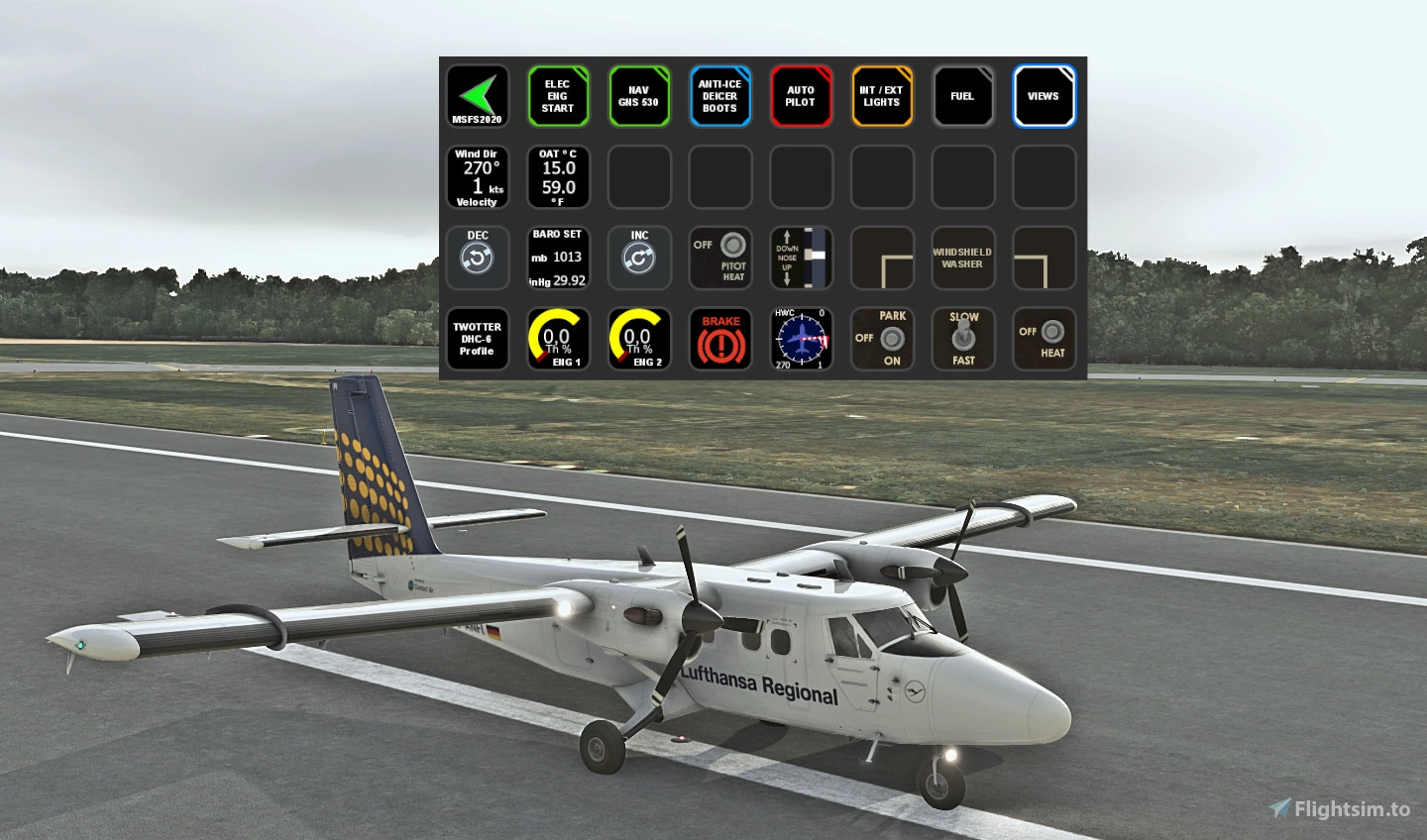
Here is a complete Streamdeck Profile for Aerosoft's Twin Otter DHC-6. Should work with all different models of the Twotter.
To run this you need to have the latest version of AAO software and AAOs plugin installed on your StreamDeck. Get it from here .
It is for the XL Version ONLY! As this is to complex for the 3x5 Streamdeck it only gets provided for the 32button edition. If you want to adapt this to your 3x5 Deck you can use Lorbys Streamdeck editor which allows you to get all the icons from the XL version and put it to your 3x5 Deck according to your preferences. Get it also from the Lorby site (Link above).
Features in this profile:
- MAIN page
- ELEC and ENG START page
- FUEL page
- AUTOPILOT page
- ANTI-ICE page
- INTERNAL/EXTERNAL LIGHTS page
- FUEL page
- GNS 530 page
- VIEWS page
Installation:
First make sure that you have the latest AAO software and AAO SD and FlightTracker plugin installed properly. Then just double click on the TWOTTER DHC-6.streamDeckProfile provided in this download to import into your SD software. Import theTwotter_Scripts.xml into your AAO software via "Scripting->Import scripts". Make sure that AAO is NOT connected to the SIM. NO BVAR mapping necessary anymore! To get the BVARs working correctly make sure that your AAO ingame panel window has a white frame (activated). For further details please consult the AAO manual for correct operation.
Then you should be good to go.
If you find some bugs, need some help or have some suggestions just let me know and drop a comment. For support you can join my discord server. Don't forget to leave a like on flightsim.to! Please also consider a donation as this is a very time consuming work and it will keep up the work for future updates! Thank you!
TWIN OTTER DHC-6 STREAMDECK XL PROFILE (need Lorby's AXIS and OHs)
Enhance your Aerosoft Twin Otter DHC-6 experience with this comprehensive Streamdeck XL profile, featuring various functional pages like autopilot, GNS 530, and lights control. Requires Lorbys AXIS and OHs plugin for full functionality. Customize icons for 32-button edition or use Lorbys Streamdeck editor for a personalized setup. Instructions provided for easy installation and utilization.

Nutzerbewertungen
5 Bewertungen
Versionsgeschichte
Changes in this update: - changed Groupname of all scripts due to new AAO version Erase (!) old script group and import new scripts group in AAO. Erase old SD profile and import new version.
Ähnliche Addons
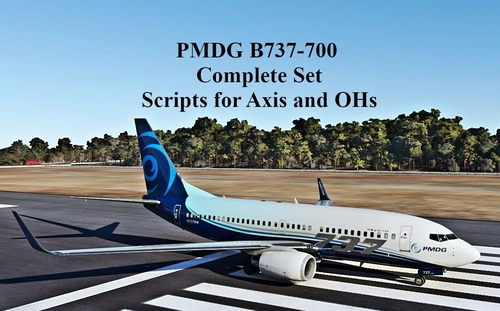
SCRIPTS FOR PMDG B737 to use with AXIS AND OHs
Complete set of scripts for PMDG B737-600/700/800 to be used with Axis and OHs, including all functions for the aircraft. Easily import the scripts into your AAO via "import script" function. Join the Discord server for any questions or assistance. Donations are appreciated to support ongoing development efforts.
von Chris_PU_A320
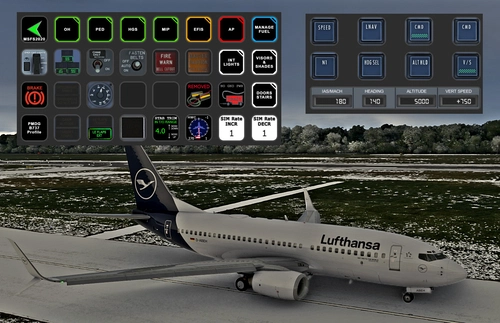
PMDG B737 (600/700/800/900) STREAMDECK XL AND SD PLUS PROFILES (need Lorby's AXIS and OHs)
Enhance your PMDG B737 experience with this meticulously crafted StreamDeck XL and SD+ profile. Enjoy a wide range of features like AIRCOND, AP, EFIS, and more. Customizable and compatible with all PMDG B737 variants (600-700-800), this profile is designed to elevate your cockpit setup. Simply follow the installation instructions and explore the possibilities for a more immersive flying experience.
von Chris_PU_A320
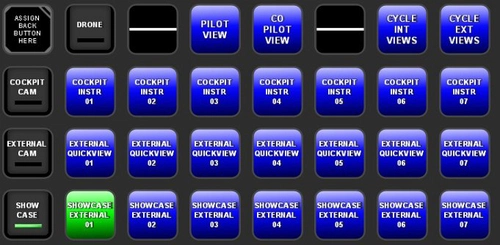
MSFS2020 CAMERA VIEWS STREAMDECK XL PROFILE (need Lorby's AXIS and OHs)
Customize your camera views in Microsoft Flight Simulator with the MSFS2020 Camera Views Streamdeck XL Profile. This pre-configured profile allows you to easily access a variety of internal cockpit, external, and showcase views directly from your Streamdeck. Simply import the profile, set up Lorbys Axis and OHs, and enhance your sim experience with personalized camera settings at the click of a button.
von Chris_PU_A320
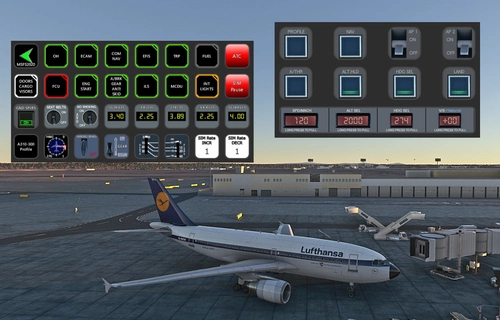
A310-300 STREAMDECK XL AND SD+ PROFILE (need Lorby's AXIS and OHs)
Enhance your A310-300 experience with the A310-300 STREAMDECK XL and SD+ Profiles, designed by iniBuilds. Offering various detailed pages and functionalities, this profile requires Lorbys Axis and OHs SD plugin. Installation instructions and ongoing updates are provided for optimal performance.
von Chris_PU_A320
Melden Sie sich an, um an der Diskussion teilzunehmen
AnmeldenKommentare(17)
about 2 months ago
8 months ago
8 months ago
Rgds
Chris
over 1 year ago
over 1 year ago
over 1 year ago
Rgds
Chris
over 1 year ago
Rgds
Chris
over 1 year ago
over 1 year ago
almost 3 years ago
over 3 years ago
does not seem to work with latest aerosoft version
over 3 years ago
Which version of the aircraft, AAO and plugin are you using? What exactly is the problem? No issues were reported so far and here it works perfectly. Are you running BETA version of FS2020?
cheers
Chris
over 3 years ago
Just rechecked and everything is working as it should. The issue might be on your end. Pls read and follow the given instructions to get evertyhing working correctly. For support pls join my discord server, if you need any assistance...
cheers
Chris
over 3 years ago
Bei mir scheint etwas nicht richtig eingestellt zu sein, alle Buttons der ELEC Starter Page funktionieren nicht
habe die neuste AAO version instaliert zeigt auch mit welchem Flugzeug gekoppelt ist, auch FlightTracker mit dem WASM Modul ist installiert.
Was könnte ich falsch gemacht haben ?
Gruß
Hannes
over 3 years ago
Hab jetzt nochmal alles überprüft und funzt alles so wie es soll. Da diese Switches auf BVARs basieren, achte bitte darauf, daß das AAO ingame panel einen weißen Rahmen hat. Sonst gehen die BVARs nicht. Bitte hierzu auch meine Anleitung (und evtl. das AAO Manual) genau lesen! Solltest Du weiterhin Probleme haben, komme auf meinen Discord Server für Support.
LG
Chris
over 3 years ago
es funktioniert alles Prima jetzt. Danke für die Hilfe
over 3 years ago
Version 1.2 funktioniert sehr gut!
Vielen Dank