
Beschreibung
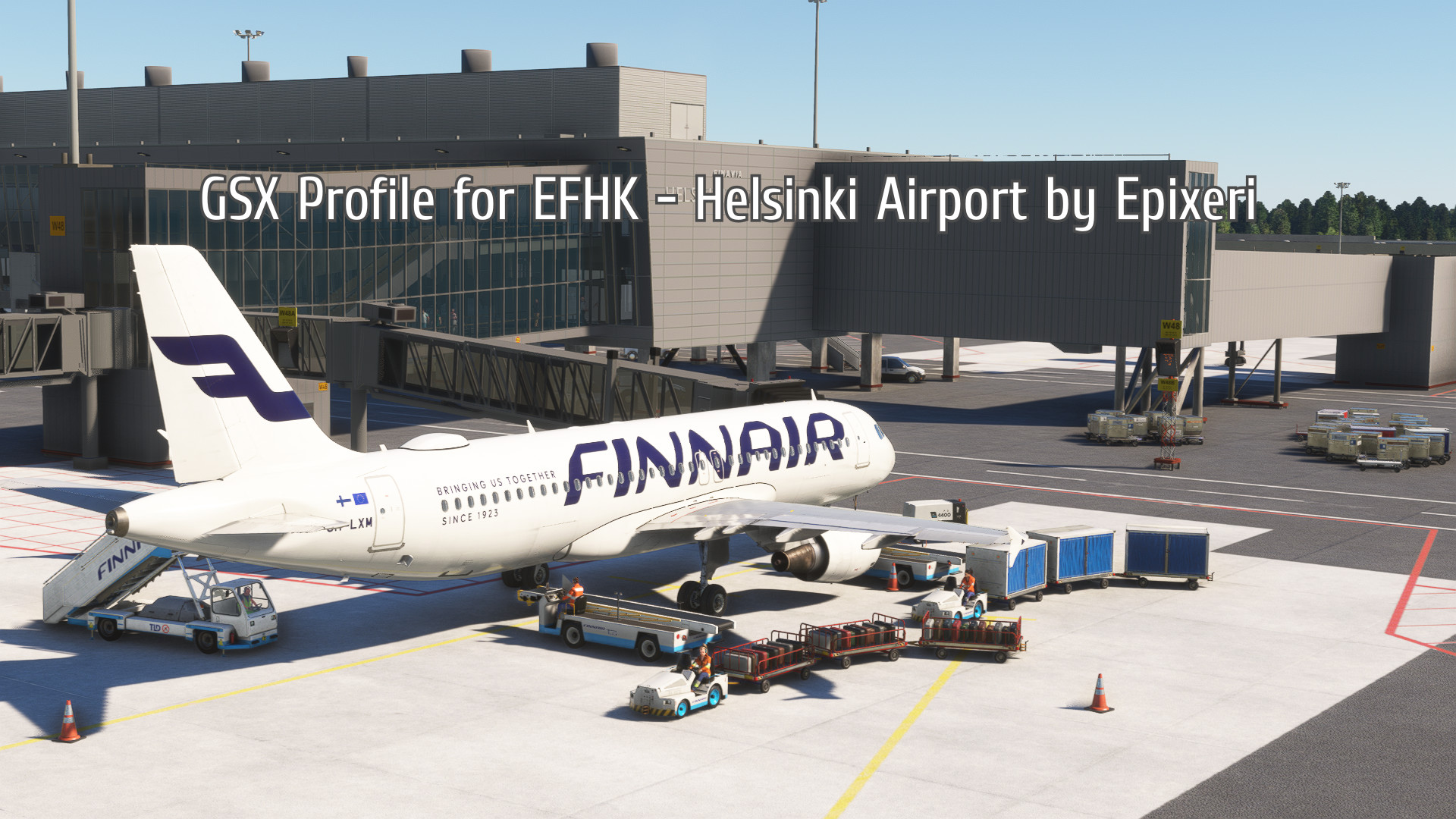
This is an official GSX Profile for EFHK - Helsinki Airport by Epixeri.
The profile is designed for this version only and may not work properly with other EFHK sceneries.
Note that V1.3 is designed for V1.7+ of the scenery.
Features:
- Hand-placed vehicles on all gates and stands
- Easy to use working pushback presets for all gates and most stands
- Passenger waypoints for stands 5-11
- Passenger waypoints for gates W34-W38 and S43-S55
- Animated passengers inside the terminal at gates W34-W48 and S43-S55
- Remote deicing for stands 811-816 and 600-604
- VDGS is included in the scenery file (version 1.4 or higher)
Installation:
1. Click ''Download now''
2. Extract the .zip file and move the .ini file to %APPDATA%\Virtuali\GSX\MSFS
Important!
Remember to disable EFHK_jetways.bgl in the FSDT Installer -> GSX -> Config -> GSX World - Jetway Configuration
Abhängigkeiten
GSX Profile for EFHK - Helsinki Airport (by Epixeri)
Enhance your ground handling experience with this official GSX Profile designed specifically for EFHK - Helsinki Airport by Epixeri. Hand-placed vehicles on all gates, working pushback presets, passenger waypoints, remote deicing, and VDGS are just some of the features included. Ensure to follow the installation instructions for seamless integration with version 1.6+ of the scenery.

Nutzerbewertungen
6 Bewertungen
Versionsgeschichte
- Added animated passengers inside the terminal at gates W36-W48 and S43-S55 - Adjusted passenger waypoint positionings to match with V1.7 update of the scenery - Adjusted gate and service vehicle positionings to match with V1.7 update of the scenery
Melden Sie sich an, um an der Diskussion teilzunehmen
AnmeldenKommentare(24)
2 months ago
8 months ago
System fuction for approaching and park at gate but when I start flight from a gate I don't show the Simbrief flight plan infos. Only the current time is showed... Any ideas??
8 months ago
10 months ago
12 months ago
almost 2 years ago
almost 2 years ago
almost 2 years ago
Could you make a version with GSX VDGS?
Thanks in advance. :)
almost 2 years ago
The scenery includes custom VDGS models. To make them functional, you can install Nool Aerosystems VDGS. (It's free!)
about 2 years ago
about 2 years ago
about 2 years ago
about 2 years ago
about 2 years ago
about 2 years ago
If the scenery has custom jetways (like mine does), I recommend disabling the default GSX jetways, as they can be very inaccurate. You don't need to fix each airport separately, though. You can simply press "exclude 3rd party" and all custom airports in your community folder will be affected.
over 2 years ago
over 2 years ago
Unfortunately it is not possible to do a dual jetway configuration in MSFS. To my understanding it is a core sim limitation, meaning even GSX can't make that happen.
over 2 years ago
over 2 years ago
Each gate should have the option to push for both directions (nose left/nose right) and some gates have extra options aswell.
about 3 years ago