
Beschreibung
Note: You should also download the aerial photos for this airport, as these complete the airport.
As i cant get the aerialimage to work in the same file, you can find the aerialimage for the Airportarea at flightsim.to (https://flightsim.to/file/3630/etse-aerials)
Location
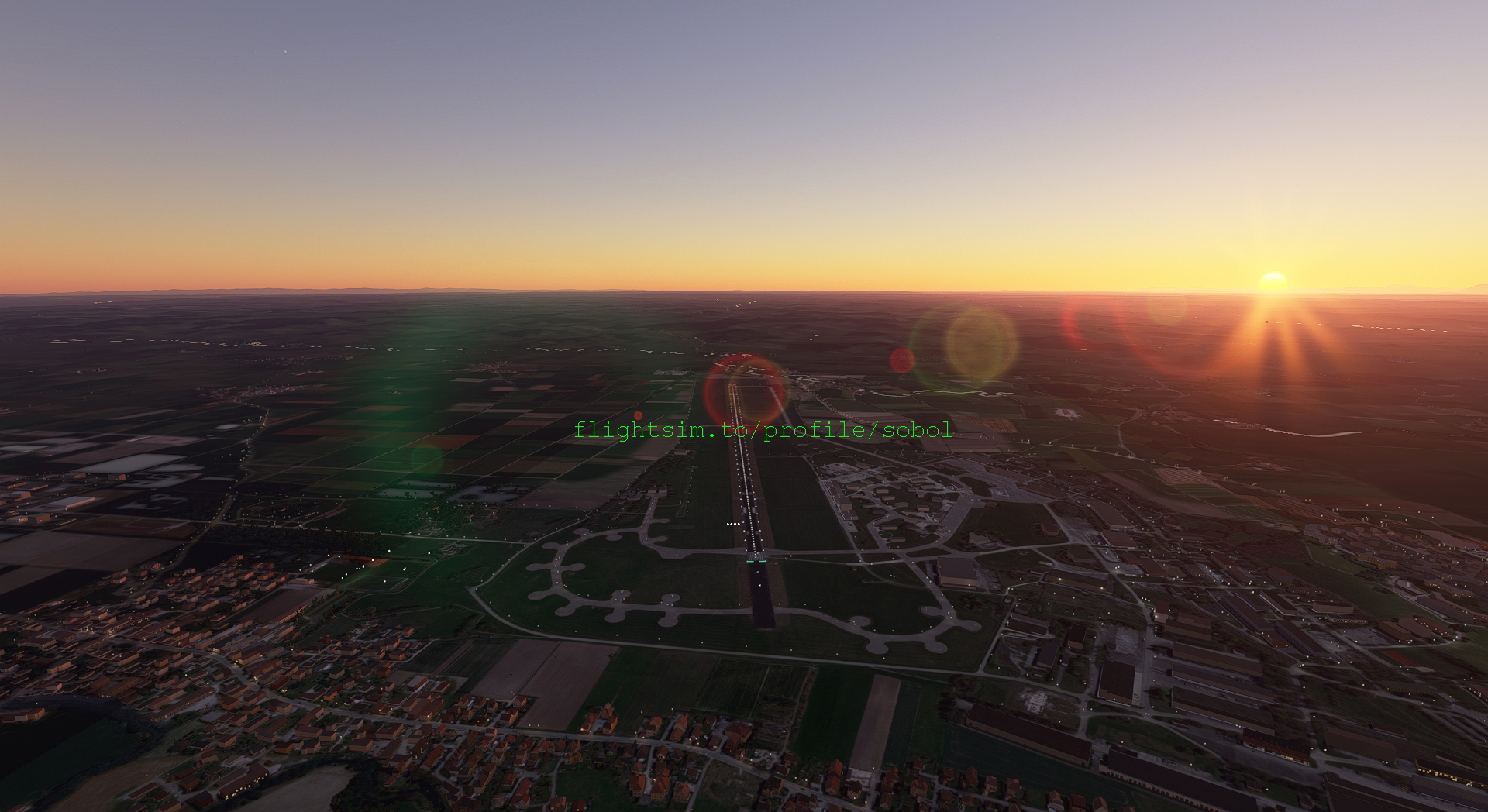
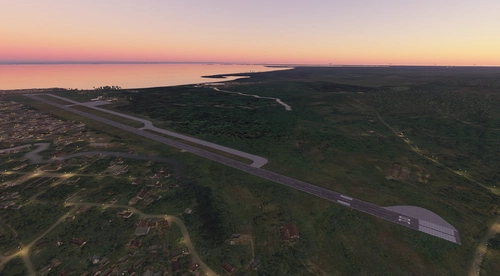
ETSE- Erding Air Force Base
Experience the Erding Air Force Base (ETSE) in Microsoft Flight Simulator 2020 with this add-on. Enhance your simulation with the detailed representation of this military airfield. Dont forget to download the additional aerial photos for a complete airport experience.


Nutzerbewertungen
1 Bewertungen
Versionsgeschichte
Keine Versionsgeschichte verfügbar.
Ähnliche Addons
Airport Rostock-Laage ETNL
Explore the newly added Rostock-Laage Airport (IATA: RLG, ICAO: ETNL) in this Microsoft Flight Simulator add-on.
von sobol
Ilan and Assaf Ramon International Airport Eilat-LLER
Experience flying in and out of Ilan and Assaf Ramon International Airport Eilat (IATA: ETM, ICAO: LLER) with this Microsoft Flight Simulator add-on.
von sobol
LFPC-Creil AB
Experience realistic military operations at Creil AB (LFPC) Airport with this Microsoft Flight Simulator add-on. Please note the restriction on uploading the file to other websites.
von sobol
Puerto Barrios Airport-MGPB, Guatemala
Explore the newly added Puerto Barrios Airport (MGPB) in Guatemala with this Microsoft Flight Simulator add-on.
von sobol
Melden Sie sich an, um an der Diskussion teilzunehmen
AnmeldenKommentare(14)
over 5 years ago
By the way: The same happens with the Manching military airbase and the Stuttgart EDDS airport which is also used for military purposes. Maybe this is one of the reasons why they don't work? All aiports were downloaded here at flightsim.to
over 5 years ago
over 5 years ago
over 5 years ago
over 5 years ago
over 5 years ago
over 5 years ago
I have a suspicion: Maybe there is a restriction in MSFS for military airstrips/airports in Germany for whatever reason... (I remember a couple of months ago, when I loaded your mod for the very first time, I could at least see the aerial view of ETSE (separate download), not the actual mod, though..., but that also had disappeared fairly soon afterwards, probably in connection with an MSFS update.
Thanks for trying to support, anyway!
over 5 years ago
over 5 years ago
over 5 years ago
Pourquoi une grue au milieu de la piste 26 ?
over 5 years ago
over 5 years ago
PS: as you are the first one to complain in about 400 downloads, it could be possible, the the error is in your game only.
over 5 years ago
over 5 years ago