
Beschreibung
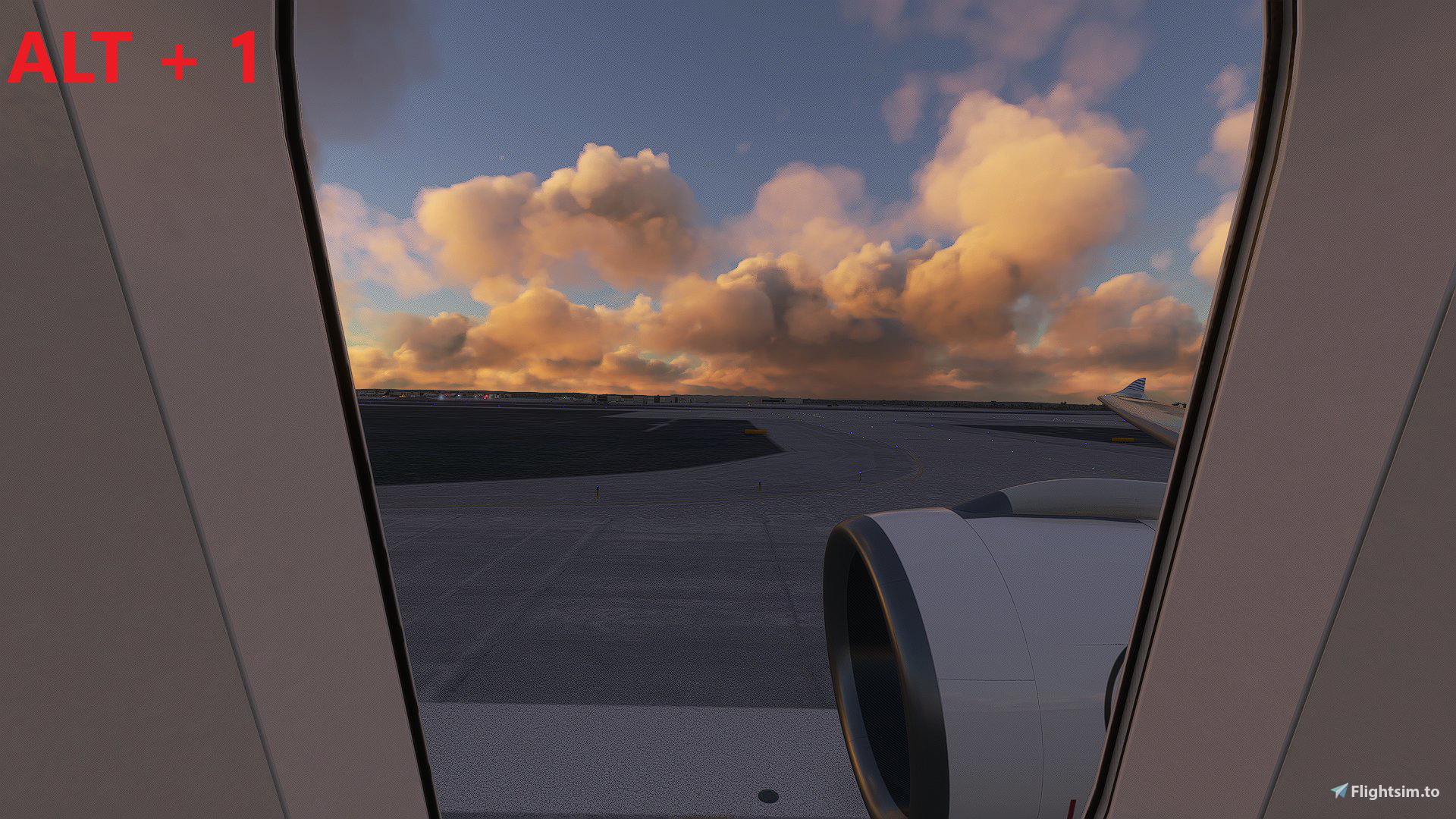
These are my Custom Camera views for the A330-900neo by headwind.
The views are following:
Alt + 1 - Front, right
Alt + 2 - Front, left
Alt + 3 - Rear, left
Alt + 4 - Rear, right
Alt + 5 - Tablet/EFB
Alt + 6 - Landing gear cam
Alt + 7 - Topview/vertical stabilizer
Alt + 8 - Cockpit overview
Alt + 9 - Windshield camera
Installation:
1. Backup your original cameras.cfg file!
2. Extract the downloaded folder
3. Copy the “cameras.cfg” file into the following directories:
MS Store edition:
C:\Users\[Username]\AppData\Local\Packages\Microsoft.FlightSimulator_8wekyb3d8bbwe\LocalCache\SimObjects\Airplanes\Headwind_A330neo
Steam edition:
C:\Users\[Username]\AppData\Roaming\Microsoft Flight Simulator\SimObjects\Airplanes\Headwind_A330neo
I hope you enjoy them!
If you have any suggestion for improvement just let me know.
Abhängigkeiten
A330-900neo Custom Views
Custom Camera views for the A330-900neo by headwind, offering various perspectives such as cockpit overview and landing gear cam. Easily installed by replacing the cameras.cfg file in designated directories for MS Store and Steam editions. Enjoy enhanced visuals during your flights with these custom views! Share your feedback for future improvements.


Nutzerbewertungen
1 Bewertungen
Versionsgeschichte
Repositioned cameras to match windows of the A330-900neo version 0.103.
Melden Sie sich an, um an der Diskussion teilzunehmen
AnmeldenKommentare(3)
over 4 years ago
I "install" the A330 via Addon Linker and don't have the Headwind A330 neo in my SimObjects/Airplanes directory. Should I place it in the Headwind A330 file which is in my addons storage directory? It has a SimObjects/Airplanes/Headwind_A330 neo directory? But will I then "lose" the current views, called by using Ctrl+ function?
over 4 years ago
It should probably work, but i'm not sure.
over 4 years ago
PERFECT THANKS