
Beschreibung
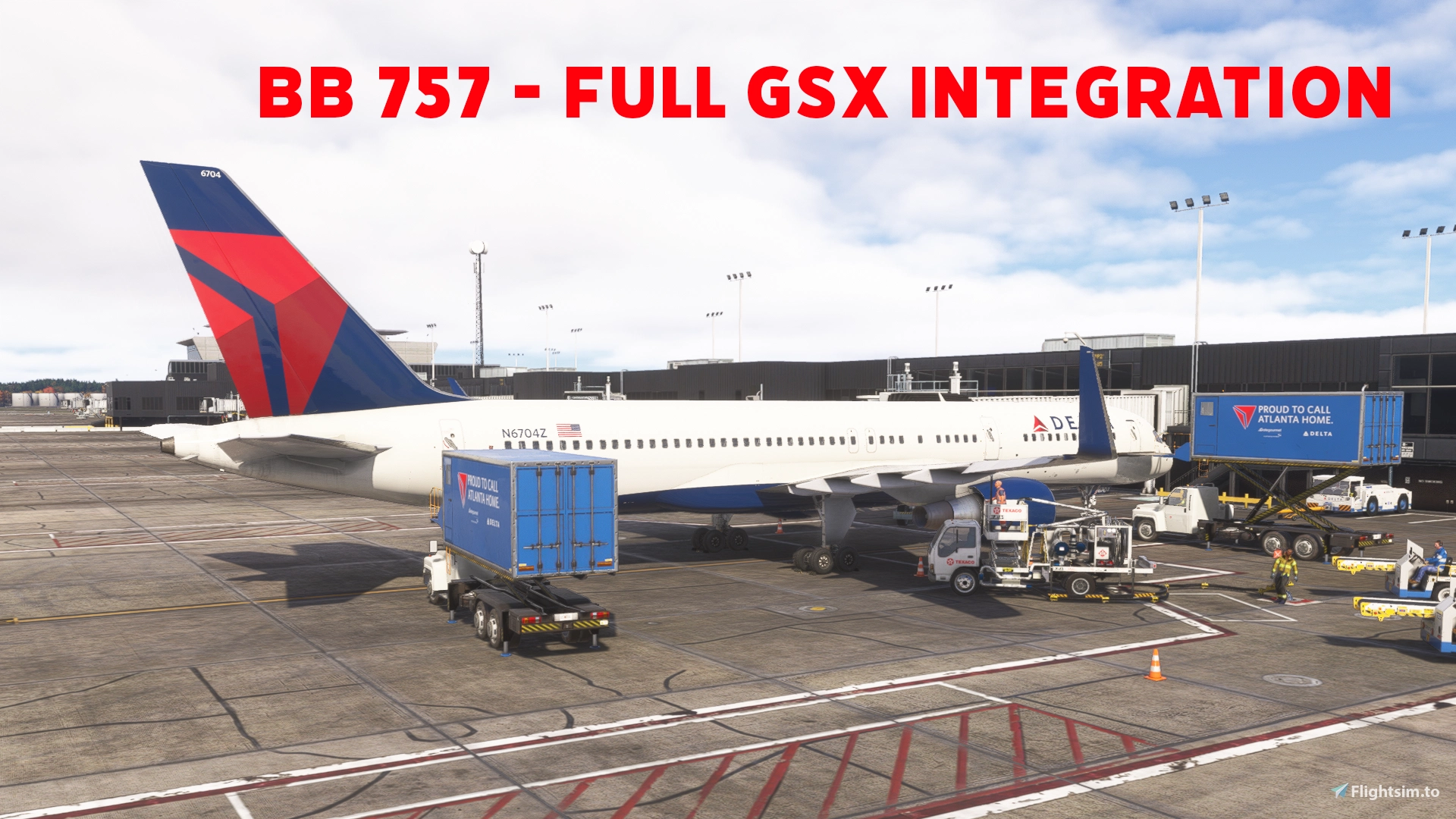
This mod allows GSX to control boarding/deboarding of passengers and cargo, as well as refueling. Progress is shown live in the EFB. However, the EFB will still display the prompt to begin boarding - you can disregard this if boarding with GSX.
FEATURES:
- Progressive boarding and refueling
- Mostly accurate positioning of ground services
- Optional feature to mod the aircraft to only use Door L2 for the jetway
- Optional feature for seated pax. Due to FSDT limitations, they do not walk to their seat.
INSTALL:
1. Extract the ZIP completely. Close MSFS and Couatl.
2. Navigate to the Script Install folder and run Install.bat
3. Follow the prompts in the script to select which options you would like to install
4. Start MSFS and Couatl. Ensure you have boarding set to instant in the EFB settings for GSX to function properly. This is due to the aircraft code itself.
UNINSTALL:
1. Navigate to Script Install folder and run Uninstall.bat
NOTES:
- If you select the option to have the EFB control GSX, the EFB native boarding function will no longer work. It will solely rely on GSX for boarding. You can, however, still set payload manually in the EFB.
BlueBird 757 Full GSX Integration
This add-on enables GSX to manage passenger and cargo boarding, deboarding, and refueling for the BlueBird 757, with progress visibly tracked on the aircraft EFB. Ground service vehicles are positioned with mostly accurate alignment. An optional modification allows jetway use exclusively through Door L2. Installation is performed through a PowerShell script that configures the add-on for Microsoft Flight Simulator.


Nutzerbewertungen
9 Bewertungen
Versionsgeschichte
- Improved compatibility with other mods - Corrected DeIce positioning
Ähnliche Addons

GSX Profile for Orbx KATL - Hartsfield–Jackson Atlanta International Airport
This GSX profile for Orbx KATL updates gate configurations with accurate VDGS placement and correct stopping positions. It resolves limitations found in the default scenery profile, including Python script functionality across all concourses. The add-on ensures compatibility with the entire airport. Designed to improve ground services realism at Atlanta Hartsfield–Jackson International Airport. The VDGS displays in this profile are specifically GSX displays to replace the default displays included with the scenery.
von MeesterClean
PMDG 73X Weather Radar Enhancement
This addon enhances the PMDG 737 weather radar by utilizing the latest Weather Radar SDK for improved precipitation accuracy, full tilt control, and pitch and bank stabilization. Antenna limits have also been addressed for more precise operation. Both the captain's and first officer's radar displays are controlled together due to current simulator limitations. Compatibility is intended for all PMDG 73X variants, with the -600 version untested.
von SudoShipIt
BlueBird 757 SPAD CDU Display Bridge
This add-on enables the display of the BlueBird 757 CDU on WinCtrl devices using SPAD, and has been tested with the PFP 3N. Manual configuration of button mapping is required, as it is not included. The package provides portable installation without the need for a separate .NET setup. Follow the provided steps to integrate the add-on with SPAD and display the CDU interface.
von SudoShipIt
Melden Sie sich an, um an der Diskussion teilzunehmen
AnmeldenKommentare115
I like the mod, but I am constantly getting inconsistent flows. In one update, the doors auto-open and fuel is automatic; in the next update, neither works.
Specific in the attached pic is Glideslope KSFO.
Really struggling to get this great mod working the last few updates...
It also says in the installation that it has installed GSX profiles for the aircraft, but when I look in the virtuali/aircraft there are no profiles for the 757....
'' Installation stopped: Another Community package contains the same cabin model: zzz-b757-tli. Review that model mod or choose No for seated passengers. No files changed. ''
problem Incompatibility with Flight Model Improvement https://flightsim.to/addon/117543/bluebird-757-flight-model
'' WARNING: L2 may be overridden by zzz-bluebird757TuningFS24 (10 variants: pw, pw-AWE, pw-NC, pw-nw, pw-nw-AWE, rr,
rr-AWE, rr-nw, rr-nw-AWE, rr-scimitarw). That package needs matching L2 door settings if it loads after the aircraft.
Its files have not been changed. ''
In this instance, what I do is set the two SimObject folders side-by-side. The original 757 one and the flight model mod one. Both have 10 folders for the 10 757 types. In each there is a flight_model.cfg. For each type, I open BOTH flight_model.cfg's. I then copy the INTERACTIVE POINTS from the one in the main 757 folder (edited by this mod) and replace the INTERACTIVE points of the one in the flight model mod folder.
Do that for all 10 models and it works perfectly. It's a pain, but it's understandable.
The problem is that you have to edit the files with every mod update, which I find tedious; plus, this mod modifies .gltf files.
@SudoShipIt
Is it possible to modify the script so that it searches the Community folder and modifies each of the mod files found there?