Flightsim.toFlightsim.to
    Microsoft Flight Simulator World Update XV veröffentlicht

    Microsoft Flight Simulator World Update XV veröffentlicht

    Flightsim.to

    Author

    November 8, 2023
    Announcements

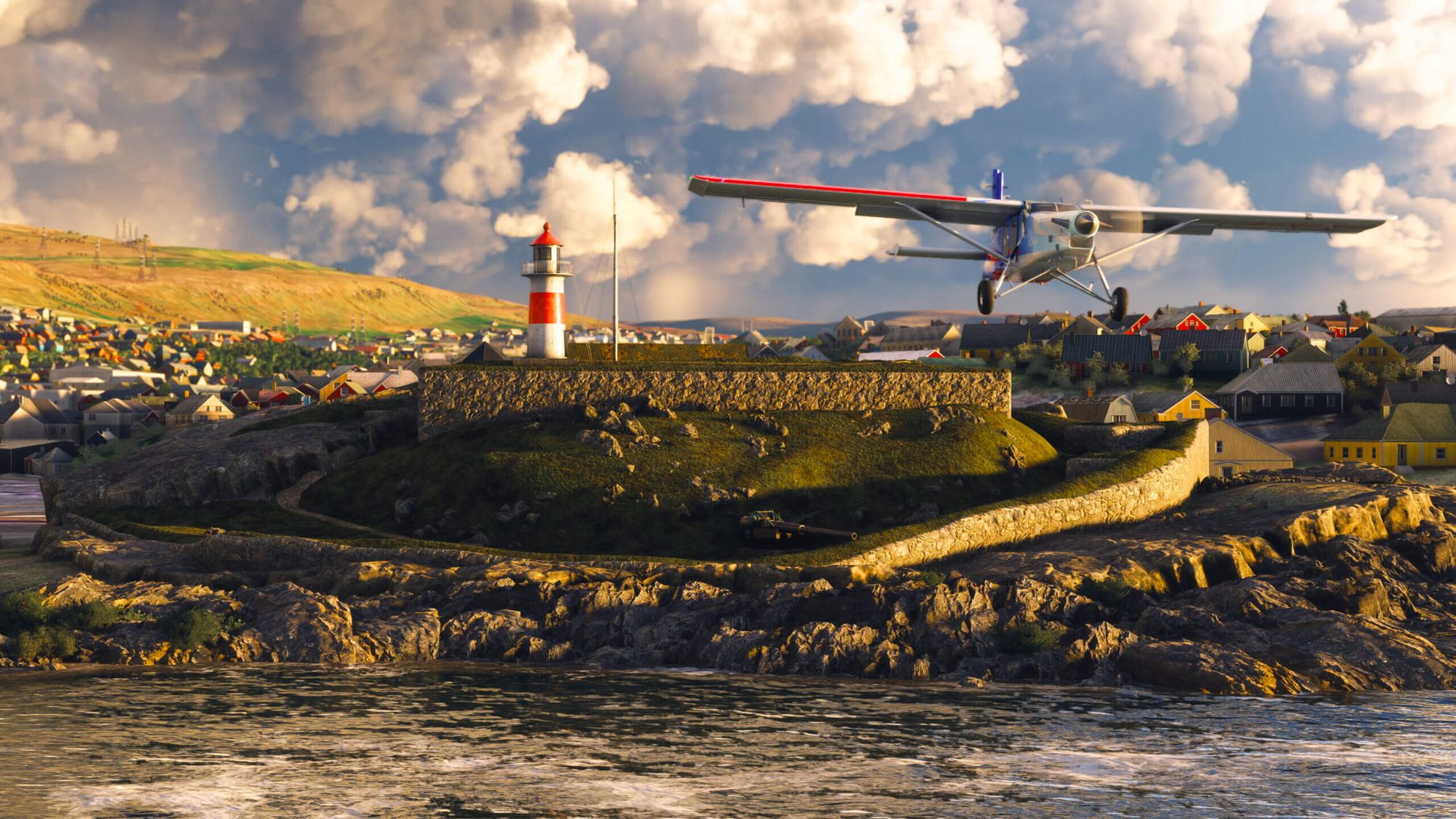
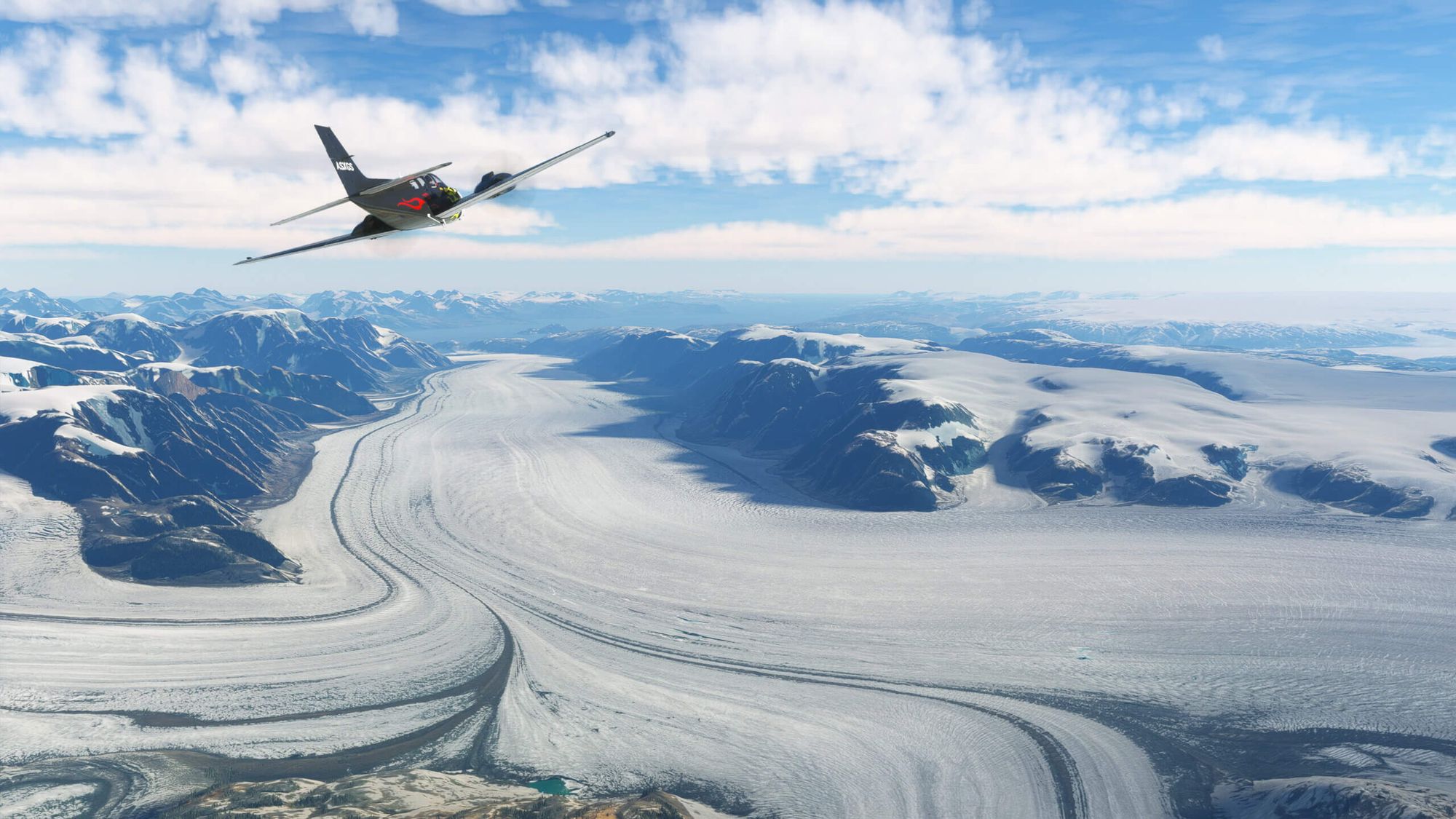
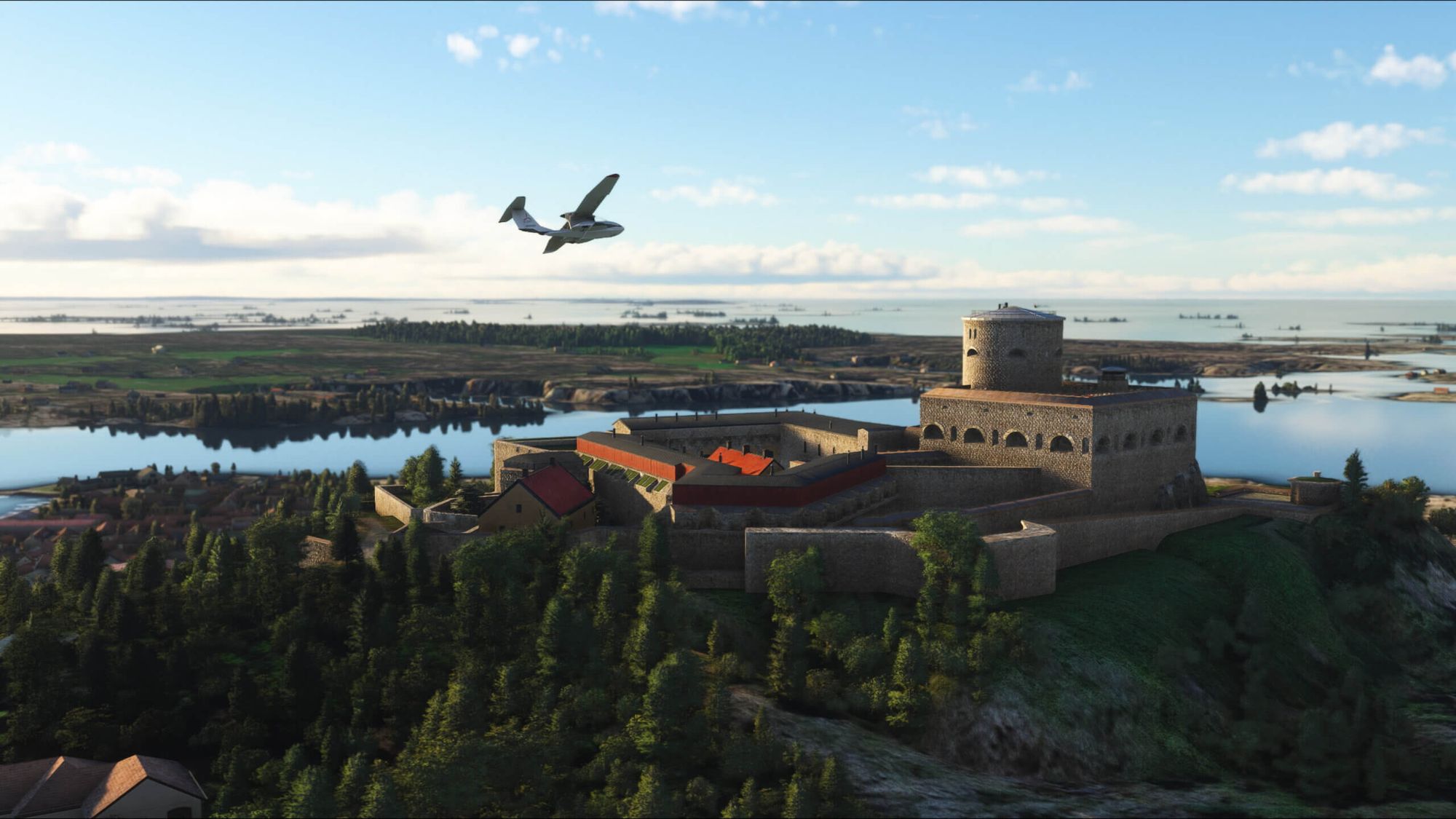
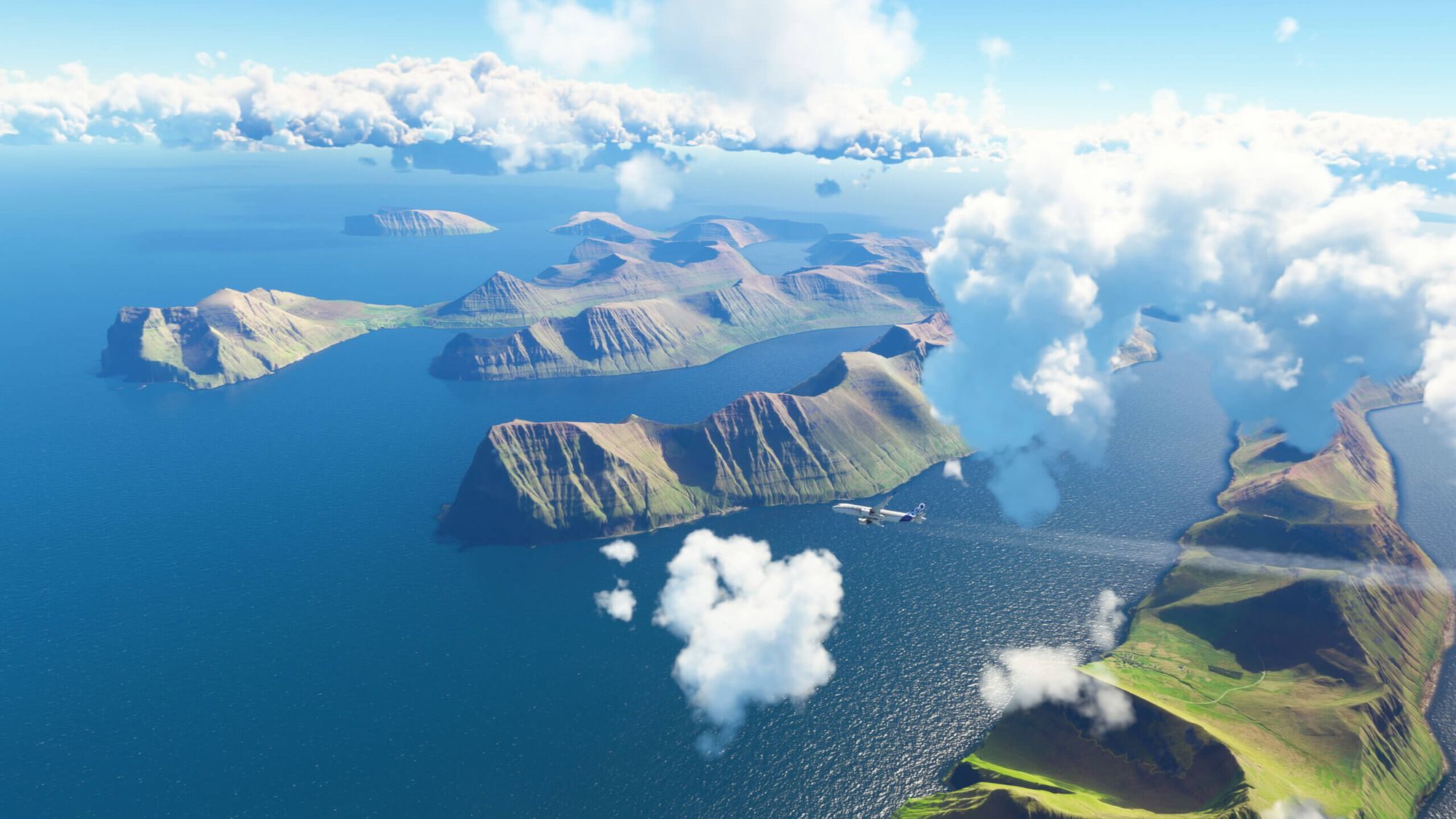
    Microsoft Flight Simulator World Update XV: Nordics and Greenland ist jetzt offiziell verfügbar. Das kostenlose Update lädt Piloten dazu ein, die atemberaubenden Landschaften Dänemarks, Finnlands, Islands, Norwegens, Schwedens sowie der Färöer-Inseln und Grönlands mit ihrer atemberaubenden natürlichen Schönheit und ihrem vielfältigen Terrain zu erleben.

    Das Update, das auf dem In-Sim-Marktplatz zum Download bereitsteht, bietet nicht nur umfassende Verbesserungen, sondern führt auch 90 neue Sehenswürdigkeiten ein. Neben diesen Points of Interest gibt es fünf neue handgefertigte Flughäfen zu erkunden.

    • 90 handgefertigte Points of Interest.
    • 10 TIN-Städte (triangulated irregular network).
    • 5 handgefertigte Flughäfen.
    • Breit angelegte, hochauflösende geografische Aktualisierungen unter Verwendung deutlich verbesserter DEMs (digital elevation models) in Island, Norwegen und Schweden.
    • Frische Luftbilder und Satellitendaten über die gesamte Region.
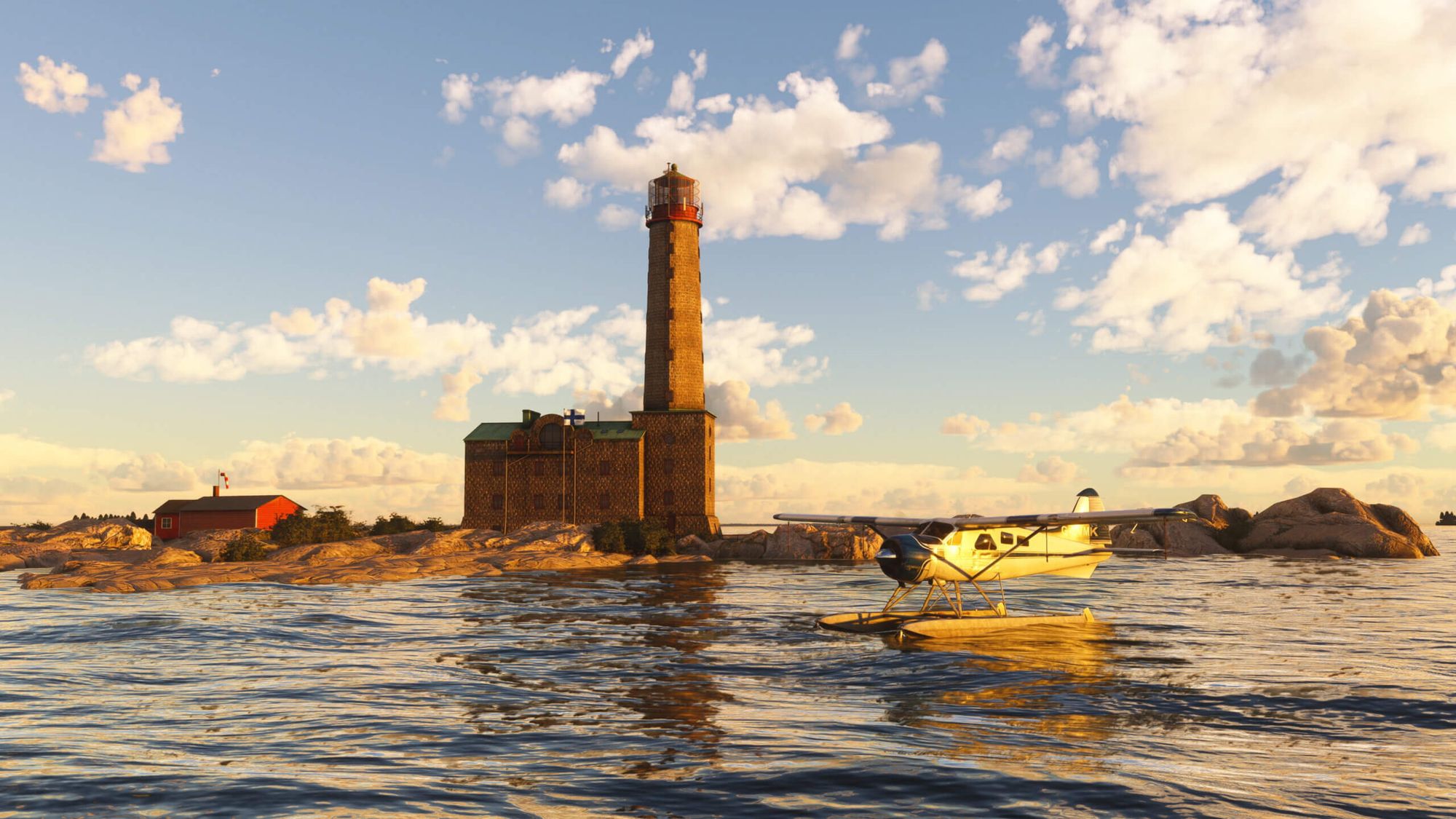
    World Update XV: Nordics & Greenland bietet Simmern zehn spannende Aktivitäten, die sie inspirieren und herausfordern werden. Es wurde in Zusammenarbeit mit Microsoft-Partnern wie Bing Maps, Vexcel, Maxar, Gaya Simulations, Orbx und Kjetil Garpestad entwickelt und enthält aktualisierte Satellitenbilder, verbesserte digitale Höhenmodelle und zehn TIN-Städte (Triangulated Irregular Network), die die Authentizität und das Eintauchen in die Flugsimulation weiter verbessern.

    • Vier Entdeckungsflüge: Bergen (Norwegen), Göteborg (Schweden), die Färöer Inseln (Dänemark) und Reykjavík (Island).
    • Drei Lande-Herausforderungen: Akureyri Airport (BIAR), eine berühmte Herausforderung im Norden Islands; Ekeby Airport (ESSC), eine epische Segelflugherausforderung in Schweden; und eine kühne Herausforderung auf dem norwegischen Mo i Rana Airport (ENRA).
    • Drei Buschreisen: die Ostseeküste Dänemarks und Schwedens, die einige der schönsten Küstenlandschaften Europas durchquert; die abenteuerliche Erkundung Grönlands; und Spitzbergen, die mit einer Erkundung der norwegischen Insel Spitzbergen beginnt und dann über offenes Wasser zum nördlichen Festland Norwegens führt.


    Comments

    over 2 years ago

    On video they show the nice points of interest but I dont see on flightsimulator.com as the other update the list of POI

    over 2 years ago

    Also you have photogrammetries for Lund, Helsingborg and Helsingor

    over 2 years ago

    Faroe Islands have somehow become less realistic after the update then before, there are no trees whatsoever on the islands but int he sim they are everywhere, before the update it was much more realistic.

    over 2 years ago

    if I download it will it have any impact in fps ?

    over 2 years ago

    Not at all

    over 2 years ago

    I got heavy stuttering around Copenhagen after the update... unlandble stuttering which is very common in the sim, but I've never had that in Copenhagen before.

    over 2 years ago

    Okay - I have a very strong laptop - thats maybe the reason i cant see any difference.

    over 2 years ago

    My system is i7-14700KF, 32GB of RAM, and a GTX 4060TI with 16GB VRAM so quite beefy. Despite this setup, I'm still experiencing stuttering in the game. This issue is quite common in this game— even users with more powerful setups like the i9 and GTX 4080 experience stuttering, I've seen it on streams. It becomes incredibly frustrating cuz the plane becomes uncontrollable due to these stutters. Additionally, I use the FlyTampa Copenhagen scenery, which is known for being heavy and unoptimized. Typically, heavy 3D photogrammetry contributes to increased stuttering. Previously, only Copenhagen was in 3D, but now, with Malmö, Roskilde, and the entire Greater Copenhagen area in 3D, the system is significantly strained, leading to heavier performance issues. I hope MSFS 2024's new code will fix the stuttering it's horrible.

    over 2 years ago

    I think it's SU13 causing this as I am getting the same at some of the Asobo Bespoke airports also and my system is a step above yours in the beefiness too.Asobo keep claiming that users are experiencing an improvement in performance, yet their forums are laden with performance issue reports.I have contacted their Zendesk asking for answers and they said it's likely I need to upgrade my hardware, except my PC is 3 weeks old and is a 13th gen i7; RTX 4070ti with 64GB RAM, so they have no idea what they are talking about. They also suggested I turn off photogrammetry, at this stage I decided not to reply back as I couldn't deal with their ignorance any further.I have my settings set to High and not Ultra in the graphics section, I have stepped down what I can and I still have FPS loss at select locations.Maybe SU14 will be an improvement, but I have my doubts.

    over 2 years ago

    You mean RTX and not GTX !!I have the ASUS ROG strix scar 16 computer - you can search for it on net. I can run MSFS with ultimate settings on HP Reverb G2 with this computer without stuttering. It is very expensive - but it simply "eats" everything.

    over 2 years ago

    Yes RTX not GTX, I think it might also be a cache issue tbh first time load might stutter.

    over 2 years ago

    I love how Greenland finally got a bit of love from Asobo. Finally rocks, not meadows. I was just puzzled by one thing - the Summit Camp research station is NOT where it's supposed to be. There are clear satelite images of it where it's supposed to be, but no buildings. Anyone know the coordinates for it?

    over 2 years ago

    what are the handcrafted airpors

    over 2 years ago

    I've solved my stuttering by simply upgrading my HDD to SSD. The Solid-state drive is required, imo. That hardware seems to hardly be mentioned on PC specs. Not sure what you have on your system.

    over 2 years ago

    I already have a pretty fast SSD but I fixed mine by messing with NVIDIA settings and setting an FPS limit of 35 so more recourses are available to do background things an dn to rendering the sim at 60-70fps

    over 2 years ago

    Quite possibly the very best WU Asobo / Microsoft has ever released for MSFS. The rock islands in the surrounding west area of ENBR (Flesland) is just one shining example of how good the DEM is. And this is Norway with the 1M DEM which is incredibly impressive. But Denmark has 40cm! The other noticable improvement I noticed is the way performance has improved. I've never had the TIN cities perform on par or better when FSR 2 was enabled. Prior to this update, TIN cities would perform worse with FSR 2 enabled, at least for my PC setup (Ryzen 5800X3D and Radeon RX 7900 XTX). It makes me like the photogrammetry even more. And the TIN cities are of incredible quality. The Bing team is definitely cleaning up the cities more than ever. What a tremendous effort. And with SU14 coming with better atmospherics, this sim just cannot be rivaled visually. Well done.

    over 2 years ago

    Use FStarter and find all POIs + mote with a mouse click

    over 2 years ago

    I have my c drive on one M.2 and MSFS on a second directly into a B550 motherboard running three monitors and no problems

    over 2 years ago

    Hope the City Update 1 gets this treatment some time soon. Cologne and Hanover look pretty bad in places and perform bad.