Flightsim.to
    Freeware DC Designs F/A-18C Hornet veröffentlicht

    Freeware DC Designs F/A-18C Hornet veröffentlicht

    F

    Flightsim.to

    Author

    January 28, 2023
    Freeware

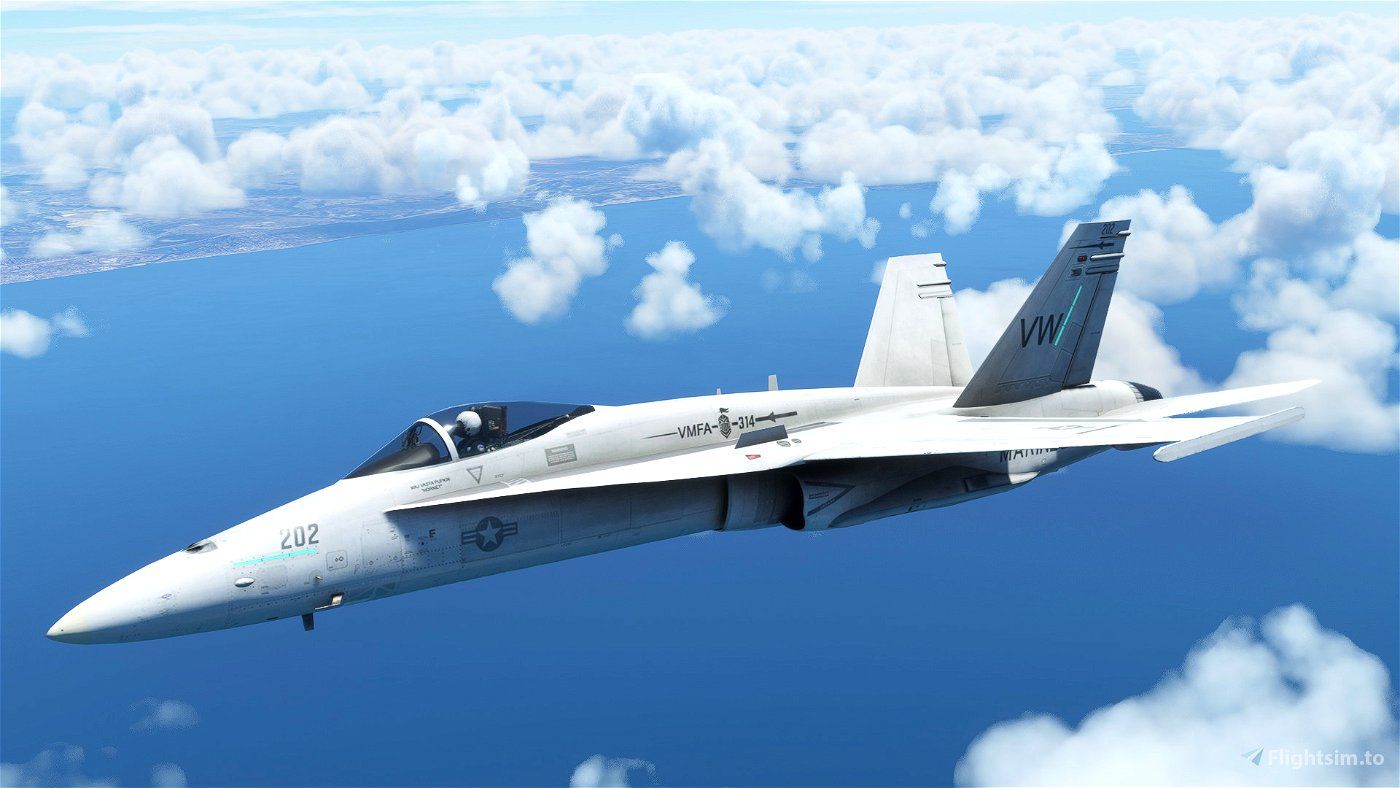
    DC Designs hat ihre ursprüngliche Microsoft F/A-18C Hornet für FSX Acceleration vollständig in das native Microsoft Flight Simulator Format konvertiert und als Freeware zur Verfügung gestellt. Das Team ist eine Partnerschaft mit CJ Simulations eingegangen, um dieses Produkt der Community zur Verfügung zu stellen.
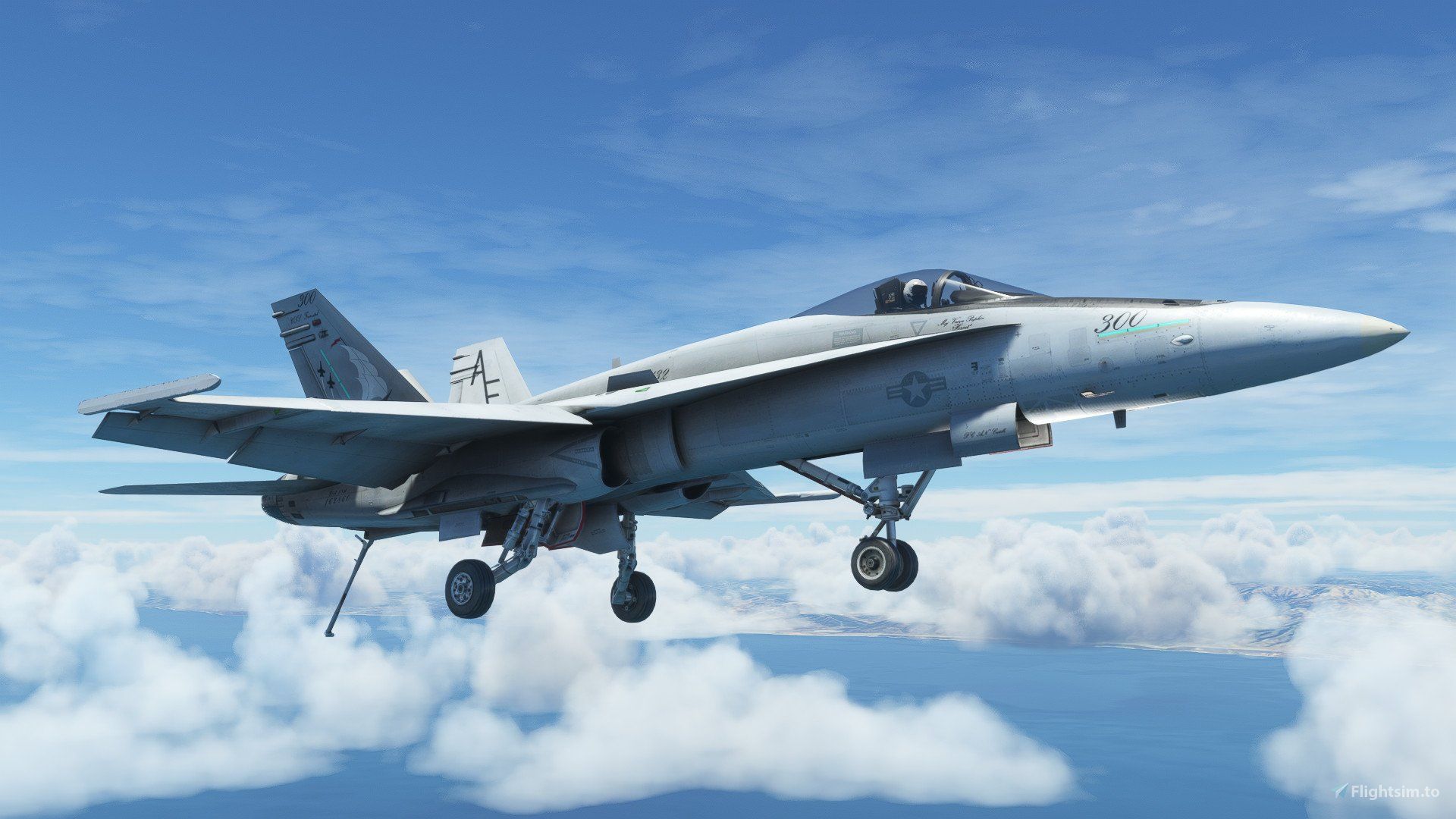
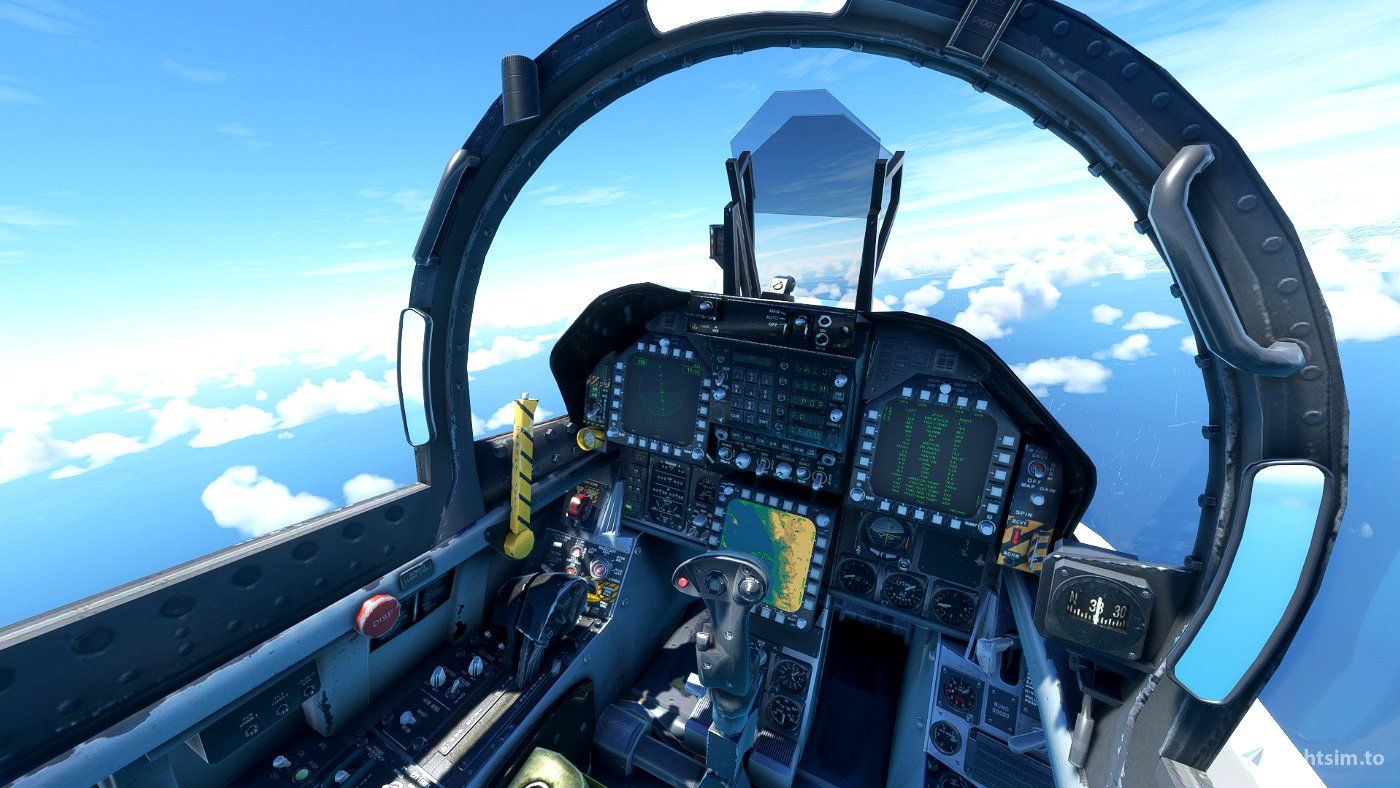
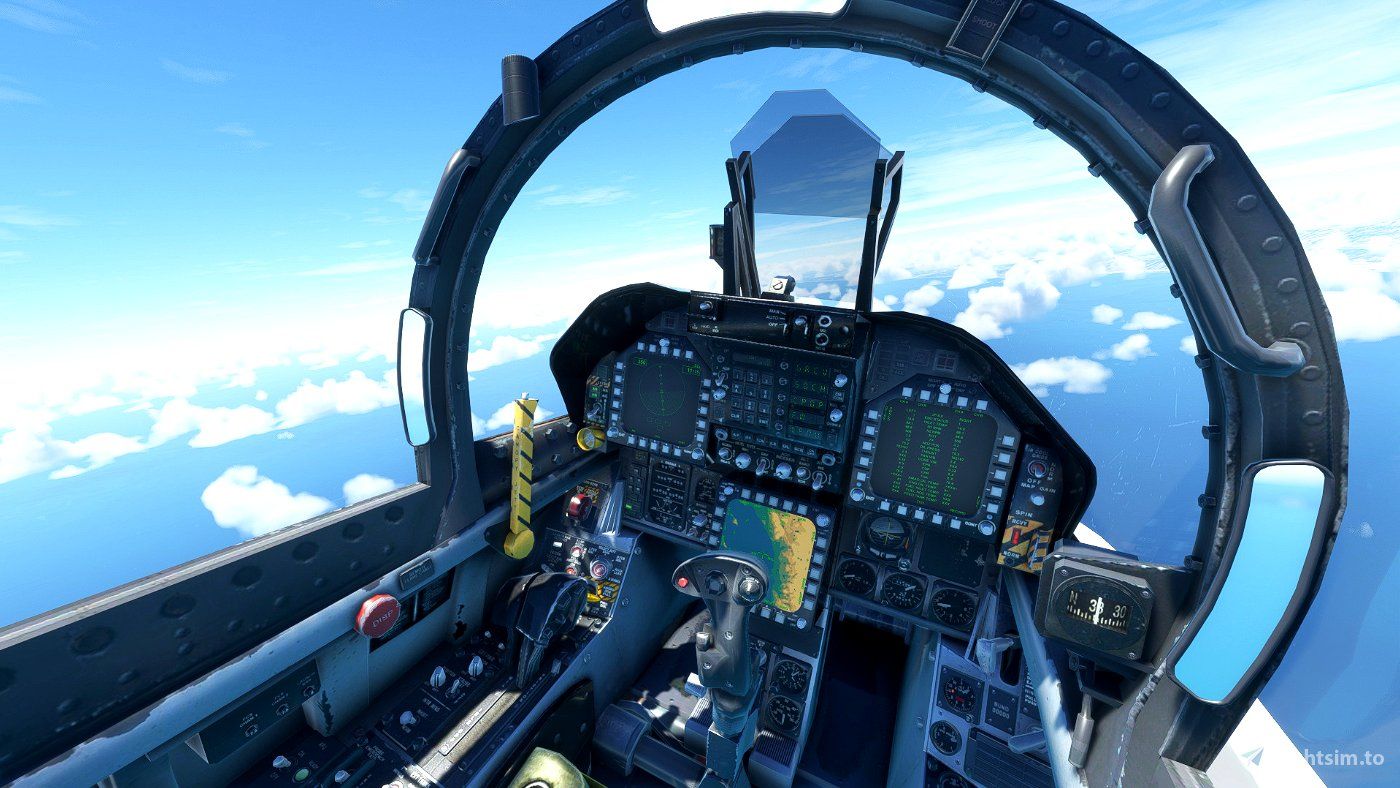
    Wir haben dieses Flugzeug so sorgfältig wie möglich konvertiert und die Avionik der F/A-18E zusammen mit dem Sound integriert, während wir gleichzeitig einen eigenen Code für weitere Systeme und ein komplett neues Flugmodell erstellt haben, das die legendären Hochalpha-Flugfähigkeiten der F/A-18C bietet.

    Die F/A-18 Hornet ist ein zweimotoriges Mehrzweckkampfflugzeug, das von McDonnell Douglas hergestellt wird, das seit 1997 zu Boeing gehört. Der Jungfernflug fand im November 1978 statt, die Indienststellung folgte im Januar 1983. Die F/A-18 wurde in erster Linie für den Einsatz auf den Flugzeugträgern der Nimitz-Klasse der US-Marine konzipiert. Ihre Flexibilität bei der Bekämpfung von Boden-, See- und Luftzielen über große Entfernungen macht sie zur wichtigsten offensiven und defensiven Komponente einer US-Flugzeugträgerkampfgruppe.

    Das Flugzeug wurde mit dem Jayshrike Add-on für bewegliche Flugzeugträger getestet, zusammen mit umfangreichen Flugtests, um sicherzustellen, dass der Flugbereich so gut ist, wie es möglich war. Die nativen Effekte des Microsoft Flight Simulators wurden ebenso hinzugefügt wie auswählbare Treibstofftanks und Waffenausstattung. Das Team hat auch bestätigt, dass alle der vielen hundert Add-on-Lackierungen, die für die FSX-Version dieses Flugzeugs verfügbar waren, leicht konvertiert werden können, um mit der neuen Version zu funktionieren, und sie haben neue PBR-Ebenen hinzugefügt, um das Aussehen der vorhandenen Texturen zu verbessern.

    Sie können diese Freeware von Flightsim.to herunterladen.

    Comments

    s

    over 3 years ago

    Thanks Dc Design for this Plane 🥰 😘
    H

    over 3 years ago

    This might make me fly a fighter jet again :)
    r

    over 3 years ago

    Why does it have a ton of green lines around it? I tried turning off dev mode and its still there, can anybody help?
    l

    over 3 years ago

    If you are seeing lines in the sky thats the thermal visualisation, which can sometimes trigger and get stuck on.
    s

    over 3 years ago

    When i download it and stuff half the plane is just some purple and pink squares for some reason i don't know what i did wrong Heres the exterior :
    Heres the cockpit :
    The buttons does seem to work but the screens are black as you can see
    n

    over 3 years ago


    they are in the real plane
    l

    over 3 years ago

    That is the formation "slime lights". Standard feature on military aircraft afaik
    E

    over 3 years ago

    Great plane - many thanks for making it available. BUT - I flew it yesterday, all good. Today I can't get the brakes to disengage. Manual start, auto start, reboot - all the same. Suddenly I'm stuck in the "chocks"....?
    Any help on this?
    l

    over 3 years ago

    Reinstall.

    over 3 years ago

    if you have an error message because the name file is too long . Use the comand mklink /d

    over 3 years ago

    Yeah i get this: (don't mind it's in Norwegian but it translates to "Path too long")
    I don't know why it said A320

    over 3 years ago

    OK. SoNames files are stored and use the local cache of the PC . But names are too long because the memory is very limited.To bypass the problem I use mklink. It creates a link that the computer open when loading fs20.To do so:1) Go into your cmd and execute as admin.2) though (" E:" "D:" "F:" or what ever) tell your computer where to work on . My FS is in storage E ,so I tap in the cmd "E:" (without "").3) writte "mklink /d"4) let a space and put the full name of the community folder5)add to this without any space and with a / the target folder 6) let a space and paste the full target name so its look like this :mklink /d E:........community/thefilenameofmyliveryorplane E:thefullpathofmynewlivery7) Press enter.
    Ps if name has a space bar you need to use " at the end and start of eatch location. here i am doing an example with an concorde livery but it works the same for all aircraft.

    over 3 years ago


    I hide the numers because i dont want to be find ( eventhough i dont think you could with them).Tell me if you manage to do it now.

    over 3 years ago

    It's working now, thanks👍

    over 3 years ago

    hiii

    over 3 years ago

    Ok, so i find an easier way to work this out.Use :MSFS Addons LinkerIt will generate for you the mklink when you desire .


    MSFS Addons Linker
    ✓ MSFS Addons Linker is a Microsoft Flight Simulator 2020 mod created by bad2000. Download for free to enhance your experience in MSFS 2020.
    Flightsim.to