Flightsim.to
    LEPA - Palma de Mallorca Airport - Image 1

    Beschreibung

    GSX Profile can be found here: https://flightsim.to/file/84191/gsx-profile-euroscene-palma-de-mallorca-lepa


    Join our Discord server for news, suggestions and bug reports! https://discord.gg/tehKauehVU


    How to install the addon:

    The project is compatible with MSFS 2020 as well as 2024 and can be drag- and dropped into the community folder.

    Remember to disable GSX World Jetways in the FSDT updater!


    LEPA Palma de Mallorca Airport - What´s included?

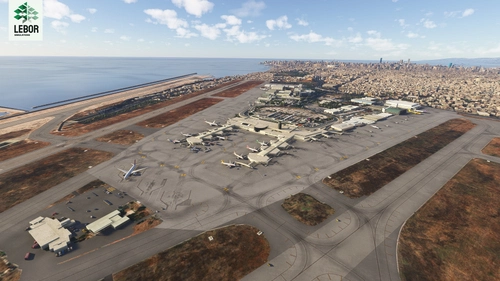
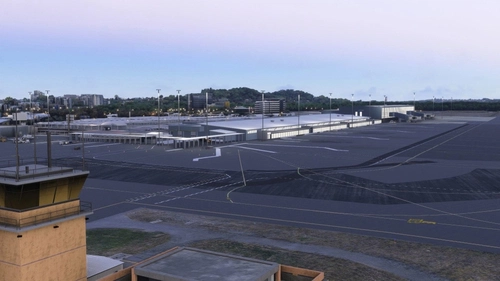
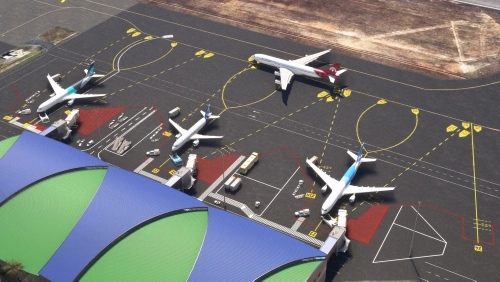
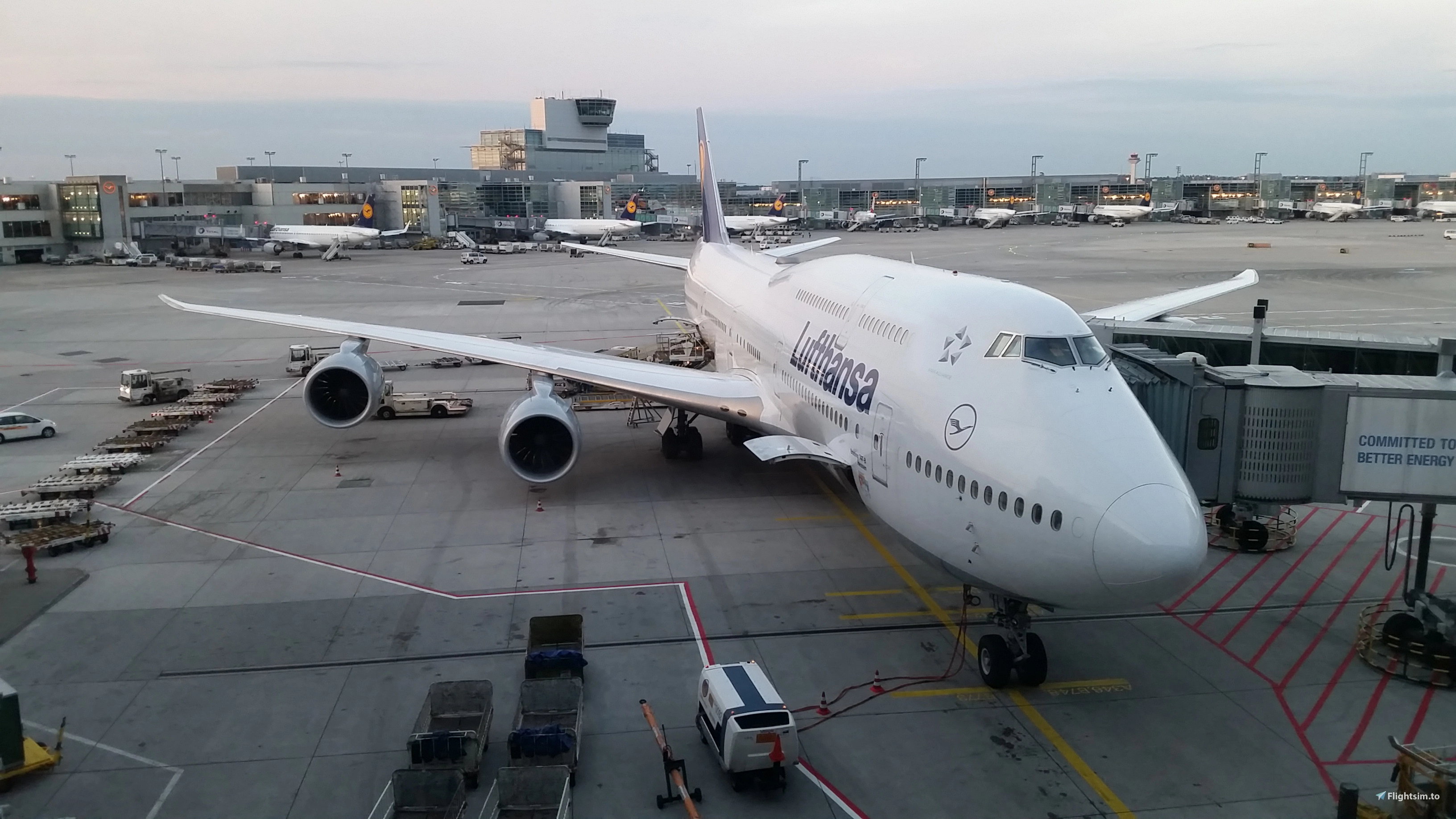
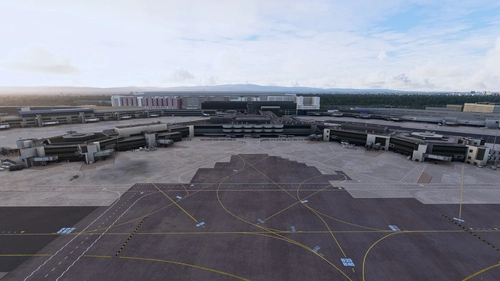
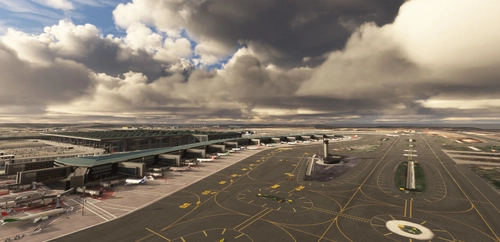
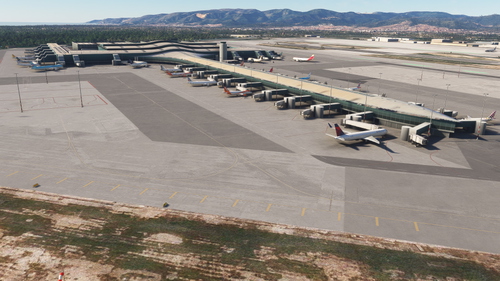
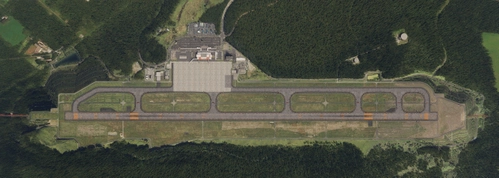
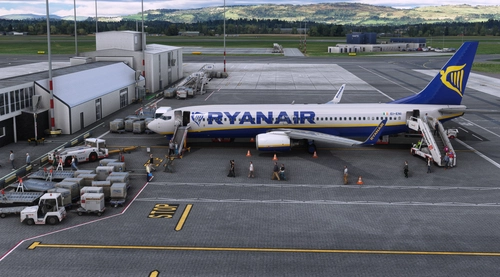
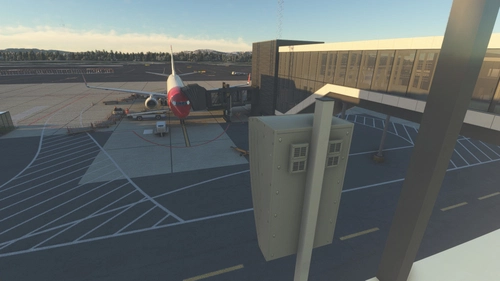
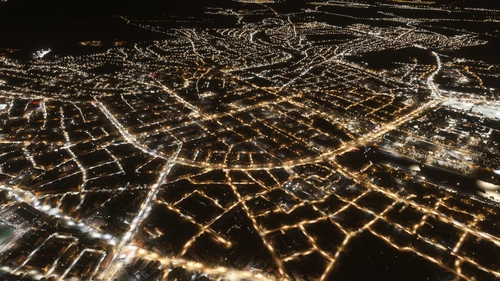
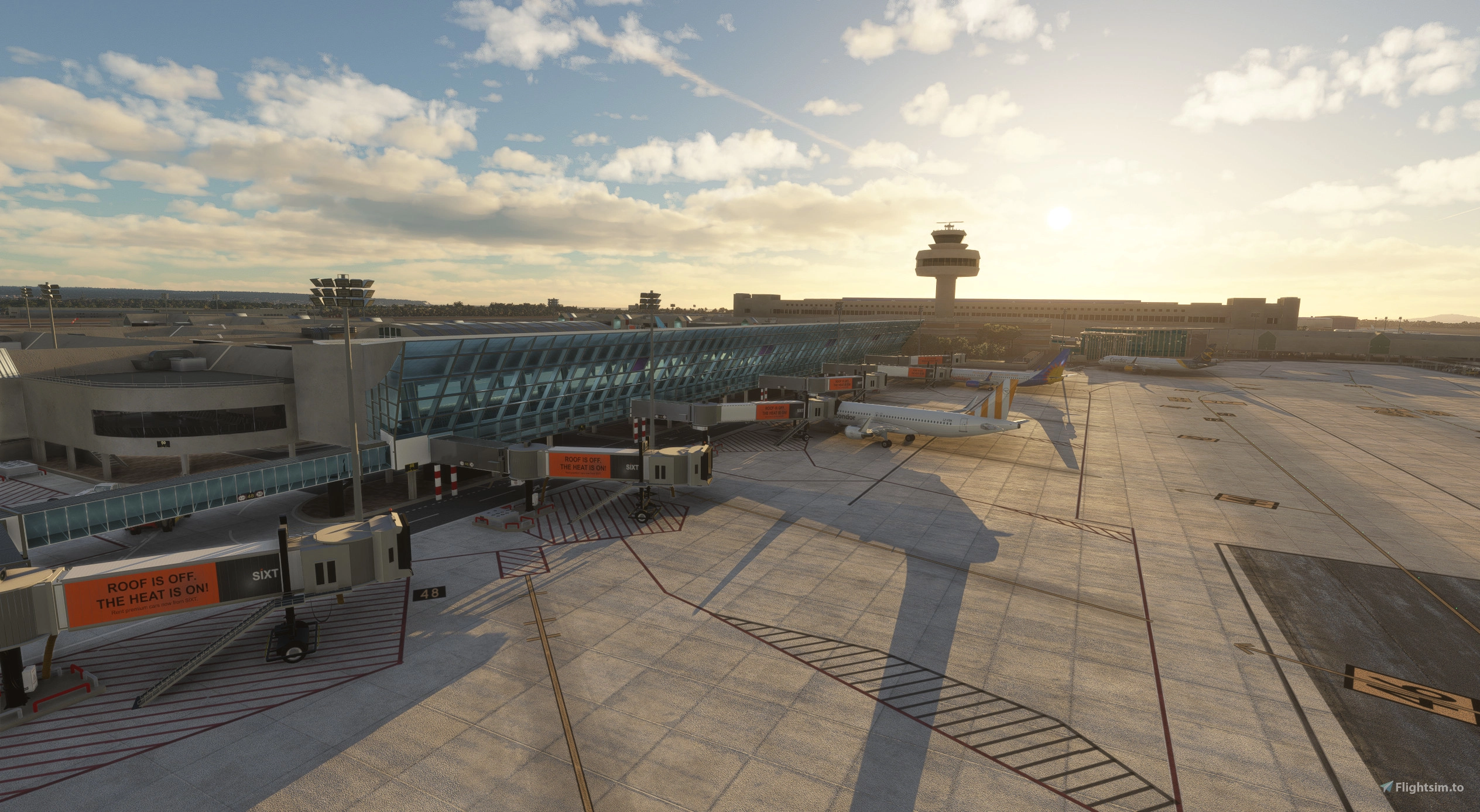
    This version of Palmas Son Sant Joan airport includes custom 3d models for all terminals, custom modeled and textured jetways, some hangars, the tower and VOR/ILS antennas as well as custom ground markings and textures, taxiway signage, lighting and parking spaces. All terminals (excluded main building and tower) also include a night-lit interior visible from the in- and outside! Surroundings like the streets and car parkings are also modeled to a certain extent, trying to make an effort to create a somewhat realistic replica of the real life airport.

    The MIL-apron currently only features three parking spaces for helicopters with a custom 3d-model for the hangar.

    This is the first scenery I ever developed and I did this all on my own so there might still be some bugs present, so I´m relying on your feedback to further improve the project in the future! Don´t be afraid to hit me up on here or via email (euroscenesimulations@gmail.com).

    I´m looking forward to sharing this piece of scenery and hope you will have as much fun with it as I did developing!

    Special thanks to Raye for creating the GSX profile!


    Known Issues:

    • If you notice any textures that are missing (pink buildings) this is likely because of a extraction error with too long file paths.
      • some people shared possible solutions like using 7zip as extractor or renaming the zip file to something shorter and not directly extracting into the community folder

    • Please note that Andres3d airport lights mod will likely cause some issues resulting in duplicated flood lightings.
    • Runway direction usage of AI aircraft does not seem to work correctly
    • Ezro´s Palma City addon will cause terrain bumps and satellite imagery conflicts left of 06L
    • Taxiway and Runway naming/marking issues with BeyondATC (external fix for MSFS 2024 here)

    Kommentare(502)

    Melden Sie sich an, um an der Diskussion teilzunehmen

    Anmelden
    k

    about 9 hours ago

    HOW IS THIS FREE?????!!!!
    M

    2 days ago

    This airport is absolutely amazing! I just flew here from Zurich with the Edelweiss Airbus A350 in Microsoft Flight Simulator 2020, and I have to say this scenery is incredible. The level of detail, the beautiful design, and the overall atmosphere make this airport feel very realistic and immersive.

    The approach, landing, and taxiing experience were all fantastic. You can really see the effort that went into creating this airport, and it makes flying here a truly enjoyable experience. It is definitely one of the most beautiful airports I have visited in MSFS 2020, and I will absolutely be flying here again.

    Thank you to the developers for creating such an amazing airport scenery!
    B

    4 days ago

    Sorry to ask a silly question but what do you mean by your instruction "Remember to disable GSX World Jetways in the FSDT updater!"
    I use the FSDT updater to download the latest version of GSX Pro, but I don't know how to disable the jetways.
    Also, wouldn't disabling the jetways make none the the jetways work in other airports?
    Thanks for your help and for your free addon =)
    E
    EuroSceneAuthor

    about 11 hours ago

    Hi, you can disable GSX jetways only for selected airports. This is necessary to prevent GSX from replacing the custom jetways with their own, which don't match the position to our buildings. I cannot tell you the exact path to the settings but it has to be somewhere in the FSDT installer. As far as I know this is also only related to MSFS2020 as GSX world jetways aren't available for MSFS2024 yet. If you don't have any issues with the jetways in the scenery there is nothing to worry about.
    d

    11 days ago

    Incredible, and it's also freeware, thank you very much!
    s

    16 days ago

    One of the best if not the best FREE airport for our hobby! Thanks for your work!
    M

    21 days ago

    Excellent job and surely better than the most payware.

    Thanks a lot. 🙏
    r

    21 days ago

    Amazing piece of software, better than many payware airports!
    O

    22 days ago

    Absolutely amazing! Best freeware there is... and much better than many payware sceneries. HUGE THANK YOU for this.
    M

    24 days ago

    Subject: LEPA v25.8.5 (MSFS 2024) – Unstable autoland on RWY 24L, suspected terrain step on the approach centerline

    Hi,

    With the current v25.8.5 on MSFS 2024, I can't get a stable autoland on RWY 24L (FSLabs A320): below ~400 ft RA the LAND mode starts oscillating and eventually disconnects. The parallel 24R is fine.

    What I've already checked / ruled out:

    ILS is correct – 24L: IPAL 109.30, CAT III, GS 3.0°, LOC course 237° (runway heading 236°). So it's not an ILS issue.
    The scenery's LEPA.bgl contains a TerrainVectorDb section (0x65, 2 cells) – so terrain is actively being modified (flatten/exclude).
    The symptom is consistent with a terrain step on/near the 24L centerline disturbing the radio altimeter in LAND/FLARE mode.
    Questions:

    Is there a known terrain discontinuity at 24L/06R (toward the terminal) introduced since SU3?
    Does the flatten cover the 24L touchdown zone and inner approach completely, or does it stop at the threshold?
    For localization – the 24L threshold is at 39.562525 N / 2.743260 E (threshold elevation ~8.8 m / 29 ft), final approach from 058.6°.

    Thanks!
    E
    EuroSceneAuthor

    10 days ago

    Hey so I just verified with the Fenix A320 and I did not have any problems with Autoland.
    I honestly have no idea if any SUs changed the terrain. There are terraforming polygons just from the start of the runway.
    I tried to extend them to flatten out the terrain a bit more. Is there any way I can contact you and send you the fix so you can try it out ?
    d

    about 1 month ago

    Scenery is good, the terminal builidngs arent pink however the surrounding ground textures are pink?
    E
    EuroSceneAuthor

    about 1 month ago

    I'm not sure but this could be a issue with extracting the texture files from the zip files, as sometimes the path gets too long for windows. You can try extracting again or using tools like winrar or 7zip, unfortunately I cannot give you a guaranteed solution for this though.
    If you look around in the comments, you will find more people having similar issues :)
    A

    about 1 month ago

    Just downloaded this airport (and its my first scenery I got because I'm quite new to sims and just starting expanding my setup with 3rd party mods). To see difference I first spawned on the default LEPA, took screenshoot at night and day and also checked my fps here. Then installed your version and again took two screenshoots and checked fps with same plane (default A320).

    First impression? Man, this is freaking awesome! Second impression when I started to move around my camera? Even more impressive! Like seriously from some generic buildings that looked like some cubes to this level of details. Especially the building with glass at front at night looks so good.

    And to add to this I did not saw any fps drop at all, basically no difference for me with or without this mod.

    So just wanna say thx for your awesome work.
    E
    EuroSceneAuthor

    about 1 month ago

    Thank you for the feedback, glad you enjoy the addon! :)
    ...
    MSFS 2020MSFS 2024

    LEPA - Palma de Mallorca Airport

    This rendition of Palma's Son Sant Joan airport includes custom 3D models for all terminals, custom modeled and textured jetbridges, some hangars, the tower and VOR/ILS antennas as well as custom ground markings and textures, taxiway signage, lighting and parking spaces. All terminals (excluded main building and tower) also include a night-lit interior visible from the in- and outside! Surroundings like the streets and car parks are also modeled to a certain extent, trying to make an effort to create a somewhat realistic replica of the real life airport.

    Downloads71K
    Version2025.08.05
    Dateigröße184.31 MB
    VeröffentlichtVor 1 Jahr
    AktualisiertVor 11 Monaten

    Nutzerbewertungen

    5.0

    171 Bewertungen

    5
    96%
    4
    2%
    3
    1%
    2
    1%
    1
    0%

    More Information

    Simulator
    MSFS2020/24
    KategorieAirports
    Sub-CategoryIntl. Airports
    LandSpain
    ICAOLEPA

    Versionsgeschichte

    [2025.08.05] - Compatibility for MSFS 2024 - Minor adjustments [2025.06.01] - Improved night lighting around the gates - Added taxiway edge line reflectors - Added new 3D model for the cargo terminal - Improved various 3D models (especially jetways and air conditioning units) - Various minor fixes [2025.04.23] - small fix for ground markings - small fix for taxiway naming regarding BeyondATC [2025.04.19] - Added new buildings (airport fire station, private terminal, military hangar) - Removed lines over parking spot ground markings - Added new stop markings for aircraft types - Added ambient lighting for taxiway signs - Reduced size of control tower for accuracy - Adjusted some parking positions to fit jetways better - Updated GSX Profile

    In Sammlungen enthalten(2)