Flightsim.to

    Grumman G44A

    Entdecke 26 kostenlose Grumman G44A Add-Ons für Microsoft Flight Simulator (MSFS 2020). Top-Kategorien sind Little Navmap. Liveries, Sound-Mods, Checklisten, Cockpit-Verbesserungen und mehr.

    26 add-ons
    MSFS 2020

    Browse Compatible Addons

    26 files available
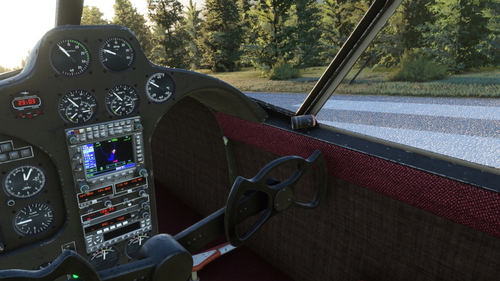
    Red interior for Grumman G44A

    Red interior for Grumman G44A

    Enhance the visual experience of your Grumman G44A with a vibrant red interior, replacing the original green design. Simply backup and replace the texture files in the planes folder to enjoy this customization. Please make sure you are comfortable working with these files before downloading this add-on.

    ZoutmaxZoutmax
    MSFS2020
    5.0(1)
    173
    30.02 MB
    4 years ago
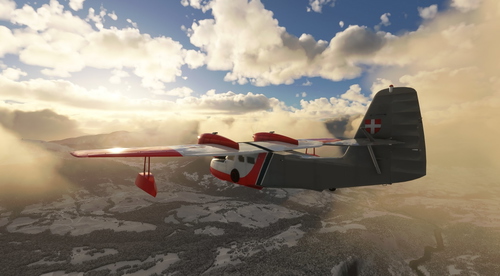
    Grumman G44A Widgeon Savoie

    Grumman G44A Widgeon Savoie

    Experience the classic Grumman G44A Widgeon Savoie in Microsoft Flight Simulator with this stunning addon. Fly this iconic seaplane across beautiful landscapes and navigate challenging water landings with precision and style. Immerse yourself in the nostalgia of aviation history with this meticulously recreated aircraft. A must-have for any virtual pilot looking to expand their collection.

    bagolubagolu
    MSFS2020
    0.0(0)
    165
    24.40 MB
    4 years ago
    Flysimware Grumman G-44A Little Navmap Aircraft Performance

    Flysimware Grumman G-44A Little Navmap Aircraft Performance

    Enhance your flight planning with Flysimware Grumman G-44A Little Navmap Aircraft Performance add-on. Access 6 files with speed and altitude configurations to improve your flight plan accuracy. Find detailed power settings information for climb, cruise, and descent in the "Remarks" tab. Happy flying with this performance-enhancing tool.

    fStopperfStopper
    MSFS2020
    0.0(0)
    157
    6.21 KB
    3 years ago
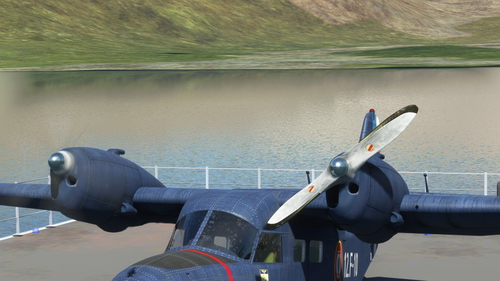
    White Propellers for Grumman G44A

    White Propellers for Grumman G44A

    Replace the traditional wooden propellers on your Grumman G44A with white propellers with this mod. Simply back up the original files and replace them with the files in the texture folder of the plane. Note: Basic knowledge of handling texture files is required for installation.

    ZoutmaxZoutmax
    MSFS2020
    5.0(1)
    106
    1.38 MB
    4 years ago
    Showing 25 - 26 of 26 results