
Beschreibung
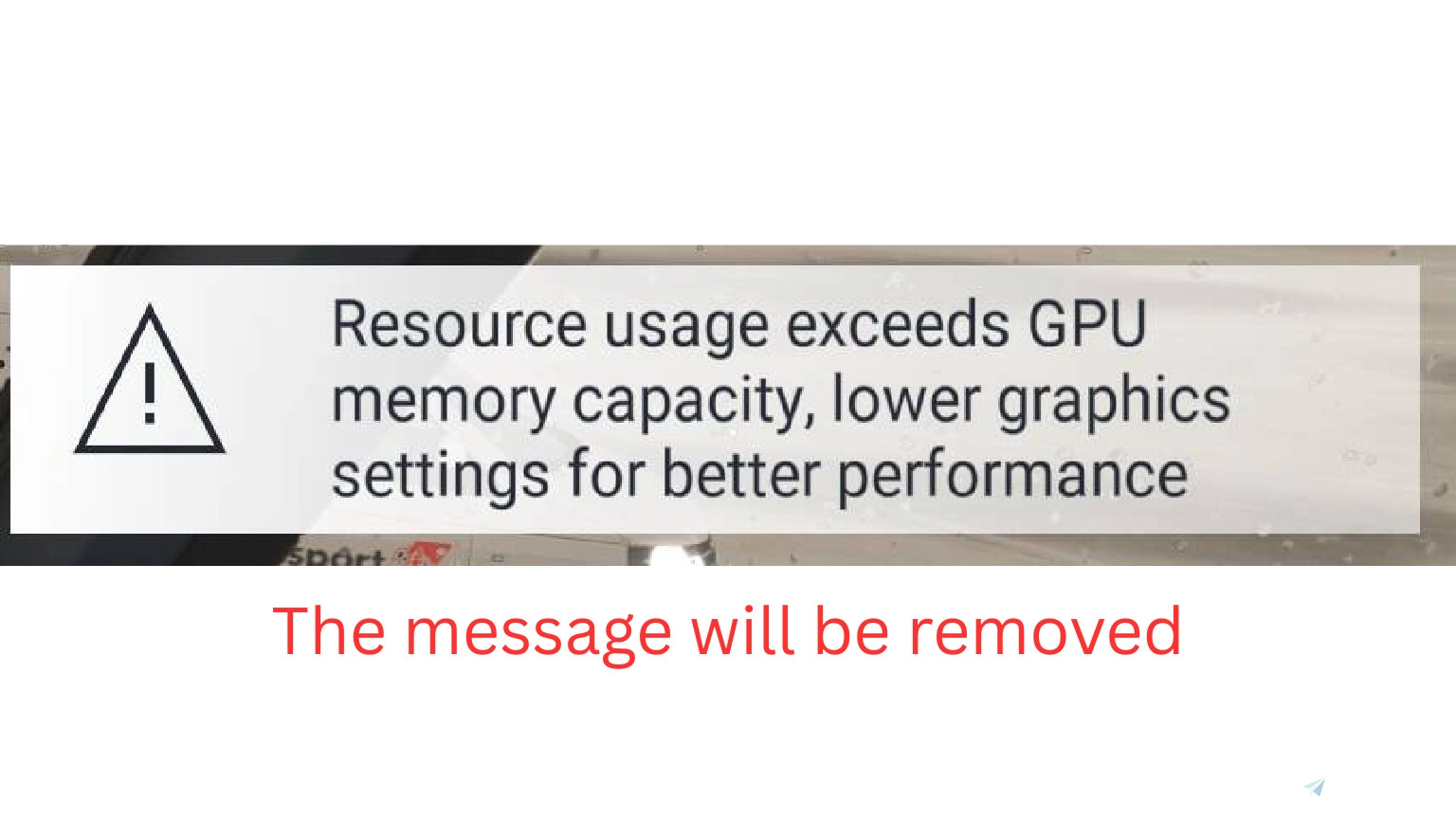
This removes the anoying message "Resource usage exceed GPU memory capacity" in MSFS 2024.
Important: This patch modifies the default MSFS files. Updates may overwrite these files.
After every MSFS 2024 update all files will revert back. You need to redownload the file and reinstall the file.
There are some CAREFULL Steps needed on how to install
Step 1:
Extract the mod from flightsim.to.
Step 2:
Cut the files:
86ED9E10-93A9-47C0-B3DC-4641808F39E6}.html and 86ED9E10-93A9-47C0-B3DC-4641808F39E6}.json
Step 3:
Go to: C:\XboxGames\Microsoft Flight Simulator 2024\Content\Packages\fs-base-ui\cookedcomps
or
C:\Program Files (x86)\Steam\steamapps\common\MSFS2024\Packages\fs-base-ui\cookedcomps (or wherever you have youre MSFS 2024 install)
Click paste. And overwrite the current files by pressing "Replace files in destination"
If you cant be able to install it you can use this youtbue video right here: https://www.youtube.com/watch?v=ykYo91mdxCk made from a fan of my mod.
And now the message "Resources exceed gpu memory capcity" is now hidden and will not be seen.
If you have issues installing it dont hesitate to ask me about it.
MSFS 2024 - Remove "Resource usage exceed GPU memory capacity"
This add-on for MSFS 2024 effectively removes the message "Resource usage exceed GPU memory capacity." Detailed installation steps are provided.

Nutzerbewertungen
20 Bewertungen
Versionsgeschichte
Su7 released - So file needs to be reinstalled. This is a reminder not a update.
Ähnliche Addons
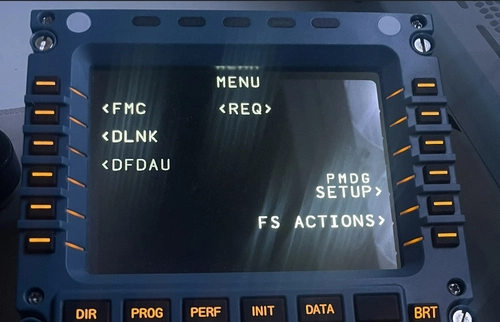
PMDG 737-800NG MSFS 2024 | Mobiflight Winwing MCDU Profile
This add-on provides a Mobiflight profile for the Winwing Airbus MCDU, specifically designed for use with the PMDG 737-800NG in MSFS 2024. It features fully operational screens and buttons, though the lighting functionality is not supported. Installation instructions are included to guide users through the setup process.
von Thom0172
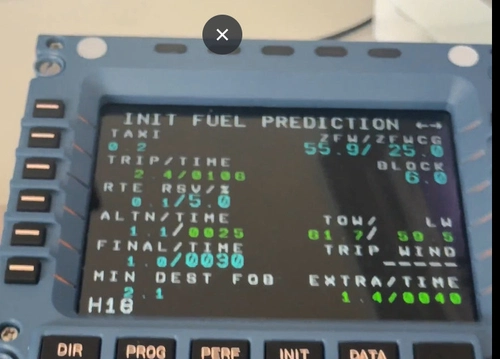
Inibuilds A330 WINWING/WINCTRL Mobiflight profile
This add-on provides a Mobiflight profile for the Winwing Airbus MCDU, specifically designed for the Inibuilds A330 in Microsoft Flight Simulator 2024. It enables functionality for all buttons on the MCDU, although note that the screen and lights are not operational due to limitations set by Inibuilds. Installation instructions are available for users to set up the profile correctly.
von Thom0172
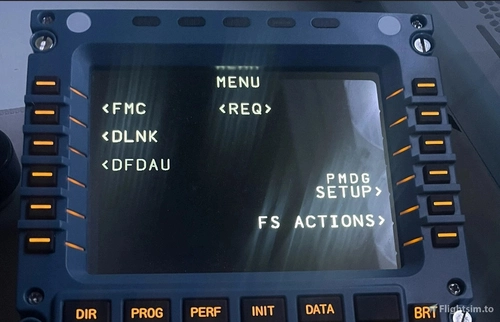
Mobiflight PMDG 777 Profile for WINWIN/WINCTRL MCDU
This add-on provides a Mobiflight profile for the Winwing Airbus MCDU to be used with the PMDG 777 Fleet in Microsoft Flight Simulator 2024. It includes fully functional screen displays and operational buttons, while the lighting features are not supported. Installation instructions are available via the provided link.
von Thom0172
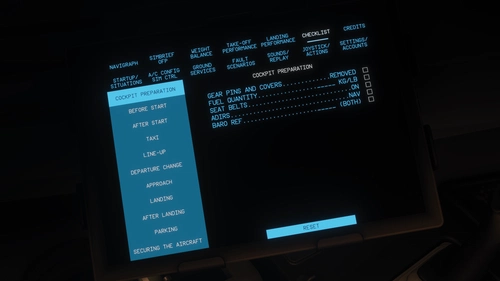
Toliss/Aerosoft A340-600 | Real Airbus Checklist EFB
This add-on provides a custom electronic flight bag checklist for the ToLiss A340-600, structured according to the official Airbus checklist. It covers all standard flight phases including cockpit preparation, taxi, takeoff, approach, and shutdown. The checklist is designed for easy in-sim reference within the EFB. Only checklist items are included, without procedural details.
von Thom0172
Melden Sie sich an, um an der Diskussion teilzunehmen
AnmeldenKommentare(105)
about 8 hours ago
3 days ago
8 days ago
9 days ago
10 days ago
Cordially
From Tunisia and France
Dmeh (liveries)
9 days ago
about 2 months ago
about 2 months ago
2 months ago
2 months ago
2 months ago
3 months ago
3 months ago
4 months ago
3 months ago
4 months ago
4 months ago
4 months ago
4 months ago
4 months ago