
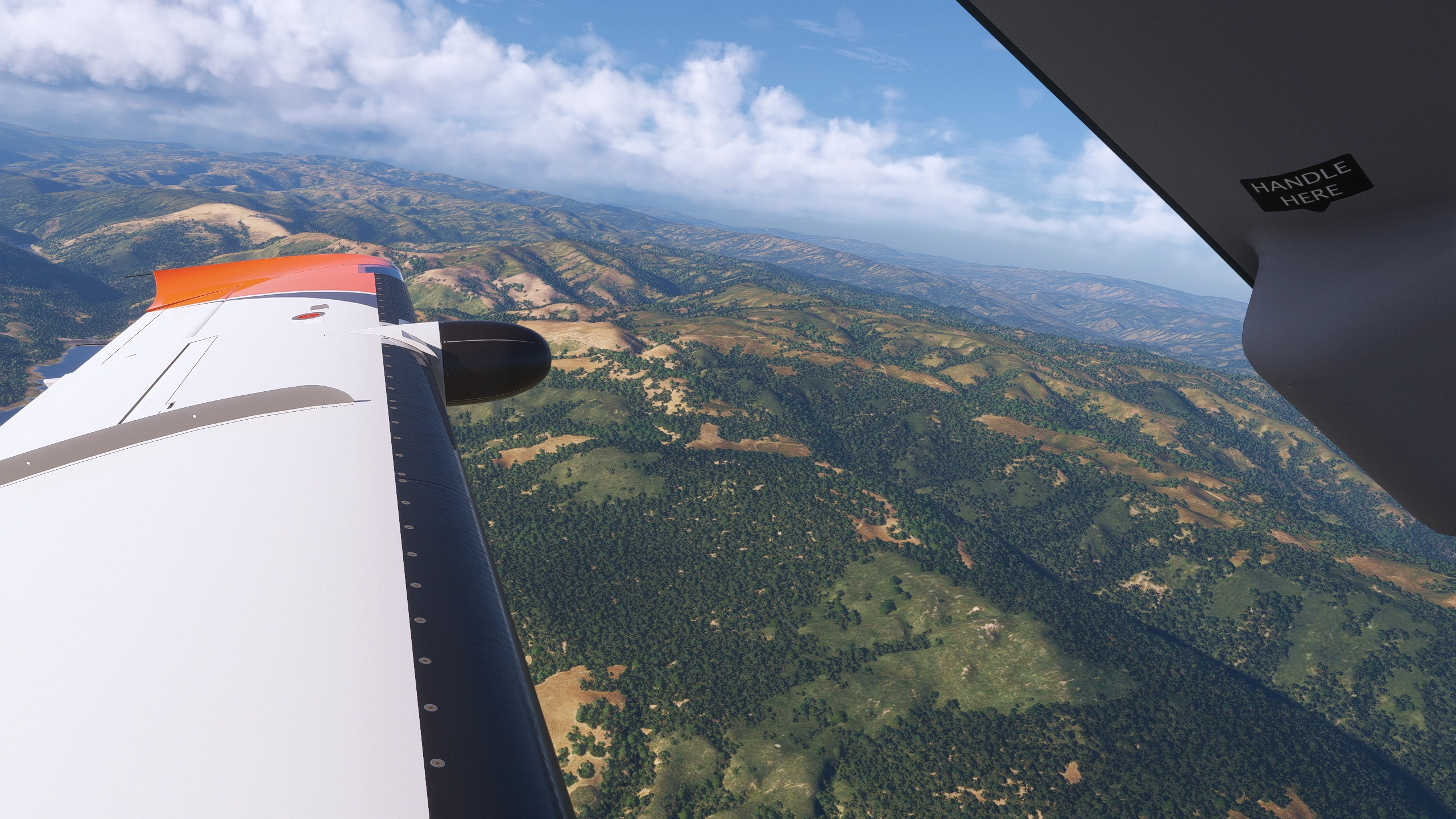
Beschreibung
- The preset is designed to be used with both the ReShade profile and REX Atmos Core sets together, however using ReShade stand-alone may also be considered.
- Every screen is different. You may want to fine tune Exposure/Brightness and Color Temperature to your local needs.
- HDR should be turned off.
Installation
Please follow these steps to get started:
- Extract SG Aviation NEXT [Version].ini to any folder of your choice.
- In ReShade, load the preset
- In REX Atmos Core, search for and load the public Atmos and Enviro sets named “SG Aviation NEXT”
It is recommended to install all effects in ReShade, so you don't have to select every package individually.
Description
The default atmospheric rendering in Microsoft Flight Simulator 2024 can sometimes appear overly cinematic or exaggerated.
The SG Aviation NEXT presets aim to deliver a more authentic and balanced visual experience by refining:
- Atmospheric hue — removes the yellow cast in favor of a cleaner, cooler tone
- Horizon contrast and visibility
- Sunset and dusk lighting balance
- Night lighting brightness reduction
- Improved scene sharpening & contrast for added definition
These adjustments create a natural, real-world atmosphere that remains consistent across all times of day and weather conditions—without the need for further tweaking.
Since REX Atmos Core cannot fully modify all visual aspects, this preset combines it with a lightweight ReShade profile for fine-tuned results.
Remarks
Your impressions and screenshots are welcome - share them here or via Discord: sg_aviation.
Please note: No support is provided for general installation or troubleshooting of ReShade or REX Atmos Core applications themselves.
Kommentare(37)
Melden Sie sich an, um an der Diskussion teilzunehmen
Anmeldenabout 2 months ago
about 2 months ago
i used your 1.0 Version and now your 1.1 Version. I found a way to get rid of the screen flicker without HDR. That is not your fault it is Nvidia or Asobos.
In Game HDR off but let it on in Windows. Now i am able to fly without HDR, make screenshots again. And to use your presets how you make them.
They both look amazing. For me in that combination of Reshade and Rex Atmos Core by far the best preset i see so far. Thank you very much dude.
about 2 months ago
about 2 months ago
- Prod80_04_ColorTemperature
- AdaptiveSharpen
- Clarity2
2 months ago
about 2 months ago
3 months ago
3 months ago
3 months ago
3 months ago
The faulty effect cFlow.fx appears to be generally present in your ReShade installation, however it is not used by my preset and nowhere mentioned in my .ini file. You could try to locate the .fx file in your ReShade installation folder and remove it, however the presence does not have any negative impact on using my preset.
4 months ago
4 months ago
4 months ago
4 months ago
4 months ago
4 months ago
4 months ago
SG Aviation NEXT ReShade & REX Atmos Core Profile
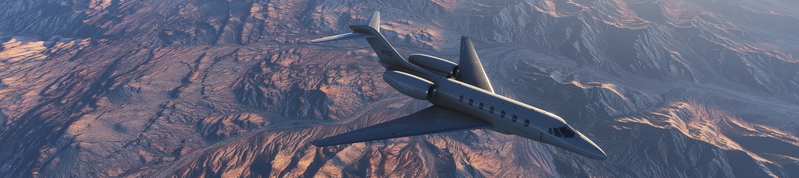
The SG Aviation NEXT ReShade and REX Atmos Core Profile is designed to enhance the visual fidelity of Microsoft Flight Simulator 2024. This add-on refines various atmospheric elements, such as hue, horizon contrast, and lighting balance, aiming for a more authentic and consistent experience across different times of day and weather conditions. The preset should be used in conjunction with REX Atmos Core and the specified ReShade effects, allowing for tailored adjustments to suit individual preferences. Please note that HDR should be disabled for optimal performance.
Nutzerbewertungen
14 Bewertungen
More Information
Versionsgeschichte
- Rework of ReShade profile with color temperature adjustment and improved image clarity - Slightly increased visibility - Reduction of atmospheric coloring during sunrise & sunset - Minor other tweaks
Ähnliche Addons
SIM RATE SELECTOR
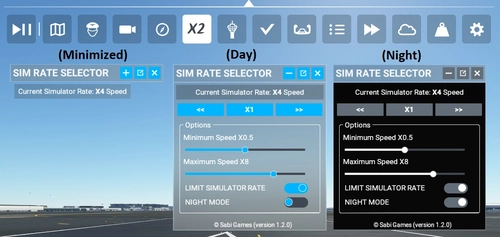
A custom toolbar for Microsoft Flight Simulator, the SIM RATE SELECTOR allows users to view, adjust, and reset simulation rates with ease. Additional features include customization options, minimized window capability, and seamless integration with simulator events. Installation is simple and offline use is supported.
von Sabi Games
Global AI Ship Traffic Version 7.
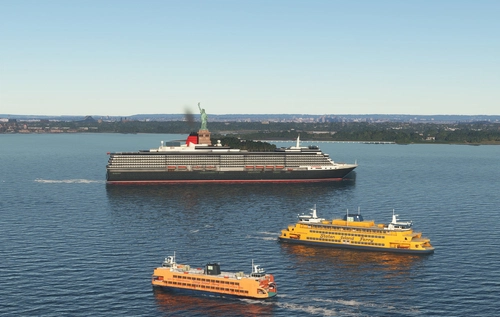
Global AI Ship Traffic Version 7 enhances Microsoft Flight Simulator with over 1,000 unique ship models and more than 2,400 liveries, alongside 80,000 programmed ship movements. Compatible with both MSFS 2020 and MSFS 2024, this add-on includes a wide variety of vessels, ranging from cargo ships and fishing boats to luxury cruise liners and military ships. Users can experience a realistic global shipping simulation by utilizing preprogrammed traffic or real-time AIS data in MSFS 2024. The project is the result of collaboration among international developers and enthusiasts, providing an immersive maritime experience.
von Henrik Nielsen, KL791
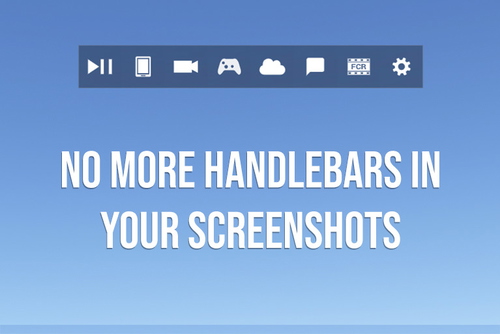
Handlebar Mod MSFS2024
The Handlebar Mod for MSFS2024 allows users to remove the toolbar "handlebar" from their screenshots. This mod aims to provide a cleaner visual presentation in the simulator. Installation is straightforward: simply unzip and drag the mod folder into your community directory. It is built under Microsofts guidelines and incorporates assets from Microsoft Flight Simulator 2024.
von heclak
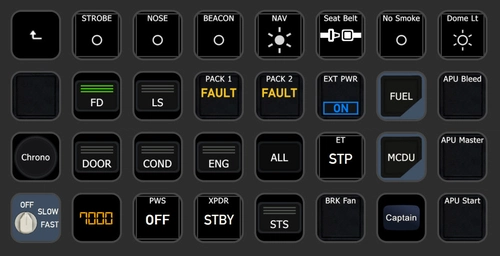
PilotsDeck - A StreamDeck Plugin
PilotsDeck is a StreamDeck plugin that offers the ability to trigger cockpit controls and display control states on your StreamDeck as text, images, or bars/arcs. It is open-source, free, and designed for advanced sim-users across major platforms like MS Flight Simulator, X-Plane, and Prepar3D. The plugin supports various StreamDeck models and simulates connections through FSUIPC or UDP sockets for seamless integration. With predefined profiles available for popular aircraft, PilotsDeck aims to streamline flight operations for a smoother and tailored flying experience.
von Fragtality
about 1 month ago