
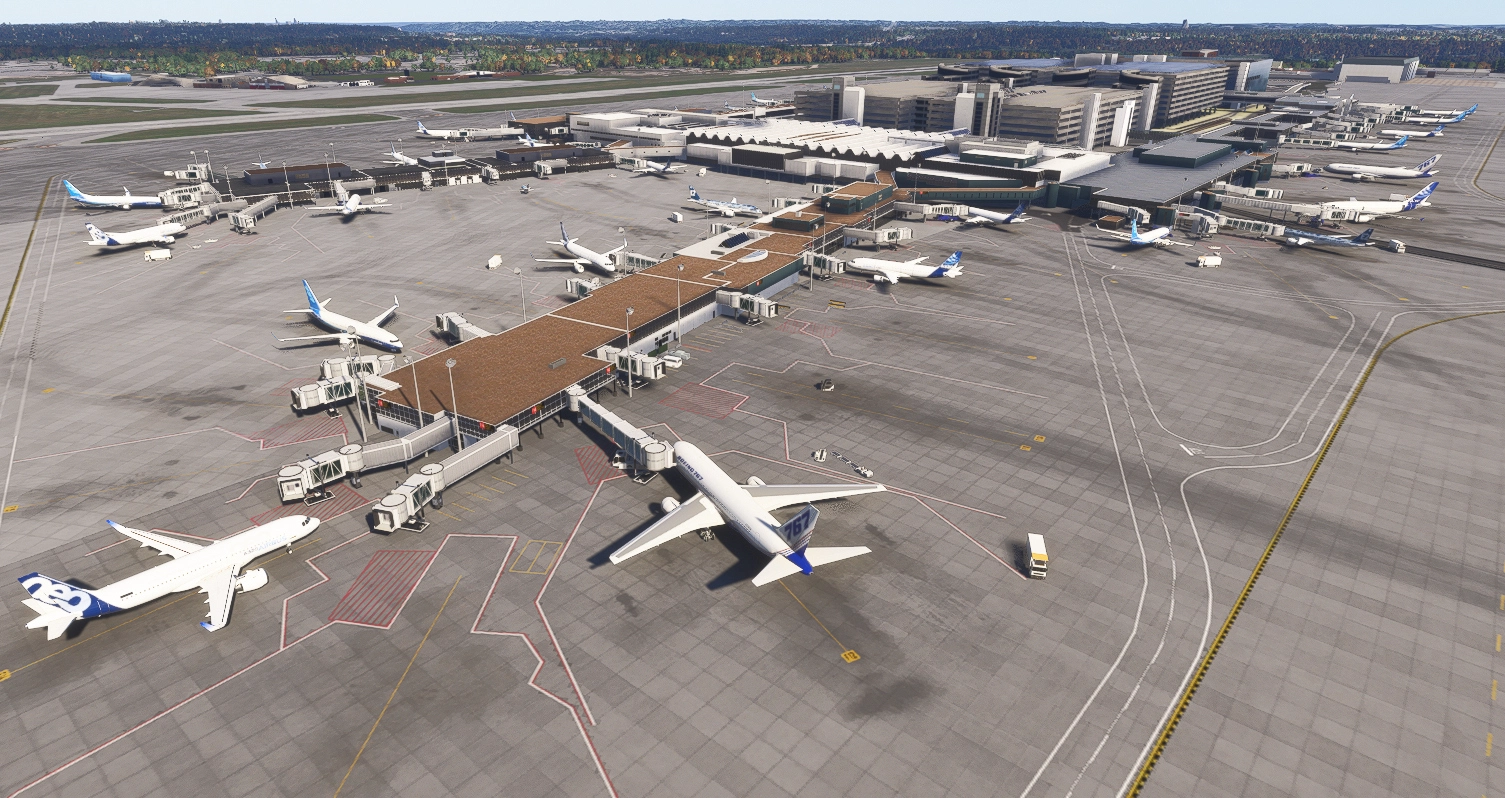
Beschreibung
KMSP
Version 4.3
Terraforming problems related to CU15 have hopefully been fixed in this revision. This had led to a bridge deck being disconnected from the road, and the entry ramp to i494 having huge distortion. A part of the T1 Car Park was missing, which has now been included. I replaced the Asobo Mast Lights with my own as they were way too dim after Su-5. SU-6 arrived the day after, with HUGE Mast Lights, but I am sticking with mine. However, you must install the included mgc-onemnsdmodellib version 4.0. The version numberwill be visible in MSFS_Addon Linker if you use it. See changes log for other updates. Please be aware that flightsim.to does it's own thing on version numbers, so it shows the new onemnsdmodellib as v4.2 when it is actually 4.0.
Version 4.2
Humble apologies. An attempt to even the ground under the main terminal area backfired and created level issues on Taxiway D at the end of the E-F Alley. This version corrects that.
Version 4.1
CU15 added better ground textures and resolution, which in earlier versions had been mitigated by terraforming. This version has been checked for problems of this nature, and hopefully all corrected. The main work on this version has been a total rebuild of the Two older car parks at Terminal 1. I originally created them for FSX, so I have been able to add more detail. I will probably tinker with the lighting some more, and find a solution to adding parked cars at an angle that are not on the ground.
Only one library file is needed now, which is included and replaces: mgc-taxisignobjectslib, mgc-streetandbldlighting, mgc-modellib24. Delete those if you have them, and install mgc-onemnsdmodellib.
Version 3.6
City Update 15 produced an interesting problem, where the new scenery for St Paul was not rendering, and the river was running downhill. This was eventually traced to the Base Ball Stadium at St Paul, which is now rendered as part of CU15, so all should now be well. Whilst hunting for this problem, and removed thousands of Draw Calls, so overall, performance should be improved. It is also possible that if it doesn't fix SU-5 induced performance issues, GSX or an old version of same is responsible.
Version 3.41
Humble apolgies :- I forgot to package the Taxi Sign Objects Library. You may have it already if you downloaded version 3.3 in which case you need not download this version. The folder mgc-taxisignobjectslib is in this new zip file and needs to be placed in your community folder. Sorry for the inconvenience.
Version 3.4
Terraforming continued to make my life difficult. A huge dip appeared in runway 12R-30L and my many attempts to fix this just moved the problem elsewhere. I ended up flattening the entire Airport, so if you see issues please report them.
The Airlift Complex has now been brought up to date, along with the aprons and car parks around it. The Signature Hangars have had some more attention, but more work is needed. Sadly, this area will be redeveloped in the future. The Delta Cargo building near T2 has had revised LODS as it was disappearing prematurely. An issue with the Runway Entrance Lights where they remained ON when close up has been fixed.
Version 3.3 2/2/2026
The changes may not seem significant, but many hours have gone into this new version.
De-Ice Pads have been inspected and brought up to date, removing the parking spots, so they are free for users to place their aircraft.
I noticed a Terraforming problem on the Cargo Road in front of the FedEx Warehouse. Whilst correcting that, I noticed Z-Fighting on the building, which led to the discovery of a duplicate copy. Opps!
Terminal 2 Humphrey Terminal was having an issue where the roof changed texture as the user/camera pulls away.
The problem with Enhanced Center Lines that I address in the last version has been fixed, and I am endebited to BirdmanFS on the MSFS 2024 Dev Forum for informing me of a problem where if painted lines exactly overlay Paths or Taxiways, fight. I wrote some code to re-arrange the vertices of the painted lines, which solved the problem.
Having converted the eight hangars of the FBO to 2024, one of them was disappearing very prematurely. To resolve this, I made them all a SimProp, which let me generate LODS for each building and still keep them grouped.
Taxiway Signs were relying on my 2020 model library. I have created a new 2024 compatible library called:
MGC-TAXISIGNOBJECTSLIB which must replace MGC-SCENERY-MODELLIB-TSASSETS
They have to use the same GUID for compatiblity reasons, so DELETE THE latter version from your Community Folder.
The new version is packaged with the airport.
Whilst watching real time video of MSP, I noticed the ASR-11 Radar. I was unable to find the Radar I have used at other airports, so I built my own. It’s not very precise, but it spins – at the right speed.
The Airlift hangar has also been completely remodelled, as the existing dated back to FSX. I still have the complex of buildings behind it to do.
It is usual to have a number of C130 Hercules out in front of the Airlift 934th and 133rd Hangars, but the model I used in 2020 wouldn’t work without convertion. This proved to be quite a task. They don’t fly, they just sit on the ramp, and snow will not land on them.
What’s Next?
As mentioned, the Complex of Buildings behind the 934th Hangar will be redrawn, and then some work to make the ground around it look more realistic. This may involve just removing aprons that cover up satellite date that was originally out of date.
Installation
Delete MGC-SCENERY-MODELLIB-TSASSETS from your community folder.
Copy MGC-TAXISIGNOBJECTSLIB to your community folder.
Copy mgc-kmsp-minneapolisstpaulinstl to your community folder.
Version 3.2
The Terminal 2 extension contruction has been moving ahead, and the crane is now gone. Using the on line information from the Minneapolis Airport Commission, (https://metroairports.org/terminal-2-north-expansion) I have created a nearly complete model of the building. I think it likely that my rendition is further ahead than reality, but I have had to imagine the airside part, so this is a work in progress.
Working around this area made me realize that the traffic lights I installed in the 2020 version no longer provided enough light to be realistic. Using an idea I had from the Runway Guard Lights (Wig Wags?), I have implemented traffic lights that have different intensity in the day to the night.
The Runway Guard Lights were very dim in version 3.0, so they have been modified to show up clearly in the day and night, without dazzling the pilot at night. As with a number of Flight Sim objects that are small, they are only visible when fairly close. However, I think they are better than the 2020 version.
Sadly, the Runway Entrance Lights that worked quite well in 2020 do not work at all in 2024. They rely on Worldscript, which is another (work in progress) which I consider a work in regress. I haven’t removed the light fittings, but the underlying code is turned off.
As I didn’t release 3.1, there are items that have been changed, mostly to stop items popping, and these include the Control Tower Complex, FedEx Warehouse and UPS Warehouse. The construction offices have also been revamped on the Terminal 2 Access Road.
Discord:https://discord.gg/T4DdrTZ8h6
Location
KMSP - Minneapolis St Paul Intl Airport for MSFS 2024
This add-on provides an updated version of Minneapolis St Paul International Airport (KMSP) for Microsoft Flight Simulator 2024. It features extensive adjustments to lighting, including changes in color temperature and bulb positioning. Most models have been regenerated to incorporate multiple levels of detail, enhancing compatibility with the latest simulator version.

Nutzerbewertungen
1 Bewertungen
Versionsgeschichte
Hump Building adjusted to fit correctly on the landscape Corrections to Spiral Ramp Colors Added more cars to Car Parks created in 4.2 Added CarParkLindExit Canopy. Added Headlights to People Mover Added Fuel Hyrant Trolleys and red parking areas. Added missing building and possible duct work to T1 Lindburg Car Park Display on side of new Car park added. Changed mast lights to my own.
Ähnliche Addons
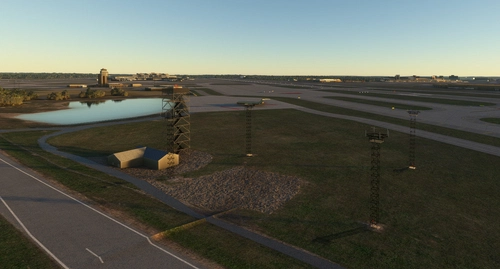
KMSP - Minneapolis St Paul International
Add-on summary: Exciting updates and improvements for Minneapolis St Paul International (KMSP) Airport, with detailed enhancements for various terminals, parking areas, lighting, and ground markings. Explore realistic textures, redesigned structures, and optimized AI traffic flow. Keep your experience alive with each version release, bringing a dynamic and evolving airport environment.
von Martin Connor (connomar)
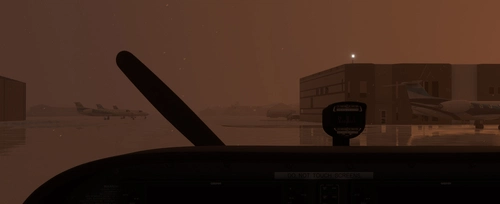
KDLH - Duluth International Airport - Duluth, Minnesota
Enhance Duluth International Airport with this beta add-on, incorporating updates from a multi-year project to modernize taxiways and introduce new GA Hangar spaces. Delve into a detailed rendition featuring over 40 models, including changes such as enhanced hangars, airport services modifications, and improved lighting elements. Stay tuned for upcoming releases to further refine this evolving airport scenery.
von MNSceneryDesign
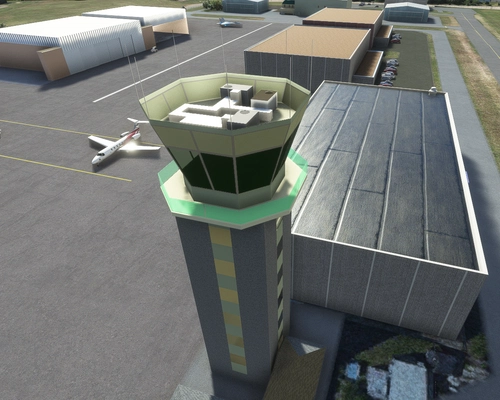
KSTP - St. Paul Downtown - Holman Field - St. Paul, MN - 3.1
Explore KSTP - St. Paul Downtown/Holman Field in Minnesota with this detailed add-on. Discover the top reliever airport, business hangars, Blackhawk helicopter operations, and more. Updates include CHS Field landmark, accurate taxi signs, enhanced lighting, and detailed tower complexes. Created by MNSceneryDesign, this add-on elevates your flight simulation experience.
von MNSceneryDesign
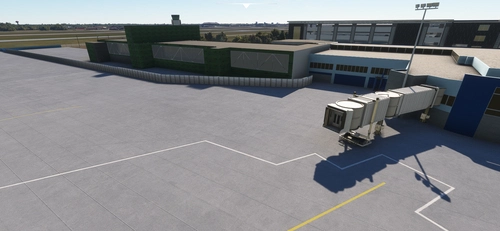
KFAR-Hector International Airport - Fargo North Dakota
Explore Hector International Airport in Fargo, North Dakota, serving as a Passenger, Cargo, FBO, and Fargo Air National Guard Base. Immerse yourself in the history of this airport, originating in 1927 and undergoing renovations over the years. Enhance your flight simulation experience with detailed models based on 2022 aerial photos.
von connomar
Melden Sie sich an, um an der Diskussion teilzunehmen
AnmeldenKommentare(6)
7 months ago
7 months ago
7 months ago
It's confusing when checking version shown in Addon Linker is not correct.
7 months ago
12 months ago
12 months ago