
Beschreibung
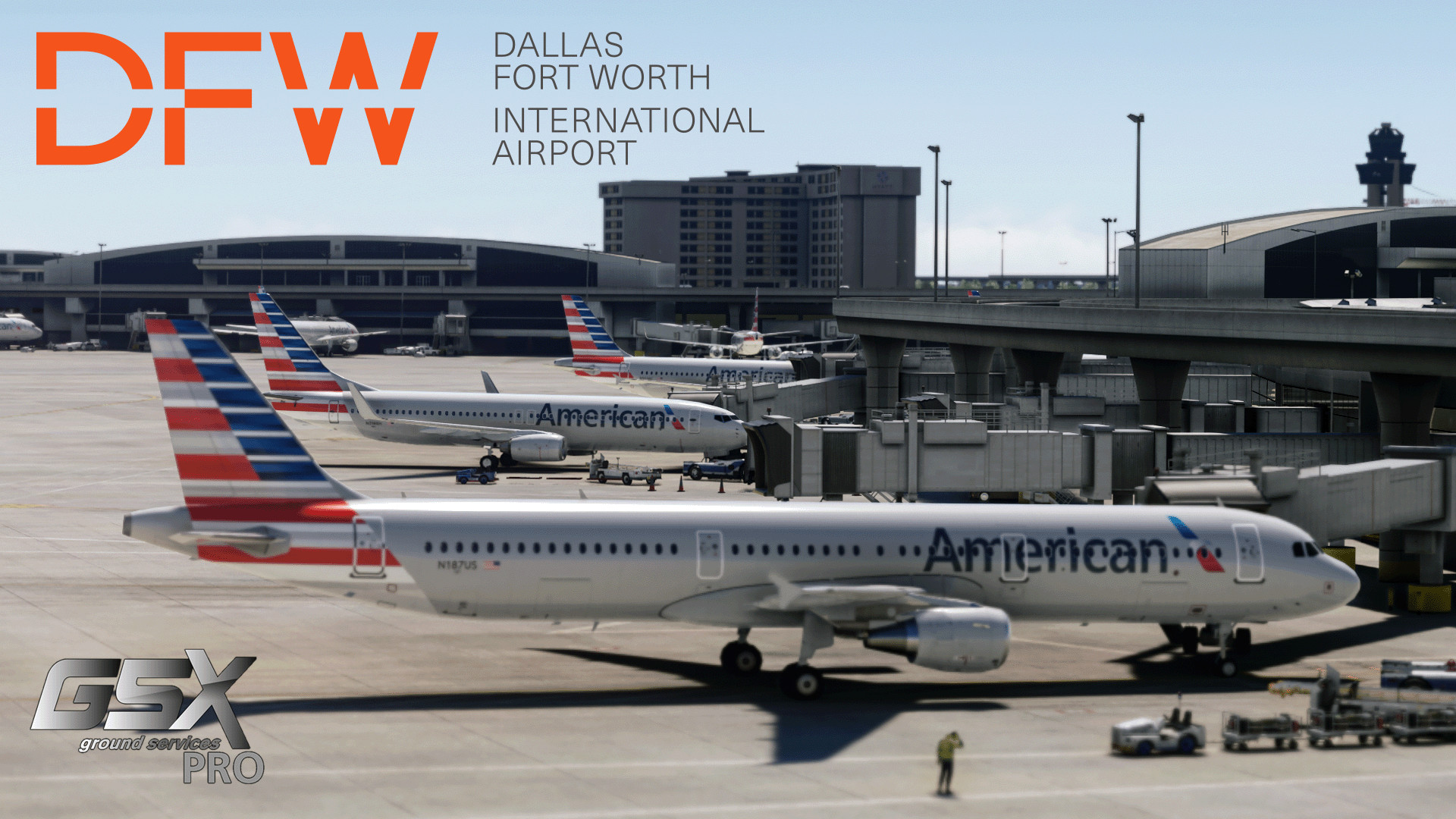
GSX Profile for KDFW by imaginesim
This profile aims to be as accurate as possible to real-life operations and compared to other DFW profiles.
(Vatsim Compliant)
Features:
- Operator selection based on real-life data
- Custom pushbacks for all gates
- Custom vehicle placements for all gates
- Custom de-icing pads - all are present (30 individual de-icing pads)
- Accurate stop positions based on aircraft type (.py file)
- Adjusted jetway floor heights
- VDGS (D6-D16)
- Although VDGS is installed at most gates at DFW, American's irl operations use marshallers, so most gates are set with marshallers
- If you know of other airlines that still use the VDGS at DFW, let us know, and it will be updated.
Installation:
- Extract the .zip file and move the .ini and .py file to:
C:\Users\{User}\AppData\Roaming\virtuali\GSX\MSFS\ - Disable ImagineSim VDGS using the ImagineSim airport configurator or rename the file:
"CommunityFolder\imaginesim-airport-kdfw-dallas-fort-worth\scenery\world\scenery\objects-safegate.bgl" to
"objects-safegate.bgl.disabled"
Terminal's Airlines:
- Terminal A and C:
- All Gates (Medium): American Airlines (A319, A320, B737, B737-MAX8, and A321)
- Terminal B:
- B1-B4 (Small): Envoy and Republic Airways (ERJ170, ERJ175)
- B5-B18 (Medium): American Airlines (A319, A320, B737, B737-MAX8, and A321)
- B19-B49 (Small): Envoy, Republic Airways, PSA, and SkyWest (CRJ7, CRJ9, ERJ170, and ERJ175)
- Terminal D:
- D1-D4 (Medium): American Airlines (A319, A320, A321, and B737-MAX8)
- D40-D17 (Medium): American Airlines (A319, A320, A321, B737, and B737-MAX8)
- D16-D6: Most of these are international, long haul, flights. Check the README provided in your download for more information on the airlines and specifics for aircraft; it’s simply too long to include in the description.
- D4-D1 (Medium): American Airlines (A319, A320, A321, B737, B737-MAX8)
- Terminal E:
- E2 (Small): Air Canada, Jazz Aviation (Air Canada Express) (E190, A220-200, and A220-300)
- E4-E6 and E8-E9 (Medium): United (A319, A320, B737-8, and B737-MAX8)
- E7 (Medium): Frontier and Spirit (A320, A320n, A321, and A321n)
- E10 (Medium): JetBlue, Frontier, and Spirit (A320, A320n, A220-300, A321, and A321n)
- E11 (Medium): Alaska (B737-8, 737-900ER, B737-MAX8, and B737-MAX9)
- E12-E17 (Medium): Delta (A220-100, A220-300, A319, A320, A321, A321n, B737-8, 737-900ER)
- E18 (Medium): Spirit (A320, A320n, A321, and A321n)
- E20-E21 (Medium): Frontier (A320, A320n, A321, and A321n)
- E31-E33 (Medium): Spirit (A320, A320n, A321, and A321n)
- E34-E36B (Small): PSA and SkyWest (CRJ7 and CRJ9)
- Satellite E:
- All Gates: PSA and SkyWest (CRJ7 and CRJ9)
Heavy Gates:
- A21, A23, A24, A34
- D6, D10, D11, D14, D15, D18, D21, D23-D33, D36
A list of airlines for D6-D16 (International Gates) will be provided in the README.
Contacts and Credits:
- Please contact us (@xhvxuvx or @asweet0331) if you find any incorrect placements or issues
- @xhvxuvx for the custom .py and countless hours working on the .ini
- @asweet0331 for assistance with factual photos/information
- @IAmAGuest for the original profile (although almost everything is changed)
- Shawn for ground information (ramp agent at DFW Terminal B and D)
- Farley for accurate parking info (from the top of the DFW central tower)
KDFW GSX Profile (imaginesim)
This add-on provides a GSX profile tailored for the KDFW Dallas Fort Worth International Airport, created for use with Imaginesim scenery. It features accurate operator selection, custom pushback and vehicle placements for all gates, and detailed de-icing pad arrangements. Additionally, it incorporates accurate stop positions for various aircraft types and adjusts jetway floor heights to enhance realism in terminal operations.



Nutzerbewertungen
1 Bewertungen
Versionsgeschichte
Minor Airline Code Changes: -- Added ACA to E 7 gate -- Removed several airlines (8 of them) from gate D 3 that don't go into their in real life Minor Ground Services update: -- Updated ground handling at gate E 7 -- Updated ground handling at gate D 3
Ähnliche Addons
KBNA (Dominic Design Team) GSX Profile
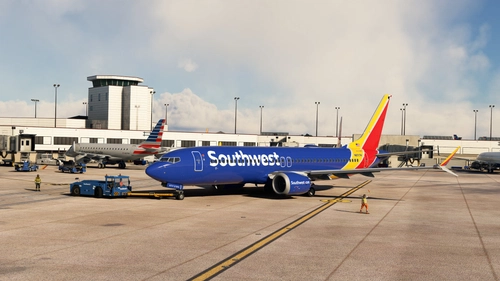
This GSX Profile for Nashville International Airport (KBNA) by the Dominic Design Team provides a comprehensive setup covering all parking spots within the scenery. It features custom vehicle placements, accurate ground handling, and tailored pushback procedures for each gate, ensuring compatibility with a wide range of aircraft. Additionally, the profile includes specific stop positions, de-icing areas, and accurate airline assignments per gate, enhancing realism for users. Installation instructions are provided for easy setup.
von xhvxuvx
LIBD (SimPixel) GSX Profile
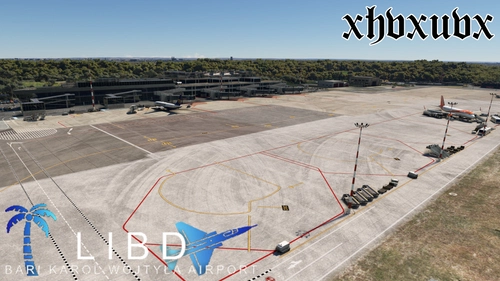
The LIBD (SimPixel) GSX Profile enhances the airport experience at LIBD by customizing all main terminal gates (301-313) with tailored stop positions, pushbacks, and walking waypoints for walk-in gates. The add-on supports a variety of aircraft types, including medium and heavy gate usage for popular models like the Airbus A320 and Boeing 737. Installation is straightforward with options for manual dragging of configuration files or using a dedicated installer. Note that jetway animations may not align perfectly due to existing game limitations.
von xhvxuvx
Better Contrails
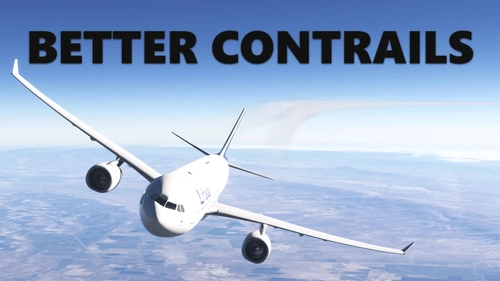
Better Contrails is an add-on designed to enhance the visual effects of contrails in Microsoft Flight Simulator. This preliminary release aims to improve the default contrail appearance and is compatible with all aircraft that utilize the standard contrail system. While primarily developed for MSFS2024, it is also expected to function on MSFS2020, with minimal risk involved in trying it. Installation involves a straightforward extraction and placement into the Community folder.
von xhvxuvx
Melden Sie sich an, um an der Diskussion teilzunehmen
AnmeldenKommentare(9)
8 days ago
2 months ago
6 months ago
6 months ago
7 months ago
11 months ago
about 1 year ago
about 1 year ago
Also having incorrect airlines parking at spots is an issue with whatever traffic injector you are using. I did notice myself that FSLTL and BATC would inject traffic and park airlines at incorrect spots. There is, unfortunately, nothing I can do about that.
about 1 year ago