
Beschreibung
< Info >
V2.0 Added Osaka and Nagoya.
This is intended to be the final update.
Sorry, but I cannot accommodate requests for additional regions.
USA / Europe / Australia version V2.0 is here.
https://flightsim.to/file/96354/moving-ship-helipads-sandiego-newyork-gibraltar-v1
----------------------------------------
< Scenery description >
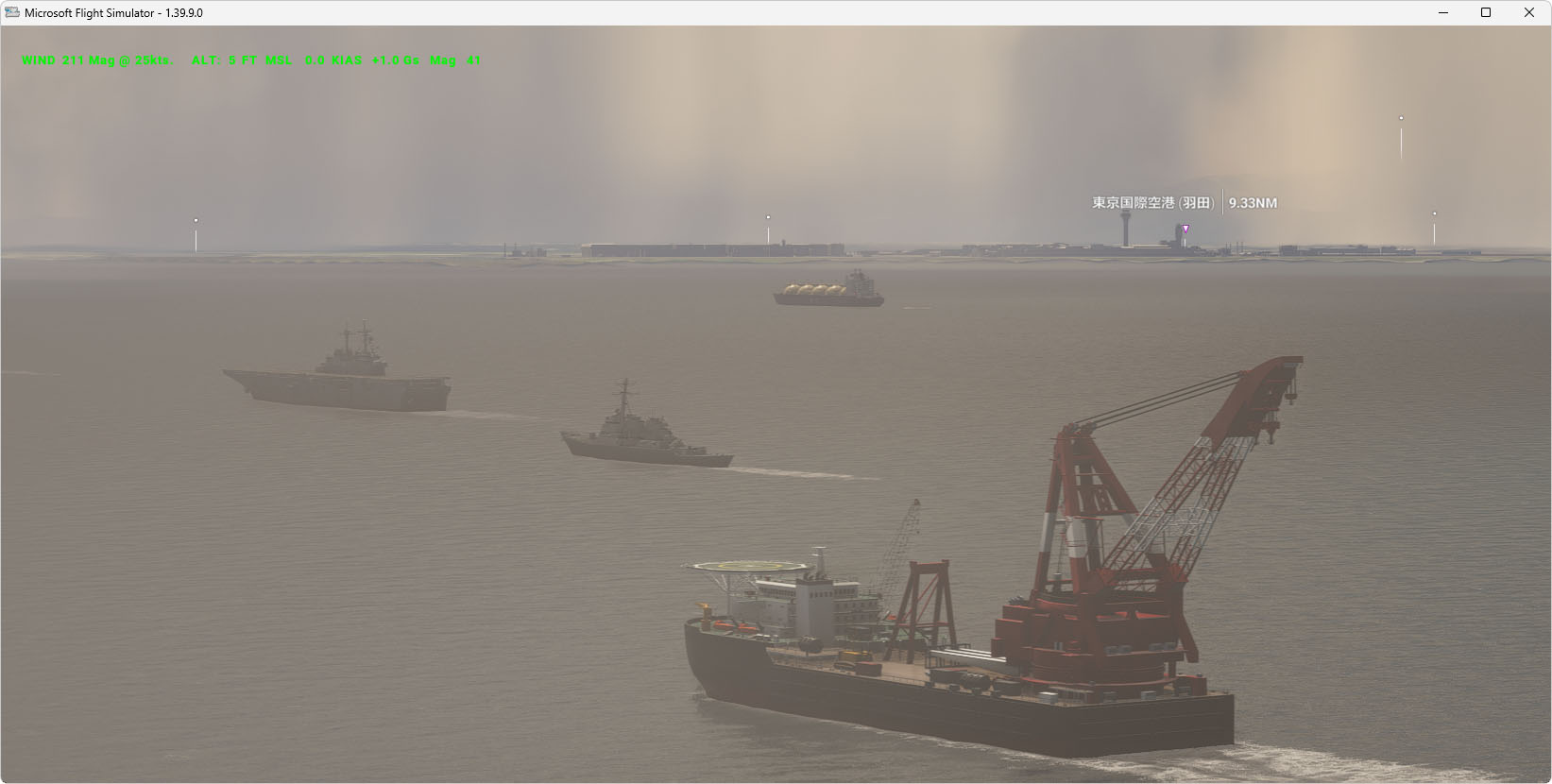
Moving ship helipads Scenery, Tokyo / Osaka / Nagoya, Japan.
There are 8 ships in each region.
You can land on moving ships.
If MSFS default ships are getting in the way, please turn them off.
In MSFS2024, the helicopter may be rocked by waves after landing.
( Weak wind speed is recommended )
Since the ship is moving, the starting point will not be on the ship. If you select this scenery from the Airport selector, you will start on nearby land.
< Tokyo >
ICAO code : HERIS
Airport Name : TokyoBay Heli Ships
< Osaka / Nagoya >
ICAO code : HELI8 / HELI9
Airport Name : Osaka Heli Ships / Nagoya Heli Ships
------------------------------------------
< Very Important >
The Moving Boats 3D Model Library is required.
Please use the correct version of the Moving Boat 3D library.
( for MSFS2020 or MSFS2024 )
Do not use the FS2020 library with MSFS2024.
< Library Download >
Required files
Moving Boats 3D Model Library for FS2020 or FS2024 version.
https://flightsim.to/file/27908/moving-boats-3d-model-libraryMany thanks to Mr.superspud, the author of this wonderful ships.
< Install >
Copy the following 3 folder to your Community folder:
MSFS2020
1: moving-ship-helipads-tokyobay ( This File )
2: moving-ship-helipads-osaka ( This File )
3: boat-library-moving
MSFS2024
1: moving-ship-helipads-tokyobay ( This File )
2: moving-ship-helipads-osaka ( This File )
3: boat-library-moving-2024
Location
Tokyo Bay Moving Ship Helipads V2
This add-on introduces moving ship helipads in Tokyo Bay, Japan, providing a dynamic helicopter landing experience. Designated by the ICAO code HERIS, it is known as TokyoBay Heli Ships. To utilize this scenery, users must install the Moving Boats 3D Model Library, with separate versions available for MSFS2020 and MSFS2024.


Nutzerbewertungen
2 Bewertungen
Versionsgeschichte
Added Osaka and Nagoya.
Ähnliche Addons
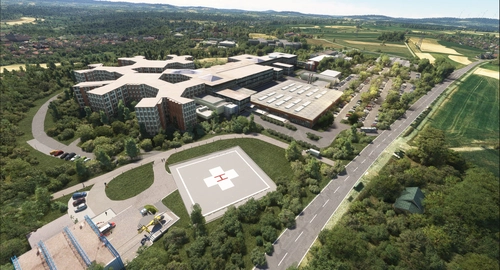
Helipads in Northern Bavaria + Emergency scenarios 2.3
Add-on featuring helipads around hospitals in Northern Bavaria, allowing for immersive emergency scenarios and HEMS pilot roleplay. Recent updates include realistic hospital remodels and helipad additions. Night lighting and proper wind socks enhance the experience.
von ChrisPiAviation
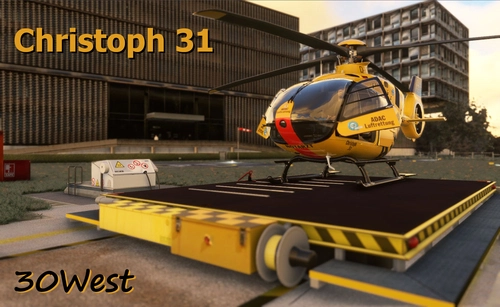
Christoph 31
Experience lifelike rescue missions in Berlin with the Christoph 31/Berlin add-on. This scenery package features custom-made helipads, hospitals, and mission locations across the city. Embark on primary rescue missions with Christoph 31 or perform intensive care patient transfers with Christoph Berlin. Explore various hospitals and landmarks while navigating through realistic scenarios.
von 30West
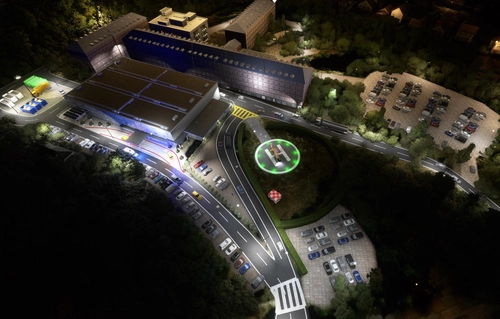
Krankenhaus- & Einsatzpaket NDS
An extensive add-on package featuring 67 missions and 34 hospitals in Niedersachsen and surroundings, all navigable via ICAO codes. Regular updates with improvements and new content are provided. External dependencies are required for full functionality. Experience diverse rescue scenarios in Microsoft Flight Simulator.
von Airforce81 // AcMcFat
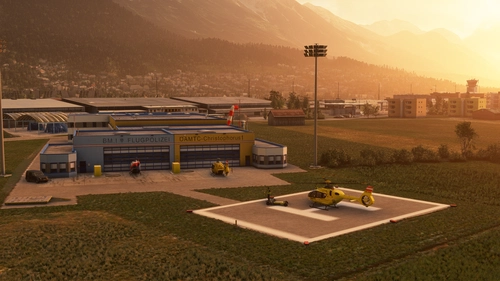
Innsbruck Region Helipads + Emergency Scenery
Explore a collection of new helipads in the Innsbruck region, including Christophorus 1 base station and various hospitals. Additionally, discover emergency scenery for a more immersive flight experience. Simply install the desired packages in your community folder and restart the sim to begin your helicopter adventures in this picturesque area.
von Lukeeep
Melden Sie sich an, um an der Diskussion teilzunehmen
AnmeldenKommentare(7)
about 1 year ago
about 1 year ago
By applying the correct Moving Boat 3D library for MSFS2020 or MSFS2024, you can land moving boats.
about 1 year ago
please more of them. maybe the north sea?
about 1 year ago
USA / Europe Version:
https://flightsim.to/file/96354/moving-ship-helipads-sandiego-newyork-gibraltar-v1
about 1 year ago
about 1 year ago
More other location please
https://www.tiktok.com/@munkygaming/video/7538031470070500626?is_from_webapp=1&sender_device=pc&web_id=7530504082826659346
about 1 year ago
I released a scenery today that adds the same boat in a few places, but I don't plan to add any more.
https://flightsim.to/file/96354/moving-ship-helipads-sandiego-newyork-gibraltar-v1