
Beschreibung
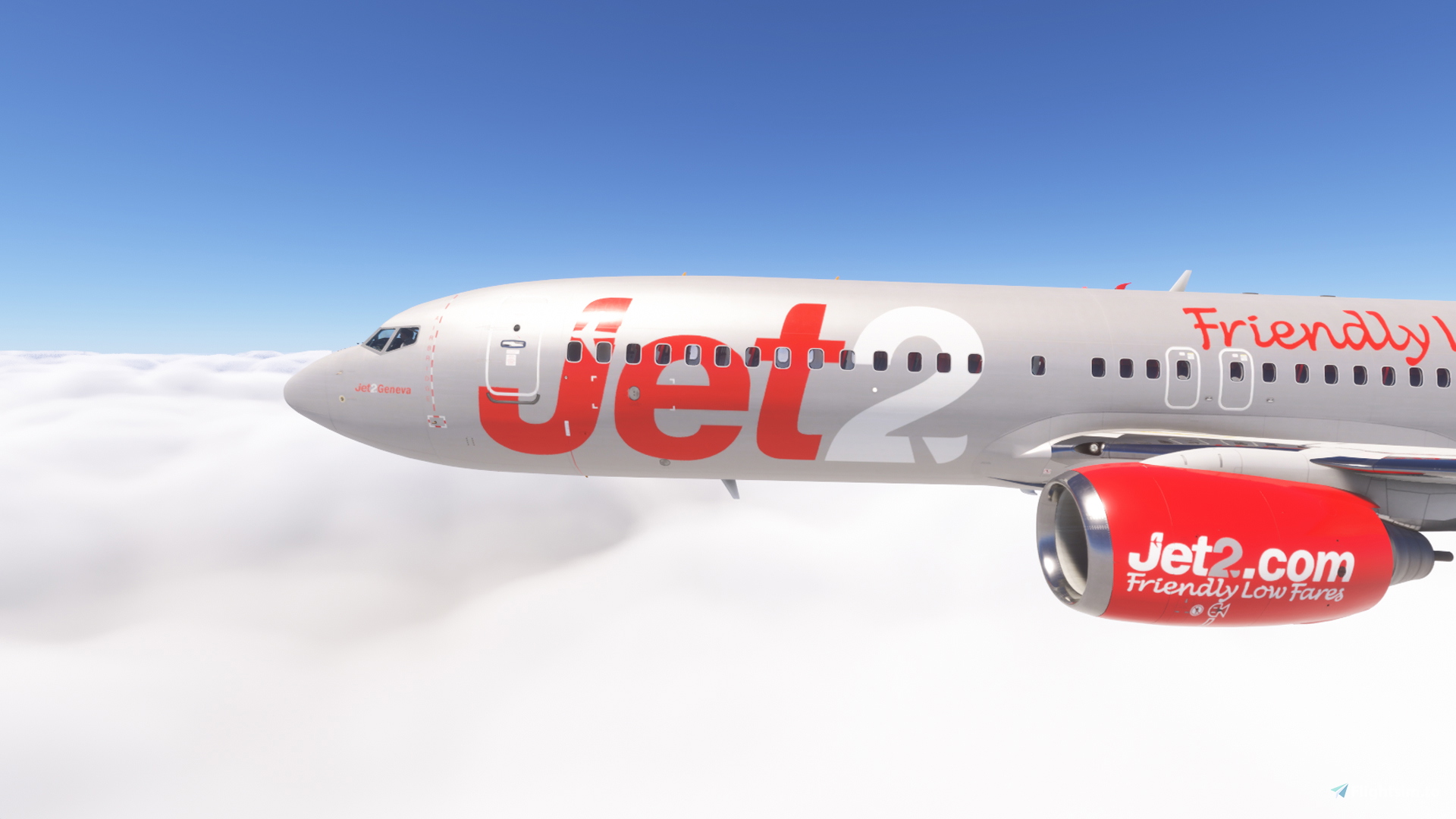
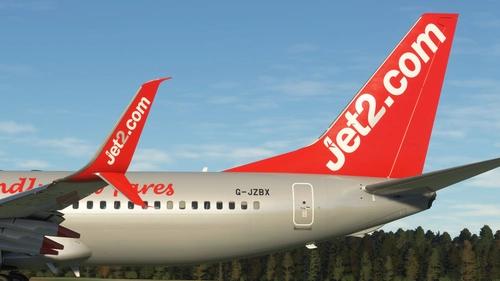
This is a repaint package for the PMDG 737-800 in colours of Jet2 (silver design).
The following 28 registrations are included:
G-JZBA, G-JZBB, G-JZBI, G-JZBJ, G-JZBK, G-JZBL, G-JZBM, G-JZBN, G-JZBT, G-JZBU, G-JZBX, G-JZDB, G-JZDG, G-JZDH,
G-JZHB, G-JZHC, G-JZHG, G-JZHH, G-JZHJ, G-JZHO, G-JZHP, G-JZHR, G-JZHS, G-JZHV ,G-JZHW, G-JZHX, G-JZHY, G-JZHZ
This livery comes with a custom tablet background (installation instructions included)
Pictures were made with the MSFS 2024 version. MSFS 2020 cabin differs slightly in design.
Installation via PMDG Operations Center 3:
1: Extract the *.zip file to a temporary location, ie desktop
2: Run PMDG Operations Center 3.
3: Choose the 737-800, then Import.
4: Choose the 'exs_silver_commons.zip' folder and at least one of the registrations e.g. 'exs_silver_gjzhb.zip' and hit open.
5. After installation was successful, start MSFS, choose the installed livery and enjoy!
If you like this livery, please consider leaving a comment and like! This livery is free of use, but you can consider a small donation!
You can request a livery in my discord server: https://discord.gg/arKKpgBvSh
It is not permitted to modify the livery or re-upload it to a website without the explict permission of the author. Any violation of this constitutes a breach of applicable copyright law.
PMDG 737-800 w/ cabin Jet2 - G-JZ* silver fleet
This add-on features a repaint package for the PMDG 737-800 aircraft, showcasing the silver livery of Jet2. It includes 28 unique registrations, allowing for a detailed representation of the Jet2 fleet. Additionally, the package offers a custom tablet background for enhanced realism. Installation is straightforward through the PMDG Operations Center, with clear instructions provided.


Versionsgeschichte
Changelog 1.2 - changed upload to MSFS 2024
Ähnliche Addons
PMDG 737-800 Jet2 Livery Pack
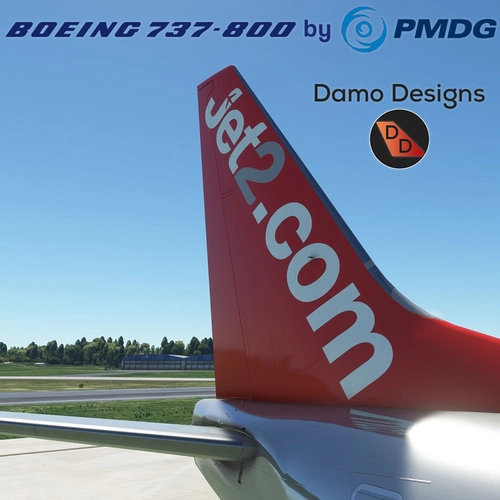
Dive into the world of Jet2 Airlines with this PMDG 737-800 Jet2 Livery Pack. Experience the iconic Jet2 themed cabin with liveries like Jet2Alicante, Jet2Lanzarote, and more available for download. Simply install via the PMDG Operations Centre and take to the skies in style with these authentic liveries.
von Damo_Designs
Jet2 Holidays (3-Pack) - PMDG 737-800
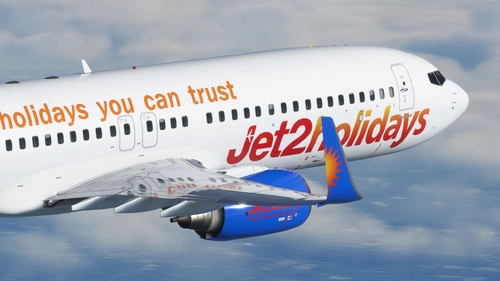
This collection features three Jet2 Holidays liveries for the PMDG 737-800 aircraft, with registrations G-GDFW, G-GDFZ, and G-JZBS. Easily install by extracting the .ptp files to your designated folder and using the PMDG Operations Centre. Feedback and donations are welcomed, and updates can be found on the creators Discord server.
von Aanerud
PMDG 737-800 Jet2Holidays Livery Pack
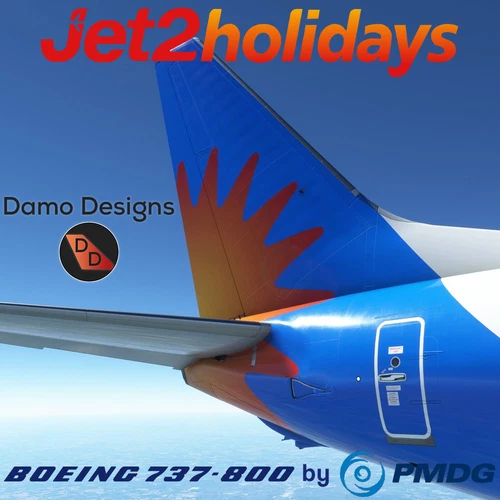
Add a touch of Jet2holidays to your PMDG 737-800 with this Livery Pack. Includes a Jet2 themed cabin and plans for more liveries in the future. Installation is simple via the PMDG Operations Centre.
von Damo_Designs
Jet2.com (4-Pack) - PMDG 737-800
Discover Jet2.coms fleet with this 4-pack for the PMDG 737-800, showcasing accurate liveries like "Paris" and "Majorca". These liveries feature detailed decals, PBR, and custom maps for a realistic flying experience. Stay connected for updates and join the Discord community for more liveries and support.
von Aanerud
Melden Sie sich an, um an der Diskussion teilzunehmen
AnmeldenKommentare(27)
7 months ago
7 months ago
12 months ago
I have tried multiple times to install these, step by step, and it is still not working. Would this be because I have the marketplace version or?
12 months ago
9 months ago
9 months ago
9 months ago
9 months ago
about 1 year ago
about 1 year ago
11 months ago
about 1 year ago
about 1 year ago
about 1 year ago
about 1 year ago
about 1 year ago
about 1 year ago
about 1 year ago
about 1 year ago
about 1 year ago