
Beschreibung
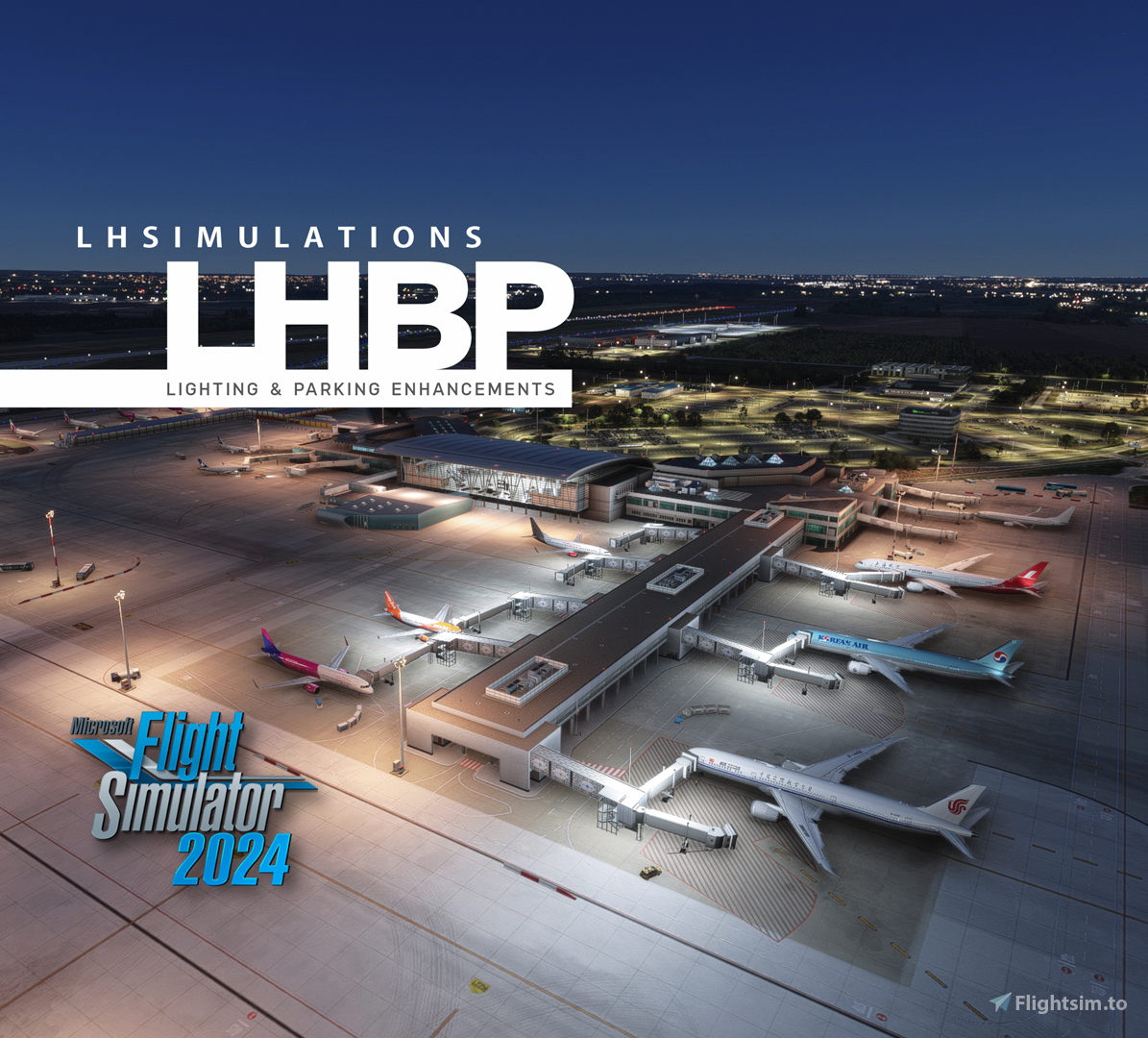
This mod was designed to enhance parking spots, lights and apron lighting at LHSimulations LHBP Budapest International Airport (available at Marketplace only).
For Microsoft Flight Simulator 2020, use this file instead:
https://flightsim.to/file/79168/lhsimulations-lhbp-budapest-lights-parking-enhancements
LHSimulations has done a great job at recreating Ferenc Liszt International Airport for MSFS but, unfortunately, this scenery has some drawbacks:
- Missing parking spots such as Gates 34L, 34R, 35L, 35R, 36L, 36R, R110, R112, R114, R116, etc;
- Incorrect taxiway names;
- Inappropriate parking radius for AI traffic;
- Incorrect assignment of airline parking codes;
- Dark aprons at night;
- Unreal green centerline lights on some taxiways;
After hours and hours watching live streams and tracking real planes at Budapest International Airport with FlightRadar24.com, it was possible to determine with accuracy the exact location where each aircraft type / airline park.
Features:
- New parking spots added according to LHBP Aerodrome Chart (AIP Hungary);
- Correct taxiway names and centerline lights on the appropriate taxiways;
- Accurate parking radius for AI Traffic (AIG and FSLTL);
- Airline parking codes included for all gates and ramps:
- Low-cost airlines assigned at gates R270 to R278 primarily (Easyjet, Ryanair and Wizz for Schengen flights, Eurowings, Norwegian, etc.);
- Schengen flights assigned at gates 42 to 45 (Terminal 2A), such as Air France, Austrian, Brussels, KLM, Lufthansa and Swiss flights;
- Non-Schengen flights assigned at gates 31 to 39 (Terminal 2B) but with an accurate association for each airline (Aer Lingus, Air China, British, Emirates, Korean, Qatar, Smartwings, Turkish, etc.);
- Government aircraft assigned at gate R278A;
- General aviation aircraft assigned at gates G150 to G172 and G180 to G192 - New appron lighting with real colors temperature (amber/white);
- Custom made runway lights with new models and light effects (including last 600m with unidirectional yellow lights);
- New runway guard lights with custom made light effects;
- New runway entry stop bars;
- New terminal building red lights;
- New cargo handling building red lights;
- New control tower strobe and red lights;
- Added "Passenger acess type" new FS2024 SDK feature to all parking spots;
- Ready for BeyondATC and FSHud (unfortunately, BATC and FSHud traffic injectors do not read airline codes assigned in this mod)
Installation:
Copy the folder inside ZIP file into your community folder
Notes:
This is not an official patch from LHSimulations. Therefore, there is no support from LHSimulations for issues involving this mod.
None of the original scenery files / models will be modified or replaced by this mod.
Leave your comments below! Thank you!
Location
LHSimulations LHBP Budapest - Lighting & Parking Enhancements
Enhance your experience at LHSimulations LHBP Budapest International Airport with this add-on, which features improvements to parking spots, taxiway names, and lighting conditions. The mod includes new parking assignments aligned with the Aerodrome Chart, custom runway lights, and accurate airline codes for enhanced realism. It specifically addresses issues such as dark aprons at night and the inclusion of appropriate centerline lights on taxiways. Compatibility with popular traffic injectors is provided, ensuring a more immersive flying experience.


Nutzerbewertungen
2 Bewertungen
Versionsgeschichte
Keine Versionsgeschichte verfügbar.
In Sammlungen enthalten(1)


Ähnliche Addons
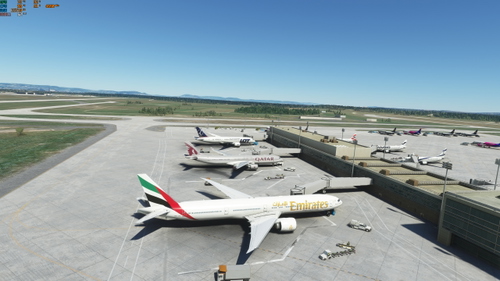
Budapest Ferenc Liszt LHBP default airport UPGRADE
Enhance default Budapest Ferenc Liszt Airport with this upgrade, featuring assigned parking codes, cargo parking for freighters, taxiway lighting, improved Pier 2B, and removed vegetation within the airport. Perfect for improving AI traffic in your sim experience.
von Olly P
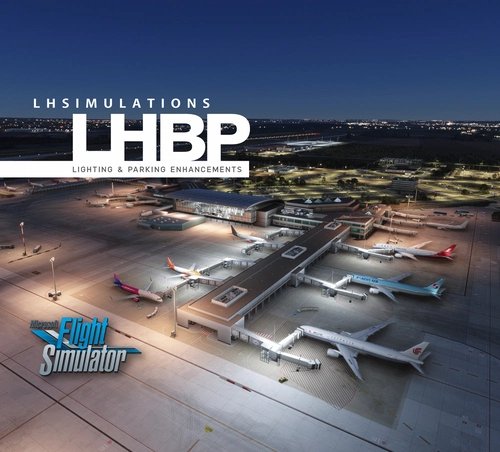
LHSimulations LHBP Budapest - Lighting & Parking Enhancements
Enhance parking spots, lights and apron lighting at LHSimulations LHBP Budapest International Airport
von Marcelo Nahas
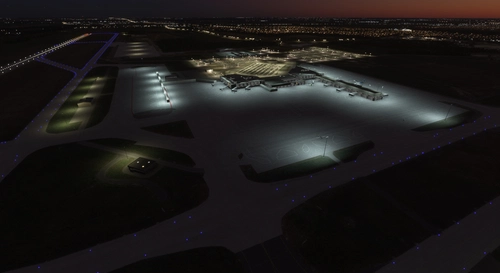
Budapest LHBP (Lights Enhancement)
Enhance the lighting at Budapest Airport with this add-on, now included in the Basic Airport Enhancement project.
von EDDB2020
LHBP - Budapest "Liszt" Intl. Airport
Experience Budapest Ferenc Liszt International Airport (LHBP/BUD), Hungarys primary airport located 16 km southeast of downtown Budapest. Opened in 1950 and renamed in 2011, the airport features two parallel runways and serves as a hub for major airlines such as Wizz Air and Ryanair. This add-on provides an updated scenery for Microsoft Flight Simulator, reflecting the latest airport information and enhancements planned for future terminal development.
von Barelli MSFS addons
Melden Sie sich an, um an der Diskussion teilzunehmen
AnmeldenKommentare(13)
5 months ago
4 months ago
9 months ago
9 months ago
For some reason, FS2024 might be prioritising the LHSimulations LHBP scenery over my mod. All you need to do is change this priority:
1. On Settings/General/Advanced Options, check "Package reorder tool". It will open a new window;
2. Type LHBP on the filter box;
3. Press the up arrow next to the word THIRDPARTY until the order of the sceneries is reversed.
That's it! Close that window and go to Free Flight and choose LHBP airport.
9 months ago
about 1 year ago
over 1 year ago
over 1 year ago
over 1 year ago
over 1 year ago
over 1 year ago
I've been holding out flying to BUD until your update comes!