
Beschreibung
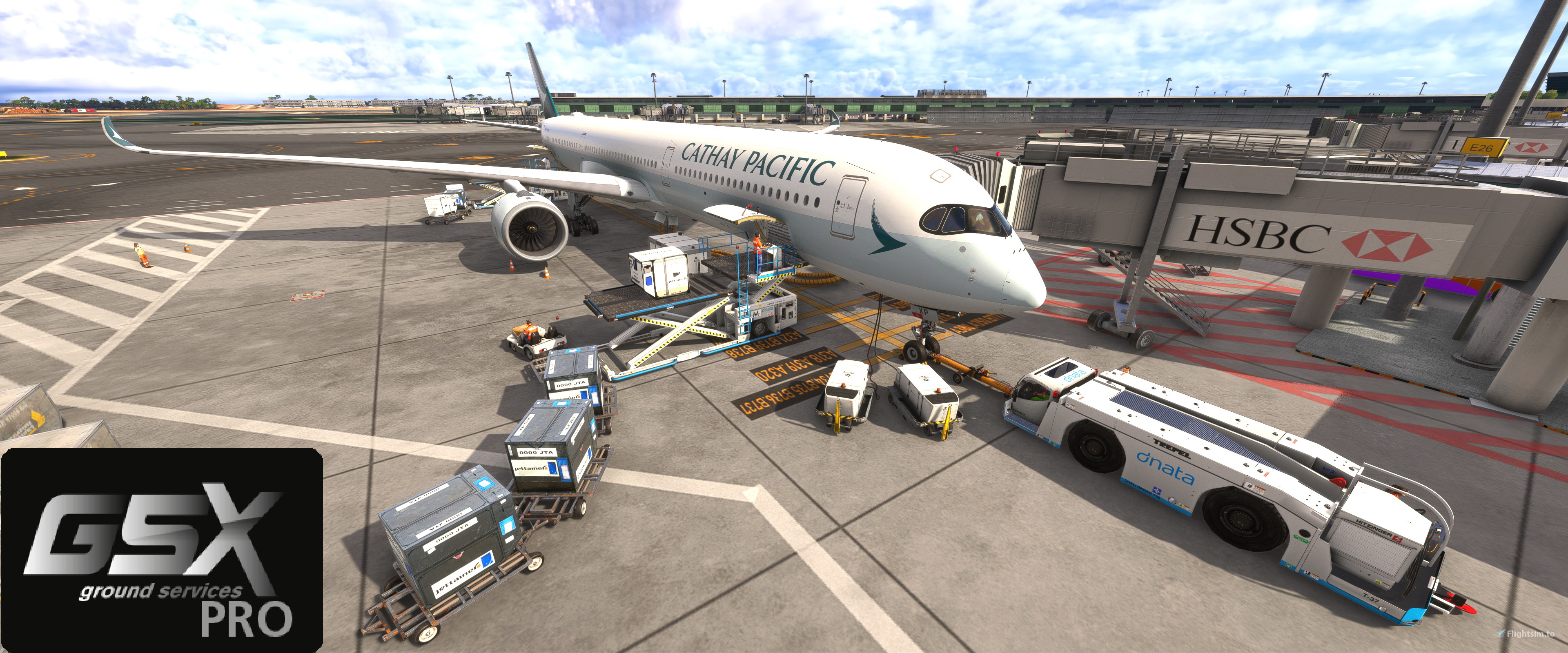
This is a new profile that's based on the latest official GSX Pro database that was implemented to the iniBuilds A350 file folders for both the -900 and -1000 variant. But I've tweaked the profile a little bit to add a few changes:
- All Pax doors on the port-side are now enabled and have proper door open/close checks. That means on airports with enough stairs they will all try to connect to all the pax doors.
- Bulk Cargo is now active as there's also a proper door open/close checks. So during boarding you will have the cargo ULD loaded into the two Cargo doors like normal, but also a Belt loader with small baggage will be loaded to the aft bulk cargo bay. Note that if your GSX settings allow rear staircase to connect on gates with jetways, it may clip together when both the staircase and the rear bulk cargo is being loaded.
- After GSX version 3.3.9 that introduces the door width field. This profile now includes the door dimensions specifications from official Airbus data source for all (Pax, Service, and Cargo) doors. So if GSX decided to implement a different ULD Cargo Loader based on the cargo door dimensions, the profile will have accurate door dimensions.
Installation:
- Extract the a350 folder to your:
%AppData%\Virtuali\Airplanes
Uninstallation:
- Delete the a350 folder from your:
%AppData%\Virtuali\Airplanes
Credits & References:
- FSDreamTeam for the initial database of the A350 where the tweaks and modifications are based upon.
- iniBuilds for the initial profile for the A350.
- Vol AC (2024) AIRBUS A350 AIRCRAFT CHARACTERISTICS AIRPORT AND MAINTENANCE PLANNING. rep. 31707 Blagnac Cedex, FRANCE: AIRBUS S.A.S. Customer Services Technical Data Support and Services, pp. 2-7-0 Page 1-15.
GSX Pro Profile - iniBuilds A350-900/1000
This add-on provides a customized GSX Pro profile for the iniBuilds A350-900 and A350-1000 variants, enhancing boarding and cargo operations. Key features include the activation of all passenger doors on the port side and setting the front door as the preferred entry/exit point to streamline passenger flow. Additionally, bulk cargo functionality has been refined with proper door checks for realistic loading. Installation involves extracting the profile folder into a designated directory.


Nutzerbewertungen
3 Bewertungen
Versionsgeschichte
- Added GSX Profile for A350-900ULR variant. - Slight adjustment to the cargo loader position to make it closer to the door. - Revert the preferred entry to DOOR 2L.
Ähnliche Addons
Subtle Taxi Ribbon
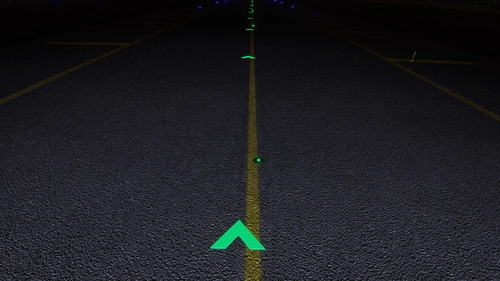
Enhance your taxiing experience with the Subtle Taxi Ribbon mod, which reduces the size and changes the color of the taxi ribbon for a more seamless integration with taxiway centerlights. Easily install or uninstall this mod to customize your MSFS experience. For an alternative option with parking box retention, check out the RXP Small Taxi Helpers 3D-VR mod by CptLucky.
von NeoKingArthur
Generic A320 Traffic
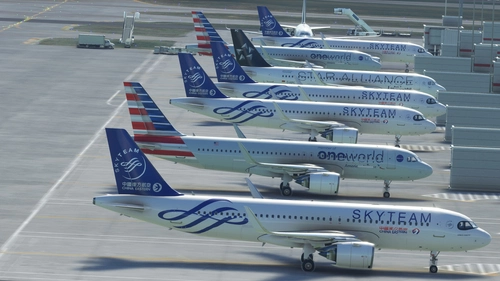
This is a mod that disables the sim to use the Generic Traffic model to be used for populating the aircraft and to be used as moving Traffic. Instead, this mod will force the sim to use the Asobo A320 aircraft to become the Generic Traffic. So if you do not have a matching aircraft model, the sim will use the A320 model by default.
von NeoKingArthur
Indiafoxtecho F-35 Lightning II - Default Weapons Payload
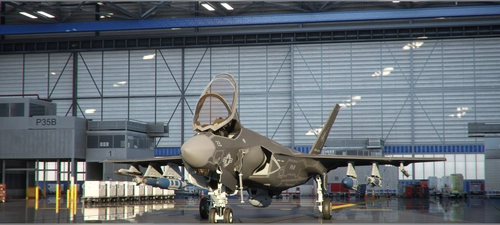
This mod gives you alternative payload configuration for the Indiafoxtecho F-35 Lightning II aircraft. This mod doesn't modify the base performance and general specification of the aircraft. This mod only modifies the default Weight Payload that is loaded when the aircraft is selected in the Free Flight selection. The purpose of this mod is to give you the weapons payload by default, so that you can just choose the aircraft and start your flight straightaway with full weapons loadout. That way, you don't have to manually enter the pay load for each station one by one everytime you start a new flight. This mod also changes the Station # labels into their actual weapons name.
von NeoKingArthur
FBW A32NX - Pilot & Copilot Avatar
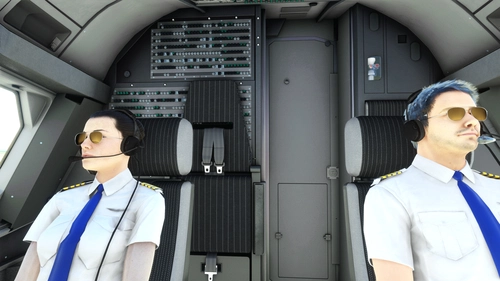
This mod adds visible Pilot & Copilot avatars to the cockpit of the FBW A32NX aircraft. Choose the appropriate version (Stable or Dev/Exp), download the zip file, and follow the installation instructions to enhance your flight experience. Special thanks to FlyByWire Simulations and Fluegelmann for their contributions to this mod.
von NeoKingArthur
Melden Sie sich an, um an der Diskussion teilzunehmen
AnmeldenKommentare(52)
19 days ago
7 days ago
But I'm currently away from flight simming at the moment and not sure when I'll return to make any further updates. But anyone is free to grab the files and release their own updates. Permission is open.
about 10 hours ago
19 days ago
7 days ago
As for the installation folder, it should be the correct one unless iniBuilds decided to change the actual path of the A350 in the recent updates. But I haven't returned to flight simming for quite some time now I can't really confirm it.
23 days ago
7 days ago
As for the 1L door, I think it also "depends" on the airport as well. As I said, the game's default sim engine seems to favor the "closest" door regardless of the preference. So I can't really do anything about it. But if you're using some custom airports, especially one made by iniBuilds, it should work together. But I haven't returned to flight simming for quite some time now I can't really confirm it.
about 1 month ago
about 1 month ago
about 2 months ago
about 1 month ago
3 months ago
about 1 month ago
8 months ago
about 1 month ago
8 months ago
8 months ago
8 months ago
8 months ago