
Beschreibung
Hello everyone, hope all is well.
All Variants Included: -900, -1000 , With and Without Cabin
Primary Changes (more will be added, updated, improved on):
- Major Flight Stability Increases (aircraft should feel much heavier on the controls) - Improvements Planned
- Rudder Effectiveness Decreased (mostly in-flight, will be improved)
- Brake and Autobrake Improvements (brakes should feel smoother, less jerky)
- Increased Ground Friction (initial roll requires thrust increase)
- Reduced Elevator Trim Speed (slightly, will be improved)
- Corrected Reference Speeds (speeds referenced by 3rd party apps - increased and corrected to real values)
- Slower Spoiler-On Deployment (mostly in-flight, spoilers seem unaffected) - Improvements Planned
- Reduced Gear Related Volumes (by 50% - optional)
Planned Future Updates:
- Improved Flare and Rotation Behavior (Requested/Planned, looking into this)
- Thrust Improvement (will be tuned correctly over time without using Global Scalars)
- Brake Improvements (looking into this)
- Control Effectiveness and Stability Tweaks (including ground tiller)
- Corrected Climb-Lift Ratios (looking into this)
- Improved Spoileron Limits (looking into this)
- Improved Spoiler Deployment (looking into this)
- Improved Fuel Flow (looking into this)
- Corrected Gear Visuals (contact points, gear compression rules)
- Possible Click Spot to Activate GSX Menu (may need help on this, F2GSX developer? Others? Might need an external application)
Note:
ChangeLog - Will provide changes made
INSTRUCTIONS-READ-THIS.txt - Will provide install instructions.
THANKS EVERYONE!
Happy to give back to this amazing community.
Enjoy
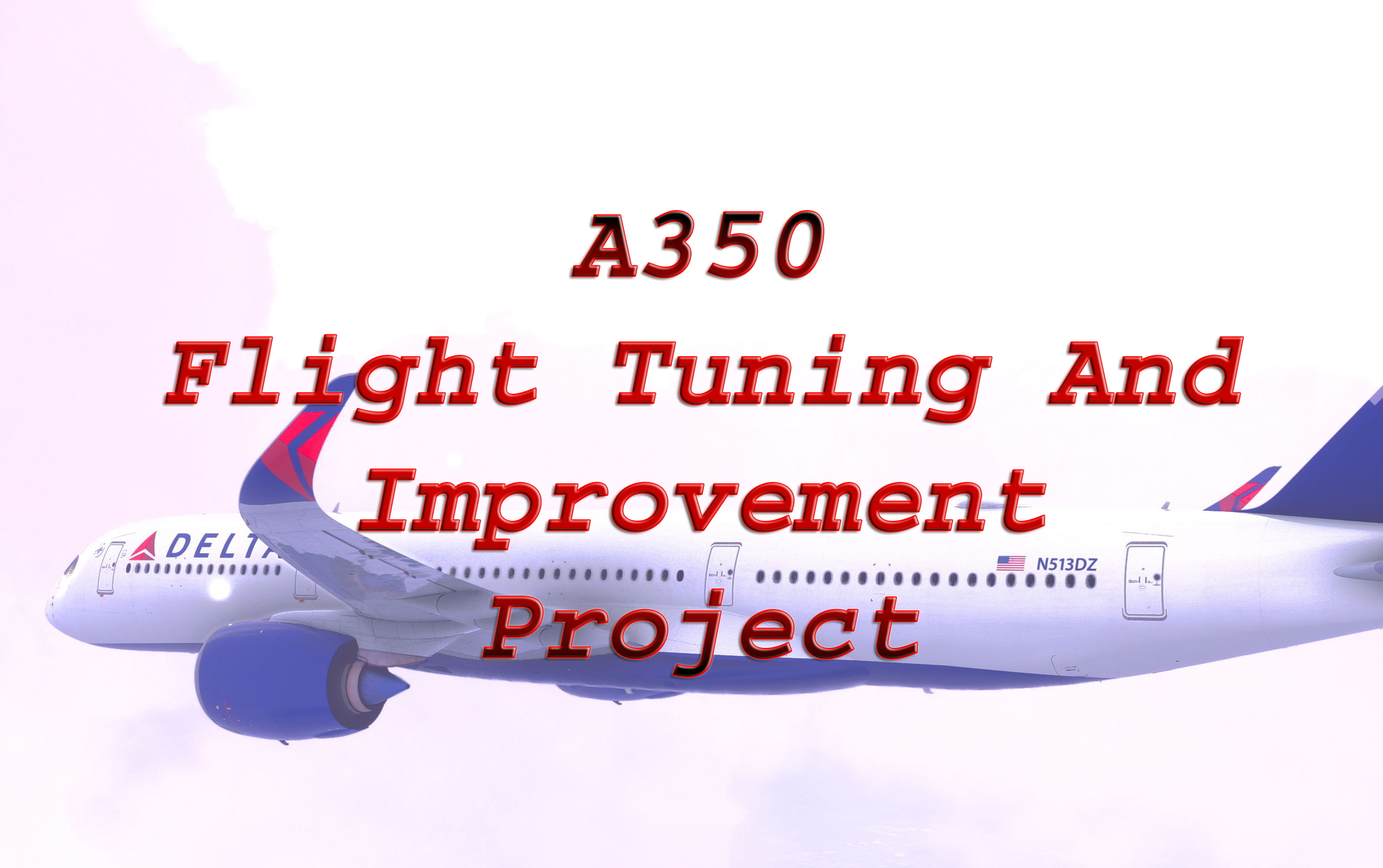
Airbus A350 - Flight Tuning And Improvement Project
The Airbus A350 - Flight Tuning and Improvements Project introduces significant modifications aimed at enhancing the flight experience of the aircraft. Key updates include improved flight stability, adjusted rudder effectiveness, corrected reference speeds, and increased ground friction. This mod affects all A350 variants and includes a detailed "Read-Me" file for installation instructions and comprehensive change logs. Future updates are planned to further refine aircraft performance metrics.


Nutzerbewertungen
46 Bewertungen
Versionsgeschichte
V1.0.3: --Thrust Scalar - Reverted --Spoileron Deploy Time - Reduced --Gear Related Volumes - Reduced 50% (optional) --Glideslope Warning - Reduced 50% (optional) --New CFGPORT Method --New Manifest Files

Melden Sie sich an, um an der Diskussion teilzunehmen
AnmeldenKommentare(299)
about 1 month ago
about 1 month ago
3 months ago
go to the flight simulator community folder eg: "C:\Users\urname\AppData\Roaming\Microsoft Flight Simulator\Packages\Community"
then find "inibuilds-aircraft-a350" ctrl+v or copy it then go to A350TuningFS2020 or the 2024 and find "CFGPORT" open that then you going to go open IN_FOLDER and then inside that press ctrl+v or paste in the content you copied then go back to CFGPORT and run "CFGPORT_RUN.cmd", one that is done open the folder OUT_COMMUNITY and copy all the files in it and go back to "C:\Users\urname\AppData\Roaming\Microsoft Flight Simulator\Packages\Community" and paste in the files you copied earlier you can delete CFGPORT and A350TuningFS2020 or 2024.
3 months ago
Dieser Kommentar wurde gelöscht
3 months ago
I read some comments about installation problems. I Think the problem most user have is that they don't know where to put your unzipped file incl their folders.
I would try the follwing way (correct me if i'm false):
1. i have the zipped file "A50TuningFS2020_RL8UZ.zip" on a USB-Stick and i unpack it on the same stick.
2. the folders in this USB-Stick e.g. "IN_FOLDERS" & "ORG_BACKUP" etc i would fill up with data as your manual it described.
3. after everything is done i would execute the script "CFGPORT.PS1" (also on the USB-Stick)
--> is that all?
If not please tell us where to copy "A50TuningFS2020_RL8UZ.zip" and unzip it and execute "CFGPORT.PS1". In the community folder? I dont know....
thank you
regards
4 months ago
4 months ago
what is that!?
4 months ago
5 months ago
Looking forward to continuation or addition.
3 months ago
It looks like you where successfull!
Can you answer my question?
thank you
regards
6 months ago
7 months ago
7 months ago
9 months ago
10 months ago
11 months ago
10 months ago