
Beschreibung
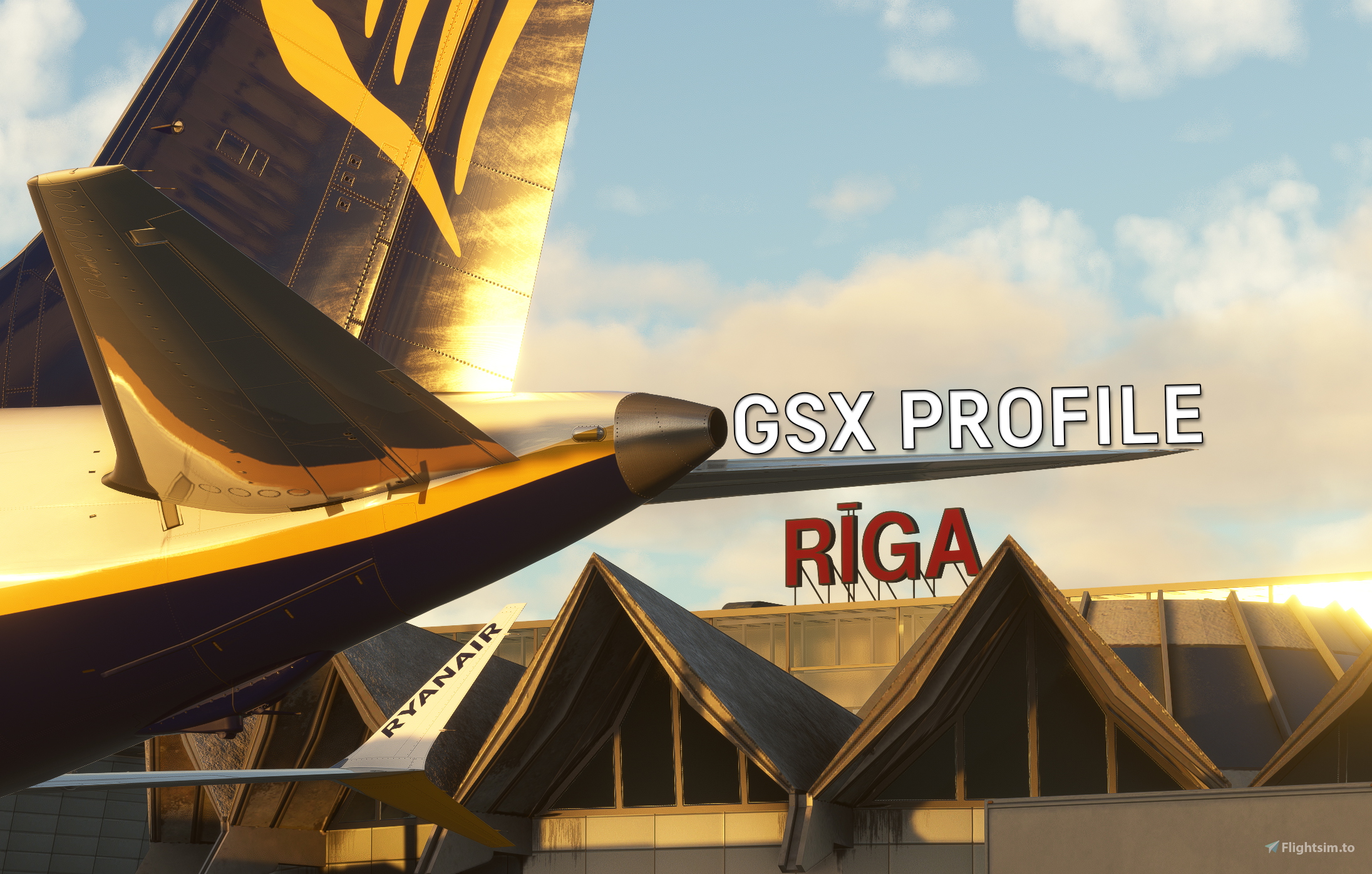
Official GSX Pro Profile for Riga International Airport (EVRA) of Lisium Design.
Compatible with Version 1.5 of EVRA (Lisium Design)
FOR THE SYNAPTIC A220 - MUST INSTALL THIS PROFILE FOR CORRECT VEHICLE POSITIONS!
All feedback and suggestions/recommendations are greatly appreciated, and don't hesitate to point out any mistakes that I can correct. Let me know, if there's any other aircraft that need adding to the custom stop position code.
Features
- Manually customized gates/stands
Excluding Apron 4
- Apron 2 includes stands 204-219
- Apron 1:
Excludes Stand 100 (Refer to Notes category in the description)
- Stands 110, 112-115 as Bus stands
- Stands 101 & 103 (for AT76) - Boarding via Bus, Deboarding via walk-in
- De-icing pads
DN1, DN2, DN3, DN4 (De-icing area North)
- DS1, DS2, DS3, DS4 (De-icing area South)
- All ground vehicles positioned to avoid overlapping with scenery objects
- Custom pushback waypoints
- Custom gate naming and grouping via Python code:
Apron 1
- Apron 2
- Apron 3
- Apron 4
- Apron 5 (Cargo)
- Terminal (B Sector)
- Terminal (C Sector)
- Handler script for advanced customization and automation
Jetway usage and passenger waypoints automatically selected based on airline ICAO (walk-in for low cost carriers, jetway for the rest)
- Automatic Ground Handling operator selection based on airline ICAO
- Automatic passenger waypoint selection based on schengen/non-schengen departure/arrival ICAO
- Realistic stairs and baggage loaders
- RIX Bus texture
Aircraft Compatibility
Python code with custom stop positions, tested and compatible with the following:
- Fenix Airbus A319 (A319)
- Fenix Airbus A320 (A320)
- Fenix Airbus A321 (A321)
- Synaptic Simulations A220-300 (BCS3) - MUST USE THIS PROFILE!
- PMDG Boeing 737-700 (B737)
- PMDG Boeing 737-800 & 800BCF (B738)
- PMDG Boeing 737-900 & 900ER (B739)
- PMDG Boeing 777-300ER (B77W) [Gates 300 & 301]
- PMDG Boeing 777-200ER (B772) [Gates 300 & 301]
- PMDG Boeing 777F (B77L)
- iFly Boeing 737 MAX 8 (B38M)
- Commercial Simulation Systems (CSS) Boeing 737-500 (B735)
- Commercial Simulation Systems (CSS) Boeing 737-300 (B733)
- Asobo/Hans Hartmann ATR 72-600 & 72-600F (AT76)
- iniBuilds Airbus A330 (A333, A332) [Gates 300 & 301] [FS24]
- iniBuilds Airbus A300-600R(F) (A306)
Untested, but should also be compatible with:
- FlyByWire Airbus A320neo (A20N)
- iniBuilds Airbus A320neo (A20N)
- Commercial Simulation Systems (CSS) Boeing 737-400 (B734)
Installation
Profile:
Move EVRA-LD.ini and EVRA-LD.py and EVRA-LD_handler.py into AppData/Roaming/virtuali/GSX/MSFS
Bus texture:
Move fsdreamteam-livery-cobus-rix into your Community folder
Requirements
Lisium Design - Riga International Airport (EVRA)*
* Link takes you to the iniBuilds store page, but the product can be purchased from other stores as well
Notes
The GSX menu will show every gate as a walk-in gate. This is because the decision of whether a gate is jetway or walk-in happens after the parking spot has been selected, so this may be ignored.
Apron 4, and part of Apron 2 have not been customized/added in this profile yet.
Stand 100 has not been added/customized in this profile, as it is missing in the scenery.
Stands 227 & 228 have been replaced with cargo stands 511 & 512 in this profile, as they are missing in the scenery and stands 227 & 228 are used for storing BTI A220 aircraft for maintenance in real life (to be added in an upcoming scenery update). To spawn at stand 511 or 512, you must spawn at stand 501 and reposition your aircraft via the GSX menu.
Gates 300 and 301 conflict with gates 305 and 307. As a result:
- If you would like to spawn at Gate 300 or 301, you must reposition your aircraft via the GSX menu. Arrival with a turnaround (without leaving the sim) at these gates should cause no issues.
- Jetways at gates 300 and 301 will not move/animate, but boarding/deboarding via jetways should function.
Official GSX Profile - EVRA (+ RIX Bus Texture) - Riga International Airport (Lisium Design)
Official GSX profile of Riga International Airport (EVRA) by Lisium Design. Please read main description!
Mitwirkende
Nutzerbewertungen
3 Bewertungen
Versionsgeschichte
- Added translation of IATA to ICAO codes in the handler script This fixes the issue of the airline not being correctly recognized when the airline ICAO field in SimBrief is filled with the IATA code instead. (Handler script edits thanks to JBXProfiles)
Ähnliche Addons
GSX Profile - RPLL - Manila - Ninoy Aquino International Airport (Cloudsurf Asia Simulations)
GSX Pro profile for Ninoy Aquino International Airport (RPLL) by Cloudsurf Asia Simulations.
von Aviyax
Official GSX Profile - EYVI (+ LCC Ver.) - Vilnius Čiurlionis International Airport (Lisium Design)
Official GSX profile of Vilnius Čiurlionis International Airport (EYVI) by Lisium Design. Please read main description!
von Aviyax
Official GSX Profile - LGIR - Heraklion International Airport "Nikos Kazantzakis" (Lisium Design)
Official GSX profile of Heraklion International Airport "Nikos Kazantzakis" (LGIR) by Lisium Design.
von Aviyax

GSX Profile - VQPR - Paro International Airport (IronSim)
GSX Pro profile for Paro International Airport (VQPR) by IronSim.
von Aviyax
Melden Sie sich an, um an der Diskussion teilzunehmen
AnmeldenKommentare(25)
24 days ago
24 days ago
You are using the official ini A220 profile, which is incorrectly configured. Please install and use the profile linked in the description.
24 days ago
24 days ago
2 months ago
2 months ago
2 months ago
2 months ago
Thank you for your rating! Could you please send me your GSX log via DM? Thanks!
2 months ago
3 months ago
3 months ago
3 months ago
When requesting boarding, does it also not connect jetway?
Another thing to note - If you are at the C pier with a non-schengen destination in your SimBrief flightplan, you will have walk-in boarding regardless of airline.
3 months ago
3 months ago
Thank you for your rating!
Yes, I will do so sometime in the near future. :)
3 months ago
3 months ago
You can't combine. Standard uses all jetways while LCC does not use any jetways and passengers walk to/from the aircraft instead.
Please read the description for all information regarding the differences :)
4 months ago
4 months ago
The difference between both profiles is that the STD profile uses all jetways, whereas the LCC profile does not use any jetways and replaces them with walk-in instead. I don't think it is possible to have the passenger waypoints change depending on the airline ICAO code with the handler script (Correct me if I'm wrong).
However, even if it is, it is most likely way out of my experience and not worth the hassle. Sorry, but thanks for the suggestion! :)
4 months ago
4 months ago