
Beschreibung
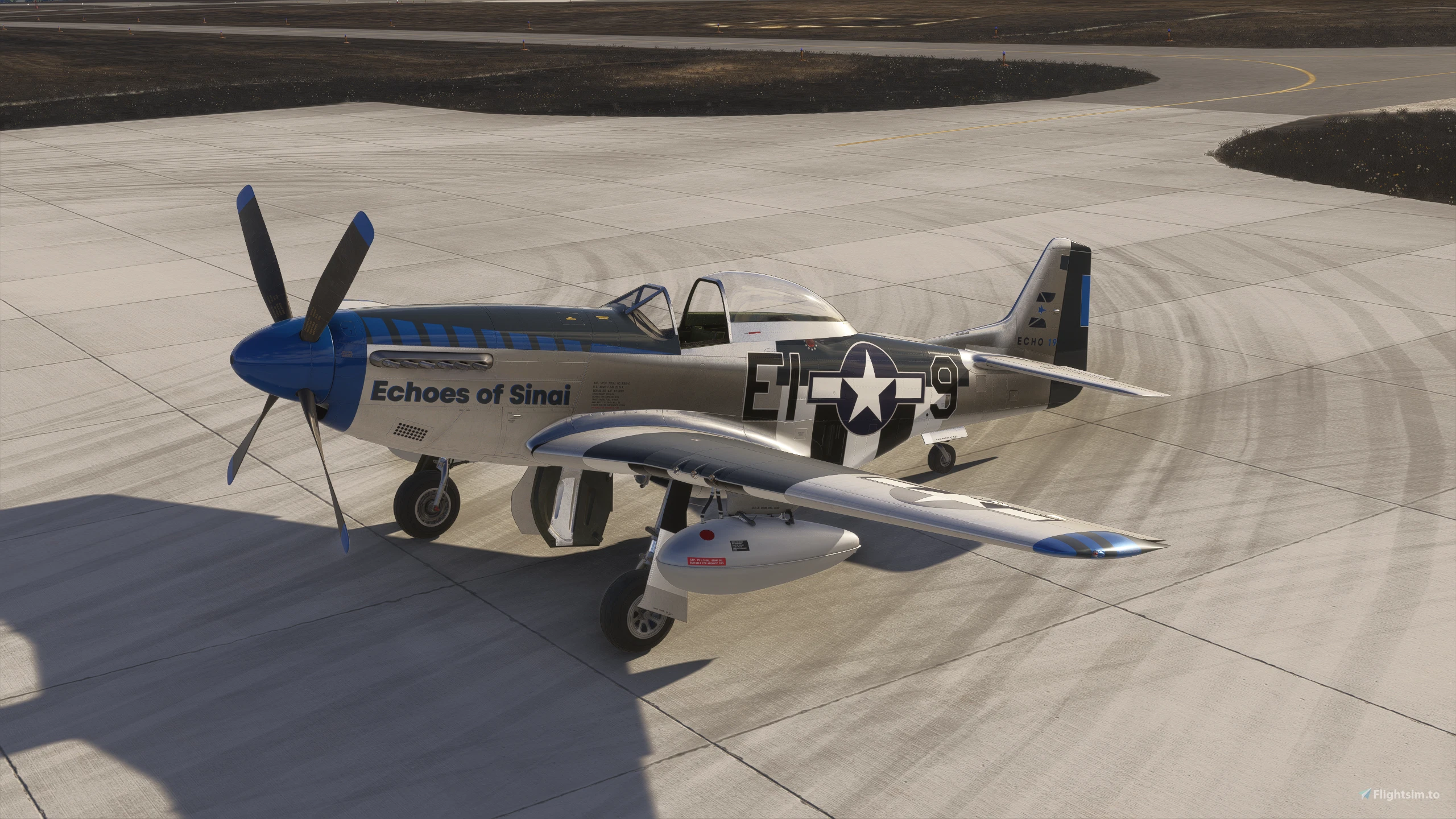
Asobo P-51D Improvement Mod
REQUIRES Reno Expansion Pack P-51D (ONLY in MSFS2020)
WORKS with NATIVE P-51D (MSFS2024)
Discord
This mod seeks to add and/or improve fidelity and functionality of the Asobo/MS Reno P-51D. By utilizing model attachments from the MSFS SDK we are able to "fix" or "add" things to Asobo models without redistributing complete base files, therefore remaining compliant with Game Content Usage rules/copyright law as the mod requires you to own the base Reno P-51D already.
COPYRIGHTS TO INDIVIDUAL MODELS REMAIN WITH THEIR RESPECTIVE HOLDERS
Now that the legal goobly-gook is out of the way... FUN STUFF!
Updates will continue as I continue to identify and address weak spots.
I'm probably going to forget a bunch of important new changes here, but ANY P-51 POH/Checklist will work to learn the new systems. Everything is AS CLOSE as I can get it to 1:1 representation
This mod breaks the default "livery" mesh, so it has been disabled. As such the default livery is now a mostly bare metal airframe. Third party liveries work as intended.
IMPROVEMENTS
- PER LIVERY State Saving
Find EVERY livery just as you left it! Prop type, drop tanks, hard points, fuel quantity, and much more all remain persistent. Even radio frequencies are saved!
- In-Game Panel
Autopilot via Toolbar App
- Airframe stat tracking via Toolbar App
- Airframe shape added to EFB for load and CG management pages (2024)
- Drop Tanks - functional and "droppable"
Drop tanks contribute to airframe drag
- Automatically drawn from based on fuel loading in left/right main tanks (sim limitation due to fuel selector animation)
- Dropped via RED button on flight stick (see photos)
- Wing hardpoints toggled on/off via load station weight. Less than 10lb is the threshold.
- Canopy rework
Multiplayer sync implemented via SPOILERS SimVar
- Canopy contributes to airframe drag
- Prop model logic rework (cuffed vs paddle)
Multiplayer sync implemented
- New prop animation compatible with 2024 prop shaders
- Multiplayer sync of user selected variables (prop, drop tanks, hard points, canopy, gear doors)
- Custom ground physics from scratch
The GREEN IFF switch activates a "rudder boost" if you're finding the rudder/tailwheel steering inputs a bit lackluster. This has the side-effect of creating RIGHT turning tendencies on takeoff, so take caution. Watch the brakes! They are grabby at speed. Ground loops are relatively docile and shouldn't be a large concern unless you find yourself far behind the airplane.
- New engine model
- Custom Mixture Event/Behavior - 3 Position Mixture Lever Supports Hardware Controllers!
FULL RICH/RUN/IDLE CUT OFF FULLY FUNCTIONAL. Right now we have matching fuel flow numbers. 67"/3000RPM - 211GPH, 61"/3000RPM - 185GPH, 47"/2700RPM - 90GPH, 38"/2300RPM (Cruise) - 60GPH
- New flight model from scratch
Full CFD/SBS/NPS support
Implemented with roll rates and cruise speeds validated against real world data at varying speeds/altitudes.
- New prop aerodynamics model AND 3D "Cuffed" prop model
- Reworked trim tab animations (anti-servo rudder tab)
- Fixed fuel pressure gauge reading
- Fixed idle cut-off mixture ratio - STARTING AT MIXTURE ICO IS SUPPORTED
- Custom Primer Logic
Fuel pump ON - Check fuel pressure >3 psi, hold primer 3-5 seconds (tooltips indicated UNDERPRIMED/PRIMED/OVERPRIMED).
- Custom Engine Start Logic
Now using a custom prop animation and engine start logic, when you engage the starter switch, the logic runs, and depending on primer state among other factors initiates a randomized starting logic. The Merlin can be finicky and MAY not start on the first attempt.
- Fixed fuel line fuel volume/fuel cutoff valve
- Engine failure based on over-boost stress ( >5 min at more than 61" MP)
- Added Asobo EFB (2024 - See photos for clickspot)
- Added GNS 430 Panel Variant (2024 - See photos)
- Engine auto start/stop implemented with Ctrl + E
Asobo Reno P-51D Improvement Mod
The Asobo Reno P-51D Improvement Mod enhances the fidelity and functionality of the Reno P-51D aircraft in Microsoft Flight Simulator. This add-on uses model attachments from the MSFS SDK to implement various fixes and improvements while remaining compliant with copyright laws, as it requires ownership of the original model. Key features include an animated canopy, improved landing gear visuals, and cockpit switch functionality for the 3D pilot model. The mod is currently in early development, with plans for further enhancements and updates in the future.

Nutzerbewertungen
21 Bewertungen
Versionsgeschichte
Tweaked prop animation logic Reworked mixture ratio for proper startup/shutdown procedure Updated default camera positions
Ähnliche Addons
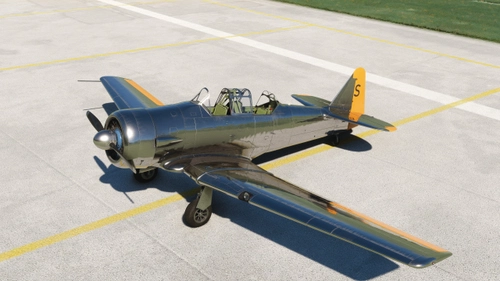
Asobo/Reno T-6 Improvement Mod
The Asobo T-6 Improvement Mod enhances the fidelity and functionality of the T-6 Texan aircraft from the Reno Expansion Pack. Designed for compatibility with both the 2020 and 2024 versions of Microsoft Flight Simulator, this mod introduces significant fixes, including realistic engine sounds, enhanced ground handling physics, and a revamped flight model. Ongoing updates will continue to address identified issues and implement additional features based on user feedback and real-world T-6 operations.
von RandallSnow
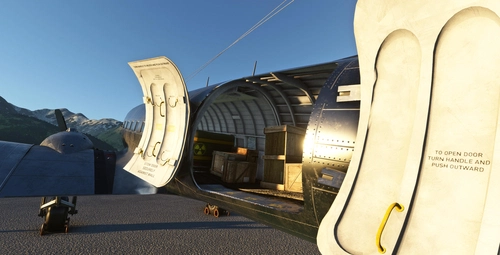
DC-3 Cargo/Freighter Variant
Enhance your virtual airline experience with this DC-3 Cargo/Freighter Variant addon, designed to differentiate the cargo model from the passenger variant for NewSky platform compatibility. Featuring increased MTOW, modified CG loading stations, and two distinct liveries, this mod offers improved performance and historical accuracy for your flights in Microsoft Flight Simulator. Upgrade now and explore the enhanced capabilities of the iconic DC-3 aircraft.
von Aeroplane Heaven/Microsoft/RandallSnow
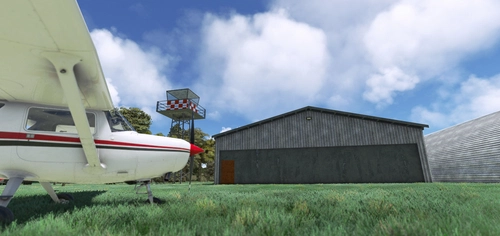
NZTO - Tokoroa Aerodrome
Explore the charm of NZTO - Tokoroa Aerodrome in New Zealand with this add-on featuring custom 3D models, textures, and ground materials. Discover the animated hangar doors and even a go-kart track for some added fun. Compatible with ORBX Mesh, World Update, and AI Traffic, this aerodrome is ready for your next flight adventure.
von RandallSnow
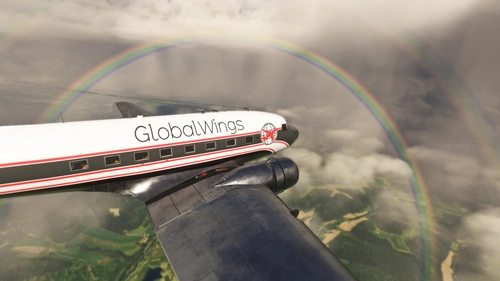
FTSim+ DC-3 Sound Mod - Duckworks Compatibility Mod
Ensure compatibility between FTSim+ DC-3 Sound Pack and Duckworks DC-3 Realism mod with this sound.xml rewrite. Follow easy drag & drop installation to enjoy both mods seamlessly.
von RandallSnow
Melden Sie sich an, um an der Diskussion teilzunehmen
AnmeldenKommentare(94)
1 day ago
about 11 hours ago
21 days ago
22 days ago
about 1 month ago
about 1 month ago
about 1 month ago
about 1 month ago
3 months ago
3 months ago
4 months ago
And a Civ version with Garmin GFC 500 Autopilot ? There are 2 or 3 in real live with autopliot...
4 months ago
4 months ago
4 months ago
4 months ago
The drop tanks also don't show up if you refill the drop tanks in the EFB after jettisoning or if you start the flight without the drop tanks and add the fuel on the ramp.
Another thing I noticed is after installing the mod all the P51 liveries in configuration menu are flat gray like the texture files are missing/overwritten. The textures look correct when the flight is started so I don't know if that is a configuration menu issue or what. I'll do more testing and let you know if I find a way to fix it.
4 months ago
I am very confused as to what could be causing the symptoms you've described. Same goes for the config menu thumbnails. All input is valuable so I'll be checking to see what I can find.
4 months ago
The drop tanks show up as expected when you first load the flight and are sitting on the ramp and the camera is spinning around the plane. When you click "fly now" and you get control of the plane the tanks are invisible. They still work, just hidden.
The hard points work fine. Changing the weight to 0 in the EFB hides them and setting it to 10 adds them.
4 months ago
4 months ago
I'll see if I can get that set up properly so they don't disappear immediately.