
Beschreibung
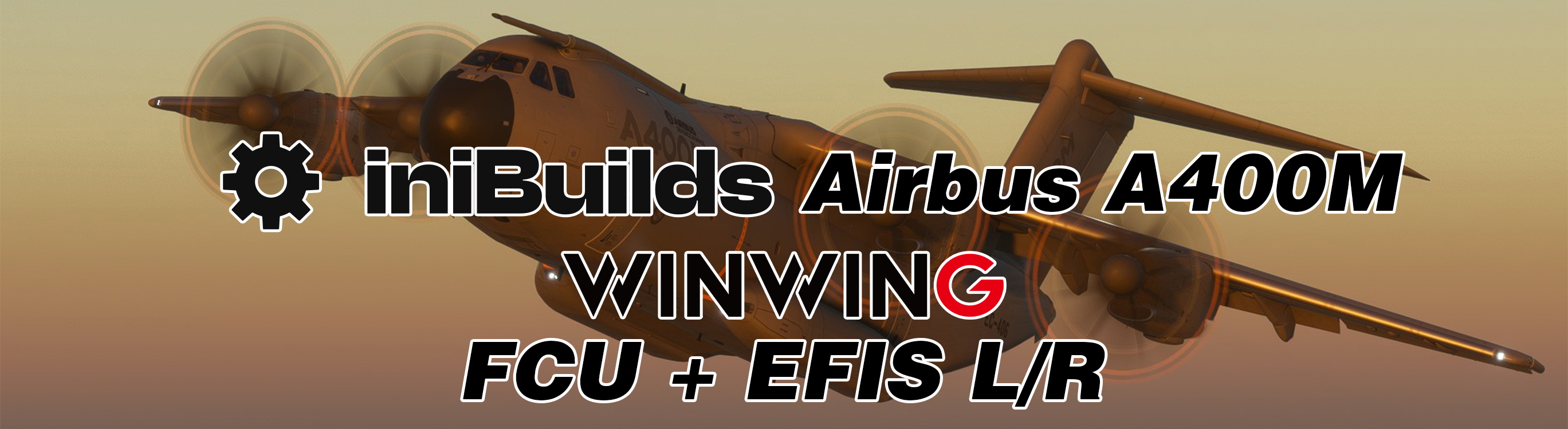
Profiles for Inibuilds A400M. Supports dimming, test modes, and nearly all functions available on the WinWing.
Other Airbus FCU+EFIS Packs:
Profiles include:
- FCU Only
- FCU+EFIS L&R
- FCU+EFIS L
- FCU+EFIS R
Any issues? Let me know!
Known limitations:
- When MobiFlight is stopped, the test mode may be enabled for the annunciators.
- Occasionally, the Dash mode will be disabled, and a figure will be displayed.
- Some switches must be "initialized" before their in-sim positions match.
- Right BARO may not display correctly when in Test mode.
- ADF/VOR Selectors Currently Unused. (I am unsure if the A400M supports this functionality, I can update to support it later)
- 320 Range mode is not used as the A400M only has five range modes
- 'FPA Dial Scroll Down' does not work (A400M limitation; perhaps Inibuilds will fix it later)
- Several autopilot modes and functions cannot be bound due to the limitations of switches and buttons.
- TRK/FPA are bound to the same switch; I've added logic so that if you somehow get into TRK and V/S or HDG and FPA, clicking the button once will sync them back to the hardware mode. These cannot be displayed separately due to the limitation of the WinWing displays.
Install MobiFlight 10.4.0.1+:
To install MobiFlight 10.4.0.1+, download MobiFlight as regular. Once installed, select settings -> General -> Beta Versions -> Check the checkbox next to "Yes, I would like to receive beta version updates." Once done, restart MobiFlight.
To Install:
- First, ensure that you have MobiFlight 10.4.0.1+ installed.
- Copy the associated profile that matches your hardware setup to where you store your MobiFlight profiles.
- Open MobiFlight
- Select File -> Open
- Select the correct profile for your hardware setup
- Load the sim and a supported aircraft.
- Click Run on MobiFlight.
- Ensure your aircraft is powered.
WinWing FCU+L&R EFIS Profile Pack for Inibuilds Airbus A400M - MSFS2024
This add-on provides specialized profiles for the Inibuilds Airbus A400M, tailored for use with the WinWing FCU and EFIS hardware. It supports essential functionalities such as dimming and test modes, and consists of various profiles including FCU only and combinations with left and right EFIS units. Compatibility requires MobiFlight version 10.4.0.1 or higher, and installation involves loading the appropriate profiles within MobiFlight for seamless functionality. The add-on note limitations regarding some aircraft features and modes which may not be fully supported.

Nutzerbewertungen
2 Bewertungen
Versionsgeschichte
Added Support For Annunciator Light Dimming Added Support for ALT Light Modified FCU Backlight Modifications to be more in line with FCU lighting in sim.
Ähnliche Addons
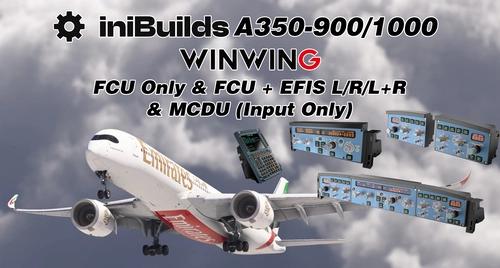
WinWing FCU Only, FCU+EFIS L/R/L&R, MCDU Profile Pack for Inibuilds Airbus A350-900/1000
The WinWing FCU+L&R EFIS+MCDU Profile Pack provides customized profiles for the Inibuilds Airbus A350-900 and A350-1000. This pack supports key functionalities such as dimming, test modes, and an array of operational features across different configurations, including FCU only and combined EFIS options. Detailed installation instructions for MobiFlight are included to facilitate setup.
von gamesyns
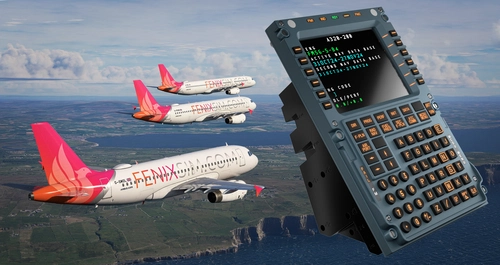
WinWing MCDU Captain and First Officer Profiles for Fenix A32X
This add-on provides pre-release WinWing MCDU profiles for the Fenix A32X, supporting all MCDU functions. It offers separate modes for both Captain and Co-Pilot roles and requires SimAppPro for mode swapping. Note that display drawing support is currently available on Mobiflight Beta (10.5.2.4) and above.
von gamesyns
![WinWing FCU+L&R EFIS Inibuilds Airbus Superpack [A320/A321/A330/A330 P2F/Beluga XL] for MSFS 2024](https://cdn.flightsim.to/images/27/-winwing-fculr-efis--inibuilds-airbus-superpack-a320a321a330a330-p2fbeluga-xl-for-msfs-2024--355549-1732166303-S_Z4g.jpg?width=500)
WinWing FCU+L&R EFIS Inibuilds Airbus Superpack [A320/A321/A330/A330 P2F/Beluga XL] for MSFS 2024
This add-on provides a customizable MobiFlight profile for the Inibuilds Airbus A320, A321, and A330 aircraft models, including passenger, cargo, and Beluga variants, in Microsoft Flight Simulator 2024. It features support for functionality such as dimming and test modes, along with nearly all cockpit functions. The add-on requires MobiFlight version 10.5 or higher for optimal use and includes known limitations related to some features. Installation instructions are provided for users to set up the profile correctly.
von gamesyns

WT/Kuro/Horizon B787 | WinWing FCU Unit1 | Mobiflight Profiles
This add-on features modified Mobiflight profiles for the WinWing FCU Unit 1, specifically tailored for various Boeing 787 aircraft in Microsoft Flight Simulator. Originally created by TMongun, the profiles enable equivalent mode functionality using Airbus FCU logic and include HUD controls. Users should be aware of some known issues, such as intermittent speed window blanking and inconsistent behavior in A/T mode switches.
von gamesyns
Melden Sie sich an, um an der Diskussion teilzunehmen
AnmeldenKommentare(13)
9 months ago
I am using MSFS2024 and MF v.10.5.3.18, but nothing happens when running the respective profile. The hardware (FCU1, EFIS L+R) is recognised but I cannot make any input. I have tried the A350 profile instead and this one is workingat least partly. What can I do to get your profile running?
Thanks!
over 1 year ago
over 1 year ago
over 1 year ago
almost 2 years ago
Hitting ''Run'' gives me a bunch of red exclamation marks on the left hand side and the Sim status has a yellow warning icon, this one: ⚠️
When checking it says ✅ MSFS Detected ⚠️ SimConnect OK. Wating for WASM Module. (MSFS)
Would you have any idea what could be going on? My Mobiflight is BETA (10.4.0.3)
over 1 year ago
almost 2 years ago
almost 2 years ago
almost 2 years ago
almost 2 years ago
almost 2 years ago
almost 2 years ago
Any ideas what might be causing this?
almost 2 years ago