
Beschreibung
Jett1 FSX Conversion to MSFS2020 from FSX default Microsoft B737-800
Asobo A320 NEO Working Cockpit (WIP)
This MOD is NOT Realistic and is a Work In Progress / game setting during conversion testing Flight model 'Legacy' - 'intermediate'
From parking spot cold and dark - easy start ( Cont -E to start each engine ) Shift-P for pushback . Note: auto throttle may turn itself on during take-off (unknown cause)
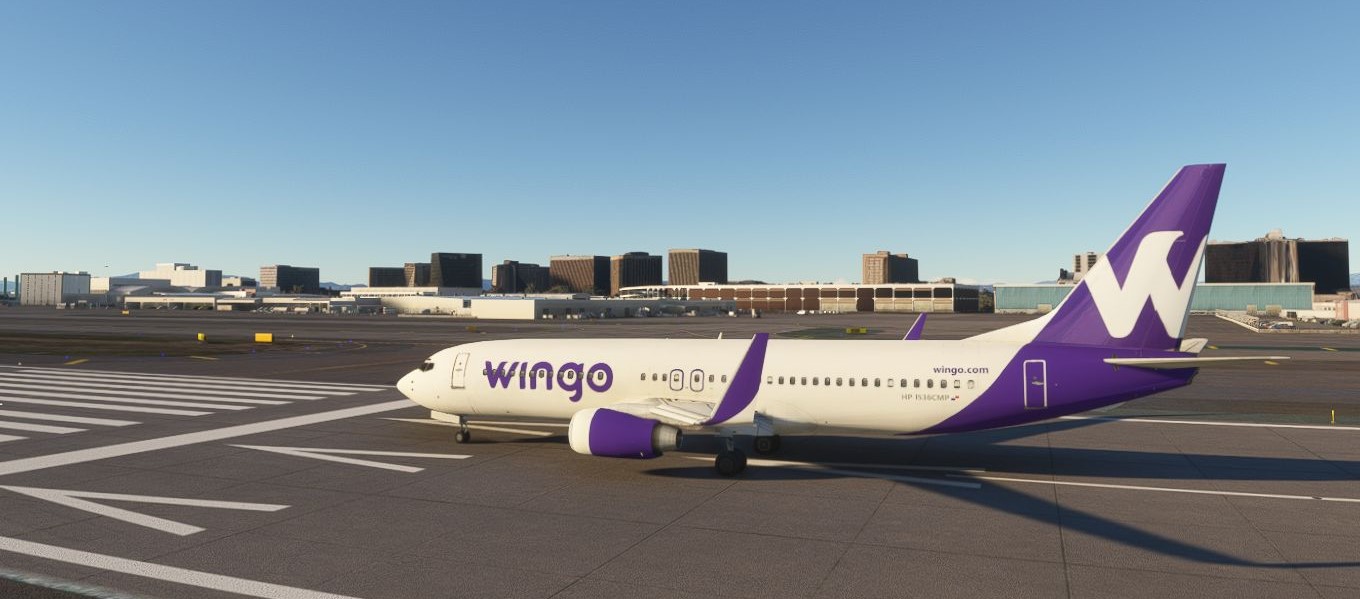
Liveries included : American , United ,Ryanair ,Southwest (2) ,Spirit ,Delta ,Avelo,Wingo,AirFrance,Qantas .
(White square no longer appears on aircraft )
Flight Simulator 2020 / Flight Simulator X © Microsoft Corporation. Boeing 737-800 FSX/MSFS2020 WIP was created under Microsoft's "Game Content Usage Rules" using assets from Microsoft Flight Simulator 2020 and Microsoft Flight Simulator X and it is not endorsed by or affiliated with Microsoft.
Microsoft's Rules: https://www.xbox.com/en-US/developers/rules.
Conversion to MSFS2020 from Microsoft FSX default B737-800
Interior Airbus NEO https://www.xbox.com/en-us/developers/rules
Microsoft Flight Simulator X and MSFS2020 configurations I.A.W.- Microsoft's Rules: https://www.xbox.com/en-US/developers/rules.
Fictional Liveries created by JETT1 : American , United ,Ryanair ,Southwest (2) ,Spirit ,Delta ,Avelo,Wingo,AirFrance,Qantas
Special thanks and credits to the following airlines
Special thanks and credits:
MSFS Legacy Importer MSFS.Touching.Cloud , All Links and Credits
ModelConverter X
Asobo
Microsoft
Boeing
Flightsim.to community developers
FS Developers.com
FlightMan100
Thanks to all
Computer used for conversion/testing : iBUYPOWER Intel(R) Core(TM) i7-7700K CPU @ 4.20GHz 4.20 GHz 16.0 ram , NVIDIA GeForce 1060 3G
UnZip --- Drag and Drop into community folder - Thanks for downloading
Jett1 B737-800 FSX/MSFS2020 Conversion
The Jett1 B737-800 add-on features a conversion of the default Microsoft B737-800 model from FSX to MSFS2020. This work-in-progress modification includes several fictional liveries such as American, United, and Ryanair, among others. It offers a basic flight experience with simplified controls and settings, designed for users engaging in legacy flight simulation. Please note that the flight model is still in development and may contain certain quirks.


Nutzerbewertungen
6 Bewertungen
Versionsgeschichte
Keine Versionsgeschichte verfügbar.
Ähnliche Addons
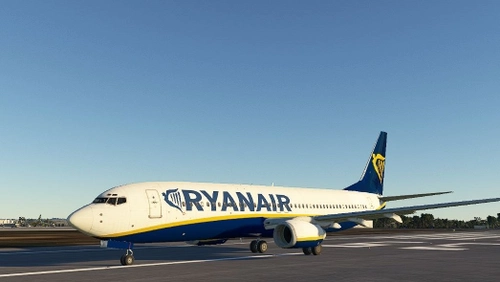
Boeing 737-800 FSX/MSFS2020 conversion
Convert the default FSX Boeing 737-800 to Microsoft Flight Simulator 2020 with this Work In Progress mod. Featuring an Asobo A320 NEO cockpit, this mod offers a non-realistic experience with various liveries to choose from. Special credits to airlines and community developers involved in this conversion.
von Jett1
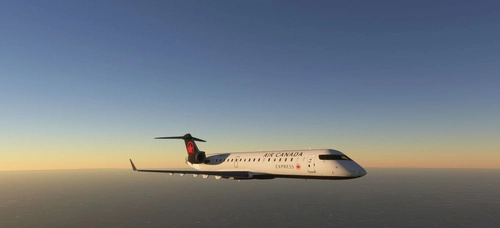
FSX MSFS2020 CRJ700 conversion
Convert your FSX CRJ700 to MSFS2020 with this work in progress addon, featuring a functioning cockpit. Enjoy fictional liveries from Air Canada, United Express, American Eagle, and UPS Cargo. Explore the skies with this unique conversion!
von Jett1
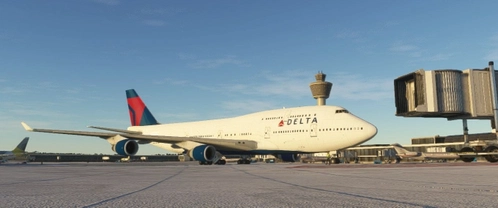
FSX-MSFS2020 747-400 Updated WIP
Enhance your Microsoft Flight Simulator experience with the updated Work In Progress conversion of the FSX Boeing 747-400 to MSFS2020. This mod features an updated flight model, custom lights, and a working cockpit, with fictional liveries included. Please note that this mod is a Work In Progress and not intended to be fully realistic.
von Jett1
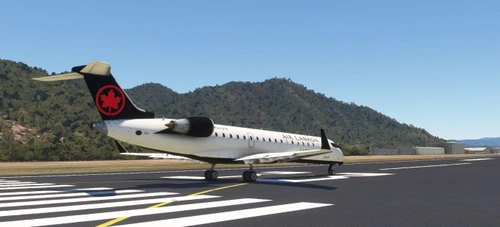
NEW fixed textures UPDATE /FSX/CRJ700 CJ4 conversion
Convert the FSX default CRJ700 into MSFS2020 with this work-in-progress MOD featuring the CJ4 Citation cockpit. Fictional liveries by JETT1 included: Delta, FedEx, Air Canada, United Express, American Eagle, and UPS Cargo. Special thanks to Air Canada, United Airlines, American Airlines, and more for their contributions to this add-on.
von Jett1
Melden Sie sich an, um an der Diskussion teilzunehmen
AnmeldenKommentare(28)
about 12 hours ago
3 months ago
Soundpack: 3* (it uses the Asobo A320neo sound which just feels off to me)
Ai Autofly: 4* It appears to fly well with ai autofly, but might have some landing issues occasionally.
Textures: 4* (they're acceptable)
Usefulness in fleet: 3* mixed usefulness... I'd say it's not needed at all if you have any payware for similar sized commercial aircraft. It has a small assortment of liveries but easily limited. And quite frankly depending on who you are, this could be the gem freeware airliner for some people.. so mixed rating of 3* usefullness
5 months ago
8 months ago
9 months ago
8 months ago
12 months ago
12 months ago
about 1 year ago
about 1 year ago
Thanks.
over 1 year ago
5 months ago
over 1 year ago
5 months ago
over 1 year ago
over 1 year ago
over 1 year ago
over 1 year ago
over 1 year ago
over 1 year ago