
Beschreibung
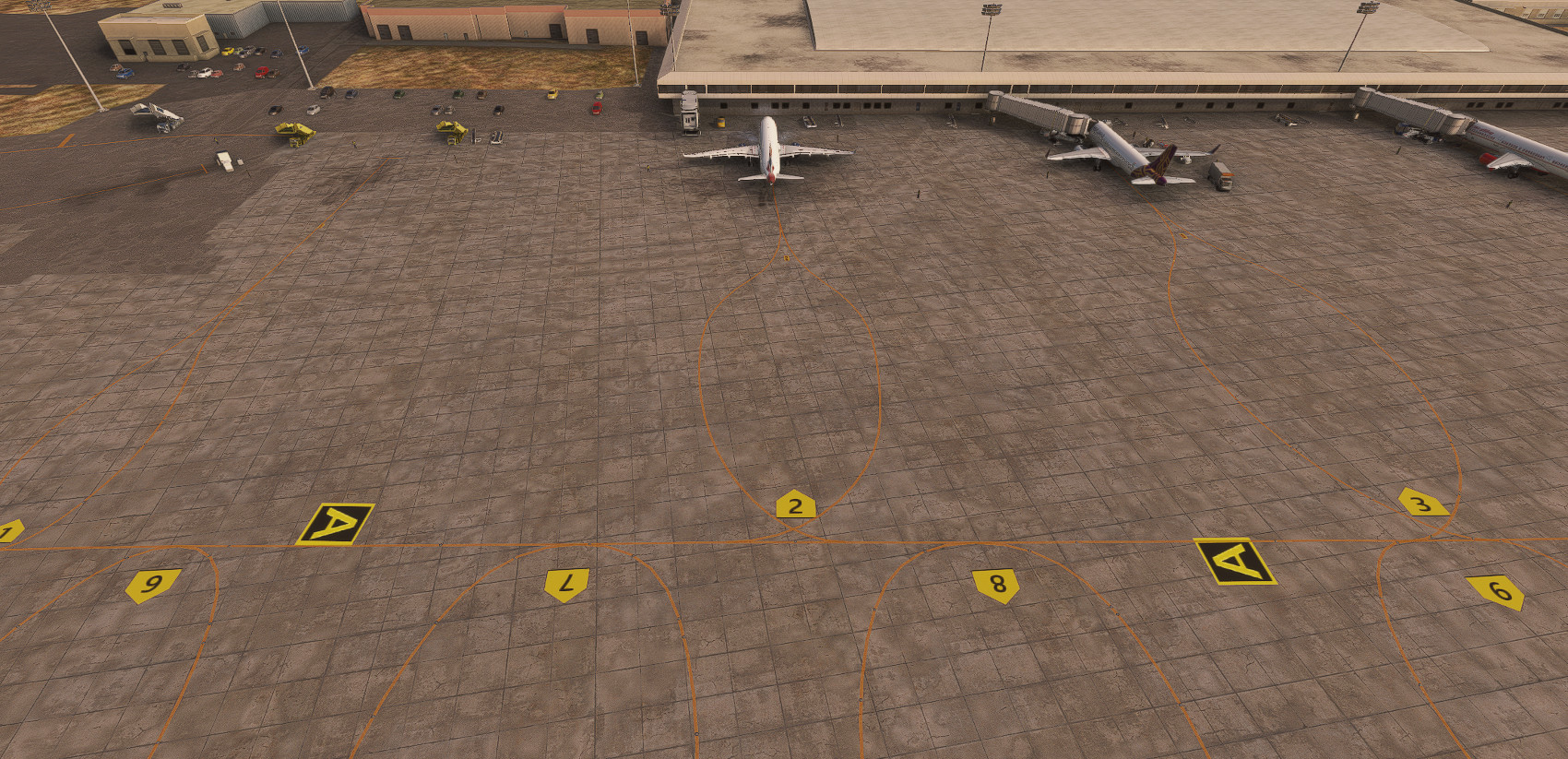
Amritsar Airport, which is know as Sri Guru Ram Dass Jee International Airport, is the 6th largest airport in India. I have enhanced the airport by correcting the taxiways, aprons, gates and signage. I have added apron lights, taxiway lights, and lights to the windsocks. I have installed VOR, NDB, ILS localizes and glide slople transmitters in their corrct locations. This airport is also used by the Indian Airforce. Therefore, I have installed Aircraft Hardened Shelters (HAS) in their correct locations. Additionally, I have added ground support personnel and equipment in order for the airport to look real and alive. Please note that the airport terminal building is default Asobo building.
In order to install Amrisar Airport, download vforce-airport-viar zip file. Unzip the file and copy the unzipped folder, vforce-airport-viar, to your community folder.
You will also need to install the following:
UK2000 Common Library which is available free from the Market Place.
http://flightsim.to/file/8614/airports-lights
https://flightsim.to/file/8824/emerald-object-library
I hope you like it and enjoy it.
Location
VIAR - Amritsar Airport
Enhance your Microsoft Flight Simulator experience with a detailed rendition of Amritsar Airport, officially known as Sri Guru Ram Dass Jee International Airport. This add-on features corrected taxiways, aprons, gates, and signage, along with added lighting for aprons and taxiways. It also includes essential navigational aids such as VOR, NDB, and ILS installations, as well as Aircraft Hardened Shelters for military use. Ground support personnel and equipment have been added to create a more immersive airport environment.
Nutzerbewertungen
2 Bewertungen
Versionsgeschichte
Corrected the scenery which is now compatible with Bing Data. Added yellow cross hatched areas for ground support equipment storage and red cross hatched areas for Jetways movement.
Ähnliche Addons
VEGT-Guwahati Airport
Guwahati Airport, officially known as Lokpriya Gopinath Bordoloi International Airport (VEGT), has been detailed with updated taxi way names, ground support equipment, and the addition of local wildlife. Enhancements include the introduction of a new terminal building, a jetway at the old terminal, and correct placements for navigation aids like VOR and ILS. Military hangars and equipment are also featured, creating a more immersive airport environment.
von VForce
VEBS - Bhubaneswar Airport
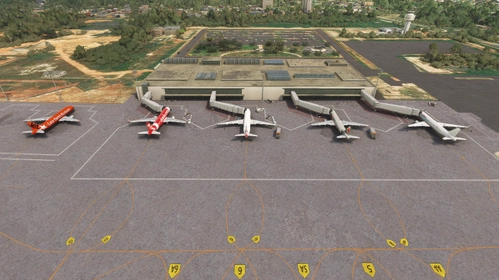
Enhance your Microsoft Flight Simulator experience with the Bhubaneswar Airport add-on, based on Biju Patnaik International Airport in Odisha, India. This add-on includes detailed taxi signs, markings, navigation antennas, and various buildings, as well as solar panels and landscaped gardens at the main terminal entrance. Additional required sceneries from linked resources must be installed for full functionality.
von VForce
OOSA - Salalah Airport-Oman
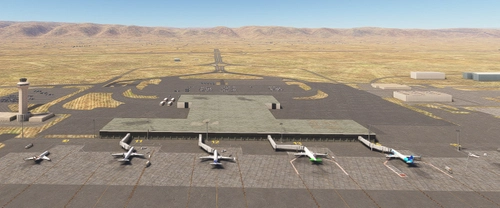
Enhance your Microsoft Flight Simulator experience with the Salalah Airport add-on, which updates the airfield layout and taxiway signage to ensure accuracy. While the terminal and buildings remain as default, improvements include apron lighting, added gate numbers, and updated navigational aids. This add-on seeks to provide a more immersive environment for pilots ready to take off and land at the historical site of Salalah Airport in Oman.
von VForce
HTKJ-Kilimanjaro Intl Airport
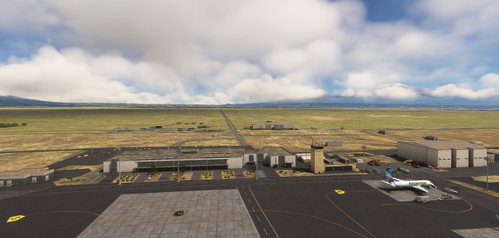
This add-on presents a detailed representation of Kilimanjaro International Airport (HTKJ), located in Tanzania at the base of Mount Kilimanjaro. It includes accurately numbered aprons, hold short markings, and well-placed taxi signs to enhance navigation. Additional features such as VOR and ILS antennas, improved fire station facilities, and connected taxi lines for AI traffic contribute to a realistic airport experience. The add-on requires the UK2000 scenery available in the Marketplace.
von VForce
Melden Sie sich an, um an der Diskussion teilzunehmen
AnmeldenKommentare(12)
almost 2 years ago
almost 2 years ago
almost 2 years ago
Nice work on the scenery is good but there are some glitches. The apron is not flat is all bumpy. SS attached. The recommended file "emerald-objects-library" is not available on flightsim.to. Pls share the files if you have them. The taxi in of the gates are not accurate. Hope you see them solved in your updates. Thanks.
almost 2 years ago
Thanks for your comment. I am sorry that you are getting a bumpy apron and taxiway. As an experiment, I deleted my VIAR. Then I downloaded it again from Flightsim.to and installed it. My VIAR is as flat as a pancake. Therefore, I have no idea where your problem comes from. As for the link to emerald-objects, I have corrected it. It was my fault for incorrect spelling. Please go back to VIAR on flightsim.to and get emerald objects. Your third issue about"taxi in of gates", can you elaborate what is the issue. I am not clear, what your issue is. Once I am clear, I will try my best to correct it. Thanks.
almost 2 years ago
I redownloaded the scenery and the EOL. But still some scenery objects are missing like military hangars. Also, it looks like you made scenery without using Bing Data. As soon as I turn off the Bing data, the bumpy aprons disappear and it becomes flat. I turn it on and again it appears.
almost 2 years ago
Thanks for your comment. I do not use Bing Data. I just use the SDK and the scenery that has come with MSFS 2020. Another thing, what does EOL mean?
The military hangars are the HAS (Hardened Aircraft Shelters) which are from UK2000 Scenery (available free from MSFS marketplace).
almost 2 years ago
I got good news for you. I have modified VIAR so that Bing Data will not undulate the apron or the taxiway. Additionally, I have changed the taxi in to gates paths. I hope that is what you meant. Please, look at it and let me know. I will appreciate it.
almost 2 years ago
almost 2 years ago
almost 2 years ago
Thank you very much once again for this amazing scenery.
I would like to ask you if you could add the ICAO in the title so that it can be easier for us to search for your sceneries (could you do the same on the other sceneries you have in your profile please?)
almost 2 years ago
almost 2 years ago