
Beschreibung
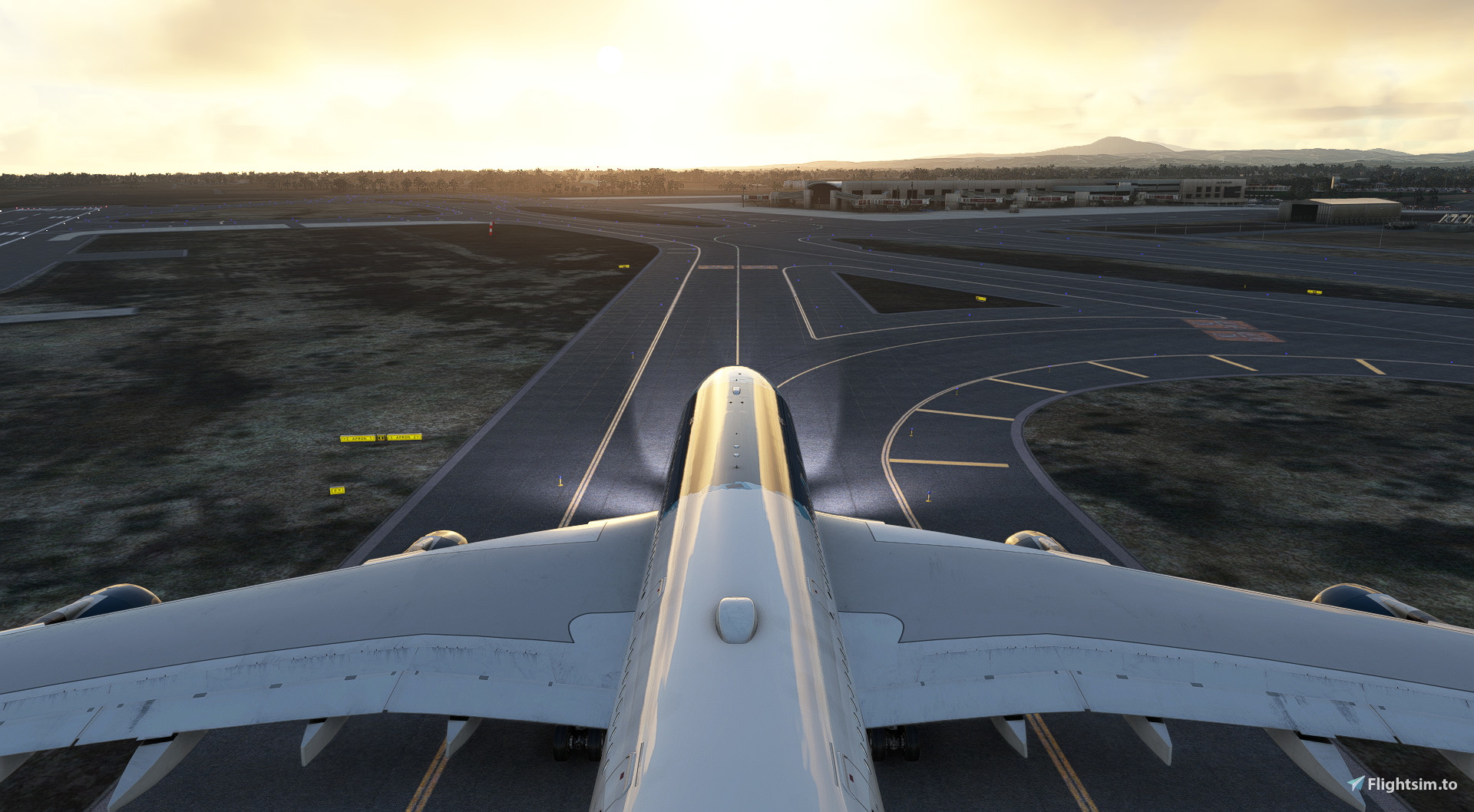
The Ultimate Custom Cameras For FBW A380X
These Custom Views Are Calculated To Be The Most Helpful Views Ever Released For Both The Cockpit Crew And The Passengers In Airbus 380
Note: These Views Has Been Calculated Very Much To Have Good Eye Drop In The Specific Instrument The User Want To Find
This Add-On Includes 10 Custom Views:
You Can Click The Specific Number On Your Keyboard To Access It
Num 1: Pilot View
Num 2: Go-Pro View
Num 3: EFB View
Num 4: MFD View
Num 5: Landing Gear Taxi Camera
Num 6: Tail Taxi Camera
Num 7: Left Wing View
Num 8: Right Wing View
Num 9: Left Engines View
Num 0: Right Engines View
Installation instructions:
WARNING
For the Microsoft Store installation
FBW A380X: C:\Users\[UserName]\AppData\Local\Packages\Microsoft.FlightSimulator_8wekyb3d8bbwe\LocalCache\SimObjects\Airplanes\FlyByWire_A380_842
For Steam installation:
FBW A380X: C:\Users\[UserName]\AppData\Roaming\Microsoft Flight Simulator\SimObjects\Airplanes\FlyByWire_A380_842
!!!READ ME!!!
If You Want You Can Create A Back Up Of Your FBW A380X Custom Views
Thanks For Downloading These Custom Views
If You Have Any Problem With The Custom Views You Can Always DM Me
The Ultimate Custom Cameras For FlyByWire A380X
This add-on provides ten custom camera views specifically designed for the FlyByWire A380X in Microsoft Flight Simulator. The views cater to both cockpit crew and passenger perspectives, ensuring optimal visibility of key instruments and surroundings. Users can easily switch between views using designated keyboard numbers for quick access. Comprehensive installation instructions are included for both Microsoft Store and Steam versions of the simulator.


Nutzerbewertungen
2 Bewertungen
Versionsgeschichte
Keine Versionsgeschichte verfügbar.
Ähnliche Addons
The Ultimate Custom Cameras For Fenix A320
These Custom Views Is One Of The Most Calculated Views For The Fenix A320 Aircraft. These Views Has Been Made To Make Both The Cockpit Crew And The Passengers To Feel Comfortable Inside The Cockpit Or The Cabin Also These Views Has Been Calculated Very Much To Have Good Eye Drop In The Specific Instrument The User Want To Find
von LunakisLeaks
Custom camera views for every MSFS2024 airplane | MSFS24
This add-on provides custom camera views for all standard aircraft in Microsoft Flight Simulator 2024. Users can access cockpit and cabin views for a wide range of aircraft, including popular models such as the Airbus A320neo, Cessna 172, and Boeing 737 MAX 8, with Deluxe and Premium Deluxe aircraft support planned for the future. Installation instructions are included for both Microsoft Store and Steam users. The add-on allows for easy access to views using number keys 0-9, enhancing the overall flying experience.
von LunakisLeaks
FlyByWire Custom Cameras | A32NX
Enhance your A32NX experience with FlyByWire Custom Cameras, featuring 10 unique viewing options including Pilot View and Thrust Panel View. Easily download, unzip, and set up the custom cameras for a personalized flight experience. Stay tuned for regular updates and support from AquazDev.
von AquazDev
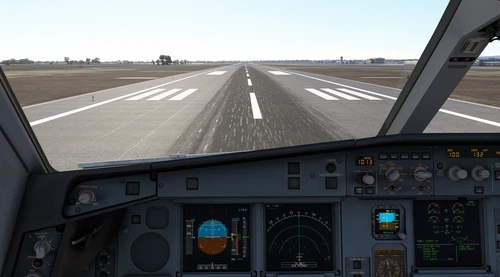
The Ultimate Custom Cameras For INI A330-300 | MSFS24
This add-on offers ten custom camera views specifically designed for the INI A330-300, catering to the needs of both cockpit crew and passengers. Each view is meticulously calculated to provide optimal visibility of important instruments and surroundings. Accessible via keyboard shortcuts, these views include various perspectives such as the pilot view, Go-Pro view, and wing views. Installation instructions are provided for both Microsoft Store and Steam platforms.
von LunakisLeaks
Melden Sie sich an, um an der Diskussion teilzunehmen
AnmeldenKommentare11
that would help alot
:)