
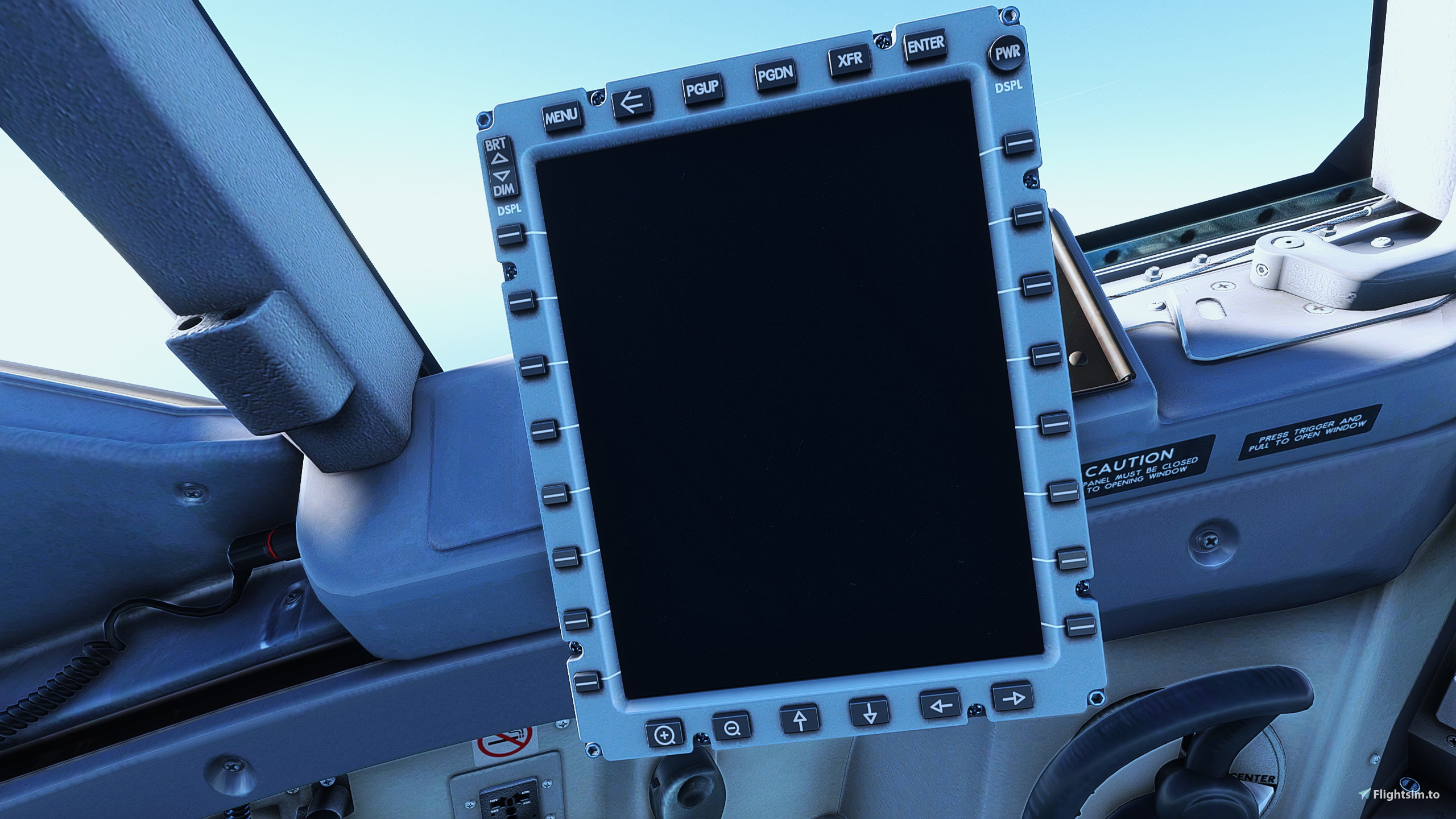
Beschreibung
The views are as follows:
Custom View 0 : Pilot view
Custom View 1: EFB/Tablet
Custom View 2: Cabin(First Class)
Custom View 3: Jumpseat
Custom View 4: Left Engine
Custom View 5: Right Engine
Custom View 6: Left Wing
Custom View 7: RIght Wing
Custom View 8: IFE/ Rear Cabin(default)
Custom View 9: GoPro
Place the camera.cfg in the following location,
MSFS 2020,
Microsoft Store users:
C:\Users\xxxx\AppData\Local\Packages\Microsoft.FlightSimulator_8wekyb3d8bbwe\LocalCache\SimObjects\Airplanes\iFly 737-MAX8
Steam users:
C:\Users\xxx\AppData\Roaming\Microsoft Flight Simulator\SimObjects\Airplanes\iFly 737-MAX8
MSFS2024,
Microsoft Store Users:
C:\Users\xxxx\AppData\Local\Packages\Microsoft.Limitless_8wekyb3d8bbwe\LocalCache\SimObjects\Airplanes\iFly 737-MAX8
Steam Users:
C:\Users\xxxx\AppData\Roaming\Microsoft Flight Simulator 2024\SimObjects\Airplanes\iFly 737-MAX8
Hope You like these and Enjoy!
This should work with 2024 but be mindful ifly developers have stated that any form of file manipulation/changes could result in bricking/borking the install and will need a complete reinstall of the ifly max.
iFly 737 Max 8 Custom Camera Views
This add-on provides a set of custom camera views for the iFly 737 Max 8 in Microsoft Flight Simulator. It includes ten distinct views, such as pilot perspective, cabin views, engine views, and a GoPro perspective. Users can easily install the new camera configurations by placing the provided camera.cfg file in the designated folder based on their platform. The add-on aims to enhance the in-flight experience with varied viewpoints.


Versionsgeschichte
Just a file update in order to work with msfs 2024.
Ähnliche Addons
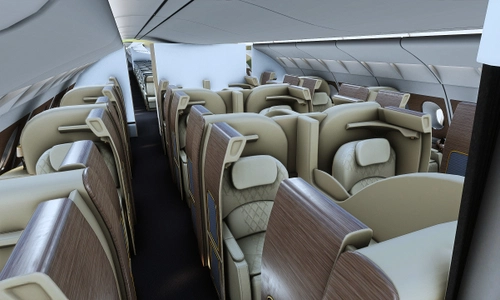
FlyBywire A380x Custom views
This add-on provides a collection of custom external views for the FlyByWire A380 in Microsoft Flight Simulator. It includes ten distinct camera perspectives, such as the Galley Stairs, Taxi Cam, and various engine and wing views. The standard instrument cluster views remain unchanged, allowing for enhanced external visuals during flight. Installation instructions for the camera configurations are provided for both Microsoft Store and Steam users.
von Howlingcrazy
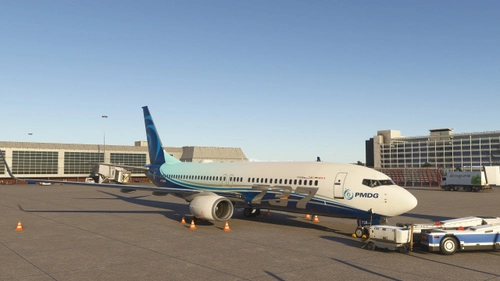
PMDG 737-800 Custom Views
Enhance your PMDG 737-800 experience with customized camera views designed for various perspectives. This add-on provides multiple predefined views, including the jump seat, right and left engine, pilots shoulder, cabin, and both wings. Installation instructions are included for both Microsoft Store and Steam users, allowing for easy integration into your simulator. Adjust the custom camera buttons in your control settings to suit your preferences.
von Howlingcrazy
Live vatsim Flight board
This add-on provides a detailed intuitive interface for monitoring live VATSIM flights. Users can modify the VATSIM CID in the script for personalised tracking. Originally created for personal use, it allows others to utilize the tool at their discretion, although it may contain some errors.
von Howlingcrazy
Melden Sie sich an, um an der Diskussion teilzunehmen
AnmeldenKommentare(6)
over 1 year ago
over 1 year ago
over 1 year ago
over 1 year ago
Just as an Fyi this originally did happen to me too but i tweaked and changed the downloadable file for everyone else to minimise this exact issue.
over 1 year ago
over 1 year ago