
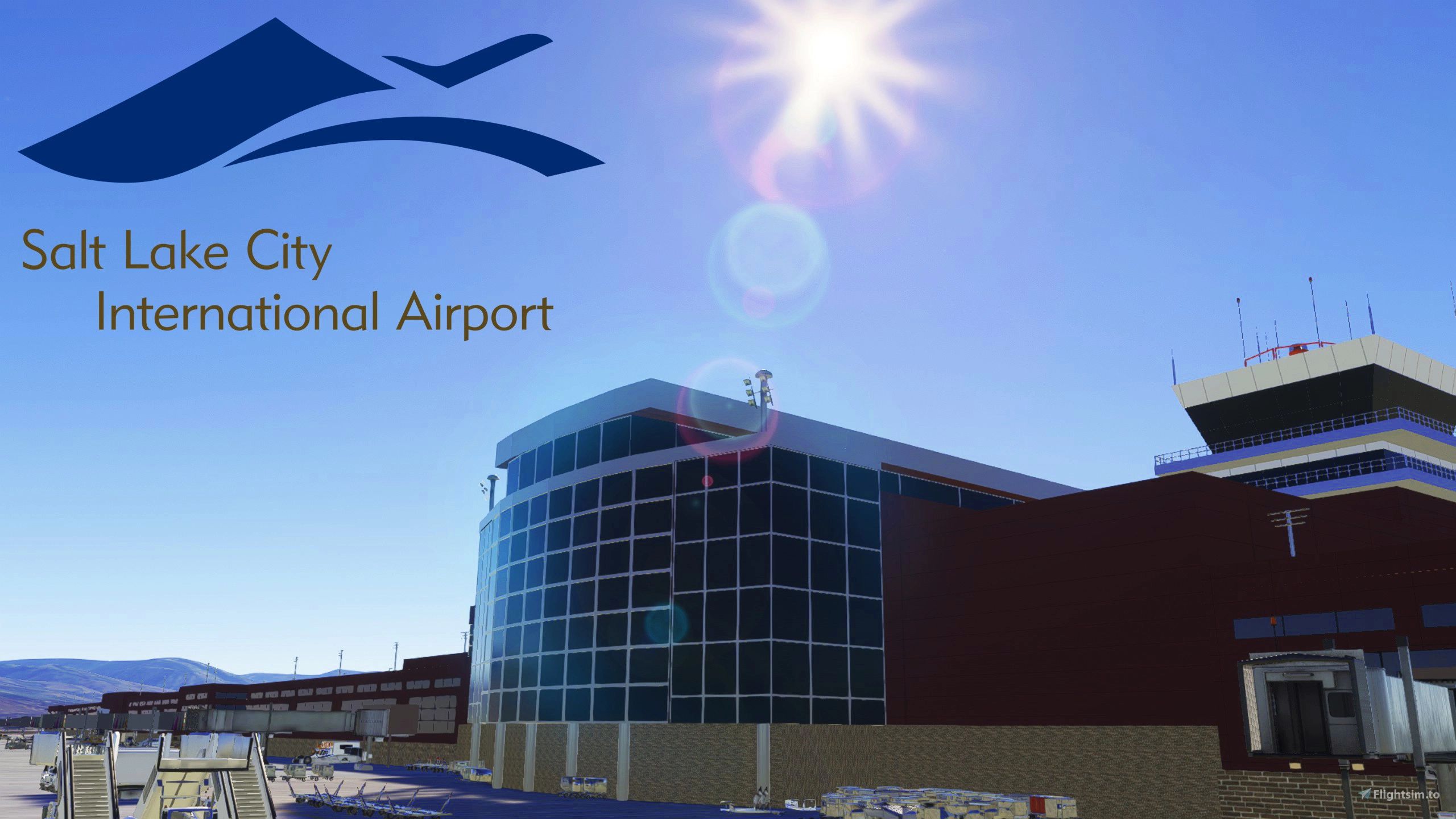
Beschreibung
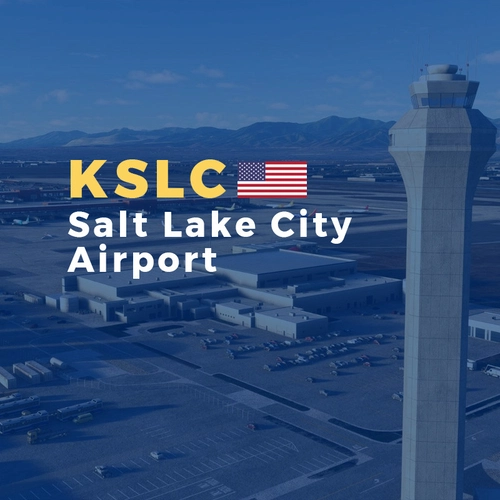
This scenery is a complete overhaul for KSLC. Featuring the new Terminal layout with all current gates available. The airports taxiway network is completely up to date and taxiway signs and painted markings. A lot of objects clutter the ramp and theres plenty of weathering on the airport surfaces to really bring the airport to life. Custom buildings for the Terminal, FBO's, ATC Tower, and FedEx warehouse. And Stock buildings replace most of the auto-generated buildings around the airport. And everything is well lit at night. With Ramp Lights, Edge Lights, and in pavement lights.
Custom Airport Buildings graciously provided by b757.
Note on MSFS 2024
I do not use MSFS 2024 as my PC is old and can't run it. So until i can get the money together to build a new PC I cannot offically confirm any of my scenerys work in 2024.
However, Atleast 6 users have reported this scenery works in 2024. But Since I can't confirm it myself I will leave it marked as 2020 only. Just know if you want to it seems you can use this scenery in MSFS 2024.
Install
- Extract the ZIP file to a temp location (like the desktop)
- Inside the Extracted Folder, locate the despamods-kslc-custom folder.
- Place that folder inside your community folder
Optional Downloads
The following is some optional mods that you can download to make the scenery look better. They are by no means required however, but highly recommended
A Large mod that places objects like power lines, wind turbines, smoke stacks and other objects all around the world.
Various Airport Objects to enhance the airport. Required to see the runway distance remaining signs alongside the runway's
As of Version 1.1.0, This pack is requiered! Various Airport Objects to Enhance the airport. And custom jetways.
Various Airport vehicles. Such as Catering trucks, GPU Carts, and De-Ice Trucks.
Free AI Traffic Addon. I use some of the models as Static Aircraft around the Airport. You Don't Need the Injector, just the models.
Special Thanks to b757, AKA Chris B for allowing me to use their buildings in this project. And for making a few new ones at my request. Be sure to theck out their sceneries to.
Abhängigkeiten
Location
Salt Lake City International, Custom Scenery
This add-on provides a comprehensive overhaul of Salt Lake City International Airport (KSLC), featuring an updated terminal layout and all current gates. The scenery includes a complete taxiway network with accurate signs and markings, alongside custom-designed buildings such as the terminal and ATC tower. Additionally, the airport is richly detailed with ramp clutter, weathering effects, and enhanced night lighting for an immersive experience. Replace auto-generated buildings with high-quality models for improved realism.


Mitwirkende

Nutzerbewertungen
14 Bewertungen
Versionsgeschichte
All Taxiway edge and centerline lights have been changed to custom versions, giving a much more realistic look compared to the overly bright default lights. A few new edge, centerline, and leadoff sections have been added. Taxiway G is now completed and fully parallels RWY 16L/34R & TXY H. Note that IRL the section between Taxiways E & G7 is still restricted to aircraft with a wingspan of 171ft or less! At least until May Fined tuned a few things
Ähnliche Addons
Salt Lake City International Airport (KSLC)
Explore the bustling Salt Lake City International Airport in Utah with this detailed add-on. Featuring new terminals, ramp parking, taxiway adjustments, and parking assignments, enhance your flight simulation experience in this major gateway to the Intermountain West and West Coast. With over 340 scheduled nonstop airline departures daily to various destinations, this airport is a key hub for Delta Air Lines and a crucial link for millions of people. Join the community and share your feedback for continuous improvements.
von b757
KSLC FSLTL Static Aircraft
Enhance your KSLC experience with static aircraft and extras. This add-on works with the PacSim payware airport and requires the FBW FSLTL base package. Enjoy improved visuals and potential FPS gains with FSLTL models over LatinVFR static aircraft. Switch to FSLTL for a better airport experience.
von SavageSceneries
KSLC AIG Static Aircraft (PacSim)
This add-on introduces static aircraft to KSLC Salt Lake City International Airport in Microsoft Flight Simulator 2024 using AIG models. It requires AIG AI Manager models to be installed. The mod aims to improve the realism of airport environments by populating the aprons with parked aircraft. No FSLTL models are used in this scenery enhancement.
von octopushadow
KSLC - Salt Lake City International Airport
Experience the realism of Salt Lake City International Airport with this detailed add-on for Microsoft Flight Simulator. This mod includes highly detailed buildings, terminal interiors, custom animated jetways, and improved taxiway and runway lighting for a true-to-life simulation experience.
von FeelThere, Inc.
Melden Sie sich an, um an der Diskussion teilzunehmen
AnmeldenKommentare(98)
about 6 hours ago
3 months ago
3 months ago
Can you do a test for me? try downlaoding my KJAX scenery and go to gate A8. It has 2 secondary spots A8A and A8B. pick one of those and see if it works there
i can think of 2 things it might be. 1 the parking spots are so close together it registers you on the other. or 2 at SLC the secondary spot types are set as gates, but as JAX they are GA ramps but named as a gate. thats why id like you to test it and report back. you can DM me the results.
4 months ago
4 months ago
3 months ago
4 months ago
4 months ago
4 months ago
4 months ago
4 months ago
When you are on a taxiway the menu opens just fine and you can even select a gate to park. But once you arrive at the gate, it doesn't work anymore. GSX Jetway Replacement is disabled, no other KSLC scenery installed. Any idea what could cause this? (FS2020)
4 months ago
I wont rule out its a issue with the scenery but the only thing i can think of is if your parking at one of the gates that has a heavy gate adjacent it might see you on 2 parking spots and get confused. otherwise id say its a GSX problem
5 months ago
5 months ago
5 months ago
5 months ago
5 months ago