
Beschreibung
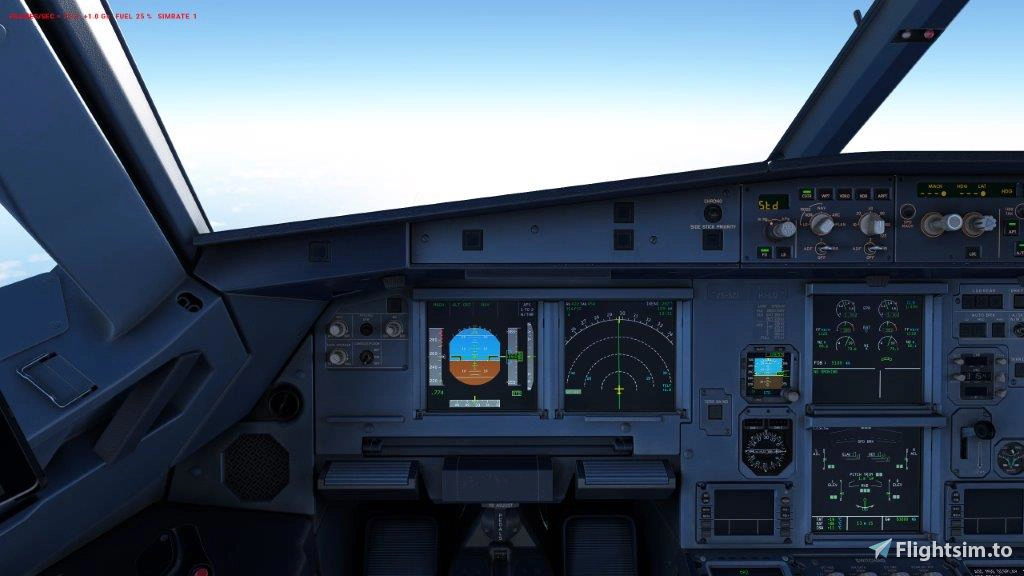
The Custom Camera Views are linked to Numeric pad 0 to 9 as follows
0 Pilot main View
1 Left Wing
2 Cabin View
3 Right Wing
4 Left Engine
5 Centre Pedestal
6 Right Engine
7 Pilot left side view
8 Overhead
9 Co Pilot right side view
Unzip the enclosed Fenix A320 Camra View.zip and place the camera.cfg into the following path
C:\Users\ejweg\AppData\Local\Packages\Microsoft.FlightSimulator_8wekyb3d8bbwe\LocalCache\SimObjects\Airplanes\FNX_320_CFM
plus the
C:\Users\ejweg\AppData\Local\Packages\Microsoft.FlightSimulator_8wekyb3d8bbwe\LocalCache\SimObjects\Airplanes\FNX_320_IAE
to cover both engine types
The path above is where my Airplanes are installed. be aware that this may differ if you have it installed via Steam or on a different drive.
You can always scan for SimObject/Airplanes if the path above is not working.
Watch the Installation Video
Users/.... the dots represnt you name
Have fun
Fenix A320 Camera Views
The Fenix A320 Camera Views add-on provides users with a set of custom camera perspectives for the Fenix A320 aircraft. Each camera view is assigned to a numeric key from 0 to 9, allowing quick access to various viewpoints, including the pilots main view, cabin, and engine views. Installation involves placing a configuration file into specific directories within the Microsoft Flight Simulator file structure, accommodating both CFM and IAE engine variants.

Nutzerbewertungen
1 Bewertungen
Versionsgeschichte
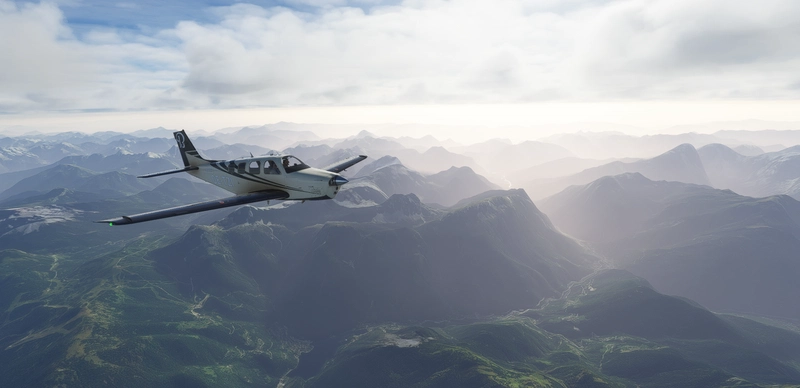
Accommodate for Sharklet - They were not visible
Melden Sie sich an, um an der Diskussion teilzunehmen
AnmeldenKommentare(17)