

Beschreibung
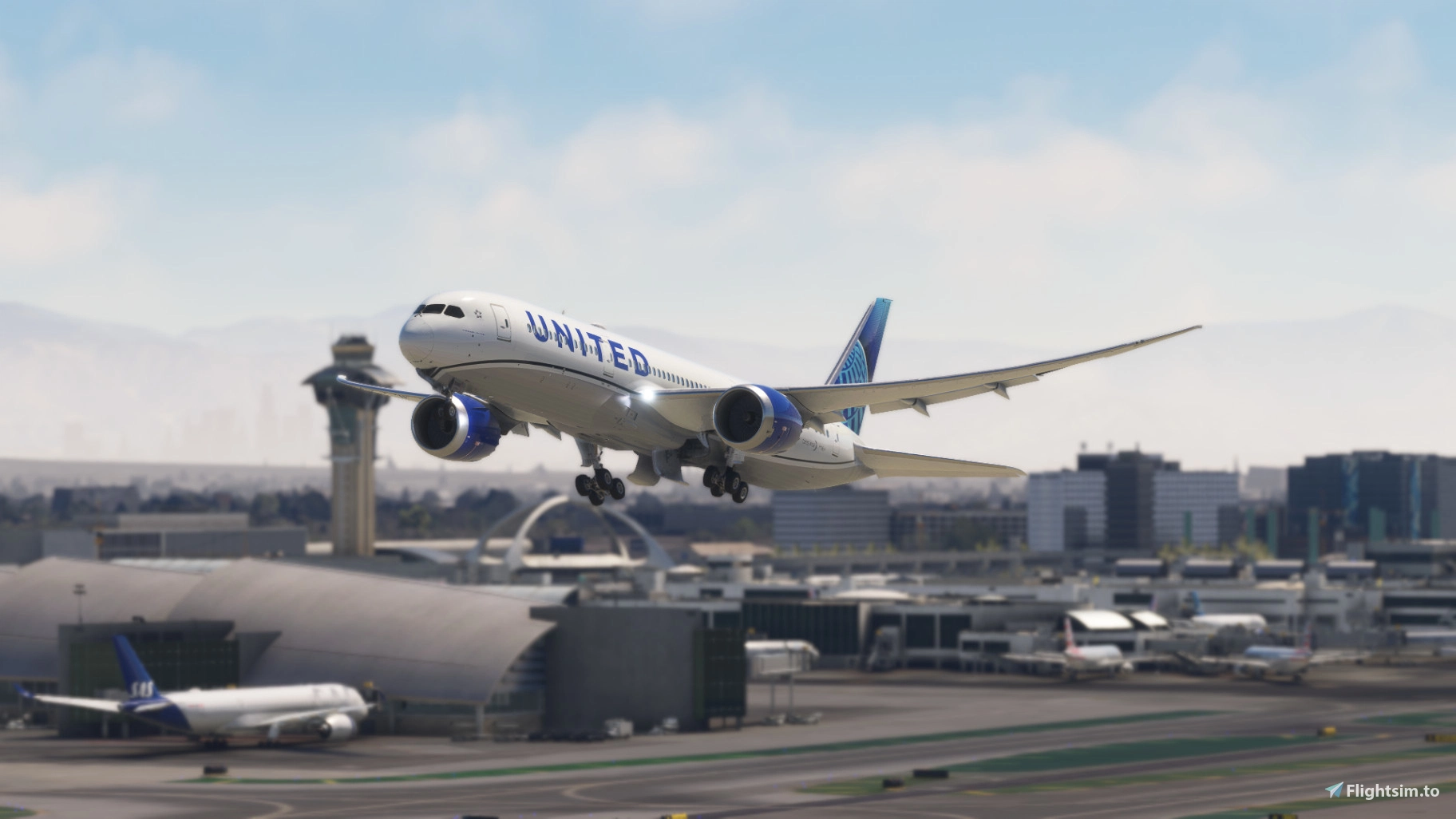
Welcome to StaticSceneries! This is an enhancement for the payware LAX airport by Inibuilds.
This airport can be found here: https://inibuilds.com/products/inibuilds-los-angeles-klax-msfs
This scenery uses FSLTL models to enhance the airport and make it feel more lively without running FSLTL Injector. Please note: This is a standalone enhancement; if you run FSLTL injector at the same time you will see overlapping models. In-sim traffic must be turned off (Options/General Options/Traffic/Ground Aircraft Density slider to 0).
You must have the FSLTL Base models to use this!
There is no FPS loss with this whatsoever, as it only uses the models.
These models are static and will not move around. Some of the gates are unusable due to the placement of these aircraft.
This airport was requested. You can message me if you have any requests of your own.
HOW TO INSTALL:
Just open the downloaded folder, drop the folder within it named 'zzzSS-KLAX-StaticFSLTL' into your community folder and have a safe flight!
Please note that if you are using KLAX FSLTL Static Aircraft by SavageSceneries, you will see overlapping aircraft. Use either one but not both.
If you have any questions or requests feel free to hit me up.
KLAX Los Angeles FSLTL Static Aircraft
Enhance your LAX airport experience with the KLAX Los Angeles FSLTL Static Aircraft addon, designed for the Inibuilds payware scenery. This standalone enhancement utilizes FSLTL models to bring more life to the airport without the need for FSLTL Injector. Ensure to disable in-sim traffic and have FSLTL Base models installed for optimal use. Enjoy static aircraft models with no FPS loss, though some gates may be non-functional due to aircraft placement. Simply drop the folder into your community folder to install.


Versionsgeschichte
Keine Versionsgeschichte verfügbar.
Ähnliche Addons

KLAX Static Aircraft
Add more realism to KLAX with this first enhancement from SavageSceneries, featuring static aircraft and additional airport items. Designed to be used with the INIBUILDS payware airport, it can also work with the default scenery. To fully enjoy this add-on, make sure to have the Latinvfr static aircraft installed. Simply drag and drop the file into your community folder to bring the airport to life.
von SavageSceneries

KLAX FSLTL Static Aircraft
Enhance your KLAX experience with this static aircraft add-on for FSLTL models. This scenery add-on pairs perfectly with IniBuilds payware airport, providing realistic static aircraft and more. Ensure you have the FSLTL base package for compatibility and enjoy an improved visual experience at the gates. Simply drag and drop the file into your community folder to bring KLAX to life.
von SavageSceneries

Remote Stand Static Aircraft,KLAX Los angeles intel
Static aircraft have been added to remote parking positions at Los Angeles International Airport in this add-on, ensuring a more realistic environment for AI aircraft usage. Compatible with FSLTL and FsHud, this scenery addresses the lack of aircraft in non-boarding areas, enhancing the overall airport experience. Note that this add-on is based on iniBuilds KLAX scenery and may not align with other sceneries. Installation requires placing the extracted folder into the Community folder.
von urack

KLAX AIG Static Aircraft (iniBuilds)
This add-on provides static aircraft for the iniBuilds KLAX scenery in Microsoft Flight Simulator 2024. It utilizes AIG AI Manager models to populate the airport environment, adding non-moving aircraft to gates and aprons. No FSLTL models are used or required. AIG AI Manager models must be installed to enable this feature.
von octopushadow
Melden Sie sich an, um an der Diskussion teilzunehmen
AnmeldenKommentare19
https://github.com/dcby/msfs_custom_airport_patch
This will not deal with misaligned airplanes but will fix it to show up.
"package_order_hint": "CUSTOM_AIRPORT_PATCH",
before "release_notes".
Also, some aircrafts are misaligned in the 2024 version.
I don't use MSFS2024 so I cannot create a patch update for this. If you would like you can use the workaround you have mentioned on all of my MSFS2024 sceneries.