
Beschreibung
FEATURES:
(n) Signifies further explination of the feature at the bottom of the page.
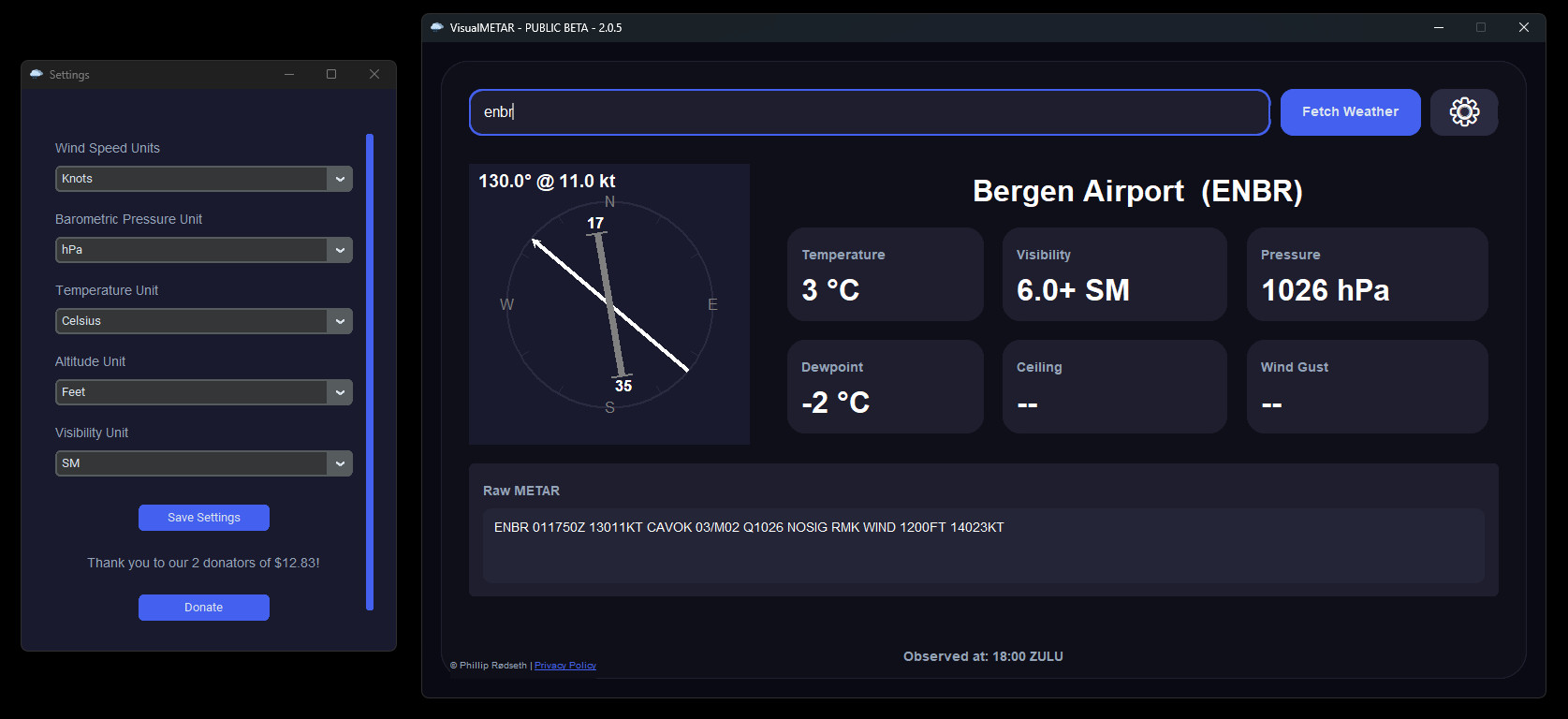
- Modern: A modern and sleek UI, with a user friendly experience.
- Readible: Reading the METAR is now even easier with the new cards!
- Custimization: Custimize VisualMETAR to work how you want, customize wind speeds units, barometric units, and more (to come)!
- Observation timestamp: VisualMETAR has a "Observerd at" timestamp, to make sure you have the most up-to-date METAR, and that you know it yourself.
- Compass styled wind display: VisualMETAR has a compass that shows, the current wind speed, directions, (both visually, and using text), aswell as the airports runways to give you a better understanding. (1)
- High compatibility: VisualMETAR supports both Windows, AND MacOS (MacOS support will come within 15 january.)
- Authorization: VisualMETAR uses a custom made API to handle, authorize and process every request made, with inbuilt spam prevention.
- Security: VisualMETAR's Current version, collect NO data, at all! (2)
- And way, WAY more!
INSTALLATION:
This process is very simple. Simply download VisualMETAR, extract it, and run VisualMETAR.exe!
NOTICE:
Do NOT Remove VisualMETAR.exe from it's present folder. Doing this will break the app, as it relies on the files within this folder. (3)
JOIN THE DISCORD:
If you want to get development announcements, give feedback or suggestions, or just talk to other, feel free to join our discord server! https://discord.gg/YQc4f6VDYV
PRIVACY POLICY:
We care about your privacy, to read more about how we collect, use and protect your data, read our Privacy Policy.
DONATE:
Donations are always optional, and never required, but highly appreciated.
- PayPal
1: Airport Support Limitation: Currently, only airports with 1 runway are supported for the compass feature. Multi-runway support is coming soon!
2: Privacy and Data Collection: In future updates, VisualMETAR will collect some data using opt-in methods. You can read more in our Privacy Policy)
3: Future updates may eliminate the need to keep VisualMETAR.exe in its present folder.
VisualMETAR
VisualMETAR is a user-friendly desktop application that provides real-time METAR data for flightsimmers. Easily access essential weather information such as temperature, visibility, wind conditions, and more by entering the ICAO code of the desired airport. Copy METAR data to your clipboard for quick sharing or logging with this simple tool.

Nutzerbewertungen
3 Bewertungen
Versionsgeschichte
- Changed airport name to be more correct, by changing API. - Added visiblity settings, choose between SM or km - Minor tweaks and changes in the settings page - Officially now NOT a BETA release!
Ähnliche Addons
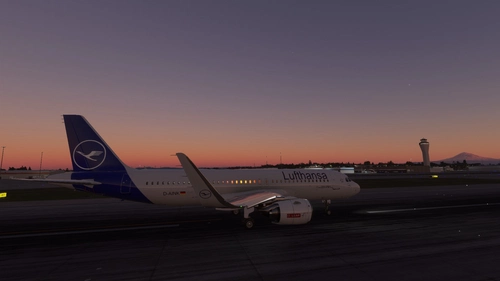
lufthansa a320 (D-AINK)
Experience the iconic Lufthansa livery on the Asobo Airbus A320neo with this mod. Easily install by dragging and dropping into your Community folder. Copyrighted by DataMade in 2022.
von Vtolvr
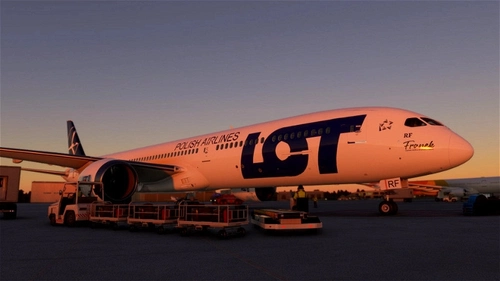
B787 LOT (SP-LRF)
Fly the B787 LOT (SP-LRF) livery for the Asobo Boeing B787-10 with this easy-to-install mod. Copyrighted by DataMade in 2022, this addon features stunning images by @Wiktor724. Visit the gallery to see more visuals of this livery.
von Vtolvr
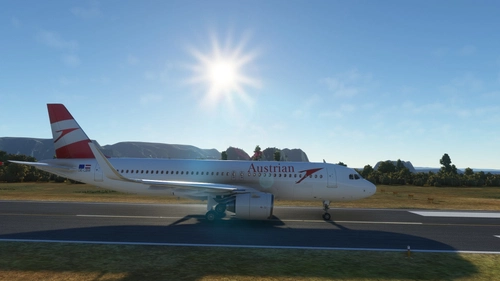
Austrian a320 (OE-LBW)
Experience flying with the Austrian Airlines livery for the Asobo Airbus A320neo. Easily install the add-on by following the simple setup instructions provided. Copyright (c) 2022 DataMade.
von Vtolvr
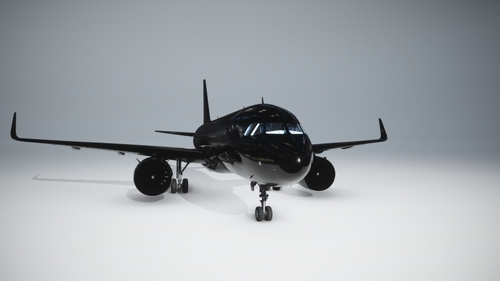
Airbus a320neo Full Black livery
A Full Black Livery for the Asobo Airbus A320NEO. Easy setup instructions included for installation. Published by vtolvr with donation options available. All rights reserved 2023.
von Vtolvr
Melden Sie sich an, um an der Diskussion teilzunehmen
AnmeldenKommentare(28)
11 months ago
10 months ago
over 1 year ago
For example:
Porto/Cameriro
The airport is:
Porto/Sá Carneiro
Arpt is short for Airport???
over 1 year ago
Airport names are loaded via the aviationweather.gov API.
Though, this is planned to be changed to another API, which will give the entire name.
For example, "Bergen/Flesland Arpt" in the next update, will be "Bergen Airport Flesland".
over 1 year ago
What´s going on?
over 1 year ago
This update now includes the Microsoft Visual C++ Runtimes. Because some people may not have this installed. Because VisualMETAR relies on theese libraries. I decided to make the DLLs just be inside of the VisualMETAR folder so people that don't have them don't need to do an external download of them. This is why the size has gone up.
over 1 year ago
1. When typing the airport ICAO code, hitting the "Enter" key should also trigger a search.
2. If some fields (like visibility or ceiling) are not fetched from the METAR, instead of using "None" I would suggest to use dashes.
3. Changing the units in the settings triggers a restart. Would be better if it's done right away (if technically possible). Or at least if units are changed in the settings, persist the state of the search bar, so that the user doesn't have to enter the ICAO code again (this is more likely a "nice to have").
Other than that, keep up the good work :)
over 1 year ago
I highly appreciate your feedback on VisualMETAR.
I am planning on adding your first feedback. This was supposed to be a feature in the inital release, and those after. but i've kept forgetting this. (Most likely because of my ADHD)
Aswell about your second feedback. This will be changed in the next release aswell!
About the third feedback, aswell, this will be added aswell in the next release. And yes, it is possible. For example the switching of wind speed units will auto refresh itself, even before you click save. Because it auto refreshes in the app. But doesn't actually save itself in the settings until the save is pressed.
Thank you for your feedback, I really do appreciate it! :)
over 1 year ago
All of your feedback has now been added to v2.0.4b!
over 1 year ago
over 1 year ago
over 1 year ago
This issue occurs because you do not have the Microsoft visual runtimes installed. You can install them using theese links:
Download from the links below. I suggest you install both the x86 and x64 versions.
x86: https://aka.ms/vs/17/release/vc_redist.x86.exe
x64: https://aka.ms/vs/17/release/vc_redist.x64.exe
over 1 year ago
over 1 year ago
over 1 year ago
over 1 year ago
over 1 year ago
over 1 year ago
Regards