

Beschreibung
DESCRIPTION
This is a web based CDU server/client application to be used with both the PMDG 737 variants and the 777-300ER for MSFS. It is still in Alpha stage and only supports windows users. This app combines my 2 cdu apps released earlier which makes it easier for me to maintain and for the users to use.
App features includes:
- Automtic ini file detection and modification
- CDU functionallity including all input, annunciators
- Keyboard input on PC
- Multipe CDU switch
- Full Screen, Scroll Lock, Window Maximize toggles
- Long press function
- Back light, ambient light settings
KNOWN ISSUES
- When PMDG loads its aircraft, it sometimes modifies the ini file, app can detect this and modify the ini file again, however the aircraft should be reloaded for the changes to take effect. (usually happens with 737 variants, have no idea why)
- Initial Page Connect (Simconnect), inside CDU connect button may take few clicks to work when simconnect server is overloaded.
INSTRUCTION
- Download, unzip and run the installer.
- The app should run right after installation.
- The window that opens on your PC should be kept open as it acts as the server, however you do not have to connect it if you are not gonna be using it on pc, and just keep it minimized.
- Open any browsers (chrome preferrably) on any devices connected to the local network and enter the address shown on the bottom of the PC's app window.
- If all 3 indicators are lit up, click the connect button.
- It will try to detect and suggest modification of ini file if required (this is still experimental and may not work, please do share how it went in the comments!)
- Click connect on the cdu page again.
- Enjoy
COMMON QUESTIONS
- I've modified .ini file but the alert still pops up => normal, safely dismiss
- I cannot locate my .ini file => please make sure you have the latest version of the app and if you are on edge cases, you'll have to read below and navigate to your pmdg installation folder to modify it manually.
- Will it work on my mobile / tablet devices? => Yes, as long as your device is connected to the same local network and provides fairly latest browser. (if you have a 10 years old ipad, it probably won't work..)
INI FILE MODIFICATION
If the ini file automatic detection / modification has not been successful, ensure that the following file includes these lines manually.
You can put the lines to be included at the bottom of the file using a text editor like notepad
For 737
File: Your_Installation_Folder\Packages\pmdg-aircraft-738\work\737_Options.ini >>> for 738 users
MS Store Copy
For users who are using MSFS copy from MS store, Look for the following path
[Drive Letter]:\WpSystem\[Long cryptic serial]\1001\AppData\Local\Packages\Microsoft.FlightSimulator_8wekyb3d8bbwe\LocalState\packages\pmdg-aircraft-77w\work
Lines to be included:
[SDK]
EnableCDUBroadcast.1=1
EnableDataBroadcast=1
EnableCDUBroadcast.0=1
For 777
File: Your_Installation_Folder\Packages\pmdg-aircraft-77w\work\777_Options.ini
MS Store Copy
For users who are using MSFS copy from MS store, Look for the following path
[Drive Letter]:\WpSystem\[Long cryptic serial]\1001\AppData\Local\Packages\Microsoft.FlightSimulator_8wekyb3d8bbwe\LocalState\packages\pmdg-aircraft-77w\work
Lines to be included:
[SDK]
EnableCDUBroadcast.2=1
EnableDataBroadcast=1
EnableCDUBroadcast.0=1
EnableCDUBroadcast.1=1
Also, if the automatic ini modification is problematic by any chance, there's a backup of the original ini file (7XX_Options.ini.bak) automatically created in the folder which you can rename to revert the modifications.
DISCLAIMER
The app complies with the PMDG SDK requirements and was not created by copying someone else's hard work.
The entire functionality was coded one by one by myself and features were added progressively with valuable feedback from the testers.
Resources used were: node-simconnect examples, official PMDG SDK, manual and examples.
The app however lacks performance and may lack functions that other existing products or products to be released.
I'm also aware of other similar paywares and I deem those to be of commercial grades but not mine hence it is released as a freeware.
CREDIT
Can't thank you enough @pragmatrader, for your amazing art works for the icon and valuable feedbacks!
huge thanks to EvanAR who made the project possible with his awsome node-simconnect library and starter examples.
https://github.com/EvenAR/node-simconnect
And thanks to kmturley for the amazing starter template making my project possible to be running in less than a day!
https://github.com/kmturley/electron-server7
PMDG MSFS CDU
A web-based CDU server/client application for PMDG 737 and 777-300ER in Microsoft Flight Simulator, combining functionality for easier use and maintenance. Features automatic ini file detection/modification, CDU functionality, keyboard input, and multi-CDU switch. Instructions for installation, connection, and manual ini file modification provided. Developed with compliance to PMDG SDK requirements and continuous improvement based on user feedback. Released as freeware with credits to contributors.
Inhalt entfernt
Diese Datei wurde wegen eines Regelverstoßes entfernt und ist derzeit nicht verfügbar.
Nutzerbewertungen
11 Bewertungen
Versionsgeschichte
Config hidden by default, config button tooltip placement adjusted
Ähnliche Addons
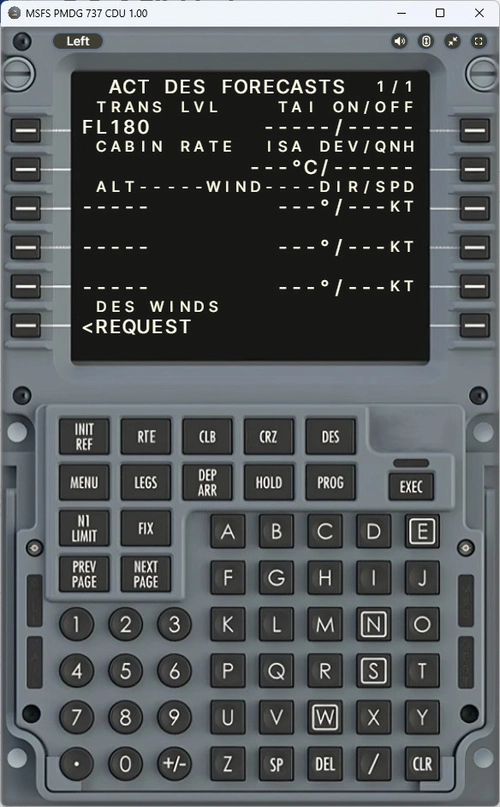
PMDG 737 CDU
A web-based CDU server/client application designed to enhance the PMDG 737 experience in MSFS. Features automatic ini file detection and modification, CDU functionality, keyboard input, and more. Still in Alpha stage and currently only supported on Windows. Instructions provided for installation and connection, with credits to the developers for their contributions.
von ksi9302
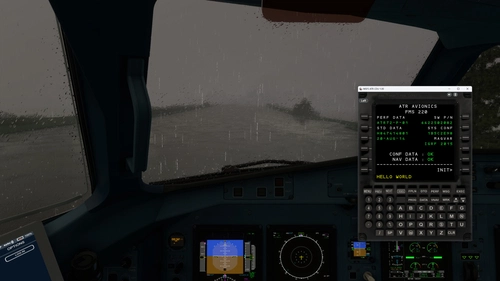
ATR MSFS CDU
Experience a web-based CDU server/client application for Asobo ATR Variants in MSFS with this Alpha stage add-on. Enjoy CDU functionality, keyboard input, CDU switch, sound toggle, and more features. Follow simple instructions to install and connect to enhance your flight simulation experience. Credits to developers EvanAR and kmturley for making this project possible.
von ksi9302
Kommentare für dieses Addon sind geschlossen.
Kommentare(38)
over 1 year ago
and I hope included pmdg 77F
almost 2 years ago
almost 2 years ago
Also is there a way to have a URL that directly opens the right CDU instead of having to open the config and switch to the Right one every time?
almost 2 years ago
EDIT: never mind, I changed the folder locations in "777-settings.js" and that did the trick. I love this addon btw, was worried about moving from the 737 to the triple 7 without it!
EDIT2: No, weird, now it won't connect remotely. Sim stat and aircraft only check on the same machine, not any other device
almost 2 years ago
almost 2 years ago
I need some help to be able to connect the CDU with my tablet.
If I enter the first displayed IP address into my Firefox browser of the tablet, nothing happens.
What should I do else?
FYI
the CDU works fine on my laptop next to my PC, could connect to the same displayed IP address immediately.
almost 2 years ago
Would it be possible to minimize the server to system tray?
almost 2 years ago
Any ideas honw to get it to work
Edit: So I was able to fix the first problem but I've ran into another issue. I got to work with the 737 but when I tried it with the 777 it says something like no power to CDU available or something like that. Do you have any suggetions om how to fix?
almost 2 years ago
almost 2 years ago
almost 2 years ago
:)
almost 2 years ago
about 2 years ago
about 2 years ago
MSFSが動作しているPC上でクロムブラウザを利用して起動すると
「CDU NOT POWERED」と表示されます。
.INI ファイルは正しく変更されています。
どのように対応すればよいでしょうか。
about 2 years ago
about 2 years ago
Works a treat on my Android phone. Thanks a lot for your work !
about 2 years ago
about 2 years ago
Cela fonctionne à merveille !
about 2 years ago
about 2 years ago