

Beschreibung
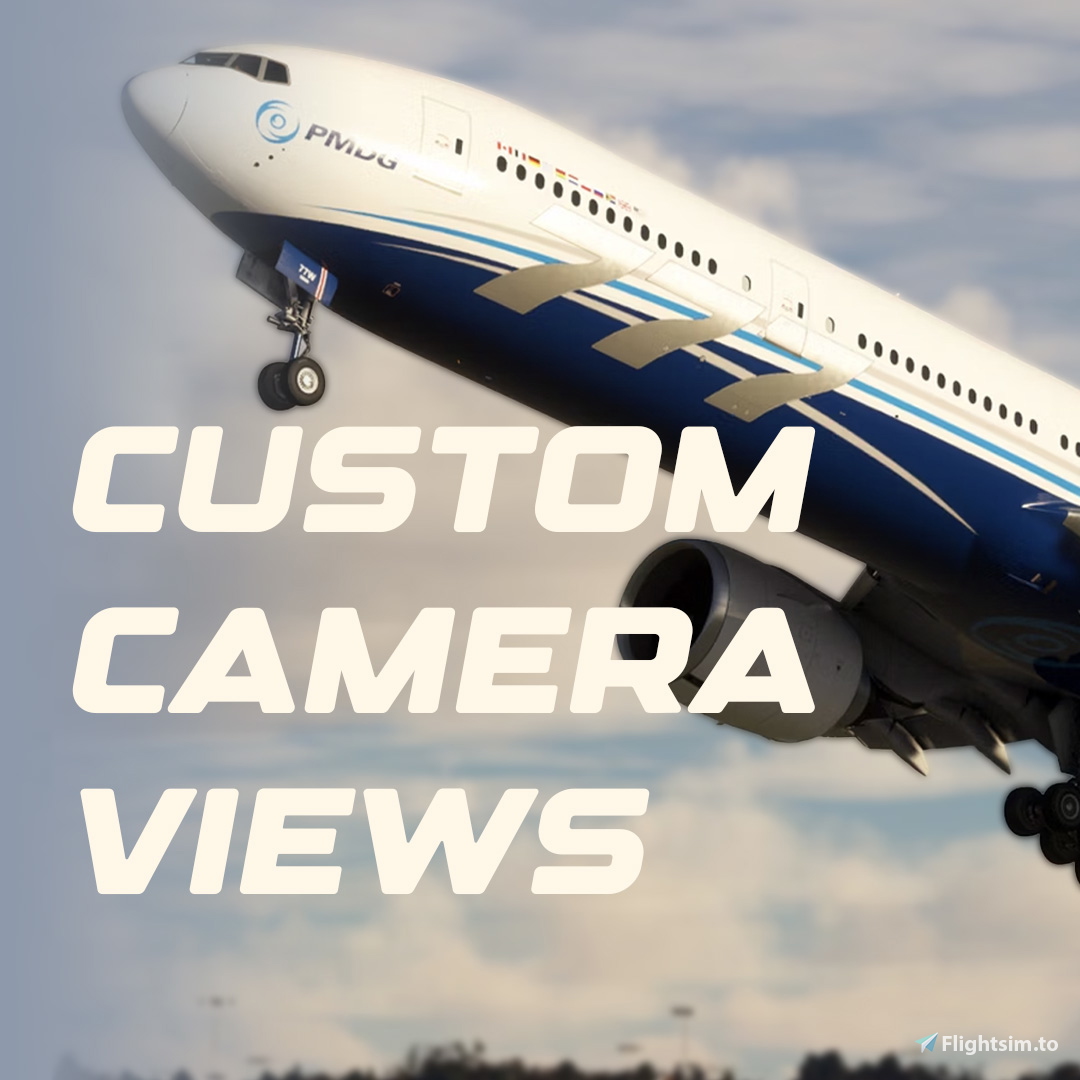
Custom Camera Views for the PMDG 777-300ER!
For those of you who want to save some time and go straight to flying, here are some custom camera views for you. They are super intuitive to use, but you can change them to whatever you like.
The bottom row of the numpad is for cockpit navigation.
The center column of the numpad will take you through the overhead panel and forward in the cockpit.
The left side of the keys is for left wing-views
The right side of the keys is for right wing-views.
Enjoy!
- Locate the "Airplanes" folder in your main Microsoft Flight Simulator installation directory. This folder contains sub-folders corresponding to each airplane for which you have saved custom camera views.
- Inside each airplane's sub-folder, you will find a file named CAMERAS.CFG. This file stores the custom camera views specific to that airplane.
- Ensure you are in the main MSFS installation location, not the Community folder, before proceeding with the following steps.
- If you have not saved any custom camera views yet, the "Airplanes" folder may be empty or not present.
- For installations from the Microsoft Store, navigate to the following path:
- C:\Users\[UserName]\AppData\Local\Packages\Microsoft.FlightSimulator_8wekyb3d8bbwe\LocalCache\SimObjects\Airplanes
- Replace the 'Camera.CFG" file inside the folder.
Custom Camera Views - PMDG 777-300ER
Enhance your PMDG 777-300ER flying experience with these custom camera views. Intuitively navigate different cockpit perspectives with easy-to-use key bindings, providing a seamless flight experience. Easily install these custom views by locating the "Airplanes" folder in your main Microsoft Flight Simulator directory. Enjoy a personalized and immersive flight deck experience!


Nutzerbewertungen
1 Bewertungen
Versionsgeschichte
Keine Versionsgeschichte verfügbar.
Melden Sie sich an, um an der Diskussion teilzunehmen
AnmeldenKommentare4
C:\Users\XXX\AppData\Local\Packages\Microsoft.FlightSimulator_8wekyb3d8bbwe\LocalCache\SimObjects\Airplanes\PMDG 777-300ER
If the "PMDG 777-300ER" Folder does not exist, make one.
Not sure if the problem is at my end or the file. I checked read/write is enabled.
Any ideas?
Steve