
Beschreibung
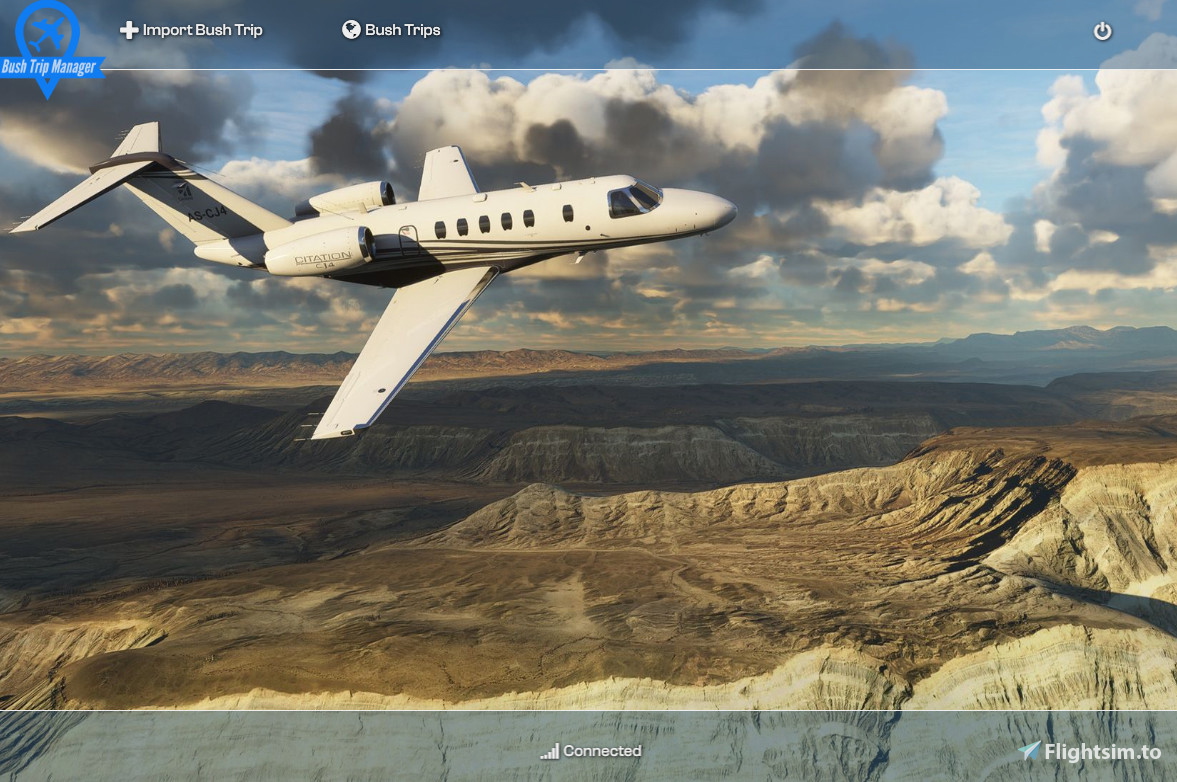
Main purpose of Bush Trip Manager is to move bush trip experience outside from MSFS giving opportunity to fly bush trip plans unrestricted by Bush Trip mode in MSFS. From MSFS perspective every flight tracked by Bush Trip Manager is a free flight following loaded flight plan. Is not integrating with MSFS Bush Trip mode therefore progress will be tracked only inside application not MSFS. Flight sim log book will be filled as for normal flight. Application can import bush trip package into internal structure for tracking. Is working with default flight sim bush trip and also 3rd party created. Application is integrating with MSFS using SimConnect for fetching flight information data and also for injecting aircraft position.
Features:
- Bush trip structure import
- Storing and tracking multiple bush trips
- Live flight progress
- Saving and loading last parking position for every leg
- Flying multiple legs without need of landing after each leg
- Text to speech for next waypoint instruction
- Displays metar information for departure and arrival airport
- Displays nformation about airport elevation and runways
- Displays current conditions during flight
This app uses spb2xml by leppie to decode fs2020 values. spb2xml github
Documentation and discussion can be found here: Fs2020 forum thread
New support channel on discord: Discord Server
Bush Trip Manager
Elevate your bush trip experience with Bush Trip Manager, a tool designed to enhance your flights outside of the MSFS Bush Trip mode. This application allows for unrestricted flight plans, live flight tracking, multiple leg journeys, and more. Compatible with default and third-party bush trips, Bush Trip Manager integrates with MSFS using SimConnect for a seamless flight experience.


Unterstützer
Nutzerbewertungen
3 Bewertungen
Versionsgeschichte
[Feature] - Add multilanguage import and text to speech voice control
Melden Sie sich an, um an der Diskussion teilzunehmen
AnmeldenKommentare(30)
7 months ago
I had a very busy year. Development of the new version of the app has been on and off, but I'm trying to commit more time now and finish what I’ve planned for it. As I mentioned on Discord, I was hoping to release it around Christmas, but unfortunately life verified those plans.
However, as I'm writing this post I'm actually sitting in front of Visual Studio, so work is continuing and I’m hoping to finish everything within the next few months.
Here are a couple of things that will be included in the new version:
1. Installer and updater
I wanted to learn something new, so I built a proper Windows installer. Instead of downloading a zip with a bunch of files, there will now be a single .exe with a wizard that installs the application.
2. Functionality separation
Right now everything is in a single window and it has started to annoy me. The new design separates responsibilities more clearly.
The main window will only manage Bush Trips (selecting, importing, browsing legs).
When you start flying a leg, a new window will open with a simplified UI and more focused information.
The current window has too much information and in retrospect it isn’t very readable. The new window is grouped into five sections:
a) Departure
All information about the departure airport: runway data (length, elevation, surface), METAR, wind components, and a picture.
b) Route
Current waypoint and upcoming waypoints, heading, distance, description, text-to-speech controls.
I'm also adding OpenStreetMap with tracking so you can see exactly where you're flying.
c) Legs
A list of upcoming legs with basic info like distance and ETA, which helps decide whether it's time to land or maybe fly one more leg.
d) Arrival
Similar information as the departure section but for the arrival airport of the current leg.
3. Mobile device integration
I want tracking to be available on my tablet while flying, which is much more convenient than using another screen.
I'm building a PWA (Progressive Web App) for this. The desktop app will stream the same data over WebSocket, and you will be able to open it in a browser on a tablet or phone. The interface will be the same as the flight window mentioned above. The PWA simply makes installation on mobile easier.
4. Database redesign
With all the changes I want to introduce, I realized the current database structure is not ideal. I redesigned it and implemented proper migrations so existing installations won’t break after upgrading.
5. General overhaul of the concept
As I mentioned before, my background is in Java and I’ve been working mostly as a software architect for many years now, so I don’t get to code as much as I’d like. I’ve been learning C# on the fly while building this app.
Once I understood C# architecture better, I realized I could do many things more cleanly — so I basically rewrote the whole app 😄
AI has actually been a huge help while learning new things, if you know how to use it properly.
So quite a lot has been happening around this project. I have more ideas I would like to add, but as proven so far, finding enough time is the difficult part.
My plan is to finish the list above and release the project publicly on GitHub as a community project. If anyone wants to contribute changes or new features, I would be happy to review pull requests. Maybe it will grow and more people will join in building something awesome — we’ll see.
Overall, I did not abandon the project. As I said from the beginning, I originally wrote it for myself to experience bush trips the way I wanted, not necessarily the way the simulator provides them.
I’m honestly amazed by how well the community received the app.
It’s not dead — and maybe if the community picks it up later, it could grow even more.
Regarding MSFS 2024, I haven’t even installed it yet. My FS2020 setup is currently in a really good place. But once I move to 2024, I will definitely update the app for it.
If SimConnect hasn't changed significantly, this version should already work with 2024. If the app cannot load 2024 bush trip files, you can still fly the 2020 ones and they will be updated.
That’s it from me — now back to coding while I still have some time 😄
7 months ago
9 months ago
I have moved my community file to a new location.
What is the problem
11 months ago
almost 2 years ago
Maybe the logic below is more natural and better?:
1. During the flight towards waypoint X, just display related info (works as an advance notice), and don't play voice yet;
2. Upon arriving waypoint X, play TTS voice now;
3. After the voice is played, it's good time to auto switch to next waypoint Y. And repeat step 1.
about 2 years ago
thanks for this fabulous addon, practically perfect, and luckily you don't know this language well.....
Thanks to your energy to make it free, in my small way I will make a donation.
---------------------------
I wanted to ask for information. How is it possible to translate the text of the different POIs from English to Italian.
I thought of doing a copy and paste with Google Translate and then putting back the Italian text that I think the synthetic voice can read.
a) where is the English text located
..but maybe it doesn't work like that
about 2 years ago
about 2 years ago
corner...it would make managing the opening window much easier...put another
I f we could minimize the program, it would save some space...otherwise a wonderful
program!
about 2 years ago
On window minimising very good point. I'm using multiscreen setup so it never been issue for me but can imagine now how annoying it is on single screen.
I had a break from flightsim and side projects but I'm coming back to this in next months :)
over 2 years ago
over 2 years ago
over 2 years ago
over 2 years ago
This is my all-time favorite add-on, but I have a request...
tx
over 2 years ago
over 2 years ago
Yes, fixed .
over 2 years ago
over 2 years ago
Nothing happens for me at all, it seems like it doesn't even try anything. Has anyone experienced anything like this, any idea how to troubleshoot? When I click the BushTripManager.exe nothing happens.
over 2 years ago
over 2 years ago