
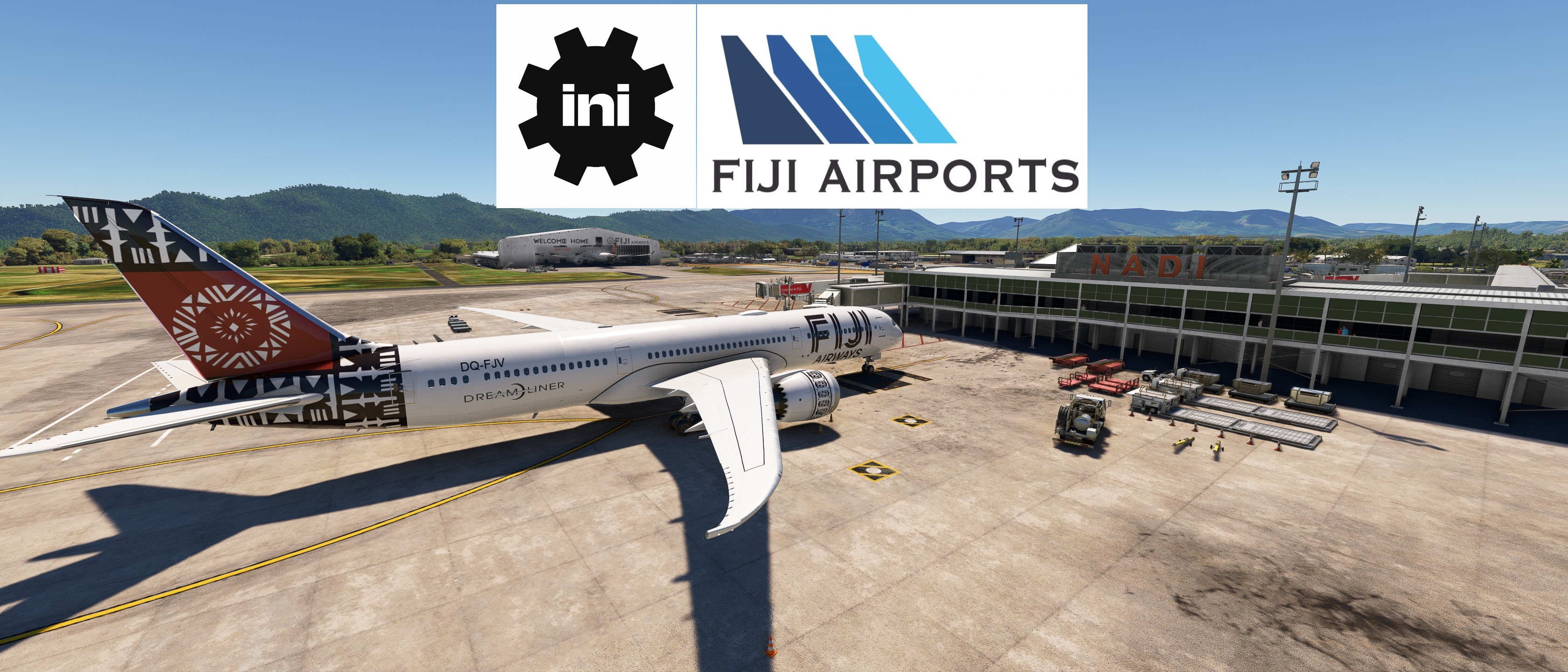
Beschreibung
- Custom pushbacks.
- Passengers walking to jetways
- Jetway height adjusted
- Custom vehicle placements
- Marshaller
- Handling: ATS FIJI
- Catering ATS
- Python file to better sort the different aprons and set custom stop positions.
Gates sorted into 3 sections
"Terminal Gates 1-8"
- Gate 1 - Walk in, max wingspan 44m
- Gate 2 - Bus, max wingspan 44m. A lot of clutter on this one so stop position is off mark.
- Gate 3 - Jetway, max wingspan 44m
- Gate 4 - Walk in, max wingspan 44m
- Gate 5 - Jetway, Max wingspan 67m
- Gate 7&8 - Jetway, max wingspan 72m
"Terminal Gates 9-17"
- Gate 9&10 - Walk in, max wingspan 28m
- Gate 11 - Walk in, max wingspan 28m, no pushback, aircraft facing other way, Taxi in through 12 and do a 180. (See pictures)
- Gate 12&13 - Bus, max wingspan 28m, no pushback, aircraft facing other way, Taxi in through 11 or 12 and do a 180. (See pictures)
- Gate 14-17 - Walk in, max wingspan 25m, no pushback. Smaller stands so ATR42 size is max for these. (See pictures)
"GA Apron"
- No stands edited.
AS ALWAYS REMEMBER TO REPOSITION AT CURRENT GATE AFTER SPAWNING
INSTRUCTIONS:
Place the files in : \Users\\AppData\Roaming\virtuali\GSX\MSFS
Remember to delete or disable other ini files starting with nffn.
If you have any suggestions to make or errors to report give a comment or send me a pm.
Regards
GSX Profile - IniBuilds Nadi International Airport (NFFN)
Enhance your ground handling experience at Nadi International Airport with this GSX Profile by IniBuilds, featuring custom pushbacks, passengers walking to jetways, and adjusted jetway heights. Organized into 3 sections with gates accommodating different aircraft sizes, this add-on also includes custom vehicle placements and a marshaller for added realism. Enjoy a seamless experience with ATS FIJI handling and catering ATS services, along with a Python file for improved apron sorting and custom stop positions.
Nutzerbewertungen
3 Bewertungen
Versionsgeschichte
NO CHANGES TO MAIN FILE. There is a new file called MSFS 2024 thats edited. Got feedback that gate 4 had a jetway. I had it as a walk in gate. Don't remember if this jetway was there in 2020. Updated this in 2024 and have these files separate in case there is no jetway in 2020. If so it can probably be used there as well. - Gate 4 & 8 now have dual jetway/rear stairs boarding. - Added delayed engine call - Some small fixes.
Ähnliche Addons
GSX Profile - MKStudios Montréal–Trudeau Airport (CYUL)
Custom GSX profile for MKStudios Montréal–Trudeau Airport (CYUL) featuring edited gates, adjusted jetway heights, and realistic parking options. Includes custom pushbacks, catering services, and de-icing pads for a more immersive airport experience. Organized gate sections and precise stop positions enhance taxiing and aircraft alignment. Fellow simmers are welcomed to provide feedback or suggestions for further improvements.
von mortysimmer
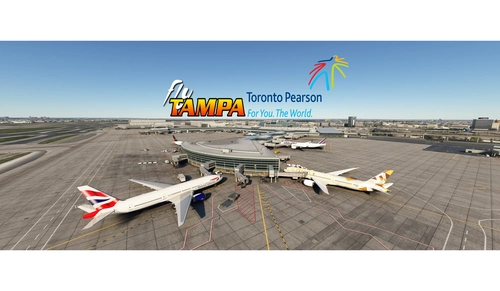
GSX config for FlyTampa Lester B. Pearson Intl. CYYZ
Custom GSX configuration for FlyTampa Lester B. Pearson Intl. enhances main gates and stands with tailored vehicle placements. Gates adjusted for specific aircraft sizes and custom pushbacks, alongside correct handling and catering choices. Includes de-icing pads, jetway height adjustments, and VDGS systems, with detailed instructions for installation and file organization. For precise gate positioning, refer to Navigraph charts 10-9B, 10-9C, 10-9D. Improve your ground operations at CYYZ with this comprehensive GSX enhancement.
von mortysimmer
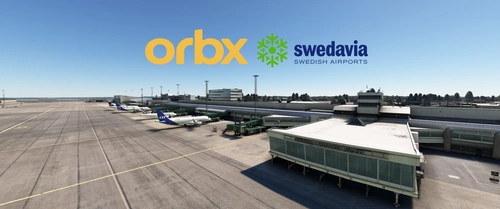
GSX Profile - ORBX ESGG Gøteborg Landvetter
Enhance your airport experience at ORBX ESGG Gøteborg Landvetter with this GSX Profile add-on. This profile includes custom gate editing for various aircraft types, real-world catering and handling services, adjusted jetways, and more. Choose between two versions with different Visual Docking Guidance Systems. Please note that some gates require manual aircraft alignment upon spawning. Install and enjoy a realistic airport environment in Microsoft Flight Simulator.
von mortysimmer
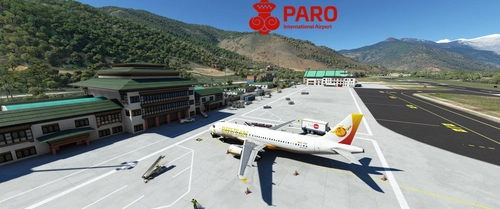
GSX Profile - Asobo Paro Airport (VQPR)
GSX Profile created specifically for Asobos Paro Airport (VQPR) with edited gates, custom pushbacks, and underground refuelling. Gates sorted into Main Terminal and Cargo Apron, with a Python file for custom stop position. Note: Some scenery limitations may affect aesthetics. Installation instructions provided.
von mortysimmer
Melden Sie sich an, um an der Diskussion teilzunehmen
AnmeldenKommentare(19)
2 months ago
2 months ago
2 months ago
2 months ago
2 months ago
2 months ago
2 months ago
7 months ago
7 months ago
6 months ago
6 months ago
10 months ago
7 months ago
about 1 year ago
Well done again! I think that you can mark this as MSFS 2024 compatible.
7 months ago
over 2 years ago
Just a note that might hopefully be helpful to others if they encounter the same issue: GSX was giving me an error that 16 parking spots (all of the customized spots) had a Navdata mismatch and therefore none of the customization work was working for me. This may be due to the version of the NFFN scenery I'm running (MARKETPLACE) . I noticed that on the MSFS map, all of the spots were simply numbered, not named. I.E. "1" not "Gate 1"
To fix, I modified the ini to have all of the gates/parking named as. [none 1], [none 2] etc. And then in the python file, I placed all of the parking numbers/info (i.e. "1 : (Terminal, Standard), underneath the "None : ( )," section, instead of GATE and PARKING.
If anyone needs and help or has any questions feel free to message. Mortysimmer, I'm also happy to send you the files if you want to upload them as an alternative file for other Marketplace airport purchasers if that is indeed the issue.
over 2 years ago
over 2 years ago
over 2 years ago