
Beschreibung
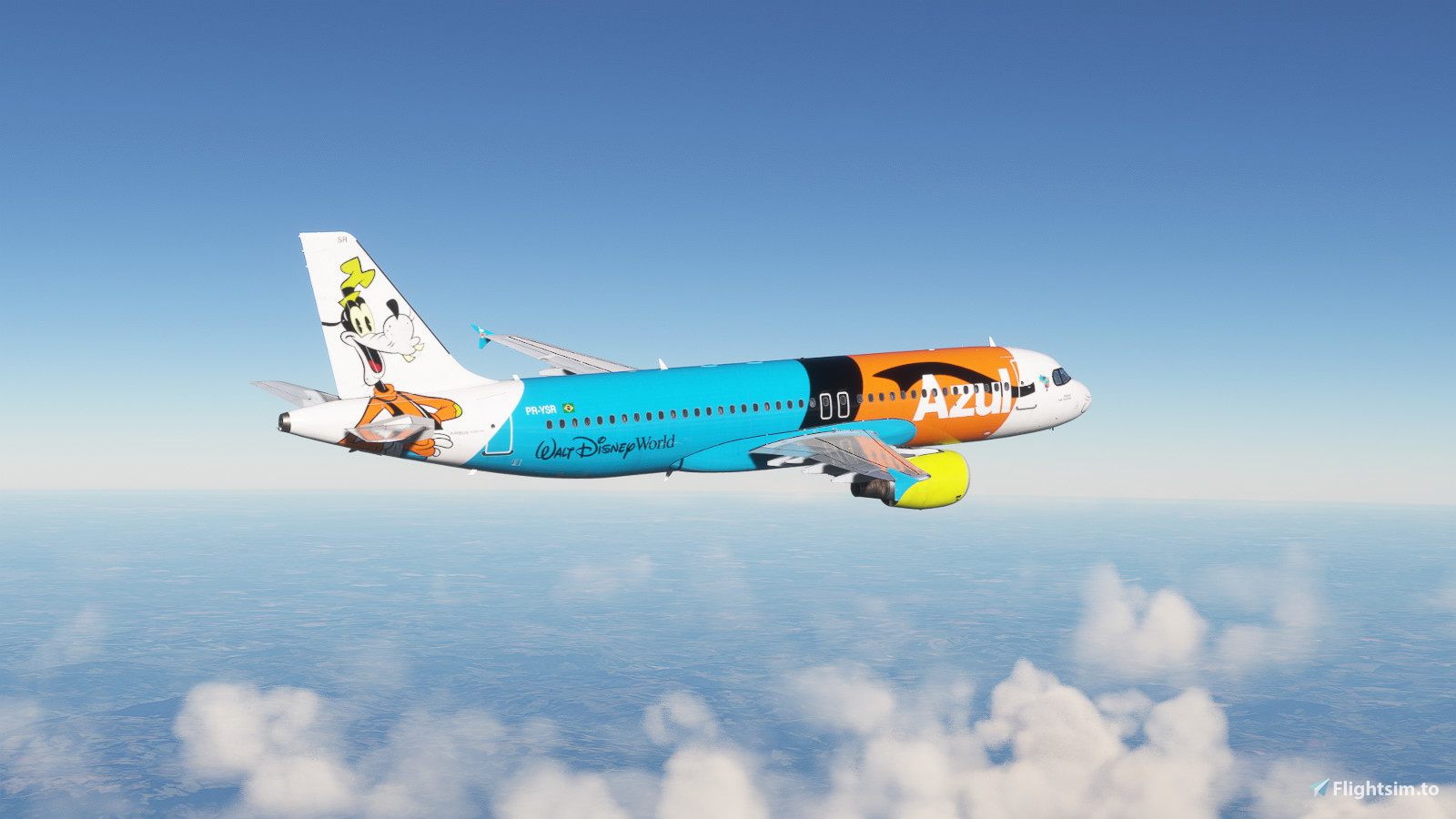
Azul Pateta PR-YSR | Fenix A320 V2 CFM
FEATURES
- Almost all textures have been customized to look like the real ones.
- Please contact me if you identify any errors in the textures.
- Logos are faithful to the real ones, with attention to every detail.
Installation:
- Unzip and select liveries you would like to install
- Drag and drop liveries into your community folder
Creator's Note:
For those who appreciate the detailed work and effort put into this recreation, a simple donation would be greatly appreciated. This helps to continue to develop and provide more high-quality nurseries.
Unauthorized copies of this material will be reported and removed from the site to protect the original work.
Kommentare(3)
Melden Sie sich an, um an der Diskussion teilzunehmen
Anmeldenover 2 years ago
over 2 years ago
Azul Pateta PR-YSR | Fenix A320 V2 CFM
Introducing the Fenix A320 V2 Azul livery inspired by Goofy from Disney! Joining the magical themed fleet of Azul, this A320neo with the prefix PR-YSR features a fun design capturing the essence of the beloved character. Experience the charisma of Goofy with his iconic ears on this unique aircraft, bringing Disney magic to the skies. Install this special livery by simply unzipping and moving the files to your community folder for a touch of whimsy on your flights.

Nutzerbewertungen
1 Bewertungen
More Information
Versionsgeschichte
Keine Versionsgeschichte verfügbar.
Ähnliche Addons
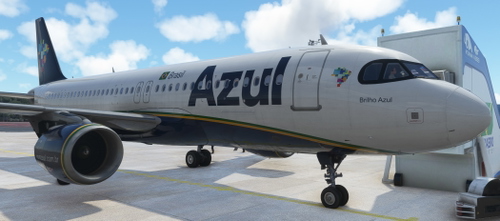
AZUL A320 8K PR-YRK | FENIX A320
Experience a detailed recreation of the Azul A320 PR-YRK livery in stunning 8K resolution for the Fenix A320 aircraft in Microsoft Flight Simulator. Install the add-on by extracting the zip file into your community folder and immerse yourself in this authentic aircraft replica.
von wardoged
![[8k] Azul PR-YYM Fenix BFU](https://cdn.flightsim.to/images/26/8k-azul-pr-yym-fenix-block-2-190953-1709254678-ILyMT.jpg?width=500)
[8k] Azul PR-YYM Fenix BFU
A fictional repaint of the Fenix Block 2 A320 with IAE engines, showcasing the colors of Azul Linhas Aéreas. This add-on includes unique registration details inspired by the A320 fleet of Azul. Installation is straightforward by extracting the folder into the "Community" folder. Enjoy the new look for your aircraft in Microsoft Flight Simulator.
von joseeduardo
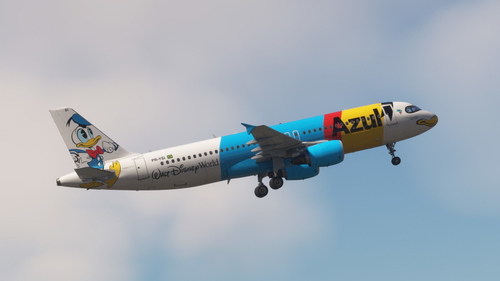
Azul Pato Donald PR-YSI |Fenix A320 V2 CFM
Fly in style with the Fenix A320 V2 in the Azul Pato Donald nas nuvens livery, featuring the iconic Disney character adorning the aircraft. This special livery brings joy to the skies with its vibrant design, celebrating the collaboration between Azul and Walt Disney World Resort. Join the enchantment and magic as this themed aircraft flies across Brazil, spreading the Walt Disney World experience to various cities. Install this livery easily by selecting and dropping the files into your community folder for a touch of Disney magic in the Microsoft Flight Simulator world.
von GabrielsCorazza
![[8k] Azul PR-AJB Fenix BFU](https://cdn.flightsim.to/images/26/8k-azul-pr-ajb-fenix-block-2-190953-1709595009-BC1Kp.jpg?width=500)
[8k] Azul PR-AJB Fenix BFU
This add-on features a high-resolution 8k repaint of the Fenix BFU A320 in the livery of Azul Linhas Aéreas, specifically depicting the aircraft PR-AJB, which operated briefly for the airline. The package includes options for both CFM and IAE engines, allowing customization based on user preference. Installation is straightforward, requiring the placement of the extracted folder in the MSFS Community directory.
von joseeduardo
5 months ago