
Beschreibung
A must have airfield for pilots who like VFR flying.
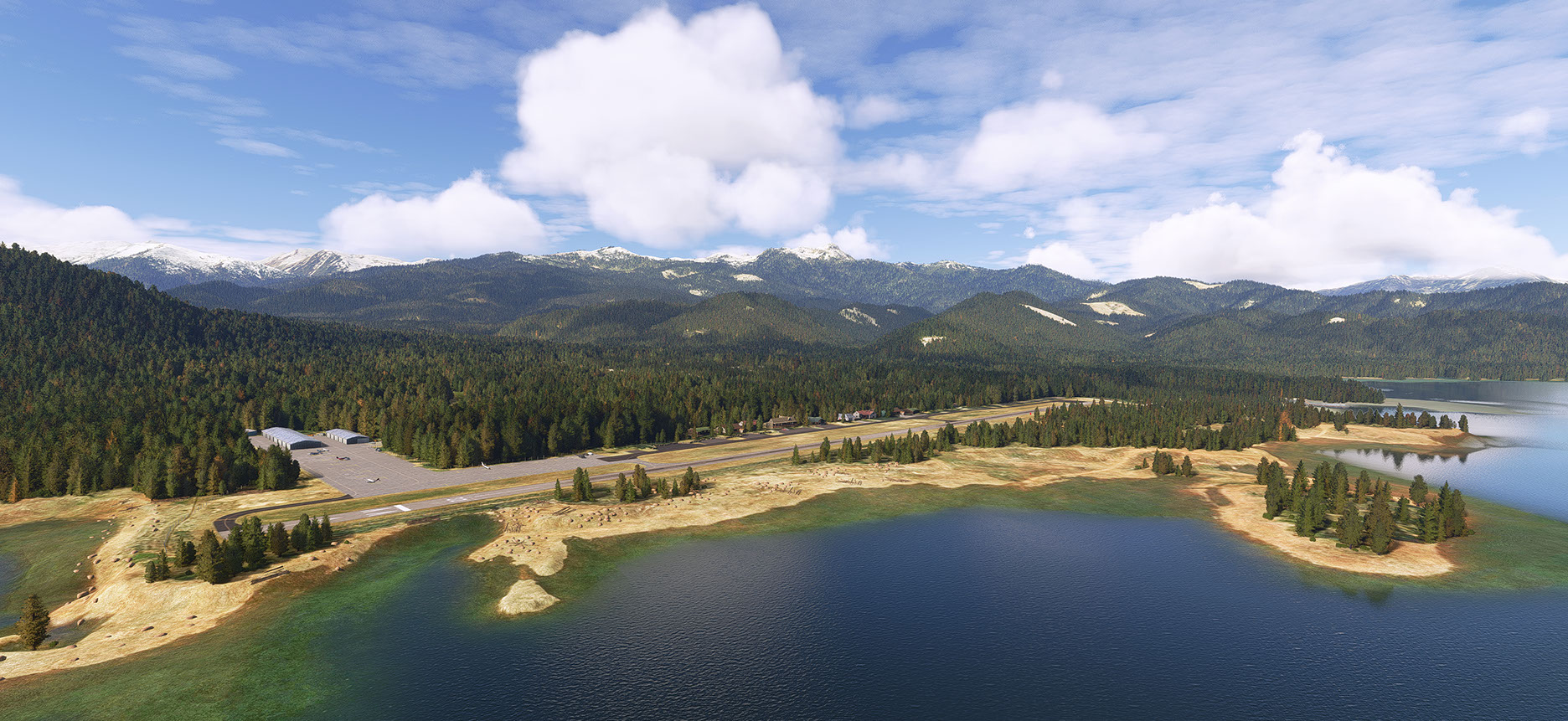
Experience the thrill of flying as you navigate the challenging airfield Trinity-Center (O86) in the United States. Nestled amidst picturesque landscapes, this airstrip offers a unique and rewarding experience for pilots seeking both skill and beauty. With its narrow runway and surrounded by stunning terrain, Trinity-Center provides a test of precision and finesse. As you soar through the virtual skies, be captivated by the immersive details and realistic scenery that make MSFS2020 an unparalleled adventure for aviation enthusiasts. Embrace the challenge, master the airfield, and revel in the joy of flight in this exceptional simulation experience.
(If you like the scenery, check also this one: F62 - Hayfork Airport - California, US
About the Development Airfield Trinity-Center O86 in MSFS2020:
I noticed that the default scenery of MSFS did not do justice to this airfield, so I decided to revamp it and bring it as close to reality as possible.
I redesigned everything, including hangars, apron textures, taxiways, runway, and replaced houses with something closer to reality, albeit with a touch of fantasy. Additionally, I placed a memorial stone (with not the real name, sorry) near runway 14 outside the fence (check Google maps for reference: James E. Swett Veteran Memorial). I removed some out-of-place and overkill of trees and adjusted the coastline as much as possible. I chose a moment when there's a significant amount of meltwater in the lake for added realism. To make it more lively, I added rocks, pieces of wood, and a few moving people and vehicles. There is no runway lighting, just like in reality, but I added some signs as if the airfield is being renovated by a new owner. I also added a fuel station, which is in the real world not present in the original scenery.The windsock and the fly pattern white stones have been adjusted to match reality.
Have fun flying at this airport!
Installation:
I have 2 versions in the zip-file, you only need to drag and drop one of them in your Community folder.
- Drag and dropthe foldername in community folder: "geraldar98-airport-o86-trinity-center v1_2"
If you don't have the World Updates as mentioned below:
- Drag and drop the folder: "geraldar98-airport-o86-trinity-center - v1_2_No World Update"
(the only differents is that the apron will get another texture,which is almost the same.)
Libraries:
Microsoft Default (incl. world updates:
I used the basic materials from MSFS 2020 - Premium Deluxe as much as possible.
If you update always the World Updates you should be fine. If not, just to makes sure that you have the world updates below a short list of some textures form the wolrd updates:
The T-markings on the apron is from materials texture World Update XIII - Hawaii’s Kona International Airport (PHKO).
The big apron is from materials texture World Update XIV - Gaya airport Karlovy Vary Airport (LKKV).
The rock walls in front of the houses are from Microsoft default airport: Out_Skerries EG78.
Third party libraries:
Additionally, a few objects are from third-party libraries that were unfortunately not present. There are around 10 or 11 extra objects, spread across multiple standard third-party libraries. If you frequently use VFR airfields, you probably already have most of these libraries.
(below I included als which objects (assets) from the libraries I used. You don't need to select them, just include the total libraries from the third parties in your community folder.)
I included now the list, which is automatically available via Flightsim.To functionality, so you don't need to search for it.
For completeness, you should have:
- ethnicfs - vehicles - library (5 cars as as
- Mikeaat-assetpack (asset: polechain whitered)
- PBK-gaa-cyse (asset: pbk-VillageHome1)
- human-library-animated
- library1v14-cbj (assets: weather-station)
- esd-modellib-eolib (assets: dock wood and the block concrete)
- daveslibrary
- Wookie042-bush-and-backcountry-library
- Totofteam-france-totofobject v5 (asset: Totof=lightspot)
One extra remark:
Since I'm using Rex Accuseason, certain trees and/or heights might be different if you're not using this addon. So far, there haven't been any complaints, but just know that this could be the reason.
Abhängigkeiten
Location
Trinity Center - O86 - California - US
Explore the challenging airfield of Trinity-Center (O86) in the United States, perfect for VFR flying enthusiasts. This revamped add-on offers a realistic and immersive experience, featuring a narrow runway nestled amidst picturesque landscapes. Test your precision and finesse as you navigate this unique airstrip, enhanced with detailed scenery and a touch of fantasy. Master the airfield and enjoy the joy of flight in this exceptional simulation experience.

Nutzerbewertungen
4 Bewertungen
Versionsgeschichte
This update is only for the version where you need to have all the World Updates for MSFS installed. If you don't have them installed, you will see the scenery as a checkerboard. In that case, use the other version specified for those who do not have the World Updates. (Note! That version is not updated with this update.) In this update some changes in grass around the RWY, Ramp, Taxiway and also some grass on the ramp in the cracks for a little nit more immersion.
Ähnliche Addons
Netherlands - Texel International Airport - EHTX Version 3.1
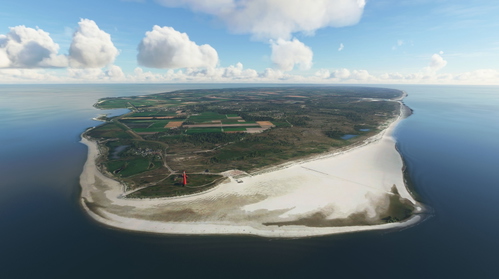
Netherlands VFR enhancement - Texel International Airport [EHTX]. Experience three airport options in one scenery: a normal busy airport, a bad-weather airport, and a TEXEL AOPA Fly-In event. Explore the historic grass airport, including a custom lighthouse, and enjoy flying in the Dutch skies with added details and realism.
von Geraldar98
Netherlands - Kempen Airport - Budel (EHBD) Version 2.0 NEW
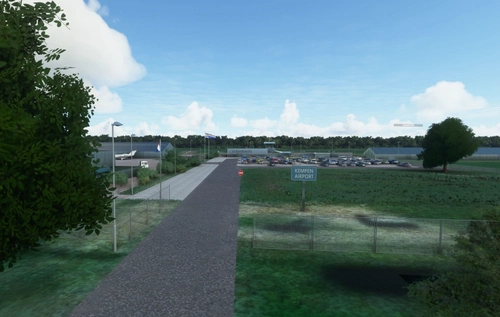
Enhance your Dutch VFR experience with the Kempen Airport - Budel add-on for Microsoft Flight Simulator. Version 2.0 brings new ground textures, parking areas, aprons, runway/taxi corrections, and more detailed features. Discover this scenic airport nestled between Eindhoven and Beek, reflecting real-life details such as TBM aircraft and small jets. Explore the meticulously crafted scenery, complete with added elements like people, fences, and working windsocks for a more immersive flight simulation experience.
von Geraldar98
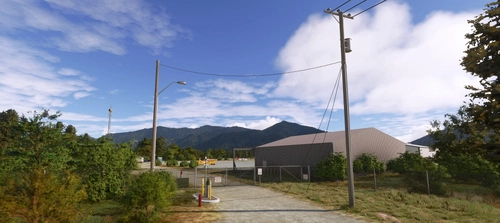
F62 - Hayfork Airport - California, US
Explore the quaint aviation hub of Hayfork Airport in California, nestled in the picturesque Trinity County area. Experience warm hospitality and tranquility as you depart from this charming facility for an adventure in the natural wonders of the region. Discover the harmonious synergy with its neighbor, Trinity Center Airfield, as you enjoy scenic aerial views and immersive details in this meticulously replicated add-on for Microsoft Flight Simulator 2020.
von Geraldar98
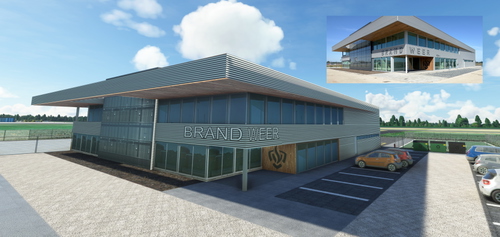
Netherlands - EHRD - Expansion part 1 - New Firestation v1.0
Enhance Rotterdam Airport in Microsoft Flight Simulator with a new, handcrafted firestation modeled after the real-life building that opened in September 2020. This detailed scenery add-on includes custom textures and is designed to seamlessly integrate into the existing MSFS 2020 Rotterdam Airport. Stay tuned for future expansions from the creator, Geraldar98, and show your support for their freeware contributions to the flight simulation community.
von Geraldar98
Melden Sie sich an, um an der Diskussion teilzunehmen
AnmeldenKommentare(13)
over 1 year ago
about 2 years ago
about 2 years ago
If you have installed the World Updates and experience still the pink issue, check if you have downloaded and installed the addon libraries, which are also described in the text and including with links to them.
over 2 years ago
over 2 years ago
over 2 years ago
over 2 years ago
over 2 years ago
Keep up the great work!
over 2 years ago
If I find some time between my job, I was thinking about: Dunsmuir Municipal-Mott Airport"as the next airfield. North direction of Trinity just under Mount Shasta.
over 2 years ago
over 2 years ago
over 2 years ago
over 2 years ago