
Beschreibung
Update: ATC Voice is also working in FS2024. Use the FS2020 ATC Bridge of Axis and Ohs and copy it into the Fs2024 community folder.
Turn on the Lorby ATC Bridge in the simulator.
Also the pilot voice can be turned off like in Fs2020. The folder with the file Speakers.locspk is in your installation path
at .\Microsoft Flight Simulator 2024\Content\Packages\fs-base-onboarding\Speakers.locspk
The Pilot voice entry has to be changed like for Fs2020 as described in the manual.
Voice ATC is a new concept requiring Axis and Ohs (Payware) to speak with ATC using your own voice. It is working together with the FS2020 native ATC engine and is enabling the ATC menu actions by speech. You can use simple voice phrases corresponding to the menu items or more realistic voice phrases like the pilot´s voice in FS2020. It is an open and flexible concept which can be extended and enhanced for new voice grammar, different languages or adding / integrating third party plugins and programs.
A gauge instrument is used to control Voice ATC.
The dictation mode of AAO is the recommended way of operation.
There are also voice training modes for keywords or single expressions implemented.
You can turn off the pilot voice as described by CptTurner2623
Not all ATC menues or phrases are implemented. I am not a pilot and have done so far only VFR flights, but IFR phrases are also implemented by VoiceATC with limited testing.
Installation:
a) Install the MSFS:ATC Bridge from https://de.flightsim.to/file/76110/axisandohs-atc-bridge-msfs-only You should then have in the FS2020 community folder the extracted folder lorbysi-atc-bridge
b) Copy the folders Grammars, UserGauges and Scripts into your AAO folder .\Documents\LorbyAxisAndOhs Files\
c) Install the AAO Cortana bridge from https://de.flightsim.to/file/76110/axisandohs-atc-bridge-msfs-only as described in the AAO manual
d) Import the AAO scripts AxisAndOhsScripts.xml in the folder en-US-huha001AtcVoice. You should then see in AAO the new script groups huha001_ATC_VOICE_JS, huha001_JsLib and huha001_JsLibTest
e) Read the POH and especially the chapter ‘Usage’ and create a PTT button as shown in the .pdf manual
f) Set up windows and AAO for the correct speech recognition language and select the correct recognition engine in AAO (see the AAO manual)
g) Export NatoNumber grammar in AAO: Extras→ Exports alphabets as grammar file
Important: It requires AAO version 4.40 or later.
Read the attached Voice ATC POH and the Voice Phrase file VoicePhrases.html to get a complete list of what you can speak
Alternative to step g) you can use my exported file NatoNumbers.xml in en-US-huha001AtcVoice and move it into the Grammar folder. I have also an example file TRAINING.json, which you can move into the Scripts\en-US-huha001_ATC_VOICE folder.
Make sure you have the correct microphone attached in the windows settings and do some simple voice phrase testing in the offline modus before flying.
Acknowledgement:
I would like to thank
• the Lorby AAO developer for the outstanding program and continuous improvement with new ideas, especially for his patience and help with my project.
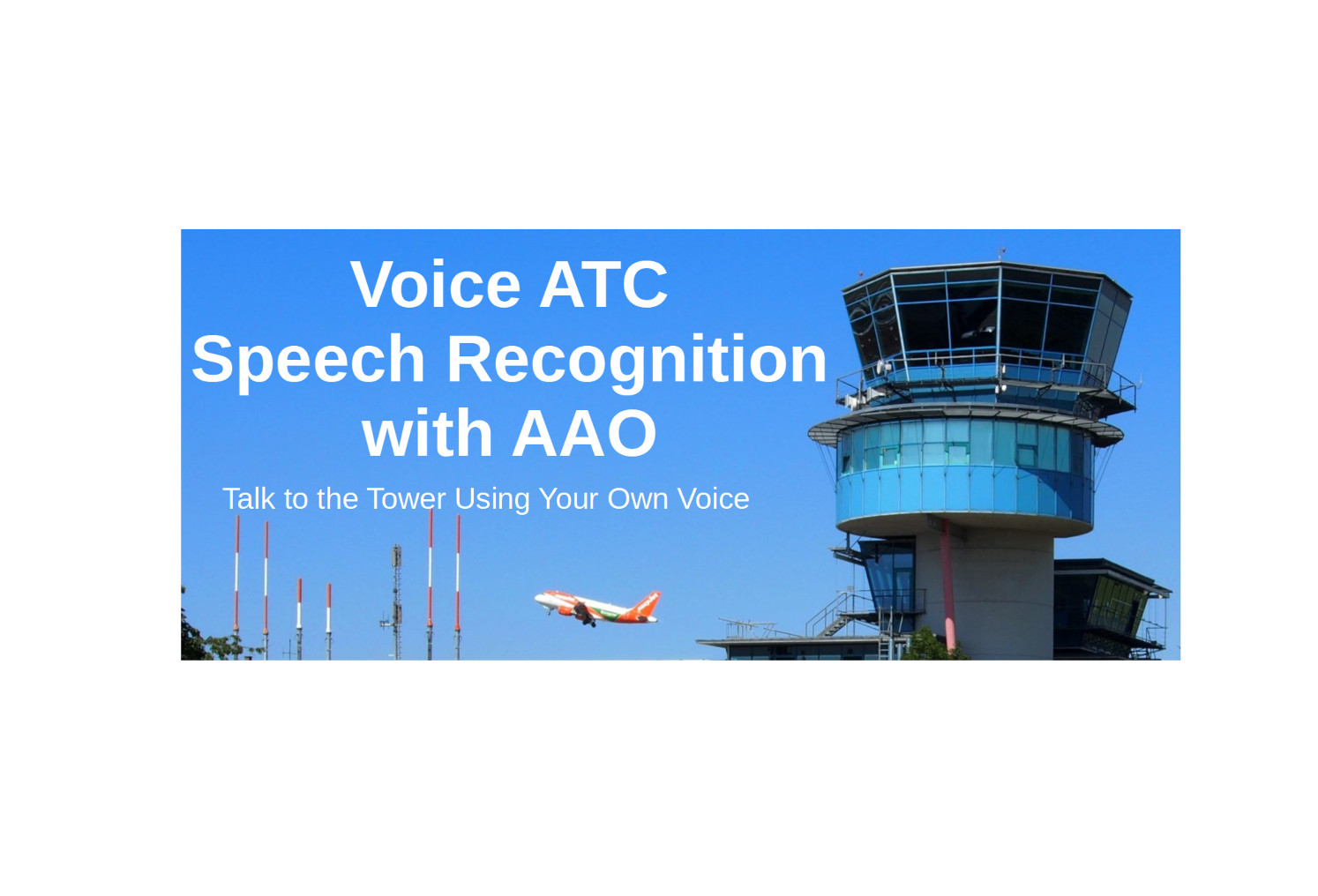
• Michael Kauffmann for his Wiki picture of Stuttgart Tower which i used for the cover. Visit his original picture at https://de.wikipedia.org/wiki/Datei:EDDS_Tower_Stuttgart.jpg
• CptTurner2623 for publishing how to turn off the pilot voice (https://forums.flightsimulator.com/t/option-to-disable-pilot-voice/309139/18)
• Howard and Jayne for the Cessna 152 flight lessons at
https://forums.flightsimulator.com/t/official-twitch-flying-lessons-c152/335663
• ChatGPT for translating my old VBS scripts to jscript.
• ChatGPT for helping to generate all the pilot test phrases for a development test uncovering a lot of bugs.
Due to reusing WIKI pictures, the manual and the Stuttgart tower image are licensed by:
Michael Kauffmann - Own work, CC BY 3.0 de, https://commons.wikimedia.org/w/index.php?curid=81875099
The AAO scripts and VBS scripts can be used for noncommercial work only and generated voice templates with my scripts must be free of charge and not be sold.
Voice ATC Speech Recognition with AAO
Voice ATC is a new concept requiring Axis and Ohs (Payware) to speak with ATC using your own voice. It is working together with the FS2020 native ATC engine and is enabling the ATC menu actions by speech. You can use simple voice phrases corresponding to the menu items or more realistic voice phrases like the pilot´s voice in FS2020. It is an open and flexible concept which can be extended and enhanced for new voice grammar, different languages or adding / integrating third party plugins.


Nutzerbewertungen
1 Bewertungen
Versionsgeschichte
• Version 1.0 Bugfixes and improvements released on 02.11.2024 ◦ fixed many voice phrases and added additional ones (Check dictation.html) ◦ improved dictation keyword recognition algorithm ◦ firing multiple ATC events until the menu changes or a timeout occurs. This gives a much better user experience and makes it more robust, especially if the pilot voice is turned off.
Ähnliche Addons
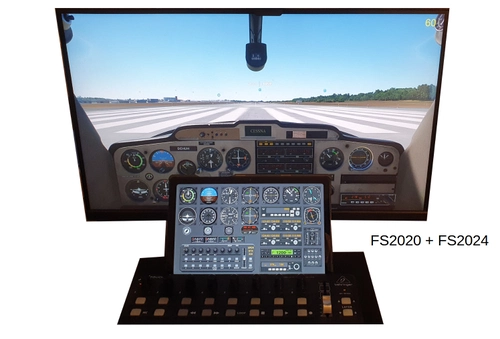
Cessna 152 / 172 Template and Gauge for Behringer XTouch Mini and Axis and Ohs (AAO)
Customize your Cessna 152/172 experience with this AAO template for Behringer Xtouch Mini Midi Controller. Features include various new gauges, a Little Navmap integration, and voice command support. Installation instructions provided for smooth setup.
von huha001
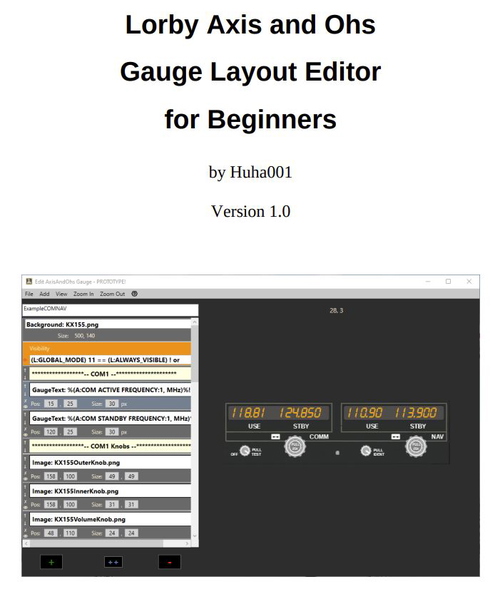
AAO Gauge Layout Editor Tutorial for Beginners
Tutorial for generating AAO Gauges using the AAO layout editor
von huha001
Melden Sie sich an, um an der Diskussion teilzunehmen
AnmeldenKommentare(6)
almost 2 years ago
almost 2 years ago
almost 2 years ago
almost 2 years ago
over 2 years ago
over 2 years ago